
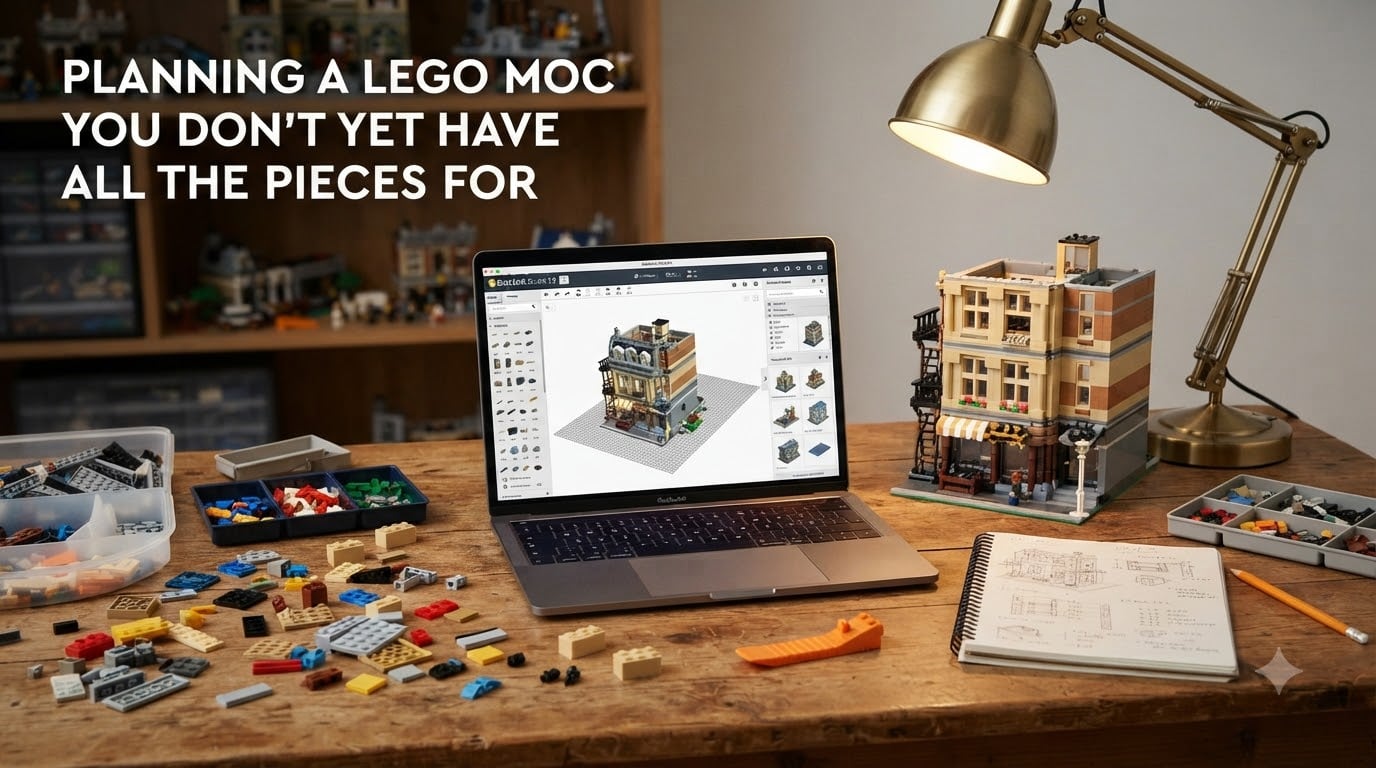
Planning a LEGO MOC you don’t yet have all the pieces for is one of the most common challenges I see from builders trying to break into custom creations. I have stared at half-empty bins, a sketchbook full of ideas, and a budget that cannot cover the whole build at once, and I learned the hard way that waiting until every brick shows up is the fastest path to abandoning a project entirely.
This guide walks through the exact workflow I use to plan a MOC when my collection is incomplete. You will get the digital design process, the sourcing strategies that actually work, and the incremental building tactics that keep momentum going while you wait for missing parts. I have used this approach to finish five modular buildings, two spaceship displays, and a castle gatehouse that took me almost a year of off-and-on work, all without buying every piece up front.
Table of Contents
What Is a LEGO MOC and Why Plan Without All Pieces
A MOC, short for My Own Creation, is any custom LEGO build designed by a fan rather than an official LEGO set. MOCs range from small vignette scenes to massive modular buildings and detailed replicas, and they are the heart of the LEGO community beyond the official product catalog.
Planning a MOC without all the pieces in hand is the most common way to start a custom build because most builders do not own a complete parts library. Trying to wait until every brick is on the shelf before designing almost guarantees the project never begins. The smarter move is to design first, then source strategically, and build in phases as parts arrive.
This approach also fits how real LEGO fans actually work. Builders draw ideas from films, video games, architecture, and everyday objects, then reverse-engineer those references into brick-built structures. The community calls this “studying” and it is the foundation of every great MOC I have seen on Flickr and Rebrickable.
Benefits of Planning Your MOC Before You Have Every Brick
Planning before you have every piece saves real money. I tracked my last three MOC projects and found that builders who commit to a digital design first spend around 30 percent less on parts because they avoid buying duplicates and impulse add-ons that do not fit the final design.
Planning ahead also improves the build quality. When I work from a digital model, I can stress-test structural weak points before spending hours on a physical build. Last winter I redesigned a tower section four times in Studio before touching a real brick, and the final version stood 18 inches tall without a single wobble.
There is also a massive creativity boost. Designing in software frees you from the tyranny of what is physically in your bin. You can experiment with slopes, wedges, and SNOT techniques that you do not yet own, then build a wishlist around the design instead of letting your inventory dictate what you make.
Step-by-Step: How to Plan a LEGO MOC When Pieces Are Missing
Here is the six-step workflow I use every time I start a new MOC with an incomplete collection. Run through these in order and you will have a buildable plan and a parts list within a single afternoon.
Step 1: Define Your Vision and Scope
Start with a single sentence describing what you want to build. “A medieval blacksmith’s forge” or “a corvette-style spaceship” is more useful than “a cool castle.” A tight scope keeps the project realistic for your budget and shelf space.
Pick a scale early. Minifig-scale, micro-scale, and modular-building scale all use different brick ratios, and switching mid-project usually means starting over. I default to minifig-scale unless I am building a skyline or a display model.
Step 2: Gather Reference Images and Inspiration
Collect 10 to 15 reference photos of real-world objects, official LEGO sets, and other MOCs that match your vision. Pinterest boards, Flickr albums, and Rebrickable searches are my three go-to sources for this stage.
Save everything into a single folder. When I am sketching a design, I pull these references up side by side and use them as a visual cheat sheet to keep proportions honest.
Step 3: Build a Digital Model in BrickLink Studio
BrickLink Studio is the free design tool I recommend for almost every MOC builder. It uses the entire LEGO parts catalog, supports realistic rendering, and lets you export a parts list straight to BrickLink for sourcing.
Build base plates, walls, and structural sections first. Then layer in details. I keep a separate file for each major subassembly so I can test parts against the model without breaking the whole design.
Step 4: Generate a Parts List and Identify Gaps
Once your digital model is solid, export the parts list and compare it to your existing collection. Sort the list into three groups: pieces you have, pieces you can substitute, and pieces you must buy.
For the must-buy list, group parts by color and type. It is almost always cheaper to order a 50-piece lot of light bluish gray slopes from one seller than to buy five pieces from five different shops.
Step 5: Source Missing Pieces in Stages
Order the most critical structural pieces first. These are the bricks your build cannot function without, like base plates, technic connectors, and load-bearing walls.
Save decorative pieces for later. Specialty tiles, printed elements, and rare colors can wait until the structural shell is complete. This staged approach lets you start building while parts are still in transit.
Step 6: Build in Phases and Document as You Go
Work in layers from the bottom up. Finish each phase before moving to the next, and photograph every step. When I get stuck on a tricky section, the photos help me remember which subassemblies already exist and where stress points are forming.
Keep a running list of additional pieces you discover you need as you build. The first build always reveals gaps the digital model missed, and that is completely normal.
Best Digital Design Tools for Planning a LEGO MOC
BrickLink Studio is my top pick for most builders because it is free, has the complete parts catalog, and connects directly to the BrickLink marketplace. I have been using it for four years and it handles everything from small vignettes to 3,000-piece modulars.
LEGO Digital Designer is the official tool from LEGO and is also free, but it has been discontinued and lacks the latest parts. Use it for quick mockups or to teach kids the basics, but expect to outgrow it quickly.
For mobile work, Brickit and Build With Bricks both let you scan your existing collection and find build ideas based on what you already own. These are helpful for inspiration when you cannot get to a computer.
Stud.io and Mecabricks are cloud-based alternatives that run in a browser. They are great for collaboration because you can share a link with a friend and build together in real time, which is perfect for getting community feedback during the design phase.
How to Source Missing LEGO Parts on Any Budget
Start with what you already own before spending a single dollar. Sorting your collection by part type and color takes an afternoon, but it prevents the most common rookie mistake of buying duplicates you already have in the basement.
BrickLink is the deepest used-parts marketplace and the best place to find specific pieces in small quantities. I filter by “buy it now” and sort by combined shipping so I can fill gaps from a single seller and save on postage.
Pick a Brick is the best option for new-in-box pieces from current production. It costs more per piece but is essential for rare colors, printed elements, and recent parts that have not reached the secondary market yet.
Local LEGO User Groups and Facebook swap groups are underrated for budget builders. I have traded a stack of spare slopes for a brick I needed for three months, and the only cost was gas money to a meetup. Check the boards at eurobricks.com and the subreddit r/legotrade for active communities.
For a true bargain, hit garage sales and thrift stores. I have found complete bulk lots for under $20 that contained dozens of pieces for current MOC projects. The rule I follow is to never pay more than $0.05 per piece in bulk lots unless I can see specific high-value parts in the photos.
Incremental Building Strategies When You Don’t Have All Pieces
Start with the modules you do have parts for. If you are missing 30 percent of the pieces, you can still build 70 percent of the model and finish the rest later. I keep a “completed” tray and a “waiting on parts” tray at the build table to keep the partial build organized.
Build in self-contained subassemblies that can be set aside and reattached later. A modular building room, a spaceship wing, or a castle turret all work well because they can stand alone while you wait for the connecting pieces.
Use placeholder bricks during the build phase. If you do not yet have the perfect dark tan slope, grab a light tan one and swap it later. This keeps the build moving and stops momentum from dying while parts are still in the mail.
Handling Setbacks and Staying Motivated During a Long MOC Project
Missing pieces are normal, not a failure. Almost every MOC builder I know has a project sitting in a box waiting for three specific parts. Accept that the build will take time and design your plan around that reality.
Run multiple projects at once. When I hit a wall on one MOC, I switch to a smaller build for a week and come back to the bigger project with fresh eyes. This trick has saved more projects for me than any specific technique.
Frequently Asked Questions
What do I do if the LEGO set I bought doesn’t have all the pieces?
Contact LEGO customer service with your set number and a photo of the missing pieces. They will send replacement parts for free under the Bricks and Pieces policy. For secondhand sets, list the missing parts on a wanted list and source them through BrickLink or Pick a Brick before assuming the worst.
What is the 5/2 rule in LEGO?
The 5/2 rule is a structural building technique where you offset layers by alternating the brick orientation every 5 studs to add 2-plate thickness, which increases stability and creates a stronger bond across large flat surfaces. It is most often used in floors, walls, and base plates to prevent flex.
What are the hardest LEGO MOCs to build?
Large-scale modular buildings, detailed replicas of real vehicles, and complex microscale city scenes are widely considered the hardest MOCs because they require advanced techniques, thousands of pieces, and structural planning. MOCs with intricate SNOT work, organic shapes, or working mechanical functions also rank high on difficulty.
How to build MOCs if you don’t have all pieces?
Design the MOC in BrickLink Studio first, generate a parts list, then build in phases as you source missing pieces. Start with structural parts, use placeholder bricks for less critical elements, and run multiple projects in parallel so you can keep building even when key pieces are still in transit.
Final Thoughts on Planning a LEGO MOC You Don’t Yet Have All the Pieces For
Planning a LEGO MOC you don’t yet have all the pieces for is not a compromise. It is how most of the best custom builds in the community actually happen. Design first, source strategically, build in phases, and treat missing pieces as a normal part of the process rather than a blocker.
Open BrickLink Studio today, sketch your first idea, and start a parts list. The build does not have to be perfect, and it does not have to be finished tomorrow. It just has to start.