
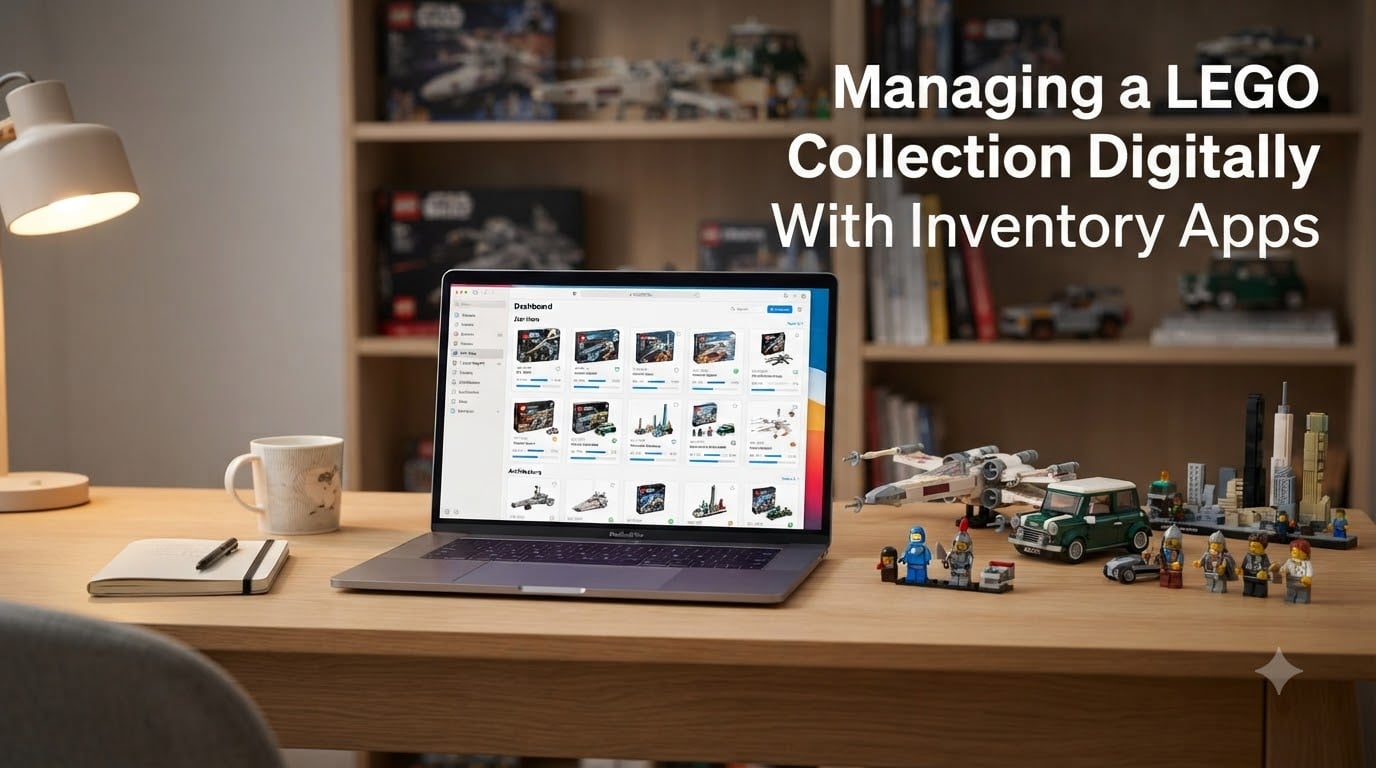
If your LEGO collection has started spilling out of a single bin onto the dining table, you already know why managing a LEGO collection digitally is the next step. I switched from a stack of notebooks to a digital inventory about five years ago, and the difference in my collecting habits was immediate.
After tracking more than 300 sets and roughly 12,000 loose pieces, I can tell you the real value of a digital LEGO inventory is not the catalog itself. It is stopping you from buying a third copy of the same set at a yard sale, or paying above-market for a minifig you already own. This guide explains how to manage a LEGO collection digitally using the apps, databases, and spreadsheets that serious collectors actually use in 2026.
Table of Contents
Why Managing a LEGO Collection Digitally Beats Memory and Spreadsheets
Managing a LEGO collection digitally with inventory apps gives you three things memory cannot: accurate value tracking, duplicate-purchase prevention, and parts-level organization. The best way to keep track of my LEGO collection, according to the people who ask me most often, is to start with one tool and add others as your needs grow.
If you have ever tried remembering whether you already owned the 1969 Galaxy Explorer, you have hit the first warning sign. A second warning sign: you stop being able to find that one black 2×4 slope when you sit down to build. A third warning sign: you find a sealed set at a flea market and have no idea what it is worth.
The 5/2 rule in LEGO is a simple rule of thumb that helps collectors decide whether to keep loose bricks or pass them on. The idea is that if a piece has fewer than five uses across sets you want to build, and it will cost you more than two dollars to replace it, you should keep the piece. If you cannot meet both thresholds, the brick is generally worth donating or reselling rather than storing. This single rule has saved me from buying two bins of bulk in the past year.
Memory fails for two practical reasons. First, retirement sets from 2005 now sell for hundreds of dollars more than you paid, and that gap only matters if you can prove ownership. Second, builders search by part, not by set. Once you start following MOC (My Own Creation) instructions on Rebrickable, you stop thinking in sets and start thinking in pieces.
That is why digital inventory wins. It gives you:
- A searchable database of every set, minifigure, and part you own
- Automatic value updates pulled from current BrickLink price-guide data
- Set and minifigure lists you can carry to yard sales and conventions
- A foundation for MOC planning, since parts databases need a parts inventory
- Proof of ownership for insurance or resale
BrickLink for Serious Set Sellers and Resellers
BrickLink is the marketplace and price-guide standard for LEGO, and its built-in inventory tools are the most accurate source for collection value in 2026. The BrickLink Studio and BrickLink inventory software lets you track every set, minifig, and loose part you own, then price each one using the current BrickLink price guide averages.
I use BrickLink whenever I need hard numbers. When I help a friend evaluate whether to keep or sell a sealed UCS Millennium Falcon, I pull the six-month average from BrickLink’s price guide. It is the data most resellers and insurance adjusters will trust.
Three BrickLink features I rely on weekly:
- The price guide with six-month, twelve-month, and current averages
- Inventory linking between lots and parts catalogs, so I can mark “owned” inside Wanted lists
- Store integration that lets a seller convert their private inventory into listings in one click
BrickLink is free to use for cataloging. You only pay if you run a store. The interface looks dated, and there is a learning curve. But the data quality beats every alternative, because every price in the system comes from real completed sales.
If you only need inventory management and do not intend to sell, BrickLink’s catalog features still pull weight. The catch: BrickLink assumes you know your set numbers. New collectors often start with something friendlier first.
Brickset as Your Free Set Database Companion
Brickset is the largest free LEGO database in the world, and it doubles as a very capable collection tracker. The Brickset collection tracker lets you flag sets you own, sets you want, and sets you owned then sold. It also pulls current market values from secondary-market sources and gives you a dashboard view.
I open Brickset whenever I am doing set-level research. It is faster than BrickLink for browsing release years, edition notes, and retirement rumors. The “My Collection” view, once populated, becomes a quick reference for duplicate prevention when I shop at thrift stores.
Three things Brickset does especially well:
- Set browsing with year, theme, and piece-count filters that BrickLink does not match
- Yearly review tools that summarize what you bought and added in 2026
- CSV export of your collection so you can back it up or move it elsewhere
The free tier is enough for most collectors. Premium adds more analytics, value tracking in more currencies, and earlier access to new-release data. For a casual collector with 50 sets, the free version is plenty.
One thing Brickset does not track well is loose parts. It is a set-level tool, not a parts-level tool. If you crack open bulk lots, you will want Rebrickable next.
Rebrickable for MOC Builders and Parts Inventories
Rebrickable is the database for MOC builders, and it became the home base for my parts inventory once I started following fan designs. The Rebrickable parts inventory lets you track every part you own, then check which sets and MOCs you can build with what you already have on hand.
What sets Rebrickable apart is its MOC browser. You can pick a fan design, and Rebrickable tells you exactly which parts you are missing. For builders who care more about what they can build next than what they own, that swap from “own these sets” to “build these MOCs” is worth the switch on its own.
Three features I lean on in Rebrickable:
- The “Can I build it?” checker that compares your parts list to any MOC instructions
- Set-to-parts breakdown so you know what is inside every set you own
- CSV import and export, including support for BrickLink and Brickset collections
Rebrickable is free for cataloging up to a healthy parts count. The Pro tier lifts limits, adds pricing data, and unlocks build-plan analytics. For most MOC builders, the free version holds up until you start tracking more than 50,000 pieces.
If you want one tool for both sets and parts, Rebrickable covers more ground than Brickset. The interface is less polished, and the mobile experience is weaker than competing apps, but the parts database is unmatched.
Mobile Apps: BrickIt and AI-Powered Scanning
BrickIt is the AI-powered LEGO scanner app, and it changed how I sort bulk lots. You dump a pile of bricks on the floor, point your phone camera at them, and BrickIt identifies what is in the pile and what you can build with it. No other mobile tool does this as well in 2026.
For collectors who buy bulk lots for parts, BrickIt cuts cataloging time dramatically. Pre-BrickIt, sorting a 5-kilo lot took a full afternoon with a parts list. With BrickIt, the AI gives me a starting inventory in minutes. I then verify counts against a physical count before committing to the data.
Three BrickIt realities I wish I knew earlier:
- The AI is good, not perfect. Light-colored pieces on light surfaces confuse it, and 1×1 tiles are often missed
- It is mobile-only, so it supplements a desktop database instead of replacing one
- The free tier shows a limited number of builds per scan, while the subscription unlocks the full build library
For minifig collectors, dedicated minifigure scanners work better than BrickIt for single-figure identification. Apps like brick’em specialize in figure-by-figure barcode scanning and bulk minifig entry. If your collection is heavy on minifigs, a minifig-focused tool belongs in your stack.
The general rule: pair BrickIt with a desktop database, not as a stand-alone. BrickIt identifies and suggests. Your database of record stays in BrickLink, Brickset, or Rebrickable.
Spreadsheet Methods Still Work for Small Collections
Spreadsheets are the right starting point for new collectors with fewer than 50 sets. Google Sheets and Excel both give you a free LEGO inventory template you can fully customize. Color-coding by theme, conditional formatting for value changes, and CSV export all work in a spreadsheet as well as they do in any app.
Spreadsheets do have three honest weaknesses. First, prices go stale the moment you type them. A 2024 value is not a 2026 value, and manual updates eat hours. Second, parts-level inventory in a spreadsheet becomes painful past 1,000 unique entries. Third, there is no barcode-scanning shortcut, so every entry is manual.
For collectors who stay set-level and small, a spreadsheet is often enough. A solid spreadsheet tracks six fields well: set number, set name, theme, condition (sealed, complete, incomplete), purchase price, and current value.
A simple three-column starter template I recommend:
- Column A: Set number (e.g., 10179-1)
- Column B: Set name (e.g., UCS Millennium Falcon)
- Column C: Status (Owned, Wanted, Sold)
Once your spreadsheet exceeds 200 entries, switch to a dedicated app. The upgrade pays for itself in time saved on updates and lookup.
Choosing the Right Tool Stack for Your Collector Type
The right inventory stack depends on what kind of LEGO collector you are. Pick the tool that matches your collecting goal, not the one with the most features. Adding extra tools creates duplicate work, not better data.
For set collectors keeping fewer than 100 sets: Brickset is enough. Use the free collection tracker and bookmark the CSV export in case you want to upgrade later. Total time investment: 15 minutes per month for value refreshes.
For set collectors with hundreds of sealed or complete sets: BrickLink Studio is the right home. The price-guide integration is unmatched, and you will not outgrow it. Add Brickset for set browsing, since BrickLink’s database is weaker for release-year and theme browsing.
For MOC builders: Rebrickable sits at the center. Import your set collections from BrickLink or Brickset, then build your parts inventory as you crack open boxes. BrickIt handles the bulk-sorting step so you are not typing parts by hand.
For minifigure collectors: brick’em or a minifig-specific scanner works best. Generic collection tools are weak on figure-level data, and minifigs deserve their own tracking. Use the per-figure barcode scan to keep inventory accurate.
For investors and resellers: BrickLink Studio is non-negotiable. The price-guide averages are the data you need for ROI tracking, and the store integration is the path to monetizing the inventory you already built.
For families managing kid collections: Start with a single spreadsheet. Kids add and remove sets faster than any app can keep up, so keep the tracking low-effort. Upgrade to Brickset when the bins stabilize.
The investment I recommend most: pick two tools and learn them deeply. Three tools is a coverage, and four becomes busy-work.
Features to Look for in Any LEGO Inventory App
A good LEGO inventory tool answers five questions quickly: what do I own, what is it worth, what am I missing, what can I build, and what should I buy next. Anything that does not move you toward those answers is noise.
The four features that pay back the most in 2026:
- Automatic price updates: Manual price refreshing dies within months. Pick a tool that pulls from BrickLink or Brickset’s price feed
- CSV import and export: Your data belongs to you. If you cannot export, you are locked in, and the app might shut down
- Mobile scanning: Barcode or AI scanning. Anything that requires a keyboard for entry will collect dust
- Wanted list integration: The bridge between “what I own” and “what I should buy next” matters more than collectors expect
Three features nice-to-have features I consider optional:
- Wishlist sharing with a partner or buying buddy
- Push notifications for set retirement rumors
- Public profile pages to show off your collection
One feature to be skeptical of: any tool that does not let you export your data. Apps shut down. Companies pivot. If you cannot get your collection out in a usable file format, you are one bad update away from losing your database.
Common mistakes to avoid in 2026: entering purchase prices instead of current values, ignoring minifigs and instruction books when totaling a collection, and trusting free browser extensions that scrape Amazon instead of using real LEGO marketplace data.
Common Questions About Managing a LEGO Collection Digitally
What is the 5/2 rule in LEGO?
The 5/2 rule in LEGO is a simple collector heuristic that helps you decide whether to keep a loose piece. If the piece can be used in fewer than five MOCs or sets you actually want to build, and the replacement cost is more than two dollars, you keep it. Otherwise, you sell or donate. It stops bulk bins from filling your shelves with pieces you will never need.
What is the best app for cataloging LEGO sets?
Brickset is the best free app for cataloging LEGO sets, and BrickLink Studio is the best choice if you want accurate value tracking. For MOC builders who also care about parts, Rebrickable pulls ahead. The right answer depends on whether your priority is browsing releases, tracking value, or building with the pieces you own.
What is the best way to keep track of my LEGO collection?
The best way to keep track of my LEGO collection is to start with one dedicated tool and add a second only when you outgrow the first. Brickset works for most casual set collectors. BrickLink Studio is the right pick once value tracking matters. Rebrickable replaces Brickset the day you start building MOCs from fan instructions.
Is there an app to track LEGO collection value?
BrickEconomy is the most popular app for tracking LEGO collection value over time, and BrickLink Studio shows current price-guide averages on every owned item. Brickset Premium also adds value tracking in multiple currencies. All three pull from real sales data, so the numbers are reliable for insurance or resale decisions.
How do I track loose LEGO pieces?
Track loose LEGO pieces by starting with bulk scanning through BrickIt to get a starter inventory. Then verify counts against a physical count and load the data into Rebrickable for parts-level tracking. For smaller loose collections, a manual count with the Rebrickable parts browser works without any specialized hardware.
Start With One Tool and Build Your Digital Stack From There
Managing a LEGO collection digitally with inventory apps pays off the moment your collection stops fitting comfortably in your head. Pick one tool that fits how you collect today. Add a second tool when you outgrow the first. Ignore apps that promise to do everything until you have spent six months learning what “everything” actually means for your situation.
For most readers of The Brick Fantastic, my honest recommendation is to start with Brickset if you collect sealed or built sets. Add Rebrickable the day you crack open your first box to build a fan design. Layer in BrickIt when the bulk-lot temptation hits. Skip paid tiers until you have used the free version long enough to know which paid feature you would actually use.
Your collection is worth more than the bricks inside it. The inventory that proves what you own, what it is worth, and what you can build next is the part that keeps growing long after the plastic stops being fun.