
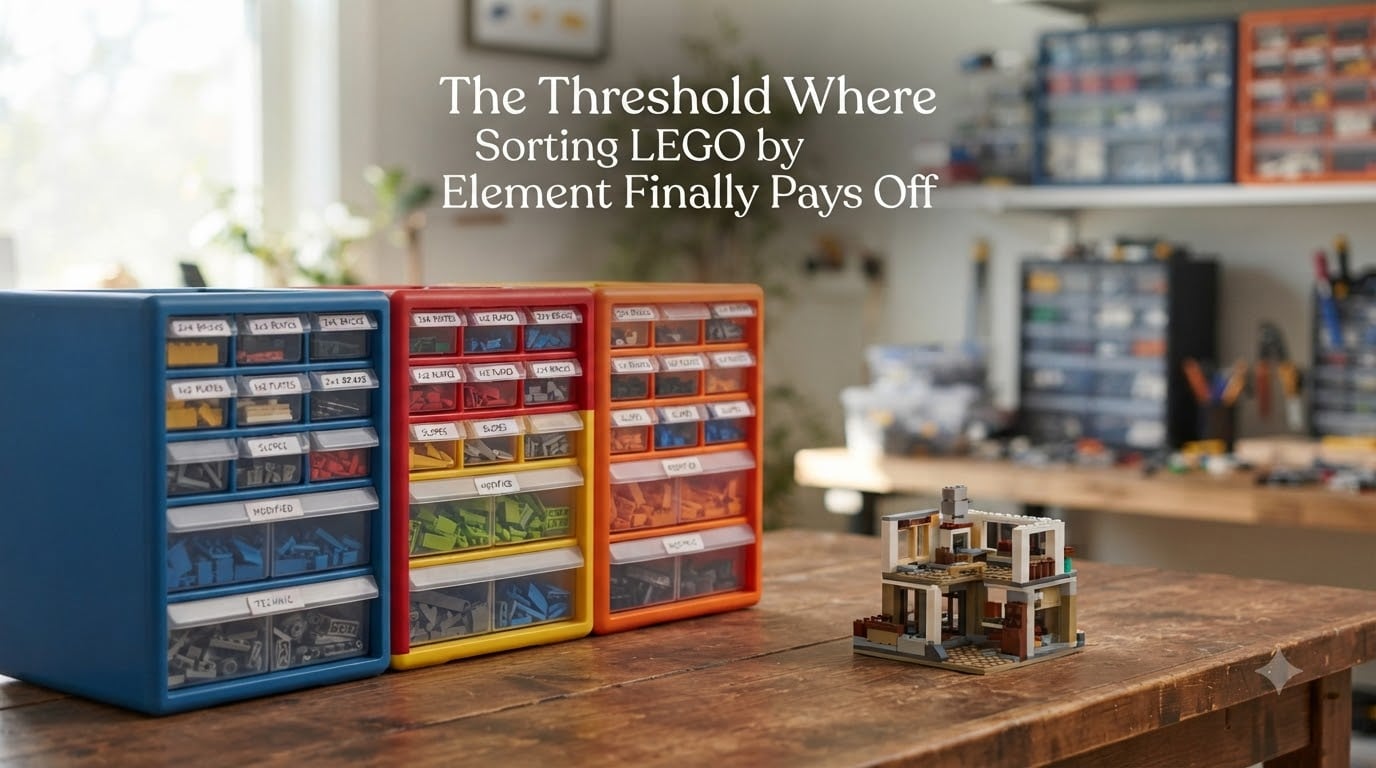
I have been there. Staring at a 30-gallon tub of mixed bricks, knowing the one 1×2 plate I need is somewhere in the chaos, and giving up after 20 minutes to dig through every color pile. That moment – when sorting by color stops working – is the threshold where sorting LEGO by element finally pays off.
Most LEGO collectors hit a wall between 3,000 and 10,000 pieces. Below that, a pile is fine. Above that, color sorting becomes a hidden tax on every build. In this guide, I will walk you through the exact thresholds, the math behind why element sorting wins, and the practical steps to make the switch without losing your mind.
If you have ever asked “when should I switch to element sorting?” or “how many pieces before sorting by element makes sense?” – this is your answer.
Table of Contents
What Does Sorting LEGO by Element Actually Mean?
Sorting LEGO by element means organizing pieces by their shape and type – all 2×4 bricks in one bin, all 1×2 plates in another, all slopes in a third – regardless of color. An “element” in LEGO terminology refers to a specific part design, like the 3001 (2×4 brick) or the 3024 (1×2 plate).
This is different from sorting by part, which goes deeper. Part sorting means grouping every variation of a 2×4 brick by its specific element ID, including mold variations and rare recolors. Element sorting uses broader categories – all 2×4 bricks, all 1×2 plates, all cheese slopes – which is what most builders actually need.
Color sorting, by contrast, puts every red piece together, every blue piece together, and so on. It feels intuitive at first but breaks down fast once your collection grows past a few thousand pieces.
Why Color Sorting Fails as Your Collection Grows
Color sorting works for sets. It fails for parts.
When you sort by color, you are optimizing for the wrong variable. Your brain does not search for “the red 2×4 brick” – it searches for “the 2×4 brick.” Color is incidental. Shape is what you actually need to recognize when you are halfway through a MOC at 11pm.
Here is the real problem with color sorting at scale:
- Small pieces get buried. A 1×1 round plate in dark grey looks identical to ten other dark grey pieces. You will dig past it four times before you spot it.
- Cross-color MOCs become nightmares. Most builds use 15-20 colors. Finding the right shape across 20 different bins means 20 separate searches.
- Maintenance is brutal. Every new set you add requires re-sorting into multiple color bins.
- Dumping back is slow. Pulling a brown slope from a build means digging through 200 brown pieces to put it back.
Forum consensus across r/lego, r/LegoStorage, and r/AFOL is clear: collectors who started with color sorting eventually migrate to element sorting. The only question is how long they wait before they switch.
The Sorting Thresholds: When Each Method Starts Paying Off
After sorting through community data and the thresholds used by serious AFOLs, here is the framework that actually works. These are the collection size breakpoints where your sorting strategy should change.
Under 3,000 pieces – No sorting needed. A pile, a few ziplock bags, or one small bin is fine. You will not build often enough or search long enough to justify any system.
3,000 to 10,000 pieces – Sort by category. Group broad families: bricks, plates, tiles, slopes, Technic, minifig accessories. Use 6-10 bins. This is the minimum threshold where sorting pays off.
10,000 to 50,000 pieces – Sort by element. This is the sweet spot where sorting LEGO by element finally pays off for most builders. Each element type gets its own space. You will use roughly 30-60 bins or drawers.
50,000 to 250,000 pieces – Sort by element with sub-categories. Break out common elements by size (1×1, 1×2, 1×3, 1×4 plates in separate spots). Specialty pieces get their own drawers.
250,000+ pieces – Sort by part with cataloging. At this level, you need BrickLink-style organization with element IDs, often backed by a digital catalog. Element sorting is no longer granular enough.
The 10,000-piece mark is the line where the ROI flips. Below it, the time spent sorting exceeds the time saved building. Above it, the math reverses.
Sorting LEGO by Element: The ROI Calculation Nobody Talks About
Sorting has a cost. The question is when the cost drops below the benefit.
Here is the simplified math I have seen work for most collectors:
- Average time to find a specific piece in a pile: 3-5 minutes
- Average time to find a specific piece in element-sorted bins: 15-30 seconds
- Average pieces needed per MOC build: 200-500
- Time saved per build: roughly 5-15 hours
- Time to sort a 10,000-piece collection by element: roughly 15-25 hours
So if you build 4-6 MOCs per year from a 10,000-piece collection, you save 20-90 hours annually. Your one-time sorting investment of 15-25 hours pays back in 3-6 months. After that, every build is pure profit on time.
Below 3,000 pieces, the math inverts. You might build twice a year, save 2-3 hours per build, and spend 8 hours sorting. You will not break even for two years.
That crossover – the moment sorting time becomes less than time saved – is the threshold where sorting LEGO by element finally pays off.
Signs You Have Hit the Element Sorting Threshold
You have hit the threshold when any of these become true:
- You spend more than 10 minutes searching for a single piece during a build.
- You have outgrown your current storage at least twice in the past year.
- You avoid building MOCs because the prep work is exhausting.
- You find yourself buying duplicate pieces you already own but cannot locate.
- Your “pile” has migrated from the floor to multiple totes, and you still cannot find anything.
- You have started parting out sets instead of storing them built because parts are easier to find.
- You dread adding new sets to your collection because of the sorting backlog.
If three or more of these sound familiar, you are past the threshold. Color sorting is costing you hours every month.
Comparison: Color vs Element vs Part Sorting
Each method has a place. Here is how they stack up at different collection sizes.
| Method | Best Collection Size | Time to Find a Piece | Setup Time | Best For |
|---|---|---|---|---|
| No sorting (pile) | Under 3,000 pieces | 3-5 minutes | 0 hours | Casual builders, small sets |
| Color sorting | 3,000-8,000 pieces | 1-2 minutes | 5-10 hours | Set builders, single-color MOCs |
| Category sorting | 3,000-10,000 pieces | 45-90 seconds | 8-15 hours | Builders starting to organize |
| Element sorting | 10,000-50,000 pieces | 15-30 seconds | 15-25 hours | MOC builders, AFOLs |
| Part sorting (with catalog) | 50,000+ pieces | 5-15 seconds | 40-100+ hours | Serious collectors, sellers, parting out sets |
Notice the time-to-find column. That is the metric that matters. Every minute you shave off per piece adds up across hundreds of pieces per build.
Factors Beyond Collection Size That Shift the Threshold
Piece count is not the only variable. Your building style and goals shift the threshold up or down.
MOC complexity matters more than collection size. A builder with 8,000 pieces doing complex MOCs needs element sorting now. A builder with 15,000 pieces mostly following instructions can wait.
Parting out sets is a sorting accelerator. If you regularly disassemble sets for resale or parts, element sorting pays off much earlier. You are constantly searching for specific pieces, and color sorting adds friction to every transaction.
Building frequency matters. Weekly builders hit the threshold faster than monthly builders. Every build is a chance to amortize your sorting investment.
Specialty pieces change the math. Technic builders, minifig customizers, and train enthusiasts have more specialized parts that benefit from element sorting at smaller totals. A 5,000-piece Technic collection may need element sorting where a 10,000-piece brick collection can wait.
Available space matters. Element sorting requires real estate. If you have a closet, you can sort sooner. If you are working with a single shelf, you need to wait until color sorting becomes unbearable before expanding.
How to Transition from Color Sorting to Element Sorting
The switch does not have to happen overnight. Here is the path our team has seen work for collectors moving from color to element sorting.
Step 1: Sort one color at a time. Pick your largest color pile (usually black, grey, or white). Pull out the 2×4 bricks, put them in a bin. Pull out the 1×2 plates, put them in a bin. Do not touch the other colors yet.
Step 2: Label everything. Use a label maker or printed labels. Memory fades. Labels do not. Include a small drawing of the piece if the label is unclear.
Step 3: Build the high-frequency categories first. Start with the pieces you reach for constantly: 2×4 bricks, 2×2 bricks, 1×2 plates, 1×1 plates, slopes, tiles. These give you the fastest ROI.
Step 4: Keep a “miscellaneous” bin. Do not force every piece into a category. Rare or unusual pieces go in a misc bin and get sorted later. Perfectionism kills momentum.
Step 5: Set a timer. Common mistake: spending 4 hours sorting on day one and burning out. Sort for 60-90 minutes at a time. The work will be there tomorrow.
Step 6: Build from the new system immediately. Do not wait until the whole collection is sorted. Start your next MOC from the element-sorted bins plus your unsorted piles. You will feel the difference within minutes.
Step 7: Accept hybrid sorting. Some pieces – like common 1×1 rounds or specialized Technic pins – may never need to be sorted. Focus on the 80% you actually use, not the 20% you never touch.
Our team worked with a collector who had 28,000 pieces sorted by color across 27 bins. It took 22 hours over three weekends to convert to element sorting across 48 drawers. His first MOC build after the switch took 6 hours instead of the usual 14.
FAQ
What is the LEGO 5 2 rule?
The 5-2 rule is a MOC design guideline, not a sorting rule. It suggests balancing SNOT (Studs Not On Top) techniques with regular building for visual interest. For sorting, the equivalent guideline is the 5-2 threshold: sort by category if you have 5 bins or fewer, sort by element if you have 20+ bins, and sort by part once you pass 50 drawer systems.
What is the best sorting method for Legos?
The best sorting method depends on your collection size. Under 3,000 pieces: no sorting. 3,000-10,000 pieces: sort by category. 10,000-50,000 pieces: sort by element. Over 50,000 pieces: sort by part with a digital catalog. For most AFOLs, element sorting hits the sweet spot between organization effort and findability.
Should you sort Legos by color or piece?
Sort by piece (element) rather than color once your collection passes 10,000 pieces. Color sorting works for small collections and set builds, but element sorting makes finding specific shapes faster – which is what your brain actually searches for during MOC builds. The crossover typically happens between 3,000 and 10,000 pieces.
Is it better to sort or not sort legos?
It is better to sort once your collection exceeds 3,000 pieces or you build MOCs regularly. Below that threshold, a pile is more efficient. Above it, sorting pays for itself in time saved per build. The transition point for most collectors is around 10,000 pieces, where element sorting becomes the clear winner over color sorting.
What is it called when you sort legos?
Sorting LEGO is called part sorting, element sorting, or brick organization depending on the method. Sorting by element groups pieces by shape and type (all 2×4 bricks together, all 1×2 plates together). Sorting by part uses specific LEGO element IDs and includes mold variations. Sorting by color groups pieces by hue regardless of shape.
Conclusion
The threshold where sorting LEGO by element finally pays off is not one number. It is a range – typically between 3,000 and 10,000 pieces – where your time spent sorting starts saving you time on every build. Below that, leave the pile alone. Above that, element sorting is the clear winner over color sorting for most MOC builders.
Your next step: count your pieces, check the signs, and decide whether you have hit the threshold. If you have, start with one color and one weekend. The first build from your new system will tell you everything you need to know.