
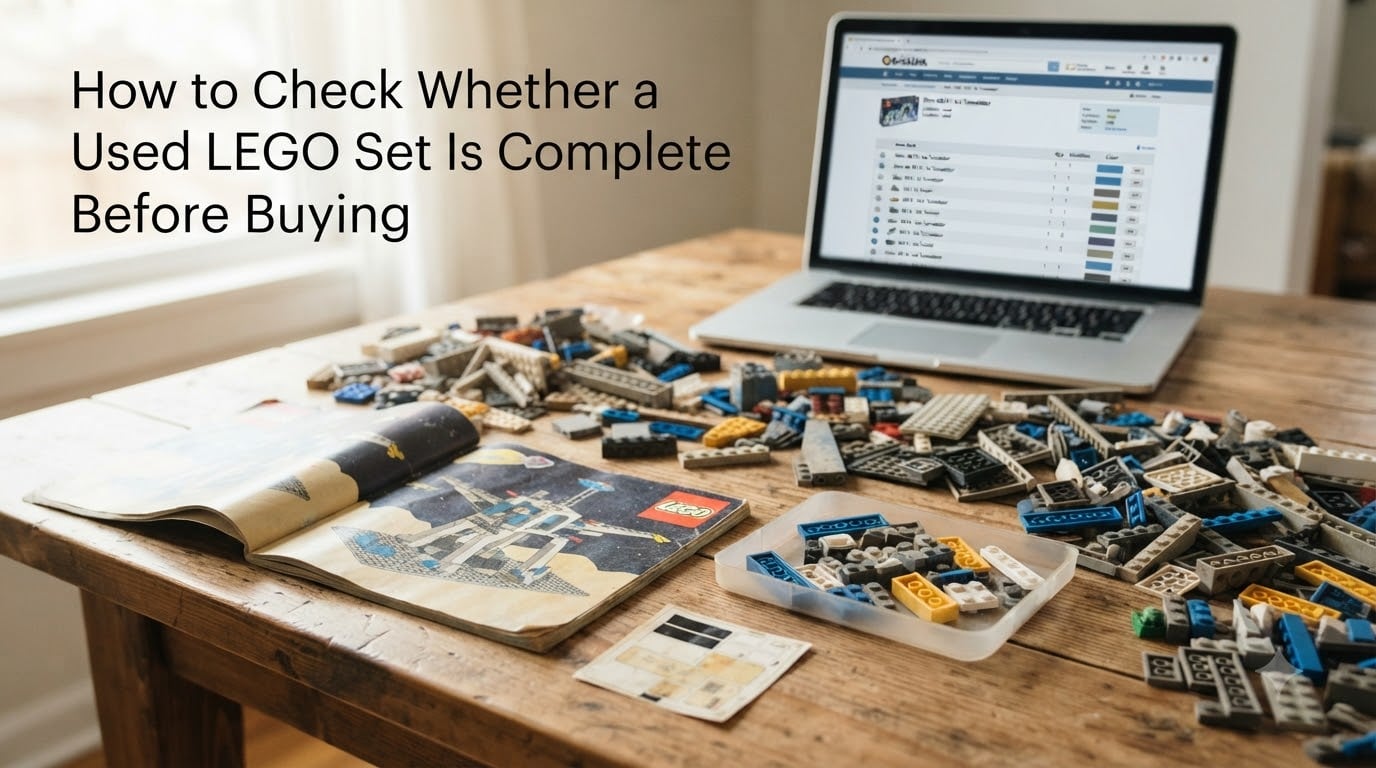
Buying a used LEGO set can save you serious money, but only if the set is actually complete. I have walked into garage sales and Facebook Marketplace listings more times than I can count, and I have learned the hard way that “complete” means different things to different sellers. This guide will show you exactly how to check whether a used LEGO set is complete before buying, using the same verification methods collectors and resellers rely on every day.
By the end of this article, you will know how to pull the official inventory for any LEGO set, how to spot missing minifigures and stickers, how to tell real LEGO from counterfeit bricks, and how to avoid the most common traps when buying secondhand.
Table of Contents
What Does “Complete” Actually Mean for a Used LEGO Set?
A used LEGO set is considered complete when it includes every piece, every minifigure, every sticker sheet, the instruction manual, and (ideally) the original box. The reference for “every piece” is the official inventory list on BrickLink, not the seller’s memory.
Most sellers use the word “complete” loosely. In my experience, around 1 in 4 listings marked “100% complete” is missing at least one element, usually a small accessory, a sticker, or a minifigure torso. That is why you always verify against the official parts list rather than trusting the listing title.
Three industry terms you should know:
Complete set: All original parts, minifigures, instructions, and stickers present.
Sealed set: Never opened, still in original factory shrink wrap. Worth a premium.
Pre-built or prebuilt set: Assembled by a previous owner, often missing original packaging and instructions.
Once you understand these definitions, the rest of the process becomes mechanical.
Step-by-Step Process to Check If a Used LEGO Set Is Complete
Here is the exact workflow I use when evaluating a used LEGO set in person or from a photo listing. Expect to spend about 1 hour per 1000 pieces if you need to disassemble the model first.
Step 1: Identify the Set Number
Every LEGO set has a unique number printed on the front of the instruction manual and usually on the original box. Common formats are 4 to 5 digits (for older sets) or 6 digits (for newer ones). If the seller cannot tell you the set number, that is a red flag. You cannot verify completeness without knowing exactly what you are buying.
Step 2: Pull the Official Inventory
Go to BrickLink and search the set number. The catalog page lists every part, every color, and the exact quantity expected. Save or screenshot this list. This is your checklist for the entire inspection.
Step 3: Disassemble the Set if It Is Built
Pre-built sets are the hardest to verify because you cannot count what is hidden inside. Most collectors recommend disassembling before purchase if the seller allows it. Sort pieces by part type, not by color, when you are counting.
Step 4: Count Each Part Type Against the Inventory
Work through the BrickLink inventory line by line. Check off each match. Pay extra attention to small or rare parts because those are the ones sellers most often miss.
Step 5: Verify Minifigures Separately
Minifigures are frequently sold separately or “lost.” Confirm every minifigure listed in the inventory is present, with all accessories (hats, weapons, hairpieces).
Step 6: Inspect Stickers and Printed Pieces
Stickers are one of the most commonly lost components. Check the inventory for sticker sheets and verify they are unused or in good condition. Printed pieces (parts with graphics molded in) should match the inventory exactly.
Step 7: Confirm Instructions and Box
Original instructions and box are not strictly required for completeness, but their presence usually indicates a careful previous owner. Missing instructions make future resale harder.
How to Use BrickLink to Verify a LEGO Inventory
BrickLink is the gold standard for LEGO inventory verification. Forum users on Reddit and Eurobricks almost unanimously recommend it, but the interface can confuse beginners. Here is the simplest path.
Finding the Right Catalog Page
Search by set number in the top catalog bar. Click the set name. You will see a parts tab that lists every element in the set, broken down by color. This is your master checklist.
Reading the Inventory List
The list shows part name, part number, color, and quantity. Some sets have variants in the same color (a 2×4 brick vs. a 2×4 brick with a specific mold). For older or licensed sets, you may see multiple color variants of the same part. You only need the total quantity across all variants.
Using BrickLink on Your Phone
Open the inventory on your phone while you inspect. Tap to check off each row. This is faster than printing and gives you instant search if a piece looks unfamiliar.
What If the Set Is Not on BrickLink
Very old sets (pre-1980) and some knockoff sets do not exist in the BrickLink catalog. For these, use Brickset or Rebrickable as a backup. Brickset in particular has excellent coverage of older themes including Town, Castle, and Space.
Checking Minifigures, Stickers, and Special Pieces
Minifigures are the most valuable and most commonly missing parts in any used LEGO set. A single Star Wars minifigure can be worth more than the rest of the set combined.
Minifig Verification Checklist
Confirm each minifig has all of its parts. A complete minifig includes the torso, legs, head, hairpiece or hat, and any accessories like a weapon or tool. Minifig torsos are the most commonly separated part because they are easy to overlook in a pile of bricks.
Tip from forum discussions: sellers who say “complete but no minifigures” usually mean the set is missing the most valuable parts. Either negotiate a major discount or walk away.
Sticker Sheet Inspection
Stickers are unique to a specific set and almost never get replaced. Open the sticker sheet and confirm every sticker is present and unused. Check the inventory to see how many stickers the set ships with, then count yours.
Rare and Special Pieces
Some sets include rare parts like a specific printed slope, a unique animal mold, or a clear/transparent element. These are the most likely parts to be missing or substituted. Verify each one against the inventory.
Physical Condition and Authenticity Inspection
Complete is not the same as good condition. Once you have confirmed every part is present, you need to inspect the actual quality.
Signs of Wear to Look For
Check each piece for scratches, discoloration, cracks, or bite marks (yes, real LEGO often shows teeth marks from kids or pets). Slight discoloration on older pieces is normal. Cracks, deep scratches, and heavy bite damage reduce resale value significantly.
How to Spot Fake or Knockoff LEGO
Counterfeit LEGO bricks exist and they are getting better. Here is what to check:
LEGO logo on every single stud. Genuine LEGO has the word LEGO molded into each stud top.
Consistent color and finish. Knockoffs often have slightly off shades or glossy finishes.
Clutch power. Real LEGO clicks tightly. Knockoffs feel loose or gritty.
Plastic smell. Counterfeit bricks often have a stronger chemical odor.
If a deal looks too good to be true, it usually is. Verified LEGO from a reputable seller is almost never priced 60% below market without a reason.
Sun Damage and Discoloration
White and light gray LEGO yellow over time when exposed to sunlight. Slight yellowing is acceptable on older sets. Heavy yellowing, brittleness, or warped pieces indicate poor storage and should reduce the price.
Buying Used LEGO Without Instructions or Original Box
Many used sets come without instructions or the original box. This is the most common forum pain point because the official parts list is typically printed in the back of the instruction manual.
If instructions are missing, do not panic. You can verify completeness using:
BrickLink catalog page – the parts list is the same as what was in the manual.
Rebrickable – includes inventories and often alternate build instructions.
Brickset – has detailed inventories plus pictures of original boxes.
A set without instructions is worth roughly 30-50% less than a complete set with instructions. Without the original box, you lose another 20-30% of resale value. Buy accordingly.
Marketplace Comparison for Buying Used LEGO Sets
Where you buy used LEGO matters almost as much as what you buy. Each marketplace has different seller verification, return policies, and pricing norms.
BrickLink
BrickLink is the most trusted marketplace for collectors. Sellers are rated on accuracy, shipping, and communication. Most BrickLink sellers will provide a parts inventory photo on request. The platform is built around exact inventory verification, which fits this topic perfectly.
eBay
eBay has the largest selection but the most variable seller quality. Always check seller feedback specifically for LEGO-related transactions. Use the “buy it now or best offer” filter and avoid auctions when you cannot verify the set in person.
Facebook Marketplace and Craigslist
Local sales let you inspect the set before paying, which is a huge advantage. The downside is no seller rating system. Bring your phone, the BrickLink inventory open, and a small flashlight. Meet in a public place.
Garage Sales and Estate Sales
Estate sales are gold mines for retired sets. Sellers often do not know what they have and price based on weight or box size. Expect to negotiate. Bring a BrickLink lookup cheat sheet for common vintage themes.
Certified Pre-Owned Stores
Stores like Bricks & Minifigs sell certified used sets. Certification means staff have inventoried every part and verified authenticity. You pay a premium but you get peace of mind. Worth it for expensive sets.
Tip: regardless of marketplace, always ask for clear photos of the parts pile, the instruction manual cover (showing the set number), and any minifigures before committing to buy.
FAQ
What is the best way to check if a used LEGO set is complete?
Pull the official inventory list from BrickLink or Brickset using the set number, then count every part type against that list. Include minifigures, accessories, and stickers in your count. BrickLink is the gold standard for LEGO inventory verification.
How do I check a LEGO set without instructions?
Use BrickLink, Brickset, or Rebrickable to pull the official parts list by set number. These databases mirror the inventory that would have been printed in the back of the instruction manual. Brickset has the best coverage for vintage and discontinued sets.
How long does it take to verify a LEGO set is complete?
Plan for roughly 1 hour per 1000 pieces. Sets sold built require disassembly first, which adds time. A 500-piece set usually takes 30 to 45 minutes including setup. Larger sets like modular buildings can take a full afternoon.
Is buying used LEGO worth it?
Yes, used LEGO is often the best value in the hobby. You can save 40 to 60% compared to retail on retired or current sets. The catch is verifying completeness, which is exactly why this guide exists. A complete used set is always worth buying if the price is right.
Final Thoughts on Checking Used LEGO Set Completeness
Learning how to check whether a used LEGO set is complete before buying is the single most valuable skill in the secondhand LEGO market. Once you have BrickLink open on your phone, the official inventory becomes your checklist, and every other part of the process falls into place.
Start with the set number, verify against the BrickLink catalog, count minifigures and stickers separately, inspect for wear and authenticity, and choose your marketplace based on whether you want to inspect in person or buy remotely. Follow this workflow and you will save money, avoid bad deals, and build a collection you can trust is actually complete.