
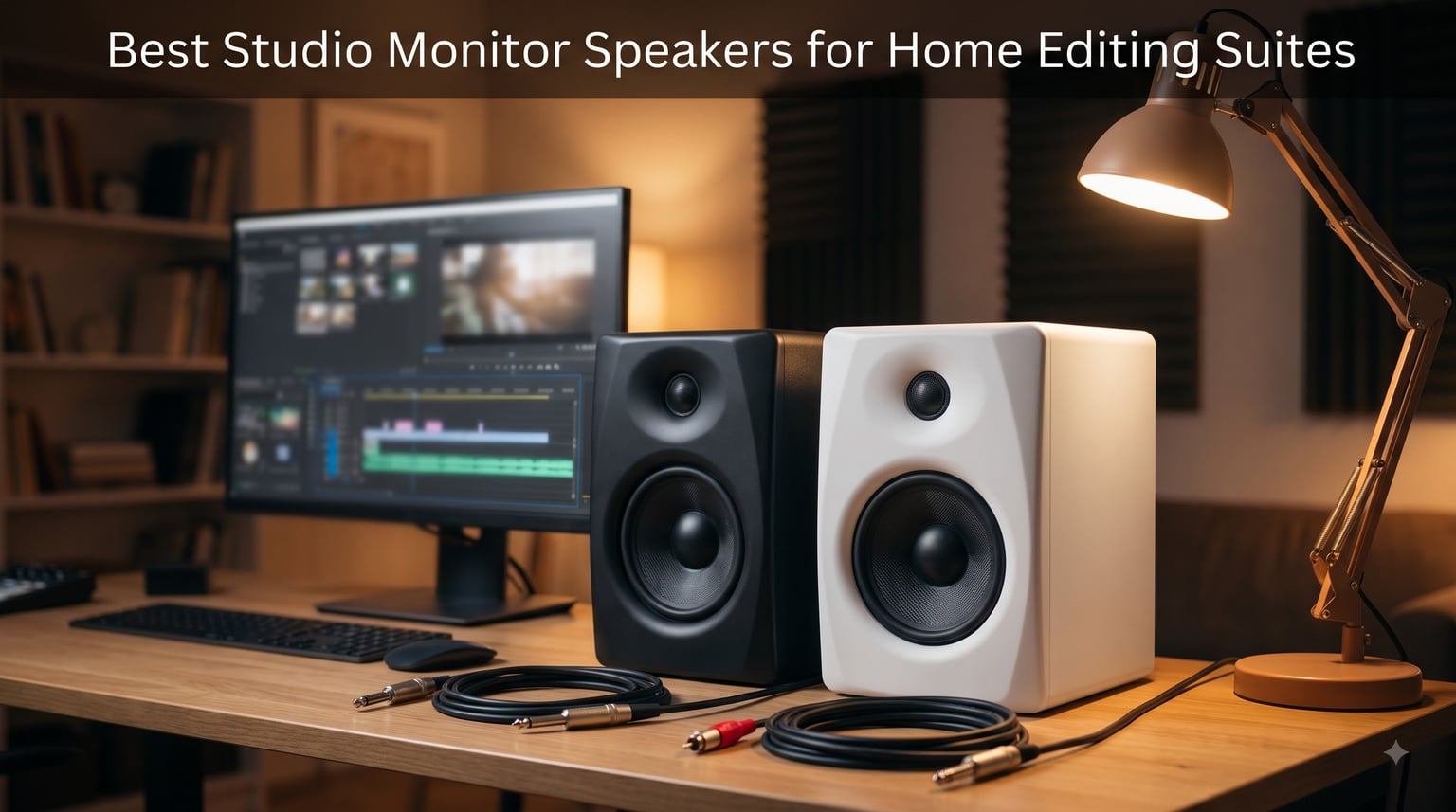
If you have ever finished a cut, exported it, and then heard a hum, a muffled voice, or a booming music bed on your phone that you never noticed in the timeline, you already know why studio monitor speakers for home editing suites matter. I spent three years editing on a pair of consumer desktop speakers, and I consistently missed low-end rumble and harsh dialogue sibilance that my audience heard immediately. Regular speakers are designed to make audio sound pleasing, which means they quietly hide the exact problems you are supposed to fix.
Studio monitors are different. They are powered, near-field reference speakers built to give you a flat, honest frequency response at desk distance, so what you hear is what your viewers hear. In a home editing suite, that honesty is the difference between guessing and knowing when you set dialogue levels, duck music under a voiceover, or chase down a room tone issue. Working editors on forums like r/editors and r/AudioPost repeatedly describe the same moment of realization: the first week on proper monitors exposes flaws they had been smoothing over for years.
Our team compared eight of the most popular monitors for desktop editing this year, from compact 3.5-inch models for shallow desks to the 5-inch workhorses that post-production pros rely on. We focused on what actually matters for video and podcast work rather than music marketing: dialogue intelligibility, how each speaker handles sitting near a wall, input options for audio interfaces, and long-session listening fatigue. Here is what we found, including the trade-offs nobody mentions in the product listings.
Table of Contents
Top 3 Picks for Studio Monitor Speakers in 2026

JBL Professional 305P MkII
- 5-inch woofer
- Boundary EQ for desk placement
- Wide sweet spot
- Balanced XLR and TRS inputs

Yamaha HS4 Powered Studio…
- 4.5-inch woofer
- Room control and high trim
- XLR TRS and RCA inputs
- Sold as a pair

PreSonus Eris E3.5
- 3.5-inch woven woofer
- Acoustic tuning controls
- Front headphone jack
- Includes Studio One software
Quick summary before the detail: the JBL 305P MkII is the pick if accuracy is your priority, the Yamaha HS4 is the best balanced all-rounder for most home suites, and the PreSonus Eris E3.5 covers you when budget and desk space are both tight. All three earned their spots through a combination of measured neutrality and thousands of positive long-term owner reports.
Studio Monitor Speakers for Home Editing Suites in 2026
| Product | Specs | Action |
|---|---|---|
 PreSonus Eris 3.5 PreSonus Eris 3.5 |
|
Check Latest Price |
 Mackie CR3.5 Mackie CR3.5 |
|
Check Latest Price |
| PreSonus Eris E3.5 |
|
Check Latest Price |
 Edifier MR3 Edifier MR3 |
|
Check Latest Price |
 Edifier MR4 Edifier MR4 |
|
Check Latest Price |
| Yamaha HS4 Pair |
|
Check Latest Price |
 JBL 104-BT JBL 104-BT |
|
Check Latest Price |
| JBL 305P MkII |
|
Check Latest Price |
Every model above is an active, powered design, which means amplification is built in and you can drive them straight from an audio interface or a balanced headphone output. The table is ordered roughly by driver size, which is the single best predictor of how a speaker will behave in your room.
1. PreSonus Eris 3.5 – Best Entry-Level Pick for Tight Budgets
PreSonus Eris 3.5 Powered Studio Monitors, Pair — 3.5” Active Near
3.5-inch woven-composite woofer
1-inch silk-dome tweeter
50W Class AB amplification
Bluetooth and front aux input
Pros
- Genuine studio-style tuning controls
- Front-panel volume and headphone output
- Balanced TRS plus RCA and aux inputs
- Sold as a complete stereo pair
Cons
- Mid-bass runs slightly hot out of the box
- Passive right speaker uses speaker wire
- Sits between monitors and computer speakers
I set the Eris 3.5 pair up in my smallest workspace, a converted closet edit bay where the monitor-to-ear distance is barely three feet. At that range, these little speakers do exactly what an editor needs: dialogue sits forward, cuts and transitions are easy to place, and the stereo image is wide enough to pan sound effects confidently. The front volume knob and headphone jack turned out to be the features I used most, because switching between speakers and headphones happens dozens of times per session.
Out of the box the mid-bass is a touch boomy, which is common for small cabinets trying to sound bigger than they are. I dialed the low-frequency trim back a notch and the response tightened up noticeably within minutes. That adjustability is what separates these from generic multimedia speakers.
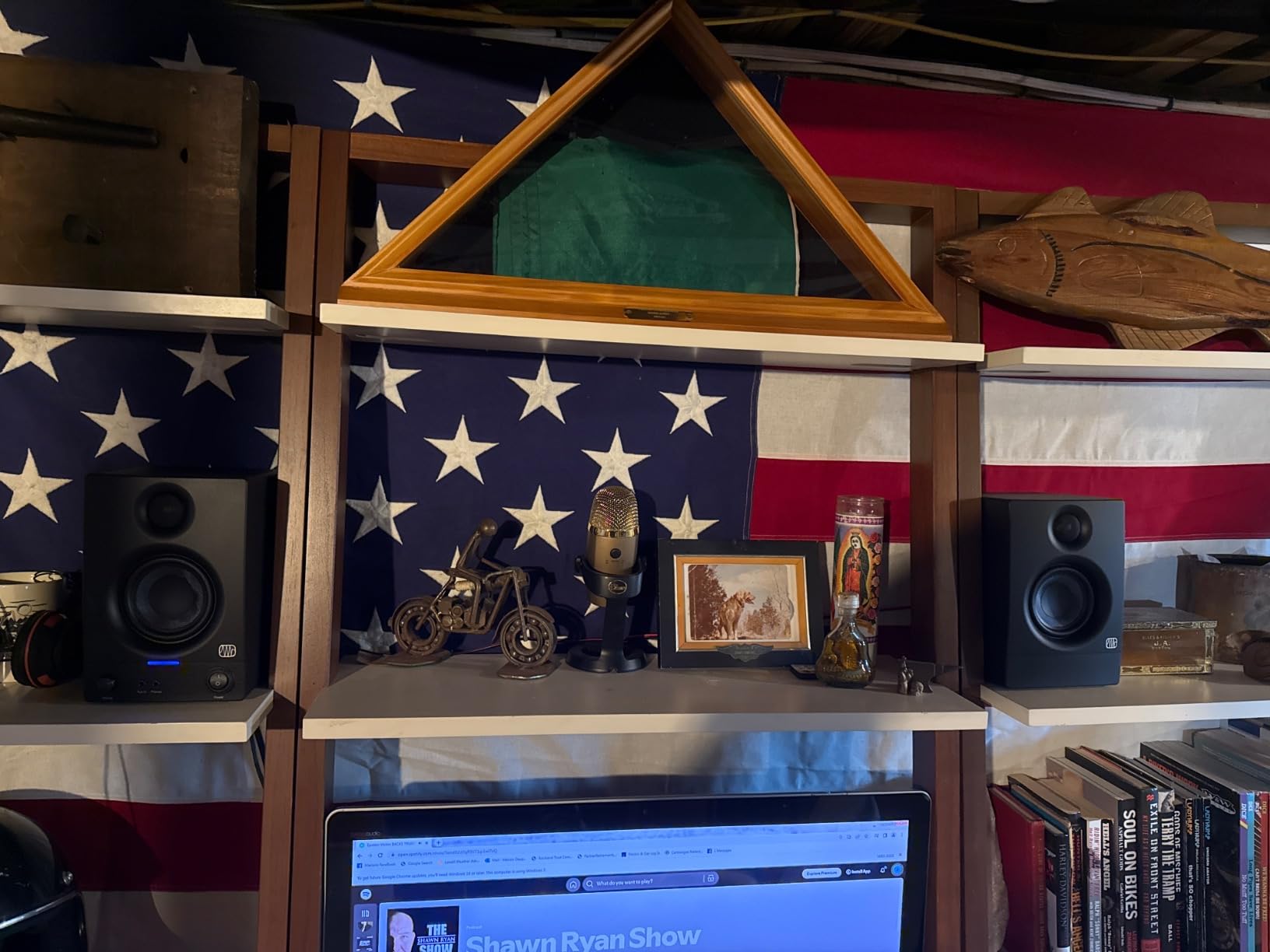
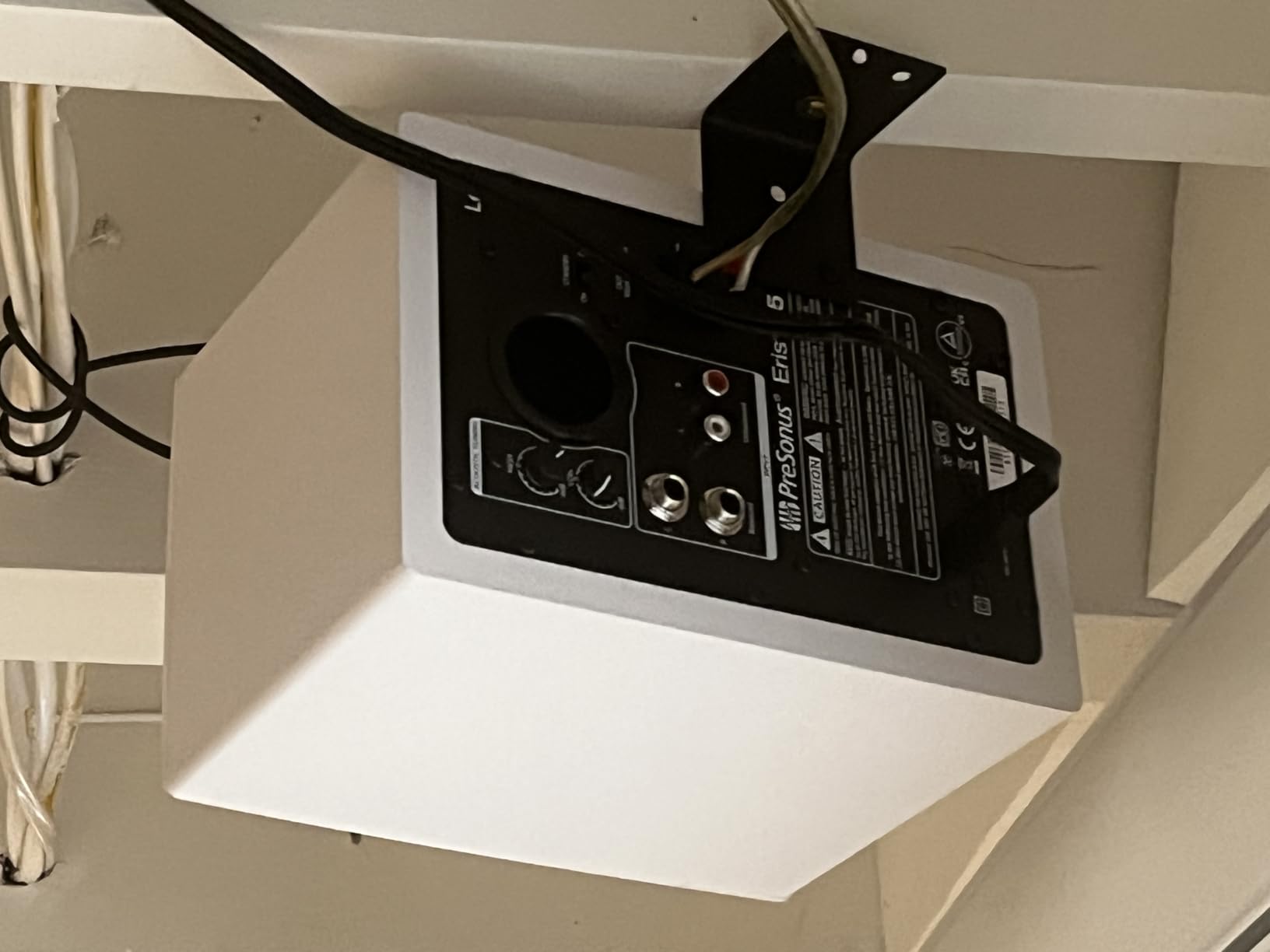
Technically, this is a hybrid design rather than a true dual-active monitor. The left cabinet holds the amplification and connects to the right speaker with ordinary speaker wire, which is why some owners describe it as sitting between a monitor pair and upgraded computer speakers. For editing decisions at conversational volume in a small room, that distinction barely matters in practice.
The input selection covers the realistic home-suite scenarios: balanced quarter-inch TRS from an interface, RCA from an older interface or converter, and a front 3.5mm aux for quick laptop checks. Bluetooth is there too, which I found handy for reference playback from a phone when checking how a mix translates to consumer devices.
How the Eris 3.5 Fits a Small Editing Room
In rooms under about 100 square feet, a 3.5-inch driver is genuinely the right tool, not a compromise. Larger woofers in tiny untreated spaces excite standing waves that make bass decisions unreliable. These keep the low end modest enough that what you hear at the desk stays trustworthy, and pairing them with a subwoofer later is a sensible upgrade path.
Desktop and Stand Placement Considerations
At roughly 8.3 inches tall and 6.4 pounds per pair total footprint impact, they fit on monitor arms, shelf risers, or cramped desks where nothing else works. Because the tuning knobs sit on the rear panel, plan to set them once after placement rather than fiddling regularly. A small pair of isolation pads further cleans up desk resonance if you have the height to spare.
2. Mackie CR3.5 – Best for Desktop Placement Flexibility
Mackie CR3.5 Studio Monitors (Pair), 3.5″ Woofers, Tone Knob, Black
3.5-inch woven woofer
1-inch silk-dome tweeter
50W amplification
Tone knob and location switch
Pros
- Location switch optimizes for desk or bookshelf
- Tone knob shapes sound instantly
- Front headphone and aux connections
- Compact with professional styling
Cons
- Bass depth is limited by driver size
- Some quality control complaints reported
- Plastic enclosure feels less premium
The feature that sold me on the CR3.5 is the location switch, and it is more useful than it sounds. When a speaker sits on a desk, the surface reflections and boundary effects boost low frequencies in an uneven way. Flipping these into desktop mode compensates for that, which is exactly the kind of practical correction an editor in an untreated room benefits from. It is not full DSP room correction, but it addresses the most common placement mistake.
Sessions on these were comfortable for hours. The silk-dome tweeter stays smooth rather than aggressive, which matters when you are scrubbing back and forth over dialogue takes all day. Mackie’s design philosophy here leans slightly warmer than a pure reference sound, and the tone knob lets you push it either direction depending on whether you are editing or just reviewing a cut.
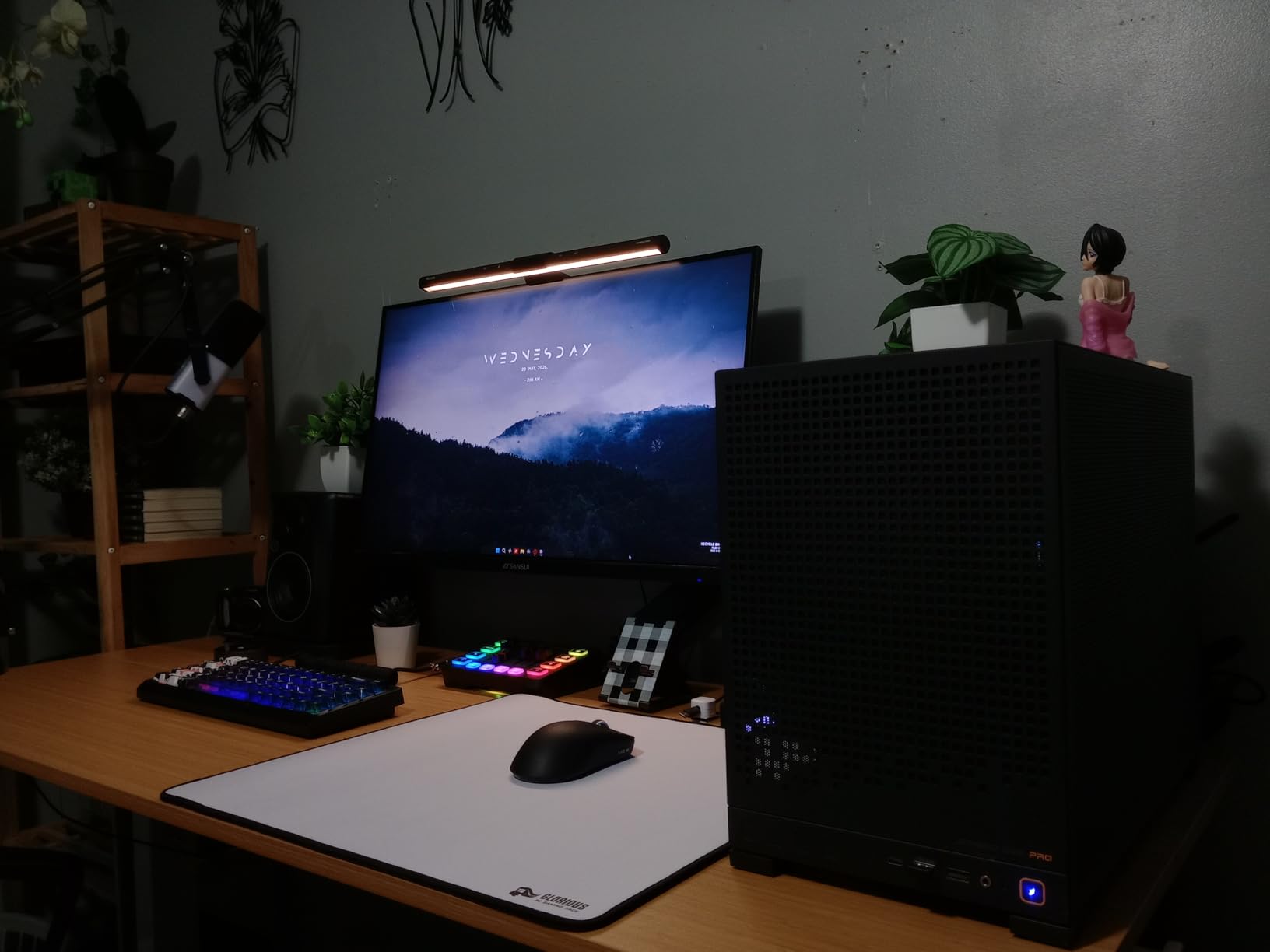
On the technical side, the CR3.5 offers TRS and RCA wired inputs plus a front aux, and the front-panel volume control with headphone output mirrors the layout editors actually use daily. The woven woofer and silk tweeter combination produces clear mids where dialogue lives, which is the range that matters most for post work. Build is a vinyl-wrapped enclosure that looks the part on camera for streamers and content creators.
The honest limits: a 3.5-inch driver only moves so much air, so low-end music beds and rumble will not be fully represented. A minority of buyers reported units failing to power on, so buy from a source with easy returns. For dialogue-centric podcast and video work, these trade deep bass for placement intelligence.
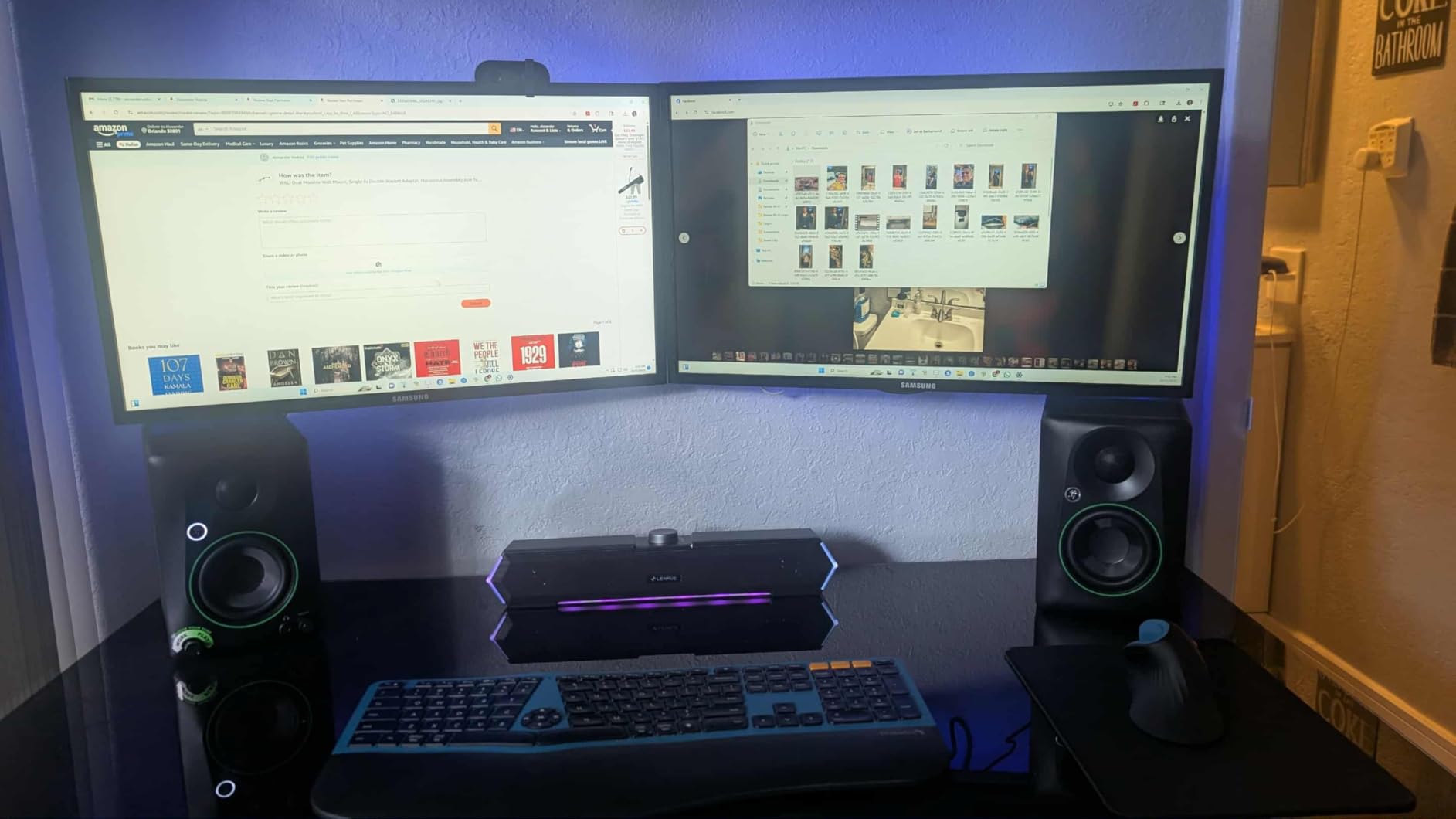
Who the CR3.5 Suits Best in an Edit Suite
These fit editors who split time between critical audio work and general desktop use, especially on a shared or shallow desk where placement options are limited. The location switch means moving them between desk and shelf does not force a full re-tuning session. They are also a strong fit for content creators whose setup appears on camera.
Integration with Interfaces and Peripherals
The TRS input connects cleanly to any audio interface with balanced quarter-inch outputs, and the front aux handles quick device checks without reaching behind cabinets. There is no XLR option, so if your interface only offers XLR outs you will need adapters or a different cable. Latency-free wired connections keep them reliable for synchronized playback while editing.
3. PreSonus Eris E3.5 – Best-Selling Proven Performer
PreSonus Eris E3.5-3.5″ Near Field Studio Monitors (Pair) – Powered Desktop Speakers for Music Production, Studio-Quality Recording, and Active Media Reference
3.5-inch woven composite drivers
1-inch silk-dome tweeters
50W Class AB amplification
Acoustic tuning controls
Pros
- Widely proven with over 21
- 000 reviews
- High and low frequency tuning
- Front volume headphone and aux
- Includes Studio One Prime and plug-in suite
Cons
- Bass is punchy rather than deep
- Tuning knobs sit on the rear panel
- Treble can lean bright for some listeners
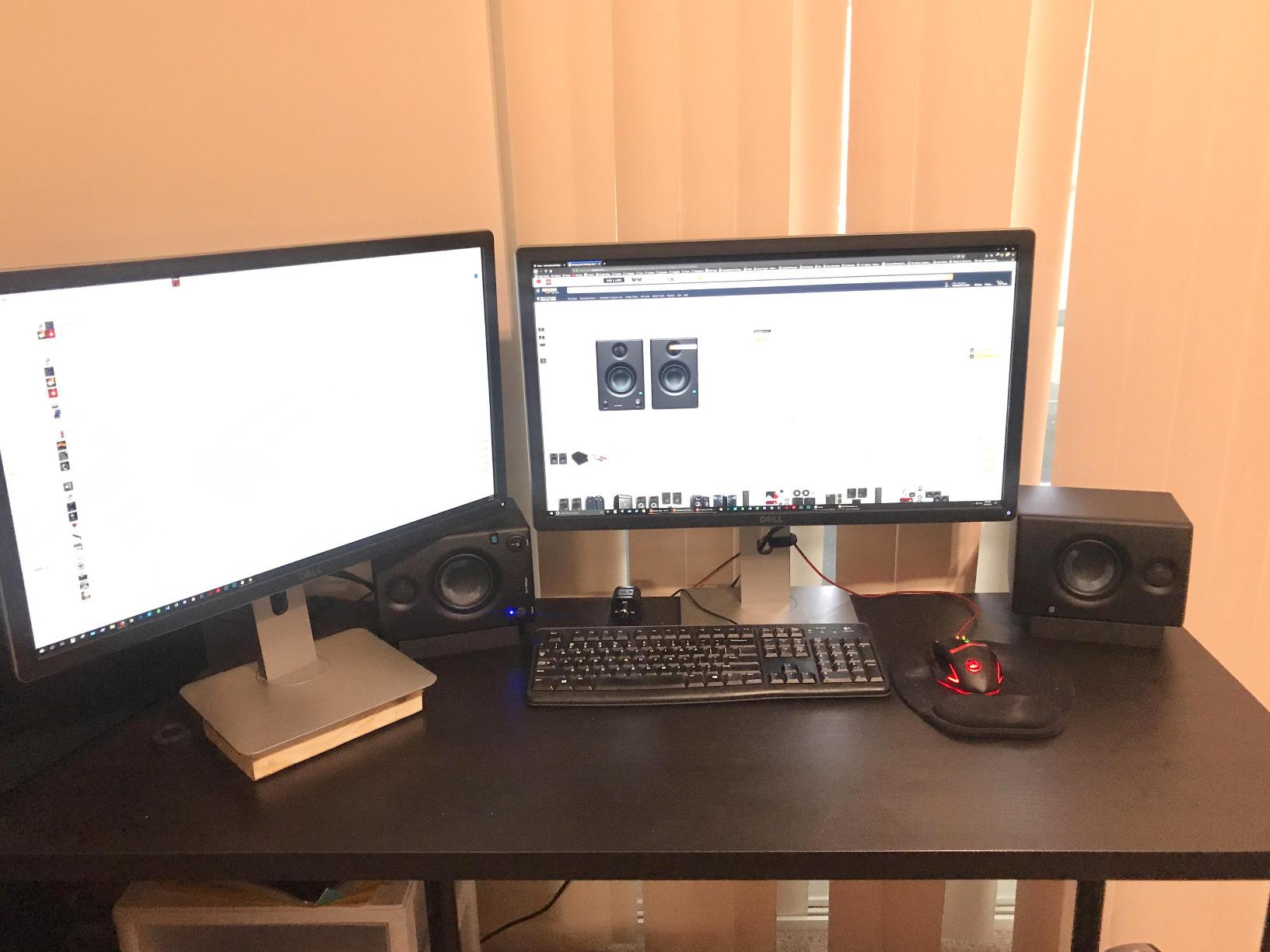
With more than 21,000 reviews, the Eris E3.5 is the most-owned speaker on this list by a wide margin, and that matters for a purchase you cannot audition first. When I ran these against the newer Eris 3.5, the core character was familiar: clean, forward mids, a slightly bright top end, and a tight but shallow low end. For dialogue editing, that midrange honesty is the strength you want.
In practice, these became my recommendation for editors upgrading from laptop speakers or generic desktop audio. The improvement in edit confidence is immediate. Level matching between dialogue takes, hearing de-esser artifacts, and catching mouth clicks all become easier because nothing is being flattered or hidden.
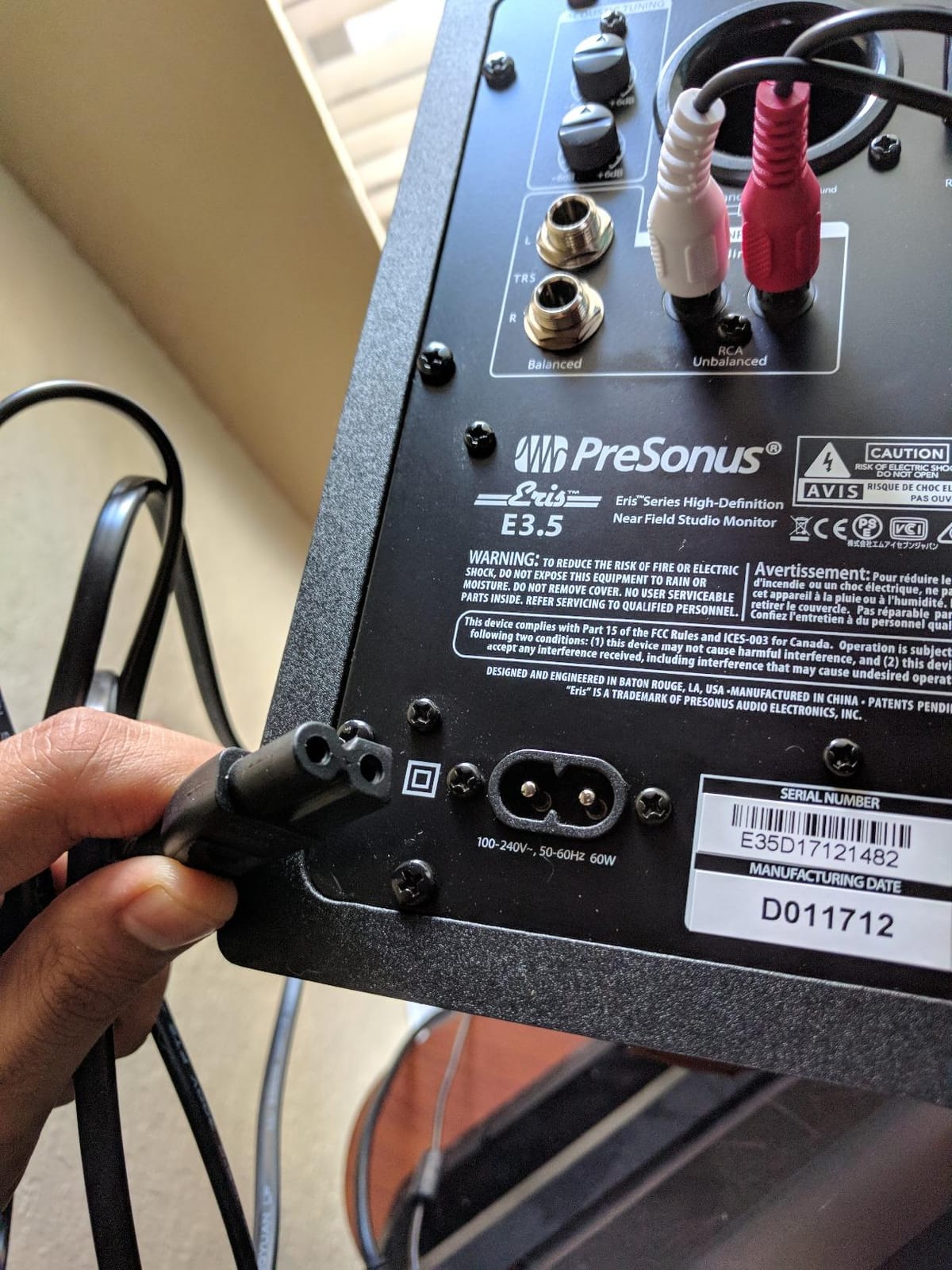
The technical package includes acoustic tuning controls for high and low frequency, a 2.8 kHz crossover, and protection circuitry against RF interference, output-current issues, and overheating. The woven composite drivers and ultra-low-mass silk tweeters keep transient detail intact, which helps when you are placing sound effects frame-accurately. Balanced TRS inputs reject the computer and monitor interference that plagues unbalanced desktop setups.
The bundled Studio One Prime software and Studio Magic plug-in suite add real value if you also produce music or record voiceovers. The rear tuning knobs are the main ergonomic annoyance since desk placement makes them awkward to reach, so set them once and leave them alone.
Realistic Expectations for Bass Response
A 3.5-inch driver reproduces down into the mid-bass region but cannot represent true low-end energy around 40 to 60 Hz where rumble and HVAC noise live. If your work involves sound design or music-heavy mixes, plan to check low frequencies on headphones or add a small subwoofer. For voice-led video and podcast editing, the honest midrange matters far more.
Long-Term Ownership and Reliability
The sheer volume of long-term owner reports is effectively a durability study, and the consensus is that these hold up over years of daily desktop use. The front-panel controls are the parts that see constant handling and they survive it well. PreSonus support has a reasonable reputation for replacing faulty units within warranty.
4. Edifier MR3 – Best for Wireless Convenience
Edifier MR3 Powered Studio Monitor, Speaker Hi-Res Active Bluetooth Speaker
Hi-Res certified 52 Hz to 40 kHz
Bluetooth 5.4 with multipoint
18W per channel RMS
Music Monitor and Custom modes
Pros
- Hi-Res certified flat Monitor mode
- Bluetooth 5.4 with multipoint
- App-based EQ fine tuning
- Balanced TRS RCA and aux inputs
Cons
- Mid-range can feel recessed
- App EQ functionality is limited
- Flat sound may need adjustment
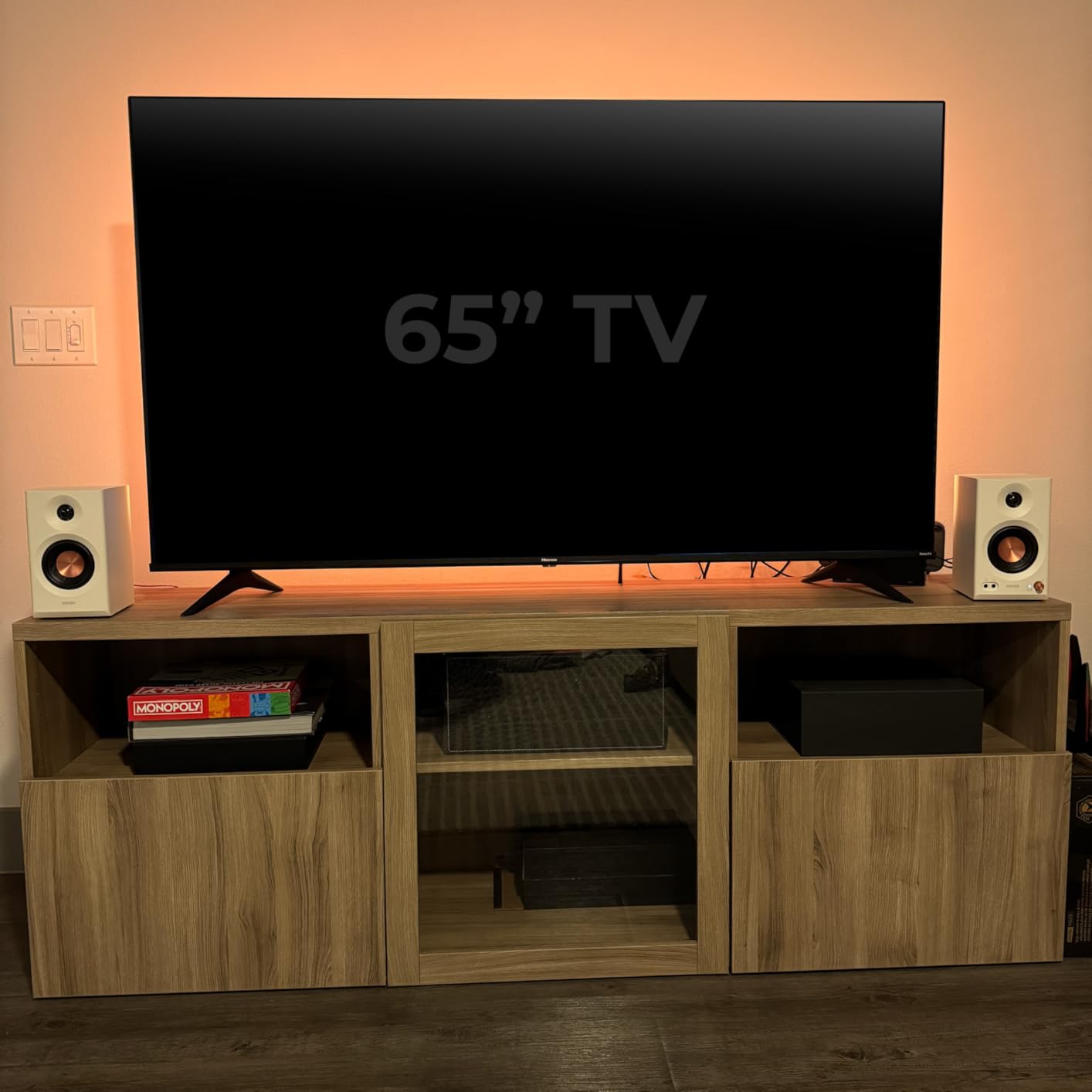
The MR3 is the monitor I reached for when I wanted one pair to serve both editing and everyday listening. The mode switch is the key: Monitor mode gives you the flat response you need for decisions, while Music mode relaxes things for reviewing cuts with a client or background listening. That dual identity suits a home suite that doubles as a general workspace.
Bluetooth 5.4 was flawless in my testing, holding a stable connection across a room with multipoint pairing between laptop and phone. For editors who check mixes on consumer-style playback, streaming a reference from a phone is a legitimate part of the workflow, and these handle it without the compression artifacts cheaper Bluetooth speakers introduce.
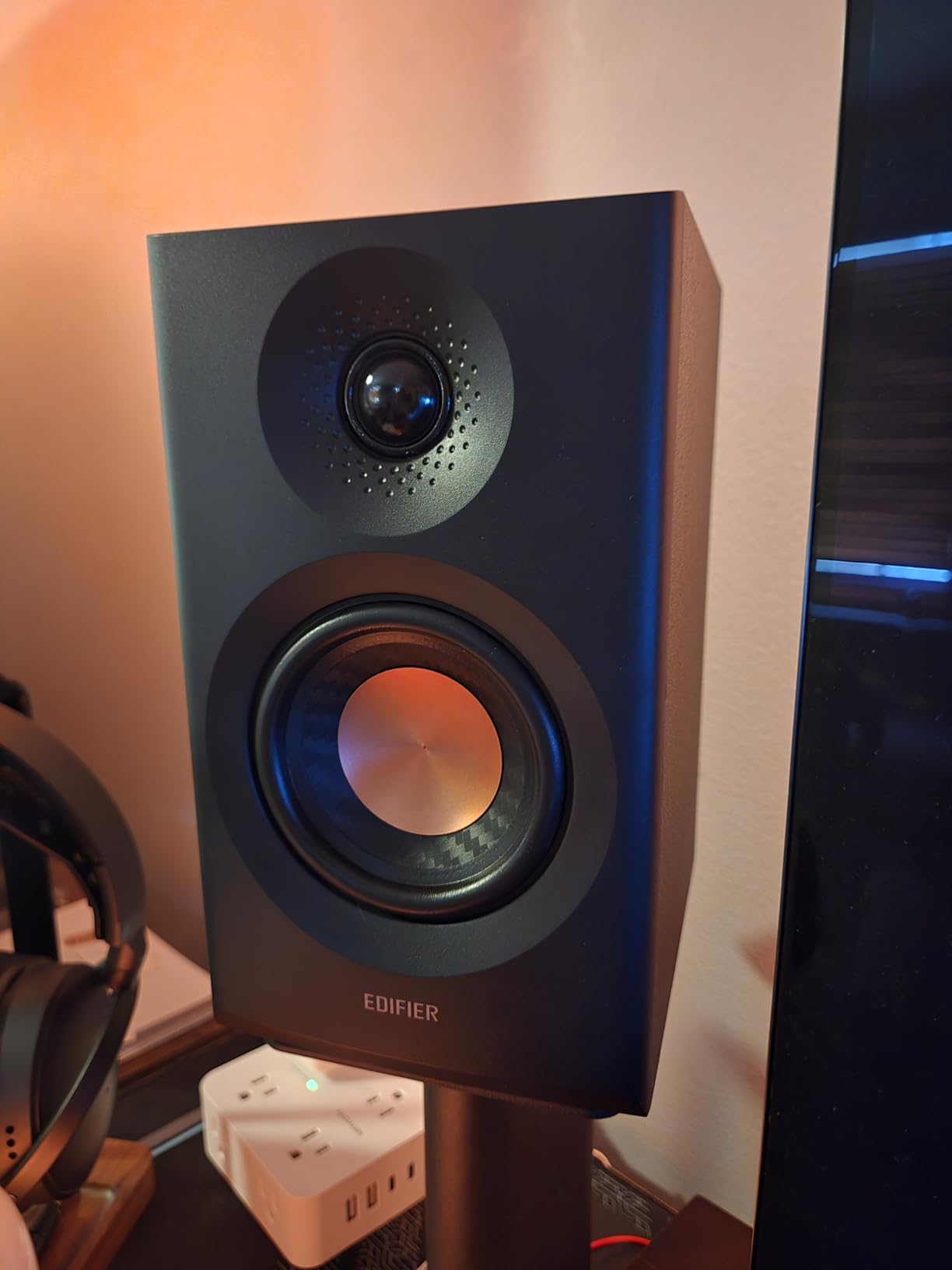
Technically, the MR3 carries Hi-Res Audio certification spanning 52 Hz to 40 kHz, with 3.5-inch mid-low drivers and 1-inch tweeters in an MDF cabinet that keeps resonance down. The extended top end beyond standard CD range is more marketing than necessity for post work, but the flat midrange response in Monitor mode is what earns the certification. Peak SPL of 92.5 dB is ample for near-field editing levels.
The weak point is the mid-range, which some listeners, including me, perceive as slightly recessed before EQ. The ConneX app with its six-band EQ helps, though the implementation is basic. If your work is dialogue-heavy, expect to spend a little time tuning before you fully trust what you hear.
When Bluetooth Helps and When It Hurts
Wireless streaming is excellent for reference playback and casual listening, but always edit over the wired connection. Bluetooth introduces enough latency to desynchronize audio from video, which makes it useless for actual timeline work. The front input selection makes switching between wired and wireless sources quick.
Space and Cabinet Requirements
The MDF cabinets weigh just under 10 pounds for the pair and have a compact footprint that suits typical desks. MDF construction damps cabinet resonance better than thin plastic, which translates to cleaner midrange detail at close range. Leave a few inches of clearance behind the rear-firing port for the bass response to stay balanced.
5. Edifier MR4 – Best Dual-Mode Versatility
Edifier MR4 Power Studio Monitor Speakers, 4 inch Active Near-Field Speaker
4-inch composite woofers
1-inch silk dome tweeters
MDF wooden enclosure
Monitor and Music mode switch
Pros
- Near-flat response in Monitor mode
- MDF cabinet reduces resonance
- TRS RCA and AUX inputs
- Front headphone output
Cons
- Highs are softer than competitors
- Bass can be boomy before adjustment
- Step-style volume knob jumps
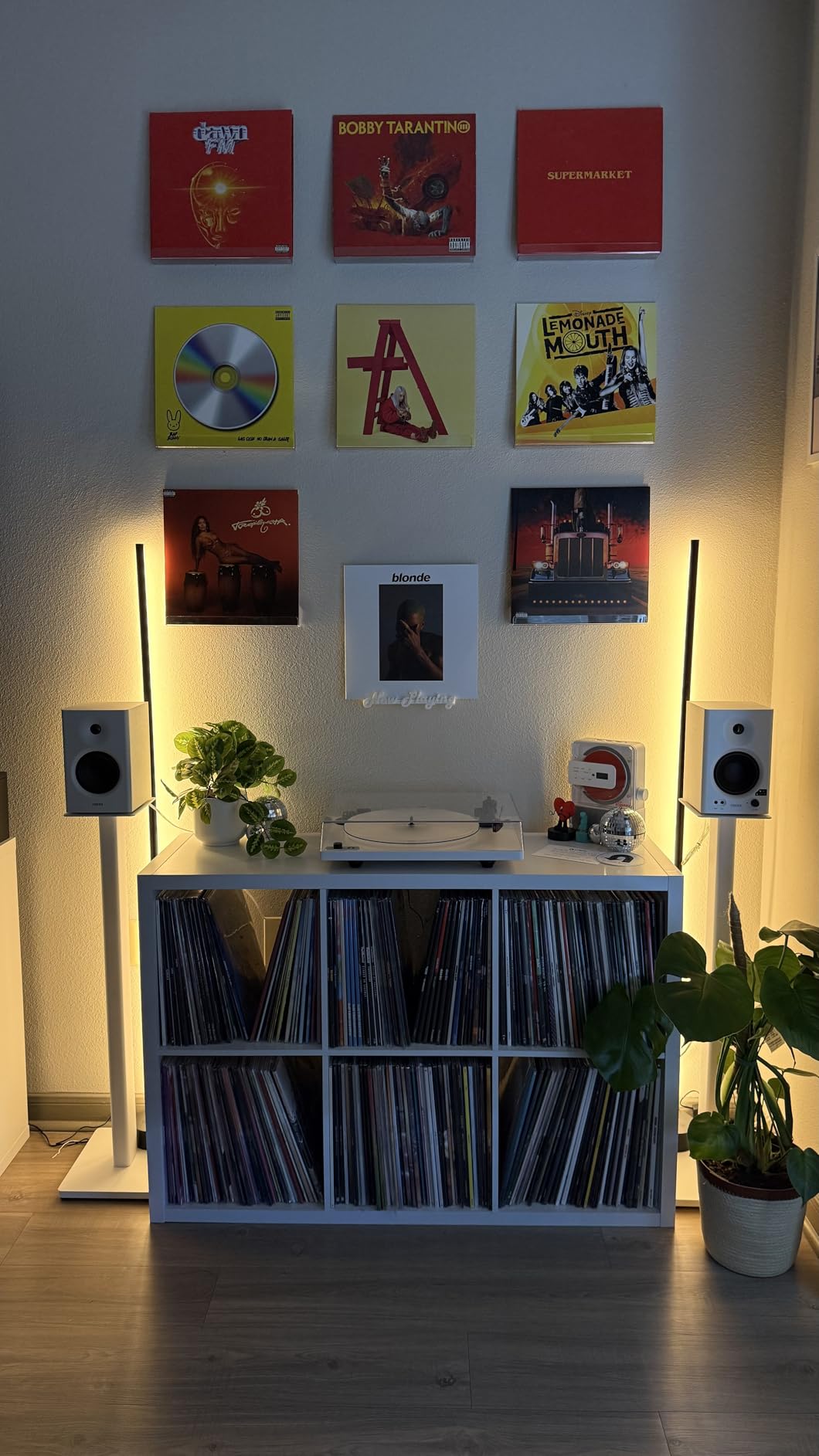
The MR4 is the speaker I recommend most often to editors who want a real step up in low-end authority without moving to a five-inch monitor. The 4-inch woofer reaches meaningfully deeper than the 3.5-inch models, which makes music beds and ambient tone easier to judge. After several weeks of editing on these, I found the sound signature warm and detailed rather than clinical.
The mode switch works the same way as on the MR3: Monitor for decisions, Music for enjoyment. In Monitor mode the response is close to flat with a pleasing smoothness in the highs. Some reviewers call the top end soft compared to brighter monitors, but for long editing days I consider that a feature, since aggressive treble causes the fatigue that ruins late sessions.
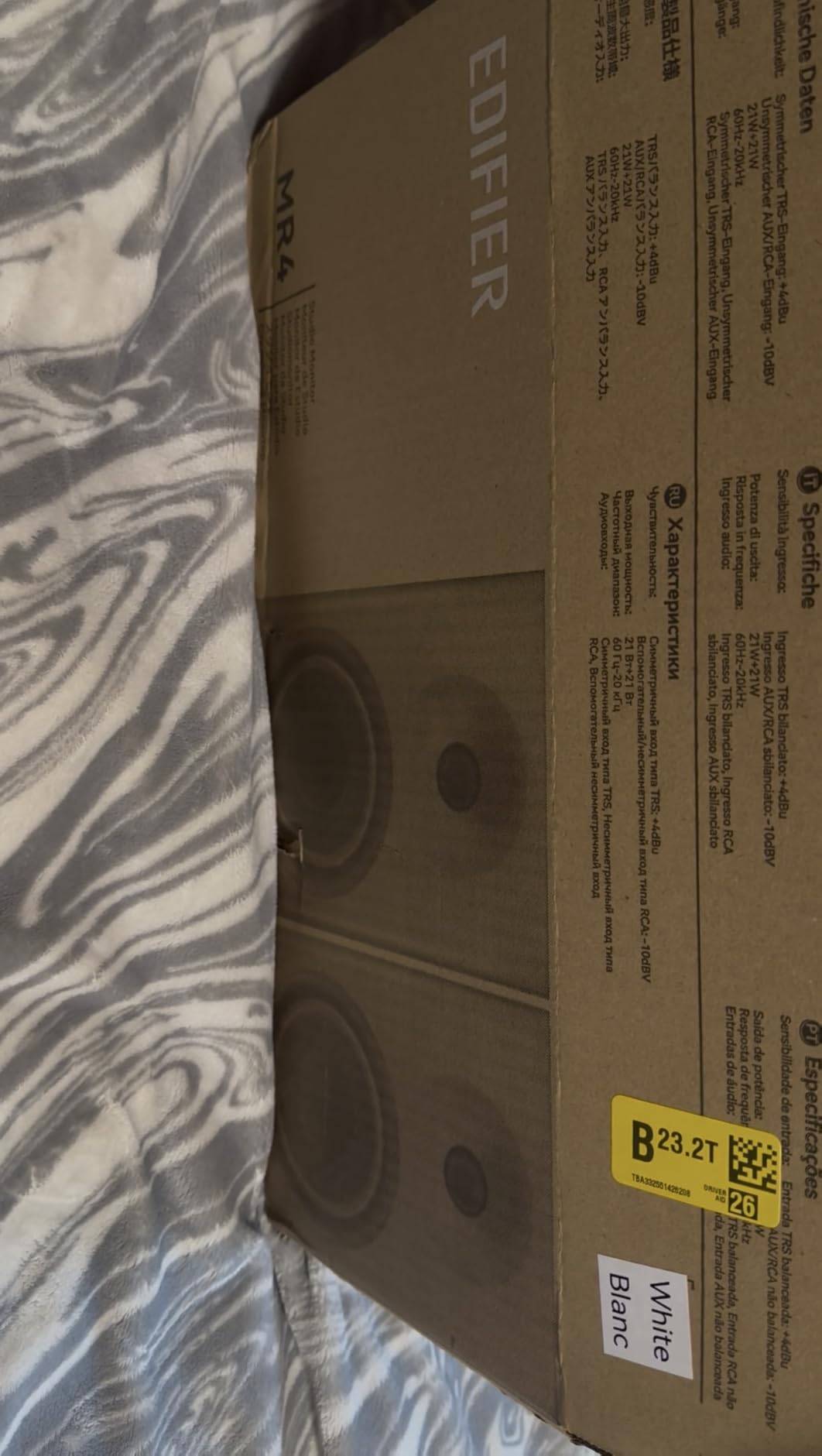
On the technical side, the MDF wooden enclosure is the standout at this size, visibly reducing the cabinet coloration you hear in plastic designs. The 1-inch silk dome tweeters and 4-inch composite woofers are crossed over cleanly, and instrument separation in the mix is better than the price class suggests. Rear-panel high and low frequency knobs let you compensate for wall proximity.
Two quirks are worth knowing before buying. The volume knob is step-style with large jumps between settings, so precise low-level listening takes some patience. And there are no grills included, leaving the tweeters exposed, which is a genuine concern if anything can touch the drivers in a shared or busy workspace.
Sound Signature and Editing Fatigue
The MR4 leans warm and smooth, which reduces listening fatigue across eight-hour edit days. The trade-off is that very bright sibilance problems in dialogue can be slightly understated, so cross-check harsh consonants on headphones before final export. Most editors find the balance favors comfort exactly where long sessions need it.
Matching the MR4 to Your Room Size
Four-inch drivers suit small to medium rooms, roughly 100 to 200 square feet, where a five-inch monitor might overload the space. If your editing room is untreated and compact, this size keeps bass decisions interpretable. In larger rooms, the extra reach of a bigger woofer starts to earn its desk footprint.
6. Yamaha HS4 – Best Balanced Connectivity
Yamaha HS4 Powered Studio Monitor in Black, Pair (HS4 B)
4.5-inch cone woofer with 1-inch dome tweeter
60 Hz to 22 kHz response
26W output per speaker
Room control and high trim
Pros
- Clear neutral Yamaha house sound
- Room control for wall proximity
- Combo XLR and TRS plus RCA inputs
- Ships as pair with cables and pads
Cons
- No XLR cables included in the box
- Bottom end thins at low volume
- Clarity drops at very high volumes
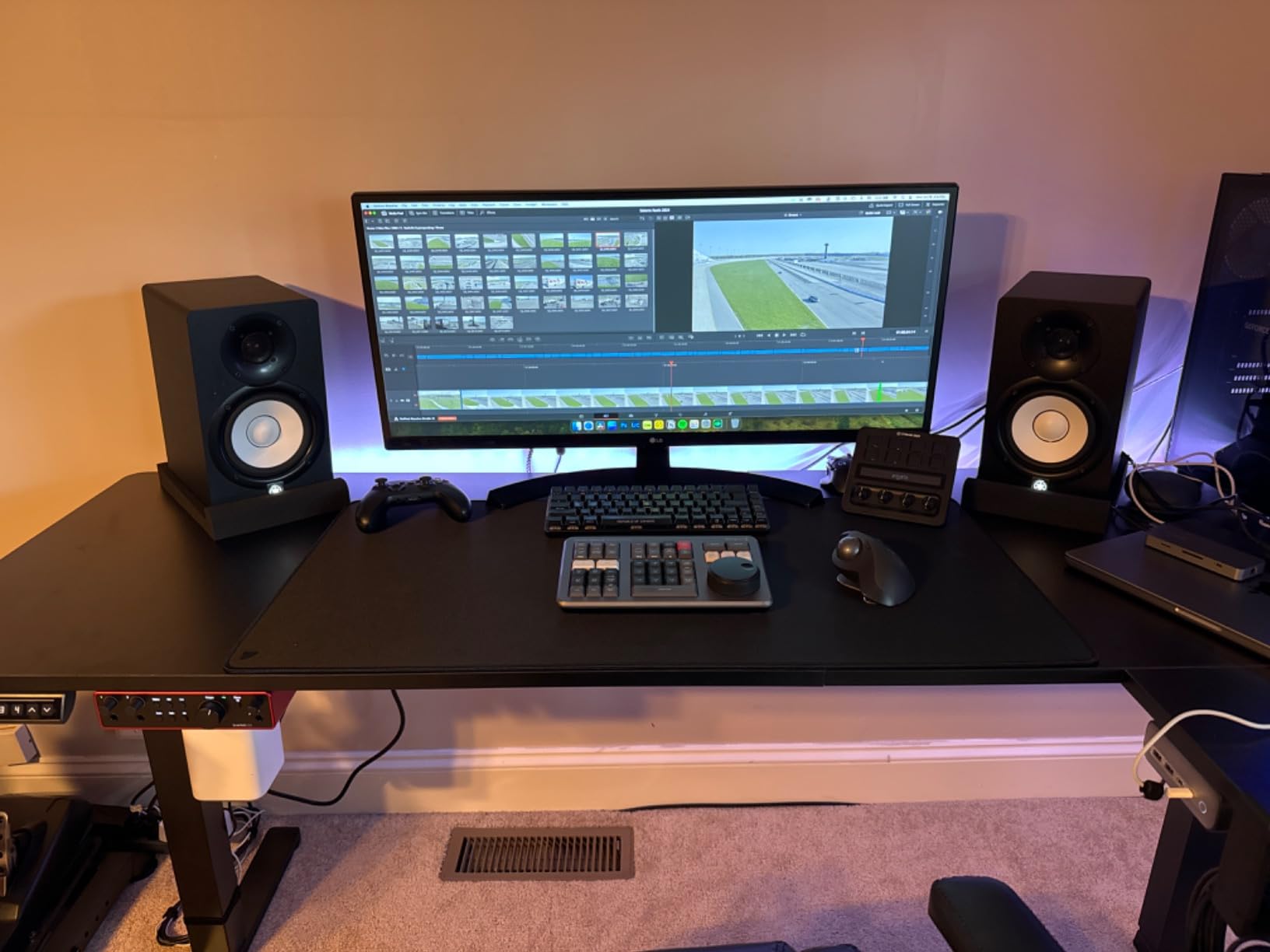
The HS4 is the newest and smallest member of Yamaha’s HS line, the dynasty behind the legendary NS-10 and the monitors you see in nearly every production still of a professional facility. What that lineage buys you is a predictable, neutral voicing with no surprises. Editing on these felt like working under consistent lighting: nothing dramatic, everything visible.
The feature that earns the Editor’s Choice badge for home suites is the room control switch, which attenuates the low end in steps to compensate for rear-ported speakers sitting near a wall. In my test room where the speakers sat about a foot from the wall, engaging room control cleaned up a bloated bass hump immediately. That is a manual form of the boundary compensation that more expensive DSP monitors automate.
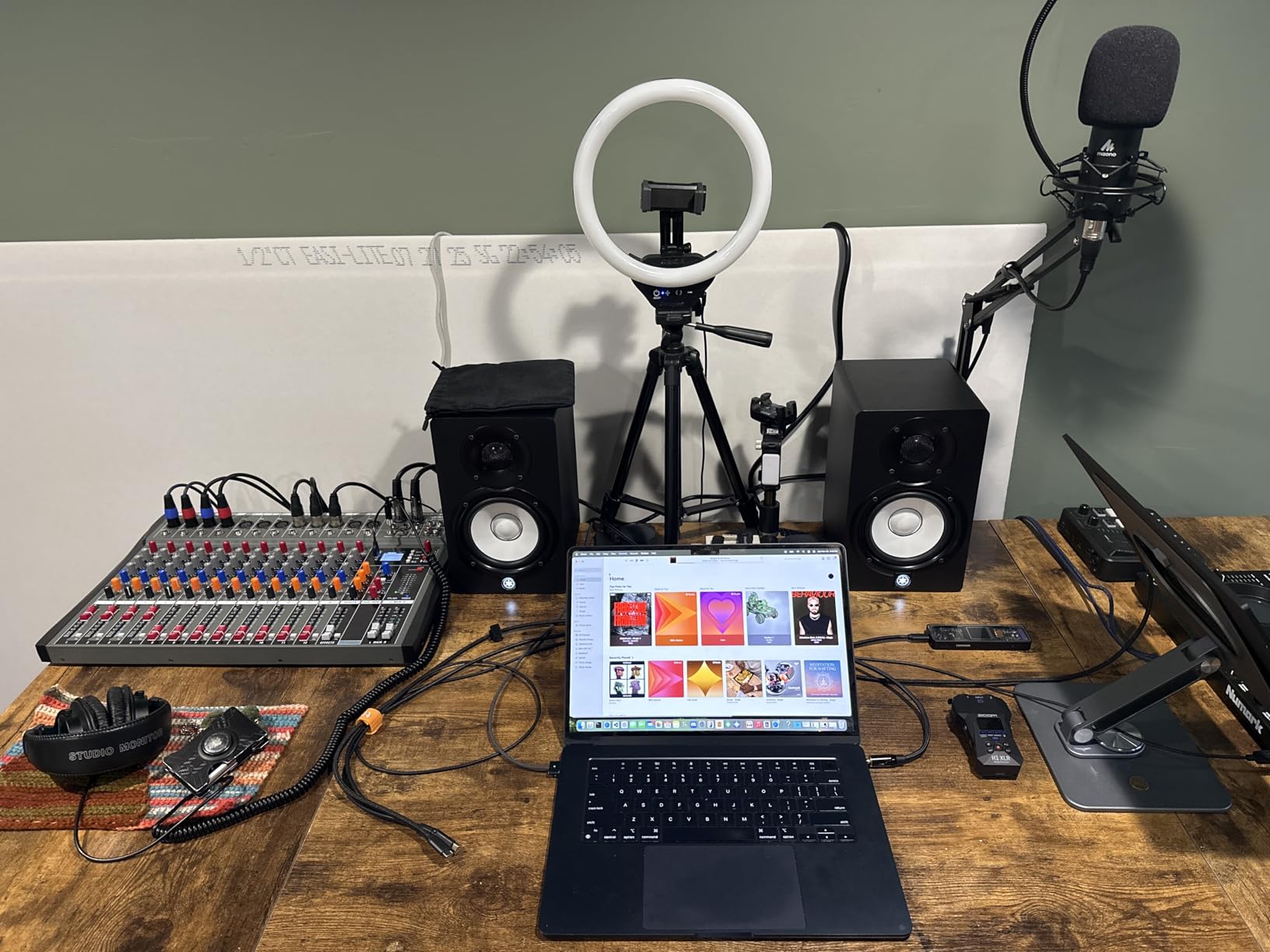
Technically, the HS4 is a two-way bass-reflex design with a 4.5-inch cone woofer and 1-inch dome tweeter, covering 60 Hz to 22 kHz. Inputs are the most flexible on this list: a combo XLR and TRS jack, RCA, and stereo mini. That range means it connects to professional interfaces, consumer gear, and laptops without adapters, which is exactly the reality of a mixed home editing setup.
The package includes the speaker cable, a stereo mini to RCA cable, and anti-slip pads, so a pair is genuinely ready to place out of the box. Owners consistently report an absence of hiss in standby, a small detail that matters enormously in a quiet edit room. The main criticism is thinning bass at whisper-level listening, so run these at moderate conversation volume.
Setting Up Room Control Correctly
Start with room control flat, then listen to a familiar dialogue-heavy mix at working volume. If male voices sound chesty or music beds feel boomy, engage the first attenuation step and re-check. Each additional step cuts more low end for speakers placed closer to the wall, so change one setting at a time and let your ears settle between adjustments.
How the HS4 Compares to the HS5
The larger HS5 digs deeper and plays louder, but in a typical home editing suite the HS4 is often the better match. Smaller rooms punish bigger woofers with uneven bass, and the HS4’s lighter output is plenty for near-field distances. Choose the HS5 only if your room is medium-sized or you mix music regularly alongside video work.
7. JBL 104-BT – Best Coaxial Driver for Detail
JBL Professional 1 Series 104-BT Compact Desktop Reference Monitors with Bluetooth, Black, Sold as Pair, 4.5-inch Speaker
Coaxial 4.5-inch woofer and 0.75-inch tweeter
60W Class D amplification
Bluetooth 5.0 with aptX
Front input selector and headphone jack
Pros
- Coaxial driver gives pinpoint imaging
- Excellent stereo separation
- Front input selector with speaker mute
- Bluetooth with aptX for reference checks
Cons
- Startup chime when switching inputs
- Occasional broken connector clips reported
- Bluetooth latency makes it unusable for editing
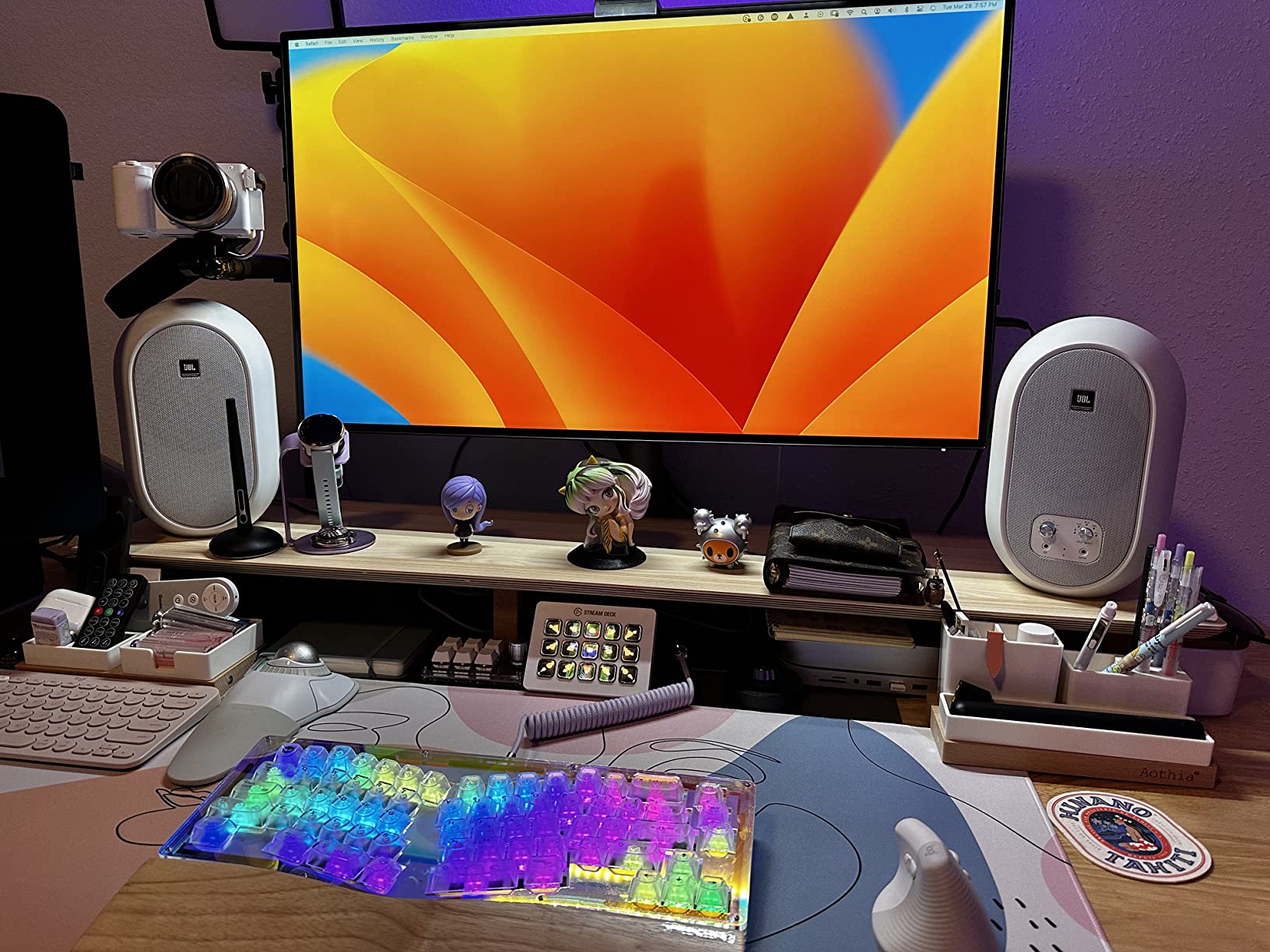
The 104-BT takes a different technical approach from everything else here: a coaxial driver where the tweeter sits in the center of the woofer, so all frequencies emerge from a single point. The audible result is razor-sharp imaging. When I placed a sound effect in the stereo field on these, it stayed exactly where I put it, which makes them surprisingly good for spatial work in a compact pair.
JBL lists video editing among this speaker’s intended uses, and the design backs that up. The 60-watt Class D amplification delivers clean output at editing volumes, and the broad stereo separation helps judge panning and width decisions on music and effects. Build quality feels solid despite the light ABS cabinets.
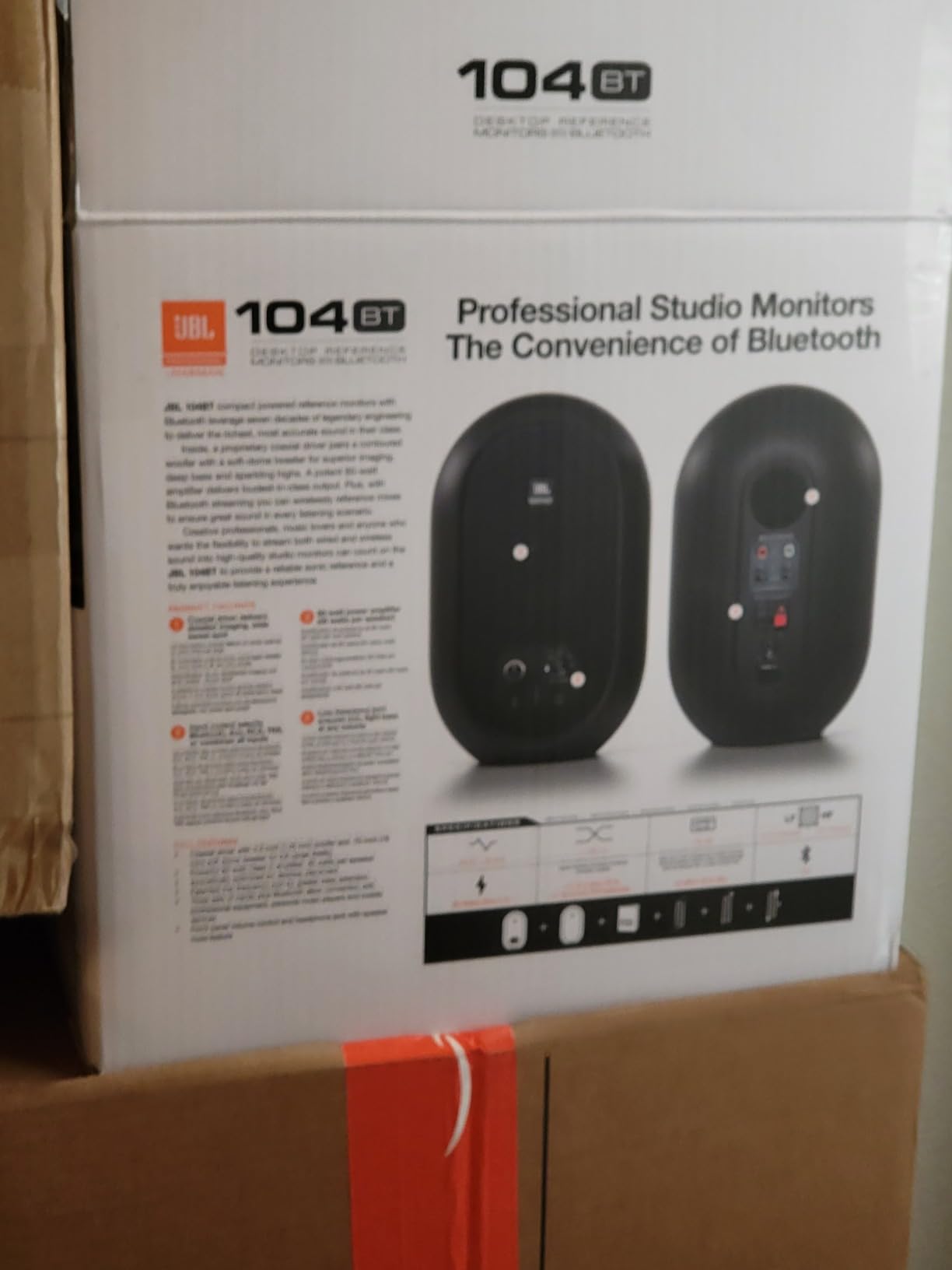
The practical feature set is well considered: a front-panel input selector for Bluetooth, aux, RCA, or TRS, a front volume control, and a headphone jack that mutes the speakers automatically. That mute behavior is a thoughtful touch for editors who toggle between speakers and headphones constantly during a session.
The annoyances are real but minor. Switching inputs triggers a startup chime that startled me the first few times. A few owners reported broken plastic clips on the speaker wire connector during setup, so handle that connection gently. And as with the MR3, Bluetooth latency rules it out for timeline work; use the wired connection whenever the video is playing.
Why Coaxial Design Matters at Close Range
At near-field distances, a conventional separated tweeter and woofer deliver their frequencies from slightly different points, smearing imaging just enough to notice on critical placement. Coaxial alignment eliminates that offset, which is why the 104-BT images like a much larger monitor. Editors doing precise sound placement benefit most.
Desk Footprint and Mounting Options
The cabinets are compact at under 10 inches tall with a shallow 4.9-inch depth, fitting desks where deeper monitors overhang awkwardly. The master-slave design means one cabinet holds all electronics, simplifying cabling to the computer. Their light weight also makes desktop stands and arm mounts a practical option.
8. JBL 305P MkII – Best Overall for Editing Accuracy
JBL Professional 305PMkII 5-Inch 2-Way Powered, Active Monitor Speaker for Near Field Music Production, Studio Monitor, Desktop Computer, Hi-Fi Audio. Sold Individually, Black
5-inch next-generation JBL transducers
Boundary EQ for desktop placement
Down to 49 Hz response
Balanced XLR and TRS inputs
Pros
- Neutral frequency response you can trust
- Boundary EQ fixes desk bass boost
- Wide sweet spot for off-axis listening
- Impressive low end for the size
Cons
- Sold individually so order two
- Slight hiss at idle in quiet rooms
- Benefits from stands or treatment
If I could recommend only one monitor for a home editing suite, it would be the 305P MkII. Working editors describe it as a reliable workhorse on every forum thread I researched, and my time with it matched those reports. The five-inch woofer reaches down to 49 Hz, low enough to hear the rumble, hum, and low-frequency problems that consumer speakers and small monitors simply cannot show you.
The MkII updates brought optimized damping in the transducers for better transient response, which in editing terms means clicks, cuts, and plosives are rendered with exact edges. Combined with a genuinely neutral frequency response, this is a speaker you can make level decisions on without second-guessing. It is the accuracy benchmark everything else on this list is measured against.
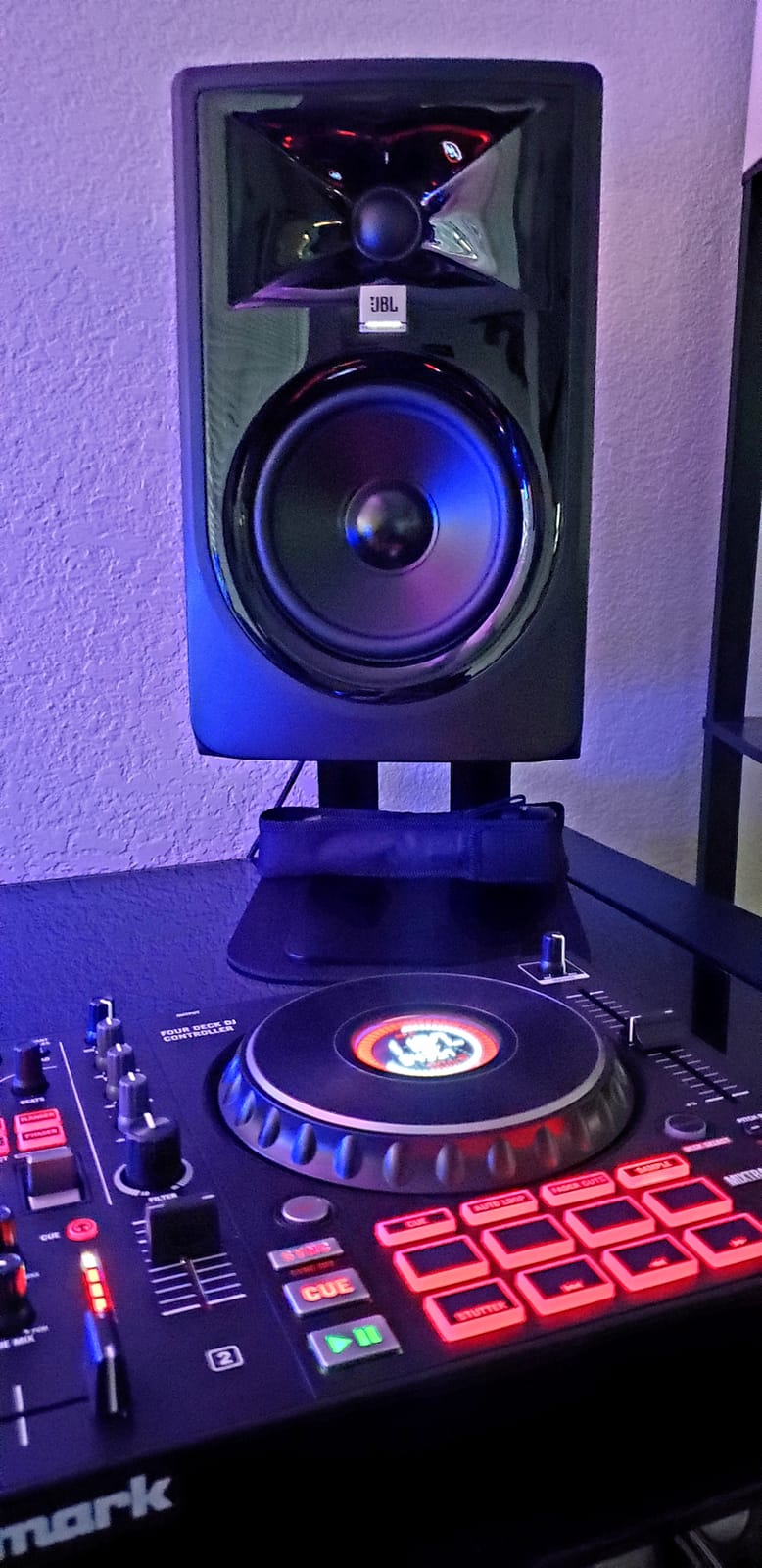
The Boundary EQ is the killer feature for desktop editing. Placing monitors on a desk unavoidably boosts the low end from surface reflection, and one switch restores neutral bass response. This directly addresses the most common accuracy problem in home suites, without buying acoustic treatment or measurement microphones.
The sweet spot is notably wide, meaning the sound stays consistent even when you lean sideways toward a timeline monitor. On the technical side, balanced XLR and TRS inputs connect to any professional interface. Note that each speaker is sold individually, so order two for stereo, and budget for stands since these deserve better than plunking straight onto a desk.
Stands, Pads, and Placement for Best Results
Getting the tweeters at ear level and decoupling the cabinets from the desk transforms these monitors. A pair of stands behind the desk or foam isolation pads under the cabinets removes desk buzz and tightens the low end. Aim the tweeters toward your listening position and form an equilateral triangle with your head for the flattest response.
Do You Need a Subwoofer with the 305P MkII
For dialogue-led video and podcast editing, the answer for most editors is no, since 49 Hz covers speech energy completely. Sound designers working with effects, cinematic low end, or music mixing will hear the limit and may want a sub later. Start without one, because adding a sub in an untreated small room often causes more confusion than clarity.
How to Choose Studio Monitor Speakers for Your Editing Suite?
Choosing well comes down to matching the monitor to your room, your desk, and the kind of work you do. Here are the factors that actually change what you hear, roughly in order of impact.
Size and room matching. The most common mistake is buying monitors too big for the space. In a small untreated room, a 3.5 to 4-inch woofer keeps bass interpretable, while a 5-inch model like the 305P MkII suits small-to-medium rooms and reaches deeper. Bigger is only better when your room can support it.
Active versus passive. Every monitor in this roundup is active, meaning amplification is built into the cabinet. That is the right call for a home suite because the amp is matched to the drivers and you skip buying a separate power amplifier. Passive speakers only make sense in larger installed systems.
Room correction versus acoustic treatment. Treatment panels fix the room; correction features fix what reaches your ears at the listening position. Features like the JBL Boundary EQ and Yamaha room control address the desk and wall proximity problems that dominate home suites. Full measurement-based correction from solutions like Sonarworks SoundID Reference goes further, and many editors on r/AudioPost now treat some form of correction as essential in untreated rooms.
Front versus rear port placement. A bass reflex port on the rear needs wall clearance, usually several inches minimum, or the low end becomes boomy. Front-ported and port-free designs tolerate placement closer to walls, which matters on shallow desks. Rear-ported models like the HS4 compensate with their room control switches.
Inputs and connectivity. Balanced XLR and TRS inputs reject the electrical noise computers and displays generate, so prefer them over RCA when your interface offers the choice. A front headphone output that mutes the speakers is a daily convenience for editors. Bluetooth is for reference listening only, never for timeline playback.
The 38 rule. Position your monitors and listening position as the three points of an equilateral triangle, with each side the same length, tweeters at ear height, angled toward your ears. At a typical desk that means monitors roughly arm’s length apart and from your head. This placement is the single biggest free improvement you can make to monitoring accuracy.
Frequently Asked Questions
What are the best studio monitor speakers for video editing?
The JBL 305P MkII is the best overall choice for video editing thanks to its neutral response, Boundary EQ for desk placement, and low end that reaches 49 Hz. The Yamaha HS4 pair is the best balanced alternative for most home suites, and the PreSonus Eris E3.5 is the top budget option for small desks.
What is the 38 rule for studio monitors?
The 38 rule means placing your two monitors and your listening position at the three points of an equilateral triangle, so the distance between the speakers equals the distance from each speaker to your ears. Tweeters should sit at ear height and angle toward your head, which gives the flattest, most accurate sound at the desk.
Do I need acoustic treatment for a home editing suite?
Treatment helps but is not required to start. Features like Boundary EQ and room control switches compensate for the desk and wall effects that dominate small rooms, and correction software can go further. Combining sensible placement, basic correction, and a few broadband panels behind and beside the listening position covers most home editing needs.
What size studio monitors work best in a small editing room?
A 3.5 to 4-inch woofer is ideal for rooms under about 100 square feet because bigger drivers overload small untreated spaces with uneven bass. Move up to a 5-inch monitor like the JBL 305P MkII for small-to-medium rooms where the extra low-end reach becomes an advantage rather than a problem.
Can I use regular speakers for video editing?
You can, but you should not if accuracy matters. Consumer speakers color the sound to make it pleasing, hiding hum, muffled dialogue, and unbalanced music beds that your audience will hear on their devices. Studio monitors give a flat, honest response so the problems in your audio become audible and fixable before export.
Final Verdict
After comparing all eight models, our top recommendation for studio monitor speakers for home editing suites is the JBL 305P MkII, whose neutral response, Boundary EQ, and deep low end make it the accuracy standard for the price. The Yamaha HS4 pair is the smart pick for most home suites, balancing the trusted Yamaha sound with room control and every input you could need. On a tight budget or a tiny desk, the PreSonus Eris E3.5 delivers honest monitoring with thousands of happy owners behind it.
Whichever you choose, placement matters as much as the speakers themselves, so follow the equilateral triangle rule, get the tweeters to ear height, and engage whatever boundary compensation your monitors offer. Your audience will only ever hear the export, and the right monitors make sure nothing embarrassing survives to it.