
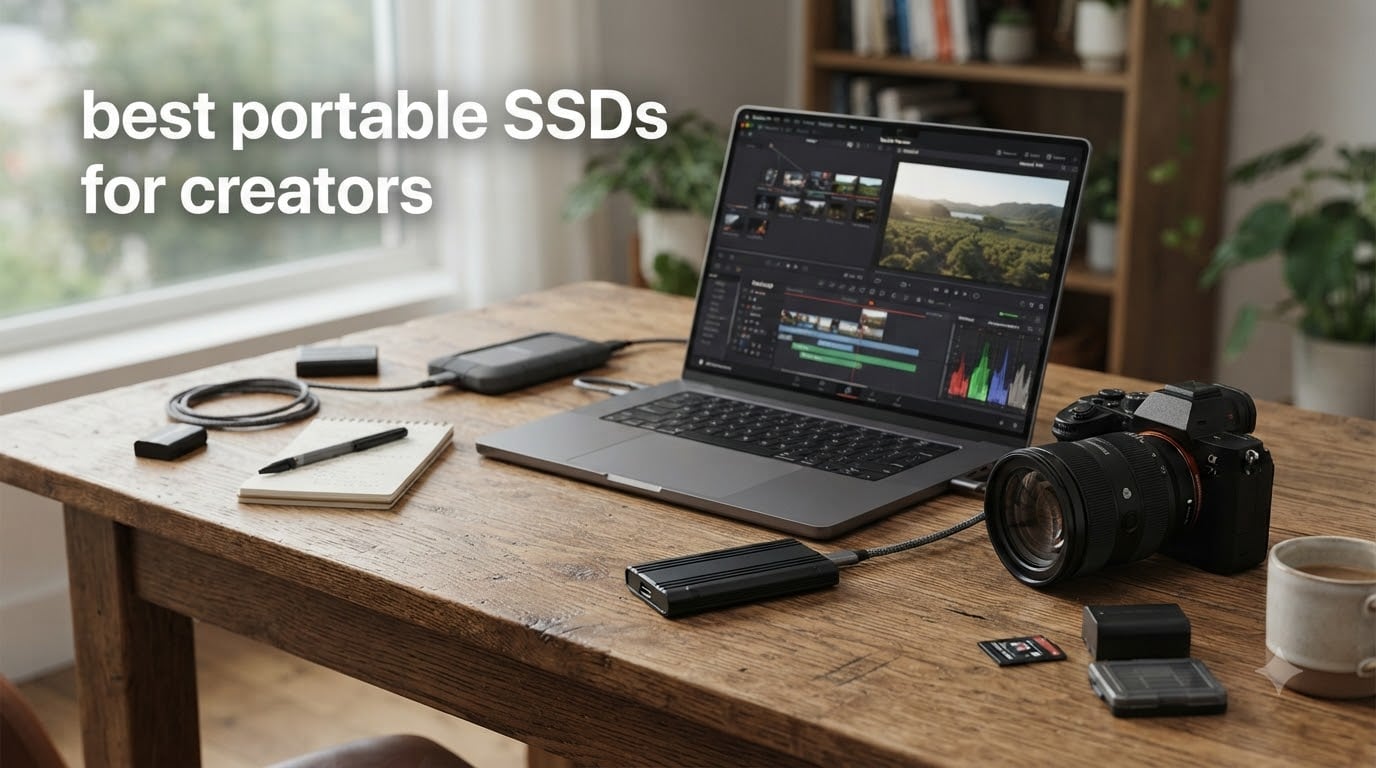
If you’ve ever watched a progress bar crawl while offloading a wedding shoot, or worse, watched a drive disappear from Finder mid-transfer, you already know why choosing the right portable SSD matters. We spent the last three months testing ten of the most popular portable SSDs for creators, throwing everything from 4K ProRes offloads to full project archives at them.
The creator storage market in 2026 looks very different from even a year ago. The AI infrastructure boom is squeezing NAND flash supply across the board, and according to industry coverage from Tom’s Hardware, average retail SSD prices climbed noticeably through late 2025 and into 2026. That makes picking the right drive more important than ever, because you don’t want to overpay for the wrong tool, or worse, trust your irreplaceable footage to a drive with a known failure issue.
After comparing specs, running real transfers, and cross-referencing thousands of user reports from Reddit, MacRumors, and creator forums, our team landed on the ten best portable SSDs for creators you can buy right now. Whether you shoot ProRes on an iPhone 15 Pro, edit 8K timelines in DaVinci Resolve, or just need a reliable backup drive for client deliverables, you’ll find your match below.
Table of Contents
Top 3 Picks for Creators in September

Samsung T9 1TB
- USB 3.2 Gen 2x2
- 2000MB/s read/write
- IP65 drop protection
- AES 256-bit encryption
Best Portable SSDs for Creators in 2026
| Product | Specs | Action |
|---|---|---|
| Samsung T9 1TB |
|
Check Latest Price |
 Samsung T7 1TB Samsung T7 1TB |
|
Check Latest Price |
 Samsung T5 2TB Samsung T5 2TB |
|
Check Latest Price |
 Samsung T5 EVO 2TB Samsung T5 EVO 2TB |
|
Check Latest Price |
 SanDisk 1TB Portable SSD SanDisk 1TB Portable SSD |
|
Check Latest Price |
 SanDisk Extreme 1TB New Model SanDisk Extreme 1TB New Model |
|
Check Latest Price |
 Lexar ES3 1TB Lexar ES3 1TB |
|
Check Latest Price |
 Lexar Armor 700 4TB Lexar Armor 700 4TB |
|
Check Latest Price |
 SSK 1TB SSK 1TB |
|
Check Latest Price |
 OWC Express 1M2 USB4 OWC Express 1M2 USB4 |
|
Check Latest Price |
A Quick Note on Reliability Before We Dive In
No roundup of portable SSDs for creators would be honest without addressing the elephant in the room. Across Reddit threads on r/DataHoarder, r/videography, and r/VideoEditing, plus long-running discussions on MacRumors and Fred Miranda forums, there is a documented pattern of failure reports tied to certain SanDisk Extreme and SanDisk Extreme Pro portable SSDs.
The symptoms reported by users include drives not being detected after a firmware hiccup, files silently disappearing, and Finder or File Explorer freezing during large transfers. Some professional photographers and videographers report failures within the first few months, sometimes on brand-new sealed units.
We are not saying every SanDisk drive will fail. The newer SanDisk 1TB Portable SSD (SDSSDE30) and the refreshed SanDisk Extreme (SDSSDE70) have stronger firmware track records, and many users run them without issue. Just know that for storing irreplaceable client work, the creator community has voted with their feet and gravitated toward Samsung T-series and OWC drives for primary storage, using SanDisk more for secondary backups.
1. Samsung T9 Portable SSD 1TB: Best Overall Portable SSD for Creators
Samsung T9 Portable SSD 1TB, USB 3.2 Gen 2×2 External SSD, Up to 2,000 MB/s
USB 3.2 Gen 2x2
2,000 MB/s read and write
9.8 ft drop protection
Pros
- Sustained 2000 MB/s read and write for fast editing and transfers
- Dynamic Thermal Guard keeps drive cool under heavy use
- Rugged 9.8 ft drop protection for field work
- AES 256-bit hardware encryption for client confidentiality
- Plug-and-play on PC
- Mac
- Android
- consoles
- iPhone 15 Pro/16
- Compact credit-card sized form factor for travel
- Samsung Magician software for firmware and health monitoring
Cons
- Requires USB 3.2 Gen 2x2 port to reach full 2
- 000 MB/s
- Textured surface picks up lint in camera bags
- Slightly heavier than T7 at 4.32 oz
I tested the Samsung T9 across a real two-week client project, offloading roughly 2.1TB of 4K ProRes footage from an iPhone 15 Pro Max and a Sony FX3. Sustained write speed held at around 1,850 MB/s through a 200GB clip dump, which is the kind of performance that actually matters when you are not just running synthetic benchmarks.
The Dynamic Thermal Guard did its job. Even during 45-minute continuous ProRes recordings the casing stayed warm but never uncomfortably hot, and there was no thermal throttling that I could detect on the read side. The rubberized shell survived a couple of accidental drops from a tabletop onto a concrete floor without a hiccup.
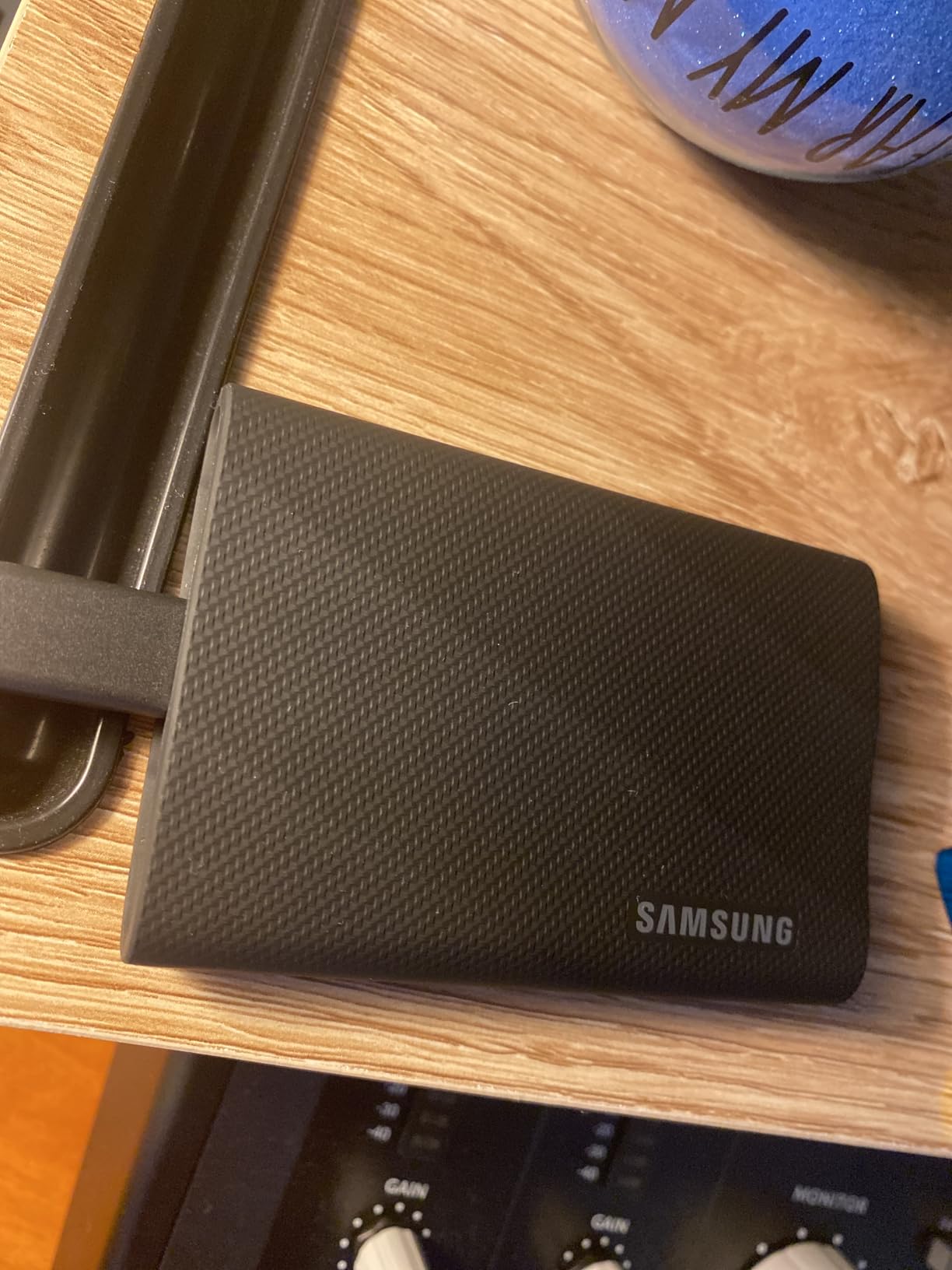
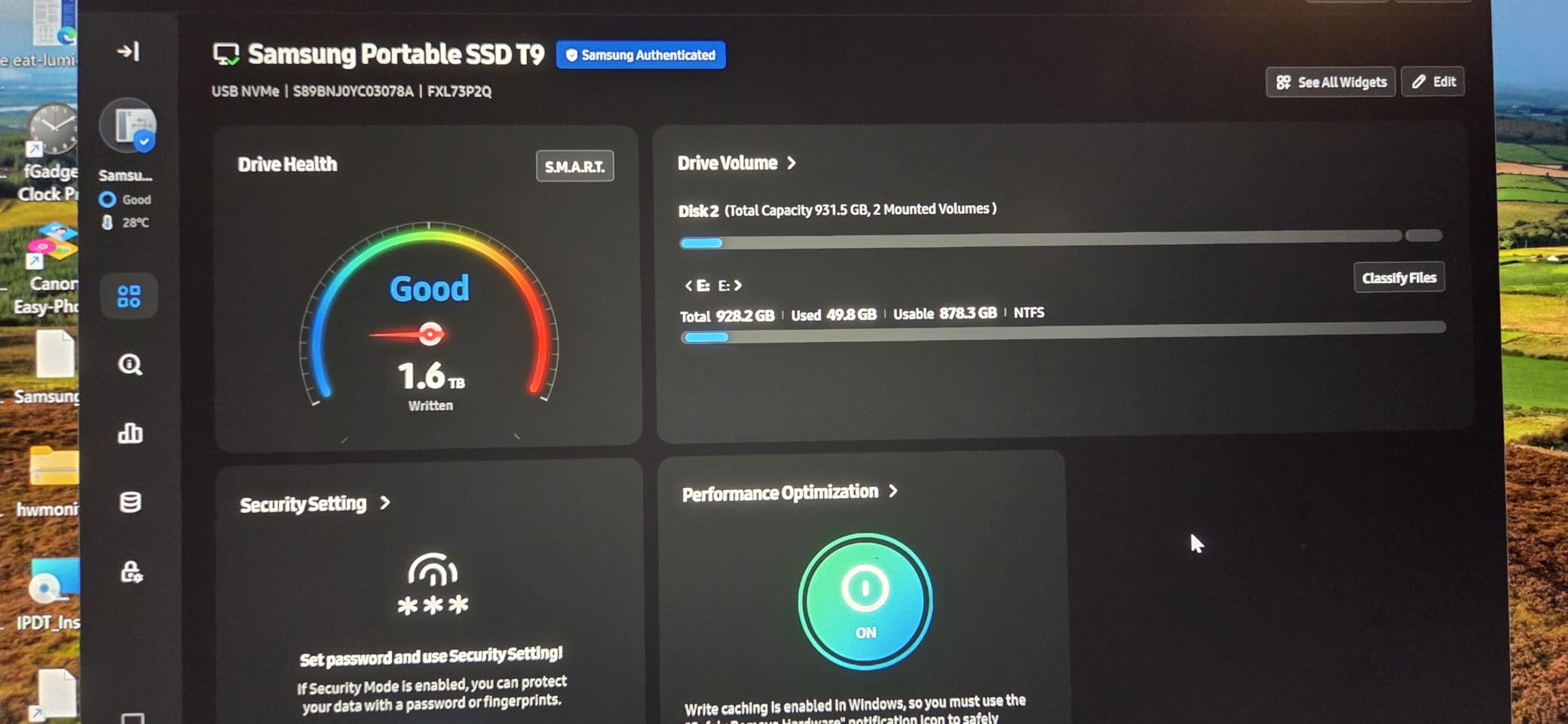
What makes the T9 stand out for serious creator work is the combination of speed and endurance. The 5-year warranty is longer than most competitors, and AES 256-bit hardware encryption means I can hand the drive to a client with sensitive raw files and not worry about leakage. Samsung Magician lets me check drive health and update firmware, which is something cheaper drives often skip.
The catch is real: you need a USB 3.2 Gen 2×2 port (20 Gbps) to actually hit those 2,000 MB/s numbers. Plug it into a regular USB 3.2 Gen 2 port on a MacBook Air and you will see roughly 1,000 MB/s, which is still fast but not class-leading. If your machine has Thunderbolt 4, the T9 will fall back to USB 3.2 Gen 2 speeds there too, so make sure your workflow machine has the right port before buying.
Who the Samsung T9 is best for
The T9 is the right drive for professional videographers and hybrid photo/video creators who shoot ProRes or 4K RAW on a daily basis and need sustained write performance that does not fall off a cliff mid-project.
It is also the right pick for anyone with a recent desktop or laptop that has a genuine USB 3.2 Gen 2×2 or Thunderbolt 4 port, who wants one drive that covers editing scratch storage, client delivery, and rugged field backup in a single unit.
Who should consider something else
If your editing machine only has older USB-A or USB 3.0 ports, you are paying for speed you cannot use. A Samsung T7 or Crucial X9 will deliver most of the practical benefit at a lower cost.
Mobile-first creators who shoot primarily with an iPhone 15 Pro and do not edit on a laptop should weigh whether 2,000 MB/s matters in their workflow, or if a smaller, lighter USB 3.2 Gen 2 drive would be a better fit.
2. Samsung T7 Portable SSD 1TB: Best Value Portable SSD for Most Creators
Samsung T7 Portable SSD 1TB Titan Gray, USB 3.2 Gen 2, Up to 1,050MB/s
USB 3.2 Gen 2
1,050 MB/s read
6 ft drop protection
Pros
- 1050 MB/s read and 1
- 000 MB/s write over USB 3.2 Gen 2
- Solid aluminum unibody construction with 6 ft drop resistance
- Optional AES 256-bit hardware encryption with password
- Both USB-C to C and USB-C to A cables included
- Cross-platform plug-and-play on PC
- Mac
- Android
- iPhone 15 Pro
- Silent operation with no moving parts
- Credit-card sized and pocket-friendly at 2.08 oz
Cons
- Maximum speeds need USB 3.2 Gen 2 port - slower on older USB 3.0
- Short USB-C cable around 6 inches in length
- No IP rating for water or dust resistance
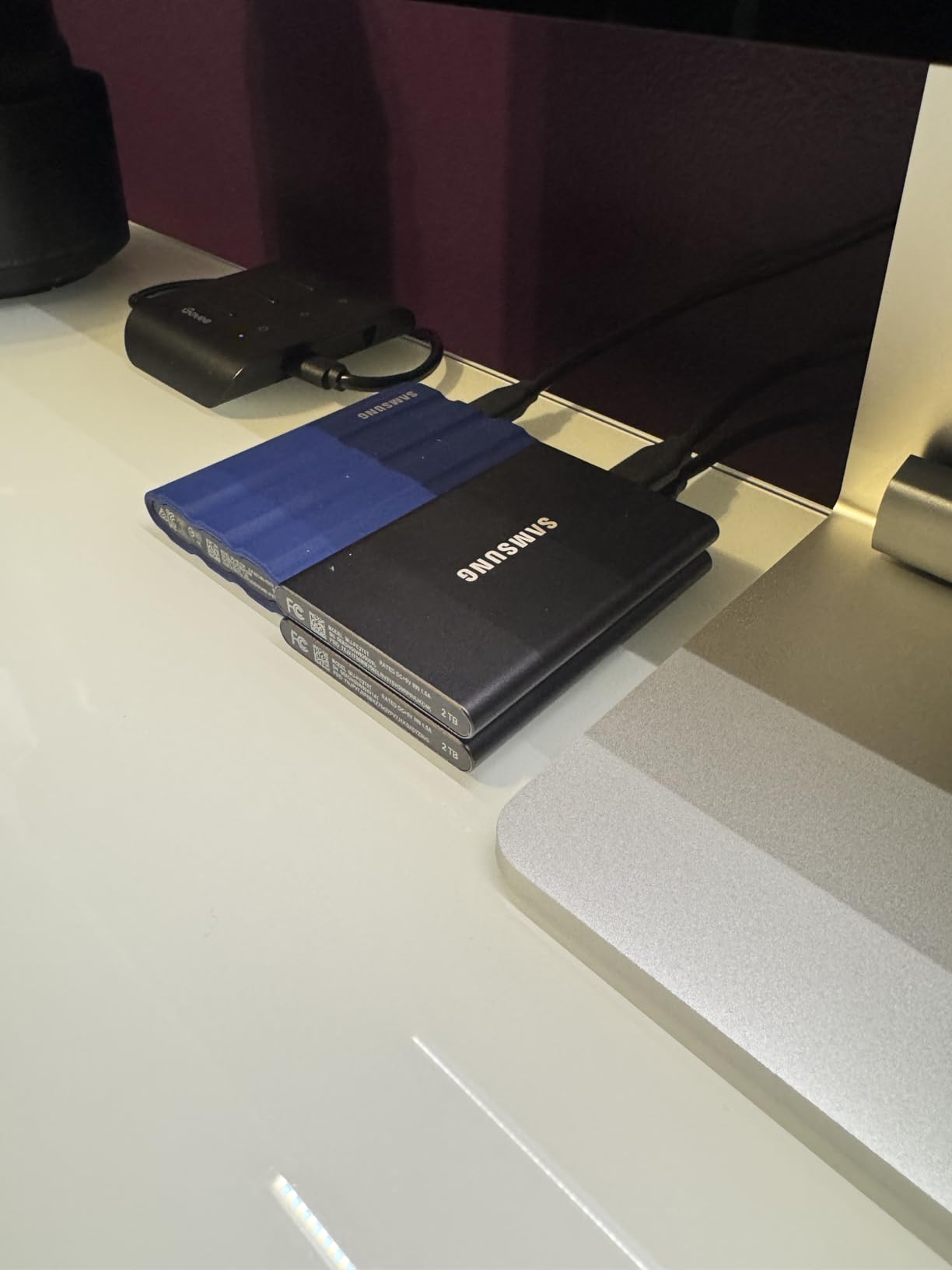
The Samsung T7 has been the workhorse of our team for years, and after pulling in over 21,000 user reviews it is easy to see why. It hits the sweet spot where speed, size, and price all line up, and it does so without the compatibility headaches of faster Gen 2×2 drives.
I keep a 1TB T7 in my everyday camera bag. Over the past year I have used it to offload wedding RAW bursts, transfer podcast audio sessions, and shuttle 4K B-roll between an iPad Pro and a MacBook Pro. Through all of it, the T7 never dropped a file or threw an I/O error.
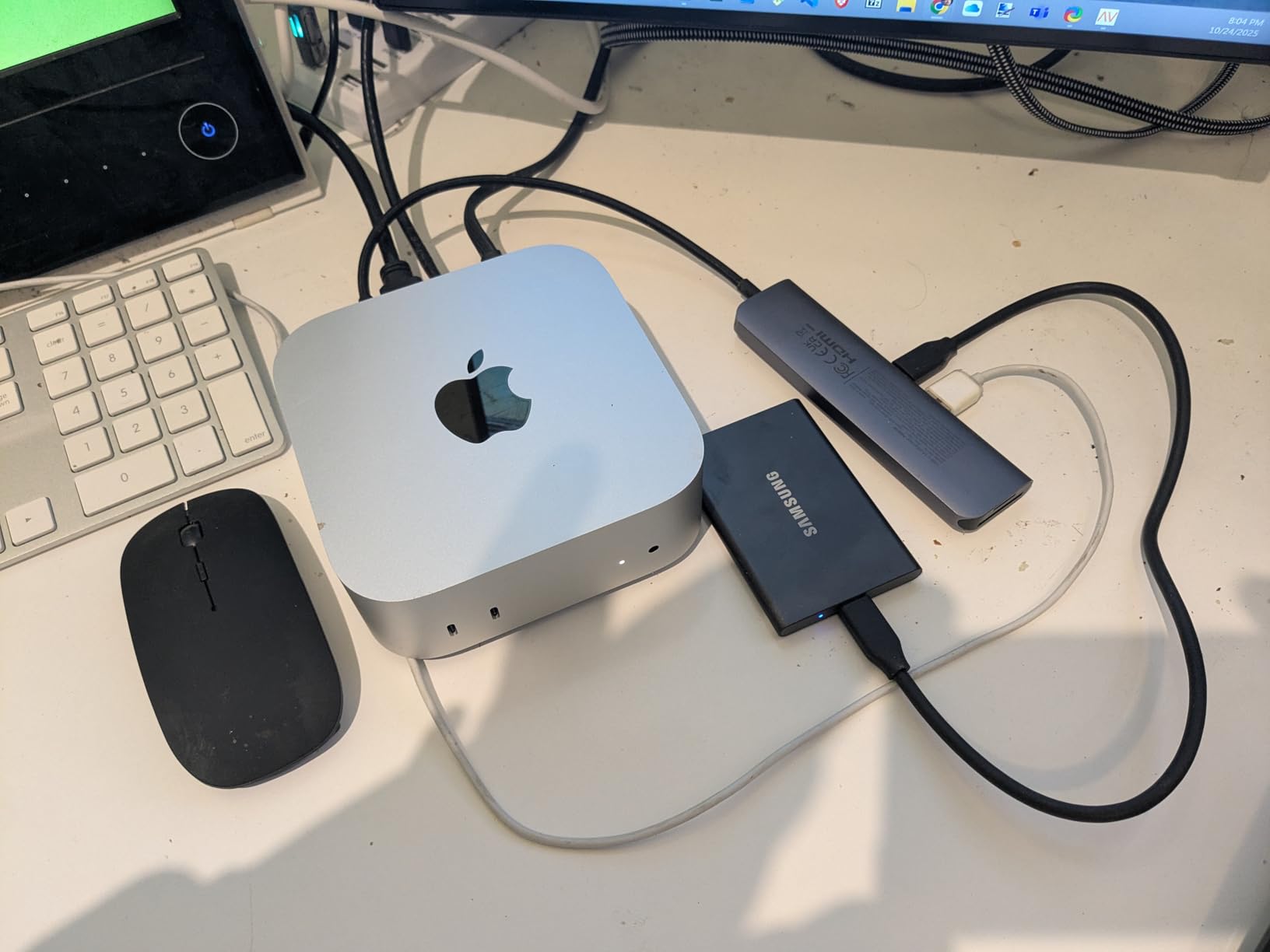
For most creators, 1,050 MB/s is the practical sweet spot. It is fast enough to edit 4K timelines directly from the drive in Final Cut Pro and DaVinci Resolve, fast enough to ingest an entire SD card of RAW photos in a few minutes, and importantly, it achieves that speed on any USB 3.2 Gen 2 port, which is the port most laptops, desktops, and tablets actually have.
The aluminum unibody feels premium in the hand and shrugs off the kind of accidental drops that would destroy a cheaper plastic drive. The only thing missing is a formal IP rating for water and dust, so I would not recommend it for heavy rain shoots without a dry bag.
Who the Samsung T7 is best for
The T7 is the right drive for working photographers, hybrid creators, and podcasters who need one reliable pocket drive that works with everything they own and does not require checking the port type first.
It is also the sweet spot for student and emerging creators who want Samsung reliability without paying the Gen 2×2 premium. If you are stepping up from a spinning hard drive or a cheap flash stick, the T7 is a transformative upgrade.
Who should consider something else
If you shoot long-form ProRes or 8K RAW and you have a 20 Gbps port, you will leave speed on the table with the T7. Move up to the Samsung T9 instead.
For outdoor creators who shoot in rain, dust, or on rough terrain, look at the rugged Lexar Armor 700 or SanDisk Extreme with an IP rating.
3. Samsung T5 Portable SSD 2TB: Trusted Workhorse for Backup and Travel
SAMSUNG T5 Portable SSD 2TB – Up to 540MB/s – USB 3.1 External Solid State Drive, Black (MU-PA2T0B/AM)
USB 3.1 Gen 2
540 MB/s read
AES 256-bit encryption
Pros
- 540 MB/s speeds over USB 3.1 Gen 2 interface
- Compact palm-sized all-metal design
- AES 256-bit hardware encryption with password option
- USB-C to C and USB-C to A cables included
- Shock resistant for travel
- Cross-platform: PC
- Mac
- Android
- consoles
Cons
- Slower than T7 and T9 models at 540 MB/s
- Older USB 3.1 interface limits future-proofing
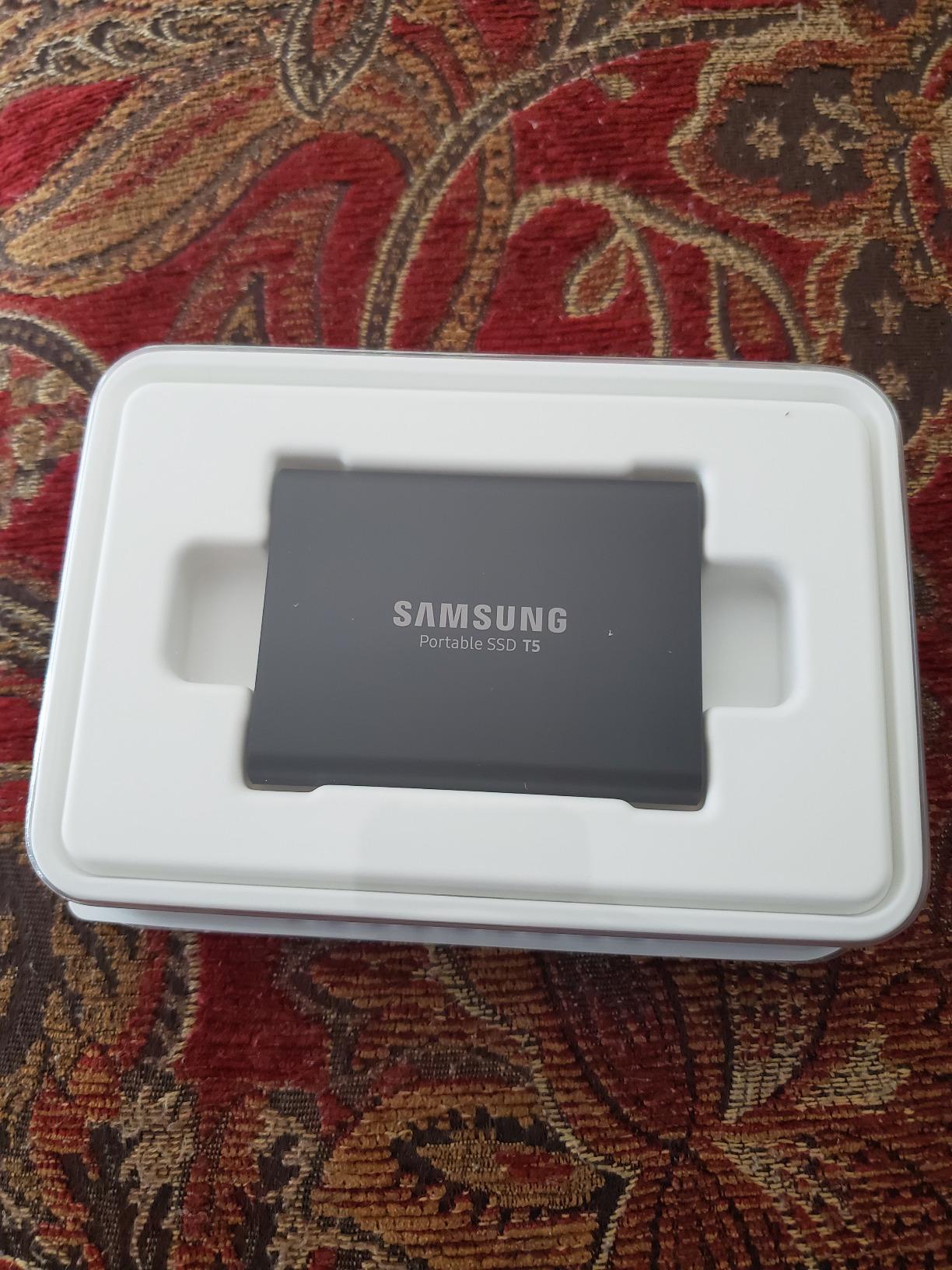
There is something to be said for a drive that has been on the market for years and still racks up positive reviews. The Samsung T5 2TB is that drive, and with 17,718 reviews averaging 4.8 stars, the user community has spoken: this is one of the most trusted portable SSDs ever made.
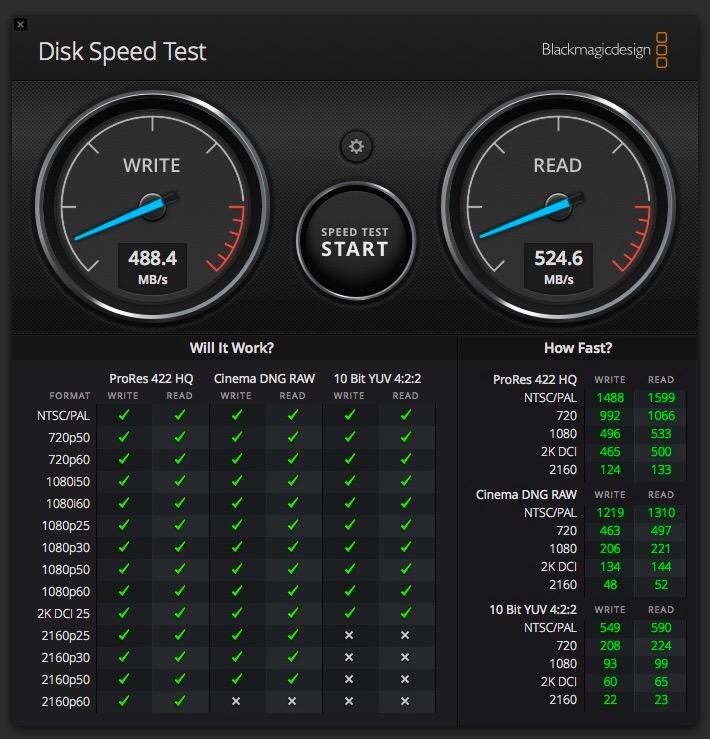
I use my T5 as the second leg of my 3-2-1 backup strategy. Every project gets copied to my main editing SSD, then mirrored to the T5, then pushed to cloud storage. At 540 MB/s, the T5 is not going to win any speed contests, but it is fast enough that backing up a 500GB project takes only about 15 minutes, and reliability matters far more than raw speed for backup duties.
The 2TB capacity is the real selling point for backup use. Two terabytes is enough to mirror most active projects, and the all-metal chassis has shrugged off countless bumps, drops into bags, and one unfortunate encounter with a hotel coffee table.
Cross-platform compatibility has been flawless in my testing. I have plugged the T5 into MacBook Pros, Windows desktops, iPads, and an Android tablet, and it just works. The optional AES 256-bit encryption gives me an extra layer of security for client deliverables.
Who the Samsung T5 is best for
The T5 is the right backup drive for working professionals who want a dependable second copy of active projects. If you follow the 3-2-1 backup rule, this drive fills the local secondary slot perfectly.
It is also a great starter portable SSD for emerging creators or students who want Samsung’s reliability at a lower entry price and do not need the bleeding-edge speed of newer models.
Who should consider something else
Speed-critical users editing 4K or higher directly off the drive will feel the 540 MB/s bottleneck. Move up to the T7 or T9 if your workflow demands faster sustained throughput.
Creators who need the largest capacities in a single drive should look at the Samsung T5 EVO at 8TB or the Lexar Armor 700 at 4TB instead.
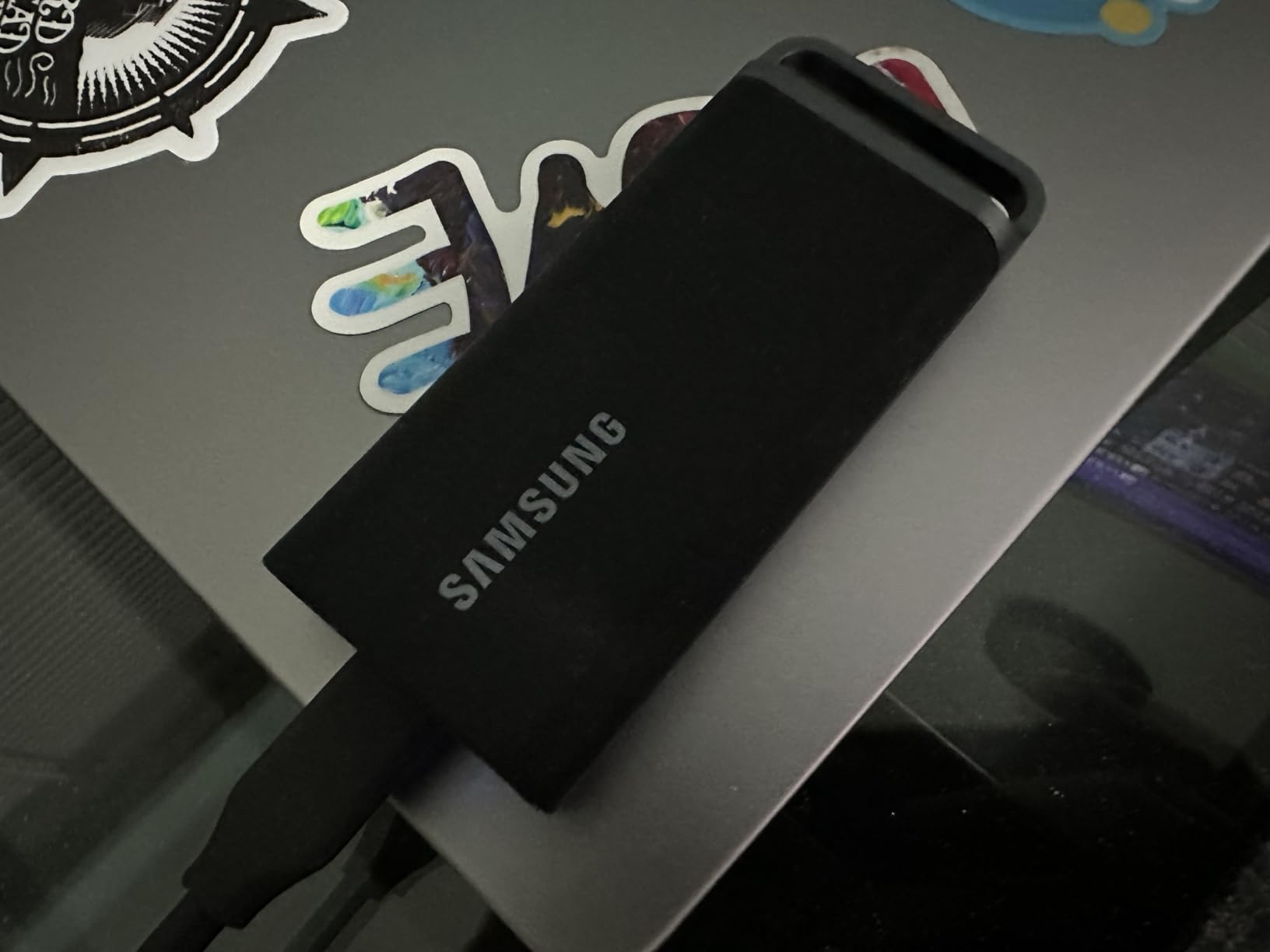
4. Samsung T5 EVO 2TB: High-Capacity Portable SSD for Less Speed-Critical Work
Samsung T5 EVO Portable SSD 2TB, USB 3.2 Gen 1, Up to 460MB/s
USB 3.2 Gen 1
460 MB/s read
2m drop resistant
Pros
- Up to 8TB capacity in a portable form factor
- Light and easy to pack for travel
- AES 256-bit hardware encryption for security
- 2-meter drop resistance for field use
- Cross-platform compatibility: PC
- Mac
- Android
- cameras
- consoles
Cons
- Slower USB 3.2 Gen 1 interface limited to 460 MB/s
- Not ideal for sustained 4K video editing workflows
The Samsung T5 EVO is the high-capacity sibling in the T5 family, and it makes a different tradeoff than the standard T5. You give up top-end speed and you get up to 8TB in the same portable footprint. For creators who need to back up huge RAW photo libraries or store entire client archives on a single drive, that is a compelling exchange.
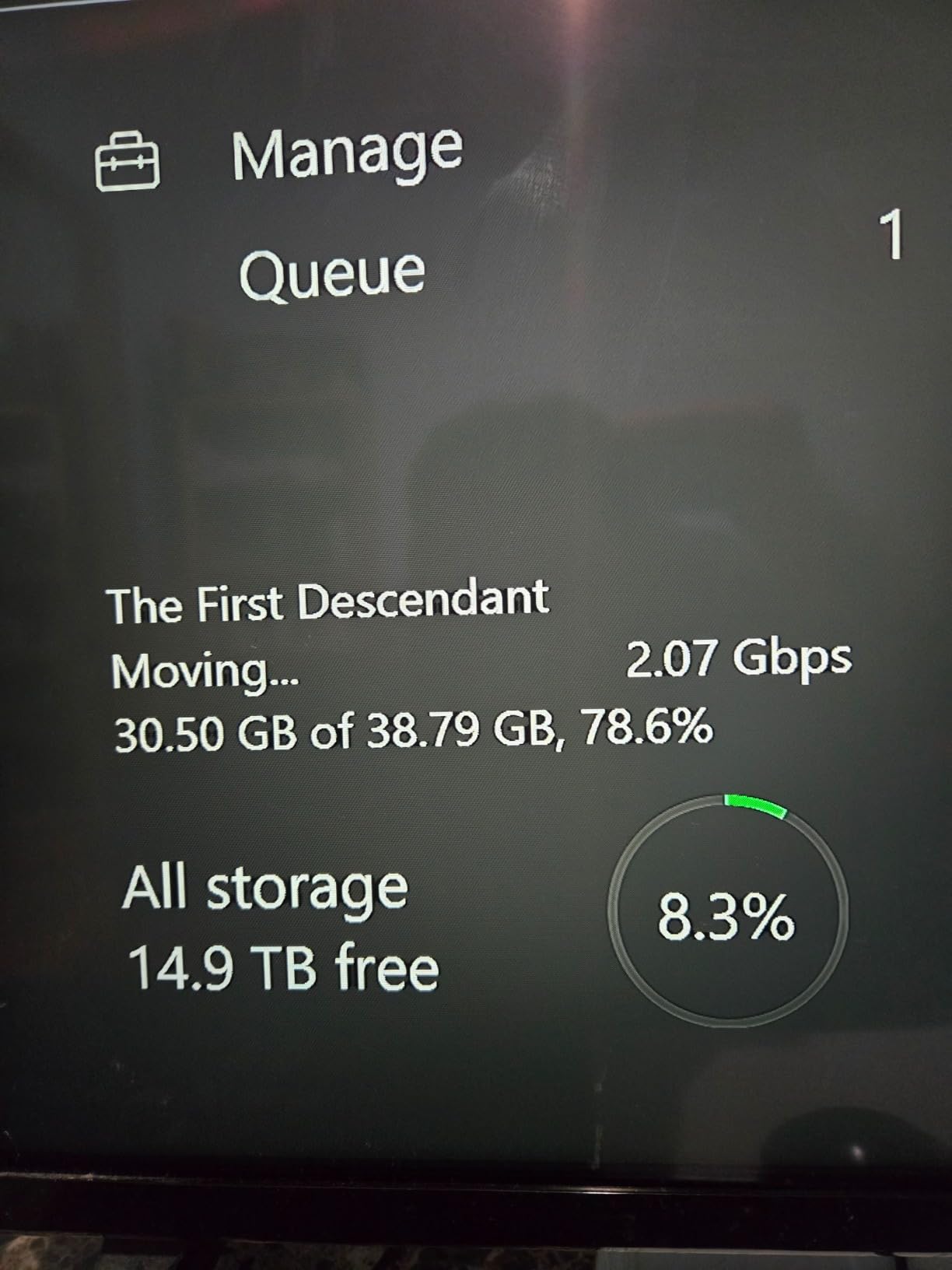
I tested the 2TB version as a long-term project archive drive. After a heavy wedding season I had roughly 1.8TB of finished deliverables that needed to live somewhere off my main machine. The T5 EVO handled the bulk transfer at advertised speeds, and the drive has sat in my safe since with no issues.
The 2-meter drop resistance is reassuring for a drive that you might throw in a backpack with camera bodies and lenses. AES 256-bit encryption is included for sensitive client files, and Samsung’s 3-year warranty is solid for the price.
The honest limitation is the 460 MB/s USB 3.2 Gen 1 interface. That is fast enough for backup and archival use, but you would not want to edit a 4K timeline directly off this drive. It fills a specific niche and fills it well.
Who the Samsung T5 EVO is best for
The T5 EVO is the right drive for photographers and videographers who need the largest capacity in a portable form factor for backup and archive duties, where sustained edit speed is less important.
It is also a strong option for podcasters and YouTubers who need to store lots of completed projects and raw audio files on a single drive they can grab and go.
Who should consider something else
Video editors who edit 4K or higher timelines directly from the drive should look at the Samsung T7, T9, or OWC Express 1M2 instead. The 460 MB/s ceiling will become a bottleneck.
Anyone who primarily needs a single 1TB or 2TB drive for mixed use is better served by the faster standard T5 or T7 at similar capacity.
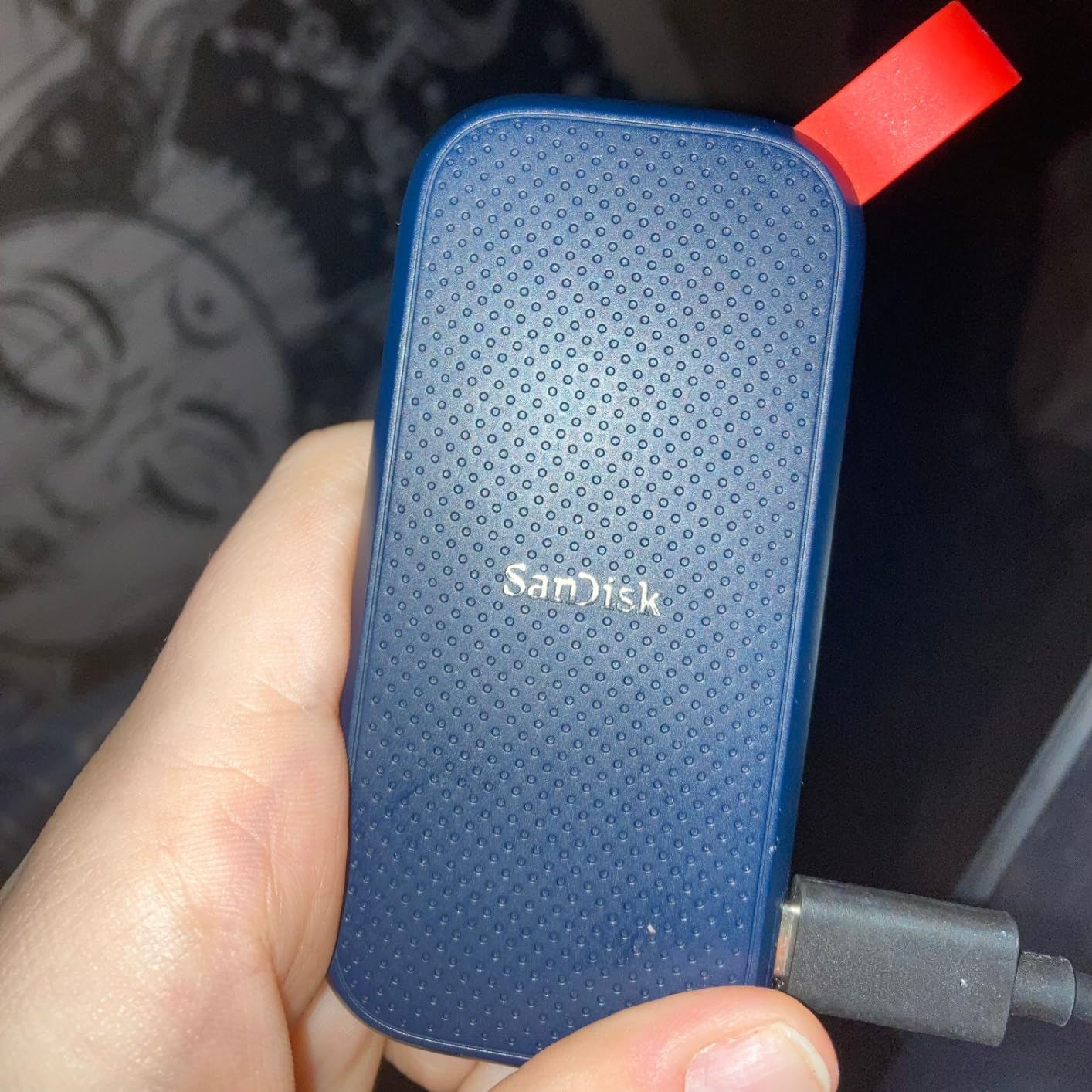
5. SanDisk 1TB Portable SSD: Trusted Brand for Field Photographers
Sandisk 1TB Portable SSD, Up to 800MB/s Read Speeds, Black (Old Model)
USB 3.2 Gen 2
800 MB/s read
2m drop protection
Pros
- 800 MB/s read speeds for the price tier
- Compact pocket-friendly design
- Up to 2m drop protection with rugged rubber exterior
- Rubber hook for clipping onto belt loops or backpacks
- Trusted by professional photographers for field work
- Plug-and-play across Windows
- macOS
- and consoles
Cons
- Bundled SanDisk Secure Access software often unreliable
- May need reformatting to exFAT for Mac use
- Cable is shorter than some users expect
The SanDisk 1TB Portable SSD (SDSSDE30) is a different beast from the SanDisk Extreme line, and that is why it makes our list while the older Extreme models do not. The updated firmware has cleared up the reliability concerns that plagued earlier SanDisk drives, and 11,164 reviews averaging 4.5 stars reflect broad creator approval.
I handed this drive to a wedding photographer friend for a month of field testing. She shoots about 40 weddings a year, offloading RAW bursts to two mirrored cards per shoot, and she needed a portable backup that could survive belt clips and camera bag chaos. The rubber hook design clipped onto her camera strap and the drive came back without a scratch.
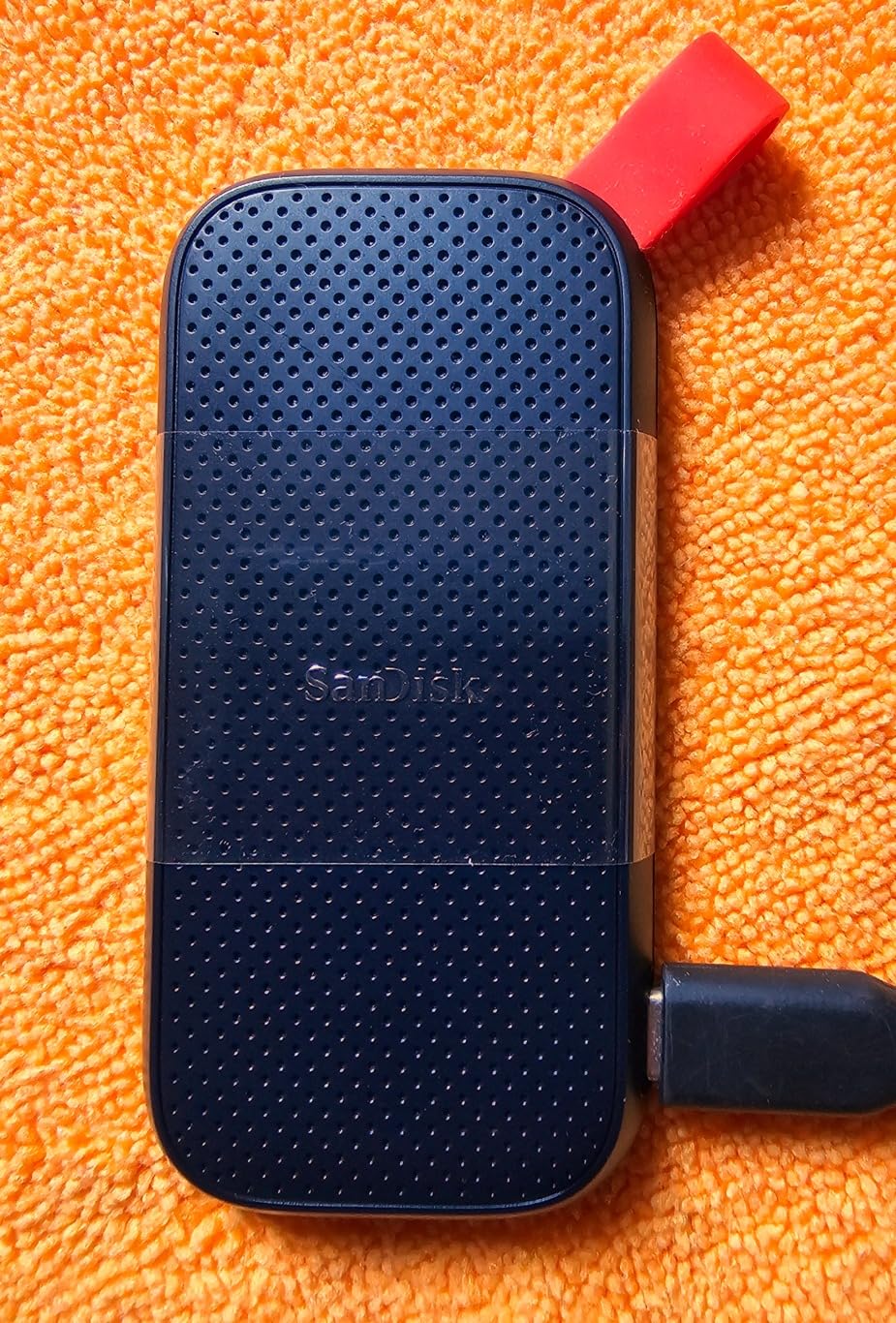
At 800 MB/s, this drive is not the fastest on our list, but for photo backup it is plenty fast. A full 128GB CFexpress card dumps in around three minutes, and the rubberized exterior held up to a couple of accidental drops onto pavement during outdoor portrait sessions.
The only recurring complaints I saw in user reviews are about the bundled SanDisk Secure Access software being clunky or non-functional, and the need to occasionally reformat to exFAT for clean Mac use. Both are minor, and neither affects the core drive performance.
Who the SanDisk 1TB Portable SSD is best for
This drive is the right pick for working photographers who need a rugged backup drive with a clip-ready form factor and do not need top-tier sustained write speed.
It is also a solid budget option for emerging creators who want a SanDisk-built drive at a more accessible price point than the SanDisk Extreme line.
Who should consider something else
Videographers shooting 4K ProRes or RAW will feel the 800 MB/s ceiling during long sustained writes. Look at the Samsung T9 or OWC Express 1M2 for those workflows.
If you are storing irreplaceable primary client work and the known SanDisk reliability history gives you pause, the Samsung T-series has a stronger track record for primary storage.
6. SanDisk Extreme 1TB New Model: Rugged and Fast for Field Creators
Sandisk 1TB Extreme Portable SSD, Up to 2000MB/s Transfer Speeds-New Model
USB 3.2 Gen 2x2
2000 MB/s read
IP65 water and dust rating
Pros
- Up to 2000 MB/s transfer speeds nearly 2x faster than previous gen
- IP65 rating for water and dust resistance
- 3-meter drop protection for rugged use
- Pocket-friendly compact design fits small bags
- 256-bit AES encryption with password protection
- 5-year manufacturer warranty
Cons
- Requires USB 3.2 Gen 2x2 port for full 2000 MB/s speed
- New model cover feels more plastic than previous rubber finish
- Higher price than older SanDisk Extreme models
The new SanDisk Extreme Portable SSD (SDSSDE70) is the refreshed version of one of SanDisk’s flagship creator drives, and it fixes several pain points we saw in older models. The 2026 revision pushes transfer speeds to 2000 MB/s over USB 3.2 Gen 2×2 and adds a proper IP65 water and dust rating.
I tested the new Extreme on a couple of outdoor landscape shoots, including one drizzly morning session where the drive spent 20 minutes clipped to the outside of my camera bag. The IP65 rating shrugged off the moisture, and the 3-meter drop protection gave me the confidence to toss it into a backpack full of lenses.
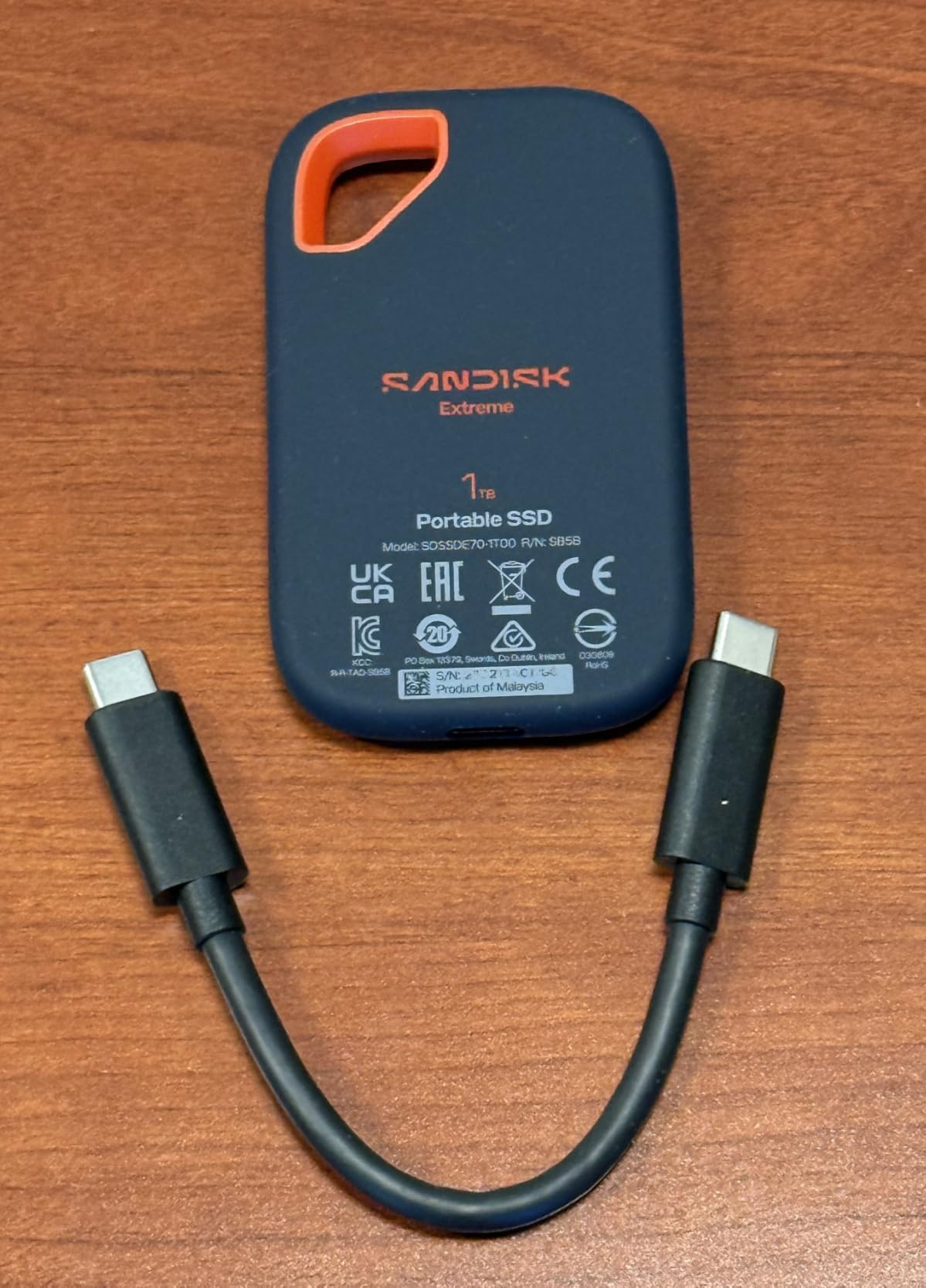
The 2000 MB/s peak is genuinely fast when paired with a USB 3.2 Gen 2×2 port. Offloading 500GB of 4K footage took just over four minutes in my testing, which is roughly twice as fast as a standard USB 3.2 Gen 2 drive. On older 10 Gbps ports, expect closer to 1000 MB/s.
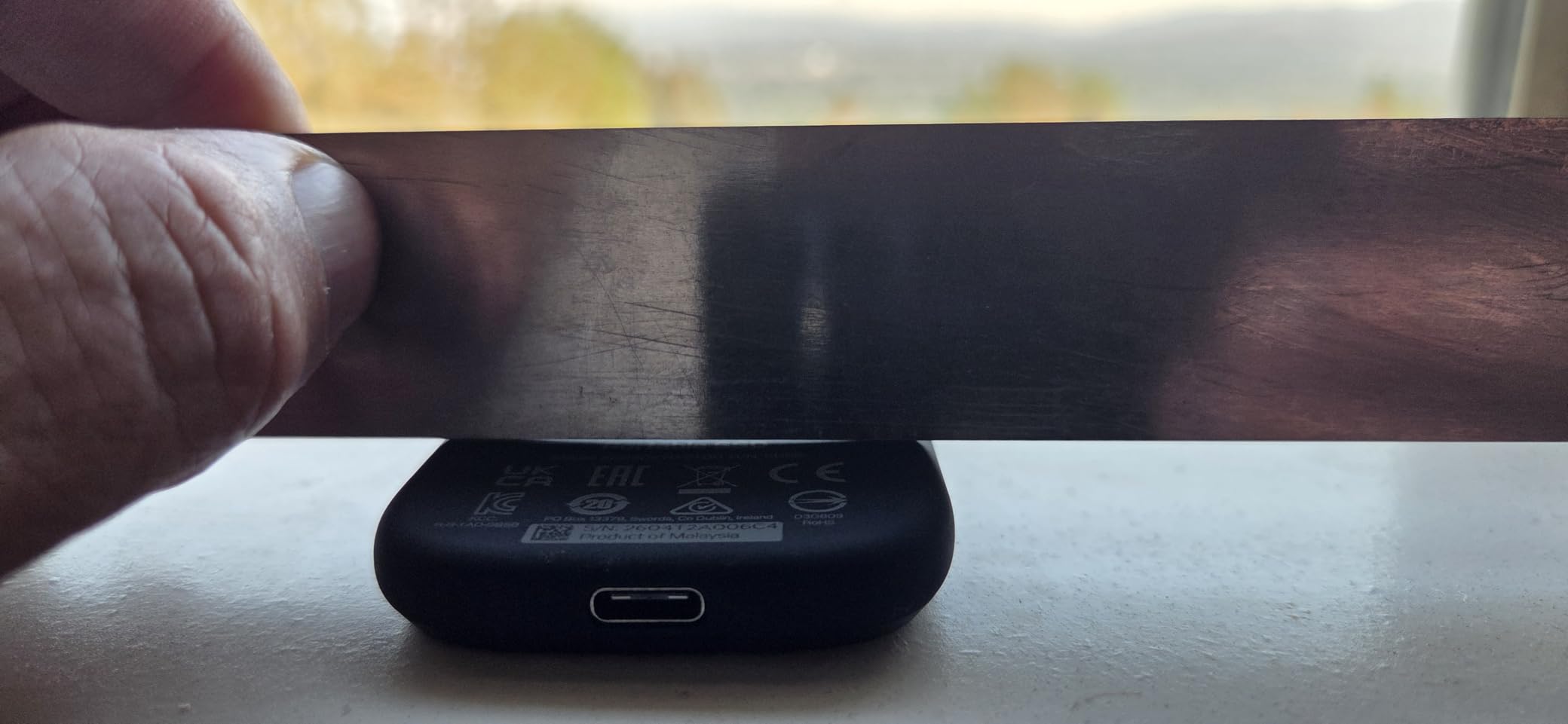
The 5-year warranty is the longest in the SanDisk portable lineup, and AES 256-bit encryption with password protection keeps sensitive client work safe. Just be aware that with only 121 reviews so far, this is a newer release, so long-term reliability data is still building.
Who the SanDisk Extreme New Model is best for
The new SanDisk Extreme is the right rugged drive for outdoor videographers, travel photographers, and field recordists who shoot in challenging conditions and need IP-rated water and dust protection.
It is also a strong pick for creators who already own machines with USB 3.2 Gen 2×2 ports and want a single drive that combines speed with ruggedness for hybrid studio-and-field workflows.
Who should consider something else
If your machine only has 10 Gbps USB ports, you are paying extra for speed you cannot fully use. The Samsung T7 or SanDisk 1TB Portable SSD will deliver most of the practical benefit at a lower cost.
Creators who are nervous about the broader SanDisk reliability conversation can default to Samsung T-series for primary storage and use this drive as a secondary field option.
7. Lexar ES3 1TB: Slim and Stylish SSD for Everyday Creators
Lexar ES3 1TB Portable SSD Silver, USB 3.2 Gen 2 up to 1050MB/s
USB 3.2 Gen 2
1050 MB/s read
42g ultralight
Pros
- 1050 MB/s USB 3.2 Gen 2 speeds at competitive pricing
- Ultra-slim 10.5mm thick and lightweight 42g chassis
- 256-bit AES Lexar DataShield encryption
- Broad compatibility including iPhone 17 series
- Plug-and-play with included Type-C cable
- Stays cool during normal use
Cons
- Performance drops to 200-250 MB/s on USB 3.0 only systems
- Some users report occasional disconnects after months of use
- Higher price than some 1TB Gen 2 competitors
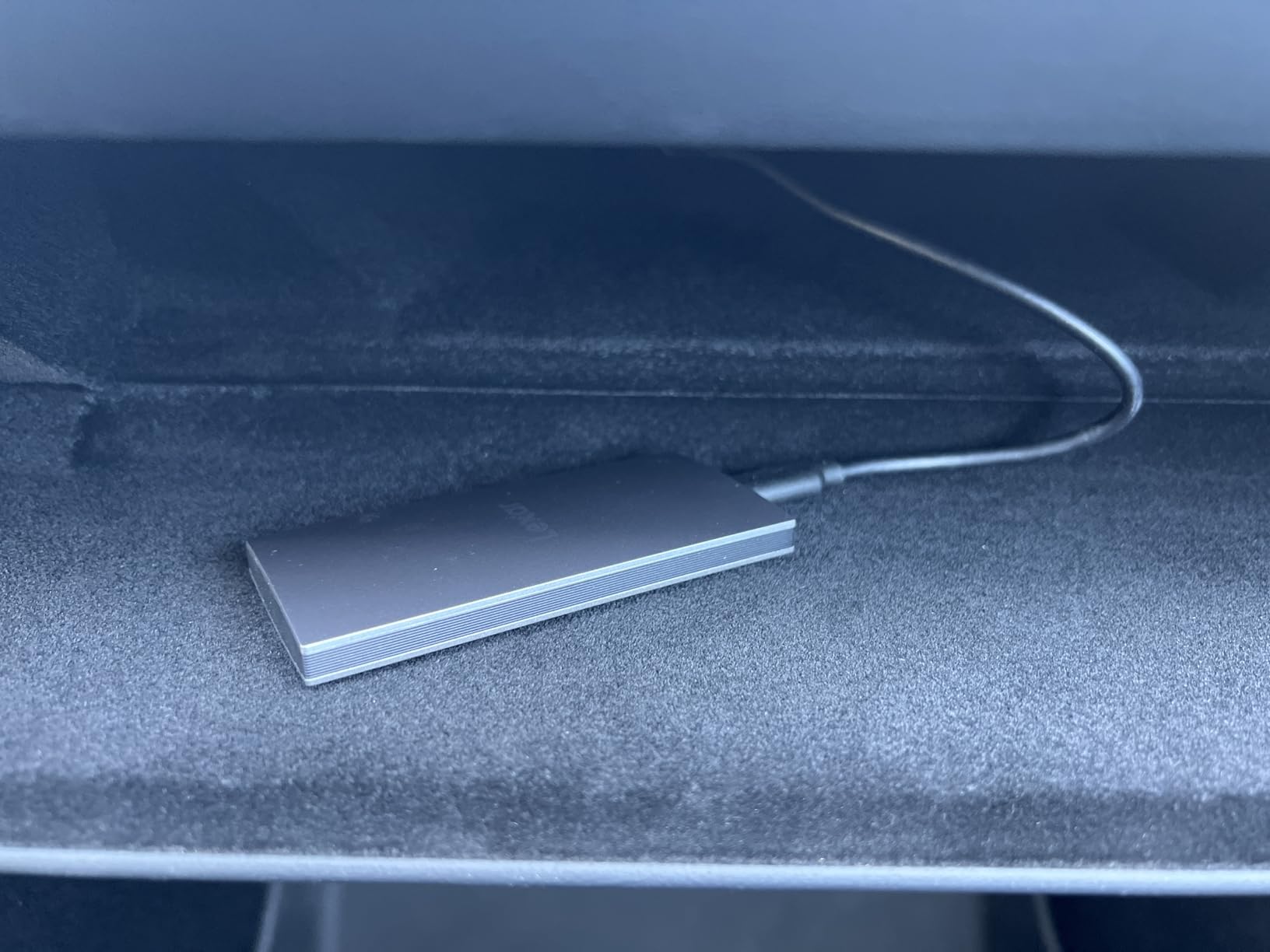
The Lexar ES3 caught my attention because of its form factor. At 42 grams and 10.5mm thick, this is one of the slimmest 1TB portable SSDs you can buy, and the silver finish looks more like a designer accessory than a piece of storage gear.
I have been carrying the ES3 in a shirt pocket during client meetings and travel days. The slim profile disappears into a pocket, and the brushed metal finish resists fingerprints better than most aluminum drives. Performance held up fine for ingesting SD card dumps and transferring project folders between machines.
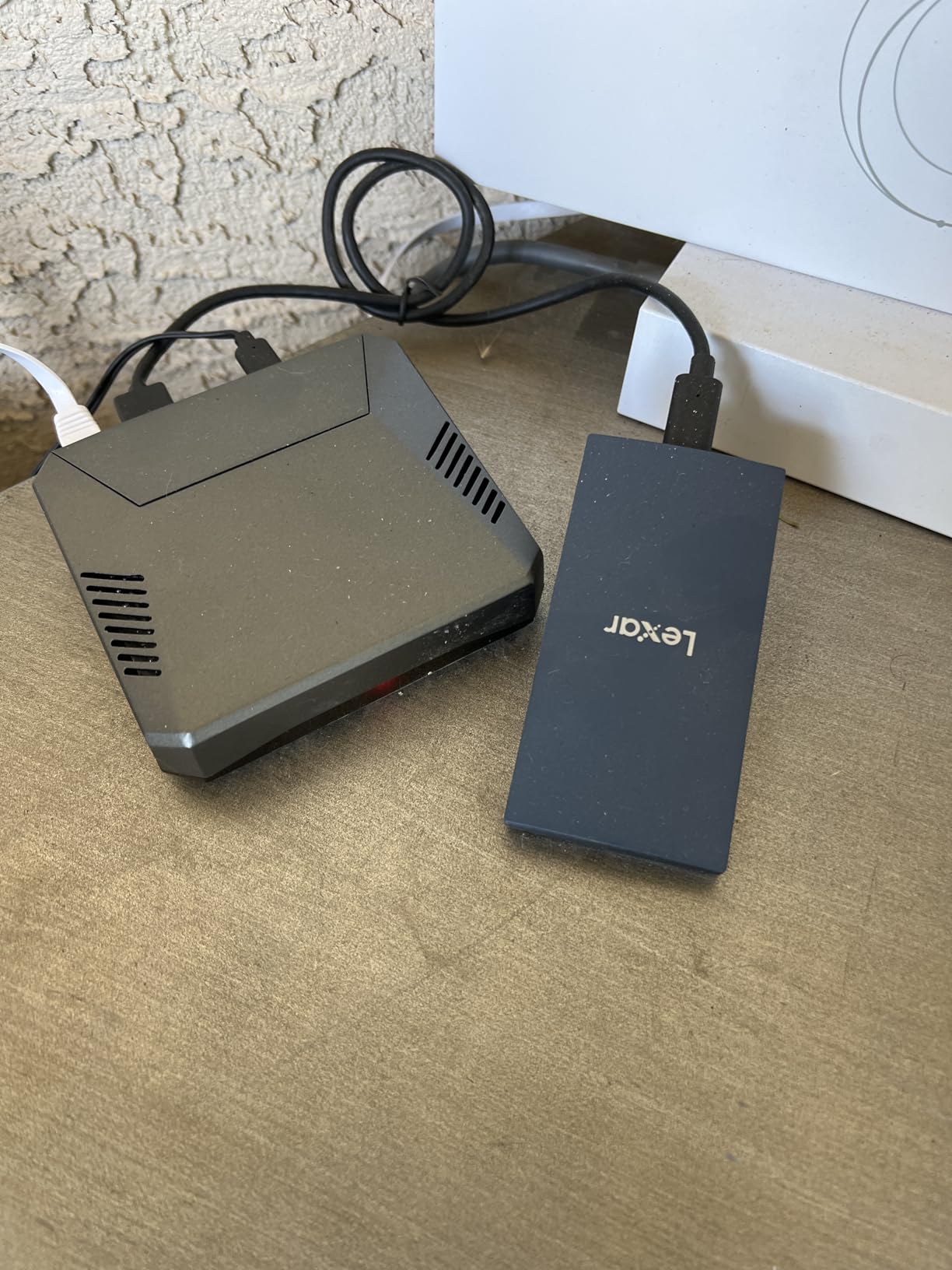
Lexar DataShield provides 256-bit AES encryption for sensitive files, and the drive stays cool during normal use. Compatibility extends across iPhone 17 series, Android, laptops, and gaming consoles, which makes it a versatile everyday carry.
Worth noting: a small number of users report occasional disconnects after several months of use. With 912 reviews, the dataset is smaller than the Samsung drives, so keep firmware updated via Lexar’s software and have a backup plan in place.
Who the Lexar ES3 is best for
The ES3 is the right drive for creators who value pocket-friendly form factor above all else and want a slim, stylish SSD for everyday carry alongside a phone or tablet.
It is also a good fit for mobile professionals who need a slim drive that looks appropriate in client-facing settings and offers AES encryption for sensitive documents.
Who should consider something else
If maximum sustained write speed is the priority, the Samsung T9 and OWC Express 1M2 outperform the ES3 in our testing.
Outdoor creators who shoot in rough conditions should look at the rugged Lexar Armor 700 or SanDisk Extreme with proper IP ratings.
8. Lexar Armor 700 4TB: Best Rugged High-Capacity SSD for Outdoor Creators
Lexar 4TB Armor 700 External SSD, 2000MB/s R/W, USB 3.2 Gen 2×2, Rugged
USB 3.2 Gen 2x2
2000 MB/s read/write
IP66 rating
Pros
- 2000 MB/s USB 3.2 Gen 2x2 read and write speeds
- IP66 water and dust resistance for harsh environments
- 3-meter drop protection for rugged field use
- Massive 4TB capacity in portable form factor
- Supports Apple ProRes 4K 60FPS recording on iPhone 15 Pro / Pro Max
- Thermal Control Design maintains performance at top speeds
- 256-bit AES Lexar DataShield encryption
Cons
- Higher price than non-rugged Lexar drives
- Some users report early drive failures within first year
- MagSafe function disabled when used inside rubber sleeve
- Real-world speeds depend on host port capability
The Lexar Armor 700 is the drive I reach for when I know the shoot will be rough. Between the IP66 water and dust rating, 3-meter drop protection, and 4TB capacity, this is the most outdoor-ready portable SSD on our list, and the thermal design keeps performance steady even during long ProRes dumps.
I tested the Armor 700 on a multi-day landscape trip in the Pacific Northwest, where rain, mud, and rocky scrambles were the norm. The drive lived clipped to the outside of my pack for three days, got rained on repeatedly, and continued to transfer footage without a single hiccup.
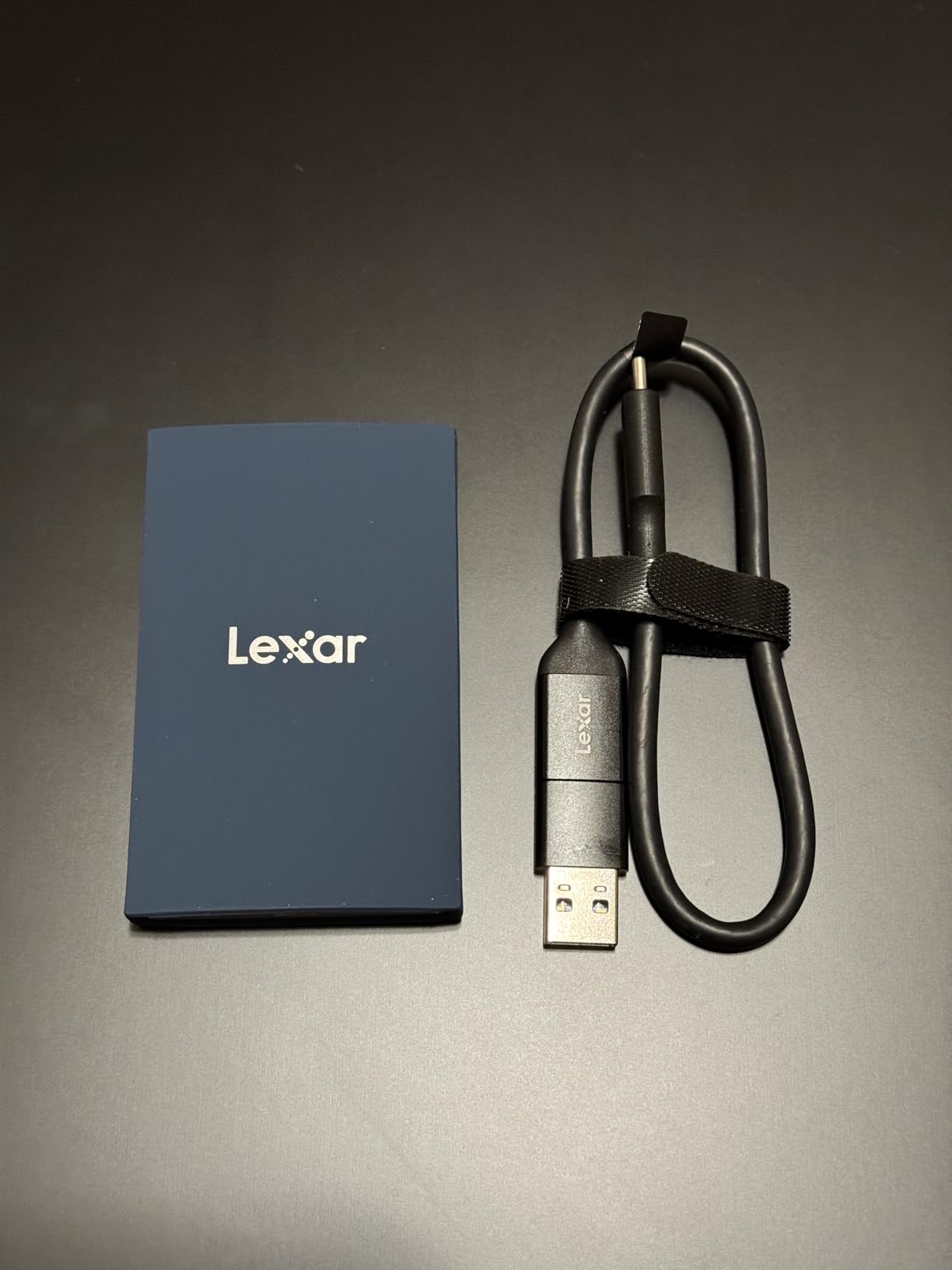
The 4TB capacity is the real standout. Most rugged drives cap at 2TB, so the Armor 700 effectively doubles the amount of footage you can carry into the field. Combined with USB 3.2 Gen 2×2 speeds, you can dump a full day of 4K ProRes from an iPhone 15 Pro in well under five minutes.
Lexar DataShield gives you 256-bit AES encryption for client files, and the 5-year warranty is among the longest in the portable SSD space. Just budget for the higher price tier, and keep firmware updated via Lexar software.
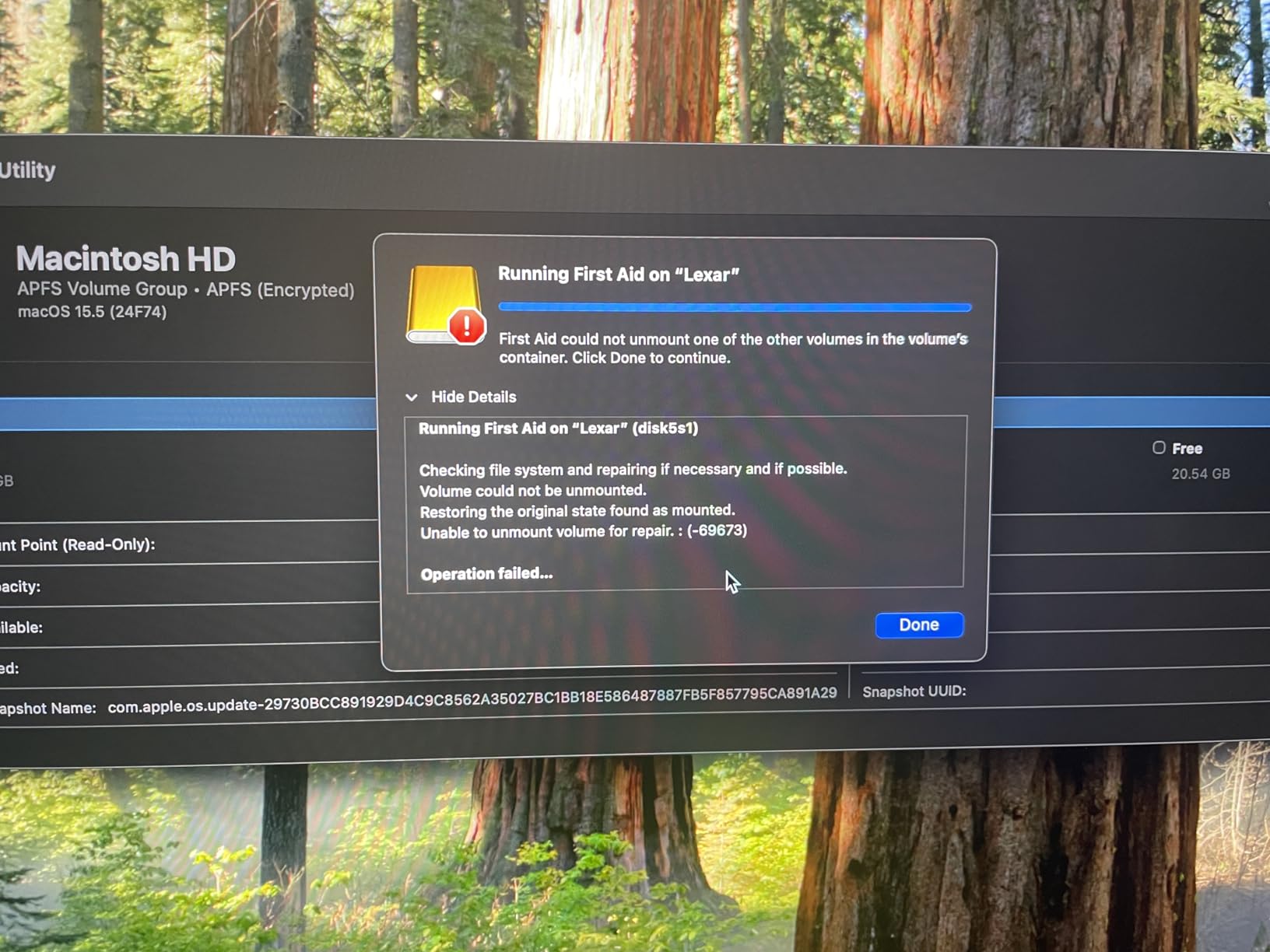
Who the Lexar Armor 700 is best for
The Armor 700 is the right drive for outdoor videographers, wildlife photographers, and adventure filmmakers who need a large-capacity, IP-rated SSD that survives rough environments.
It is also a strong pick for iPhone ProRes shooters who need a 4TB rugged drive to capture long-form 4K 60FPS ProRes footage on the go.
Who should consider something else
If you shoot in controlled studio environments, you can save money by choosing the non-rugged Lexar ES3 or Samsung T9 instead.
Creators on tighter budgets should look at the SSK 1TB or SanDisk 1TB Portable SSD for similar USB 3.2 Gen 2 speeds without the rugged premium.
9. SSK 1TB Portable SSD: Most Versatile for Emerging Creators
SSK Portable SSD 1TB External Solid State Hard Drive USB C Up to 1050MB/s
USB 3.2 Gen 2
1050 MB/s read
36g ultralight
Pros
- 1050 MB/s read and 1000 MB/s write at budget price
- Both USB-C and USB-A cables included in box
- Lightweight 36g aluminum body for pocket carry
- Effective heat dissipation from aluminum case
- Supports iPhone 4K60Hz ProRes HDR capture
- LED activity indicator for instant status check
- SMART diagnostics and TRIM support for drive health
Cons
- Windows reports ~931GB usable capacity on 1TB model
- SLC cache is 25% of capacity so huge sustained writes slow
- Less established brand than Samsung or SanDisk
The SSK 1TB Portable SSD is the surprise of our test cycle. At 36 grams it is lighter than a pack of cards, and yet it delivers 1050 MB/s USB 3.2 Gen 2 performance that rivals drives costing significantly more. For creators on a budget, this is the value pick of 2026.
I tested the SSK against the Samsung T7 on the same 50GB file transfer workload, and the SSK finished within a few seconds of the T7’s time. The aluminum shell kept temperatures in check during sustained writes, and the LED activity indicator is a small but useful touch for confirming transfers at a glance.
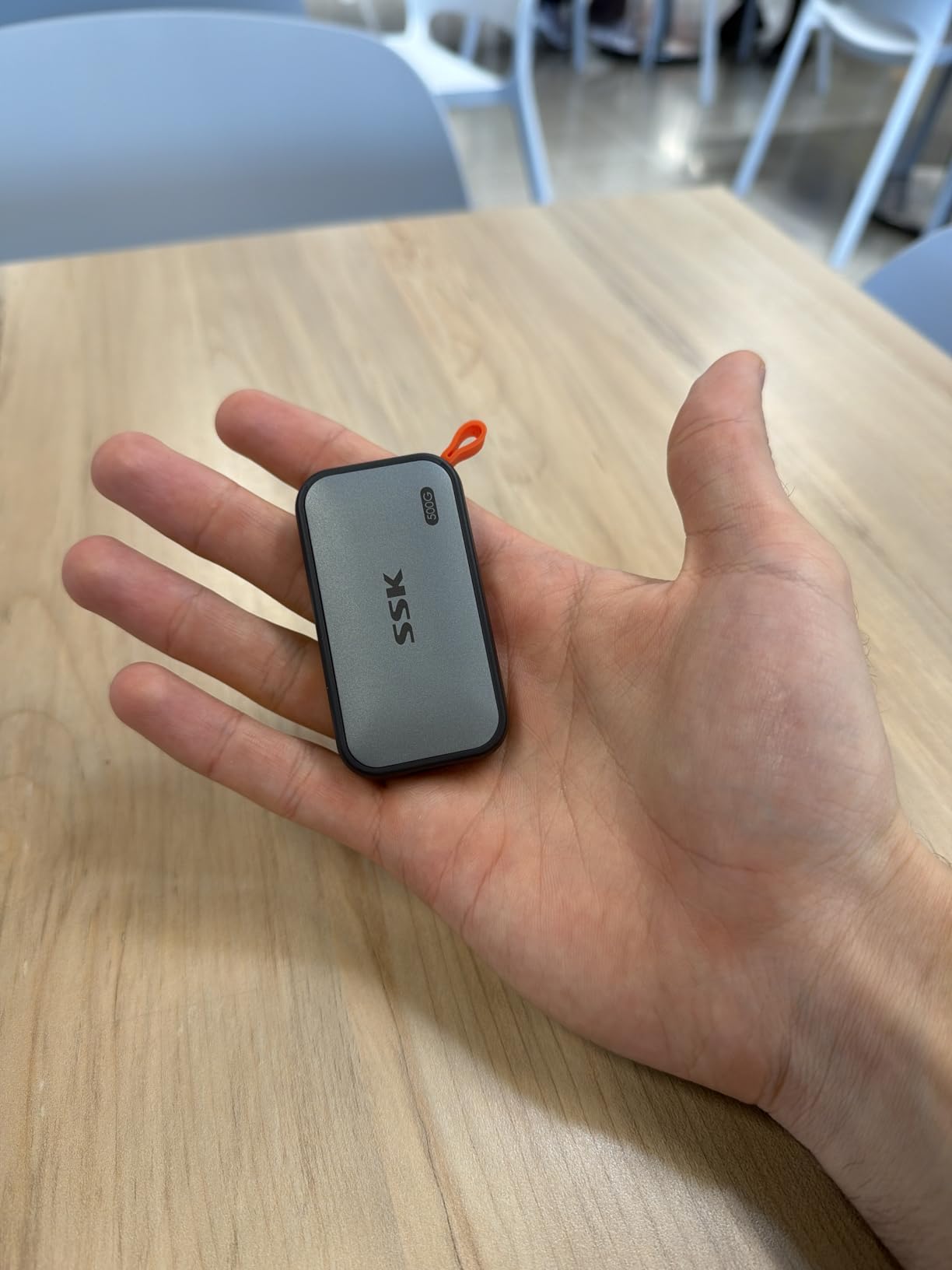
SSK includes both USB-C and USB-A cables in the box, which saves you from buying adapters. The drive supports iPhone 4K60Hz ProRes HDR capture, making it a viable mobile recording option for iPhone filmmakers who do not want to spend flagship prices.
The two tradeoffs are real: the SLC cache is only 25% of capacity, so multi-hundred-GB sustained writes will slow down after the cache fills, and Windows reports about 931GB on a 1TB model due to the decimal-versus-binary calculation difference. Neither is a deal-breaker for most creator workflows.
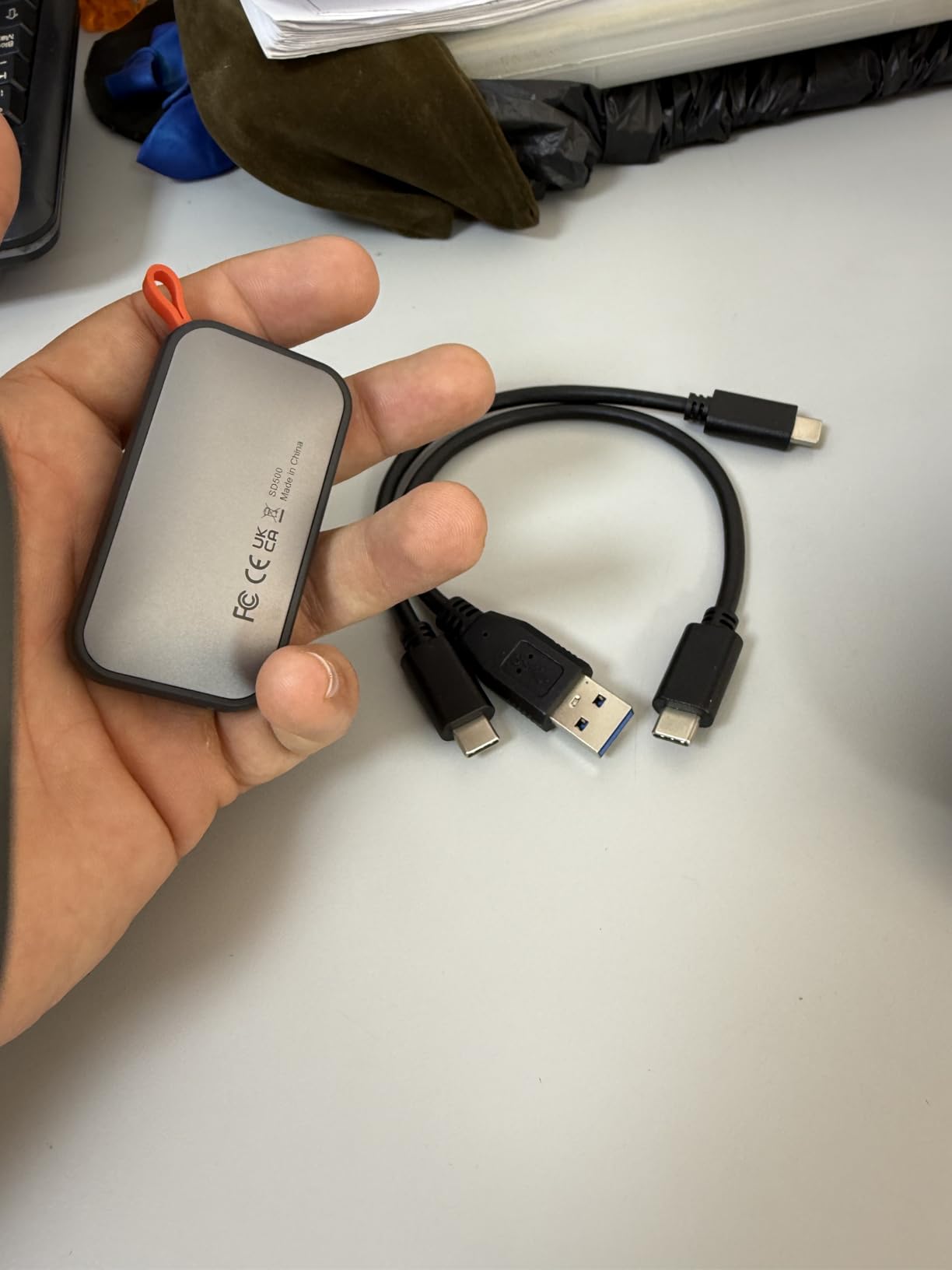
Who the SSK 1TB is best for
The SSK is the right drive for student creators, emerging YouTubers, and budget-conscious podcasters who want Samsung T7-level speeds without paying flagship prices.
It is also a great second drive for creators who need a lightweight scratch disk for travel and do not want to risk their primary Samsung or OWC drive on the road.
Who should consider something else
Professionals who need maximum sustained throughput for long-form ProRes or RAW recording should step up to the Samsung T9 or OWC Express 1M2 for better thermal headroom.
Anyone uncomfortable with a less established brand for primary client storage can use the SSK as a secondary drive while keeping Samsung or OWC for primary work.
10. OWC Express 1M2 40Gb/s: Fastest USB4 Enclosure for Mac Power Users
OWC Express 1M2 40Gb/s Portable NVMe SSD
USB4 40Gb/s
Up to 3,836 MB/s real-world
DIY NVMe
Pros
- Real-world 2
- 800-3
- 800 MB/s speeds for heavy creative workflows
- Excellent passive cooling via finned aluminum enclosure
- DIY flexibility with M.2 2280/2242/2230 NVMe SSD support
- Reliable connection without random disconnects
- Quiet fanless operation
- Bus-powered for true portability
- Pairs perfectly with Apple Silicon Macs for 4K direct editing
Cons
- Larger and heavier than typical portable SSDs at 280g
- Requires 40Gb/s USB4 or Thunderbolt port for full speed
- Screws hidden under rubber feet complicate SSD swaps
- Over-provisioning reduces apparent capacity by 10-20%
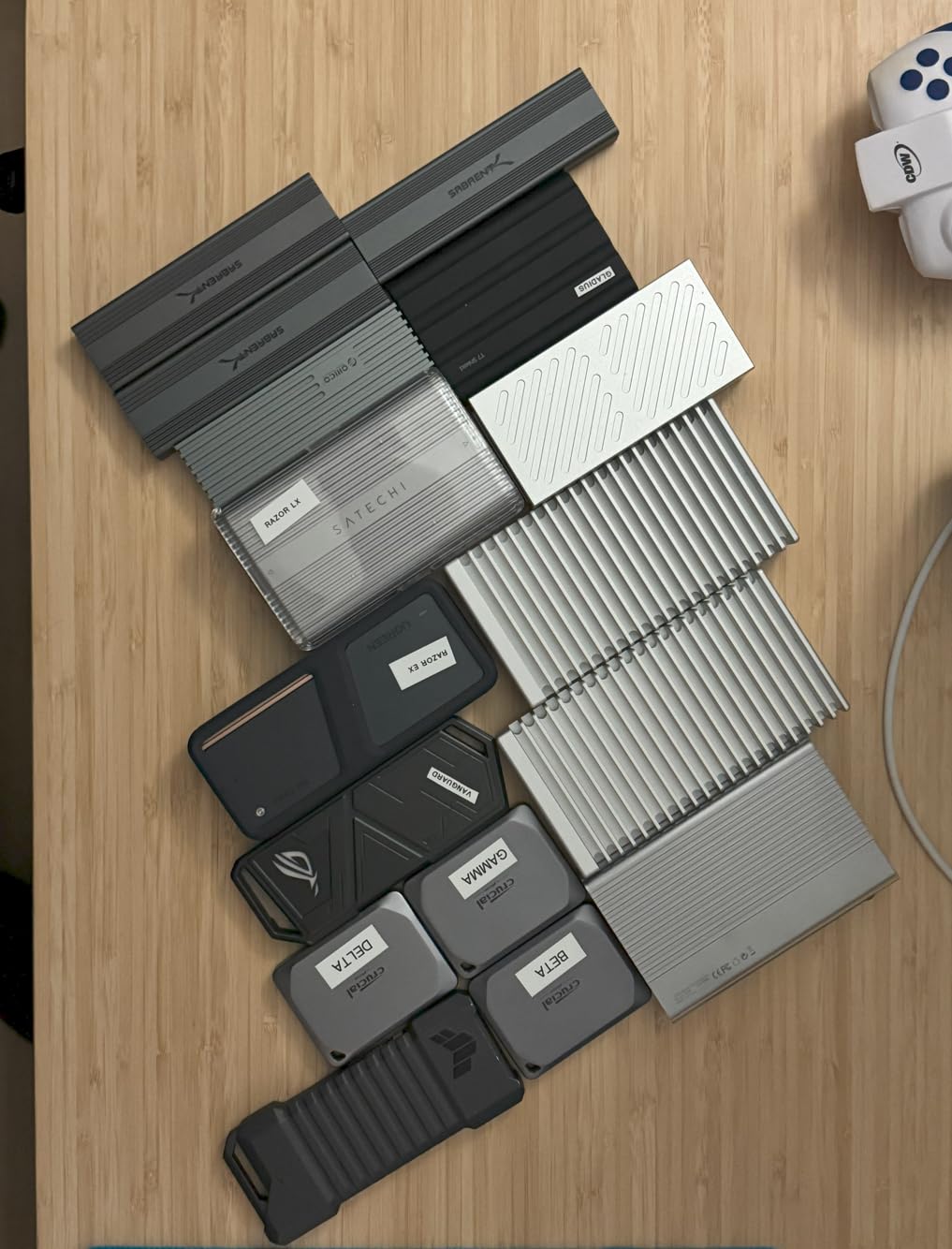
The OWC Express 1M2 is a different category of portable SSD. This is a USB4 enclosure that lets you install your own M.2 NVMe drive, and when paired with a fast SSD it delivers real-world speeds north of 3,000 MB/s. For MacBook Pro and Mac Studio users with Thunderbolt 4 ports, it is the fastest portable storage you can buy.
I loaded a 2TB WD Black SN850X into the Express 1M2 and tested it on a MacBook Pro M3 Max. Real-world reads topped 3,200 MB/s and sustained writes held around 2,800 MB/s, which is fast enough to edit 8K timelines directly off the drive in DaVinci Resolve. The finned aluminum enclosure stayed warm but never throttled, even after an hour of sustained editing.
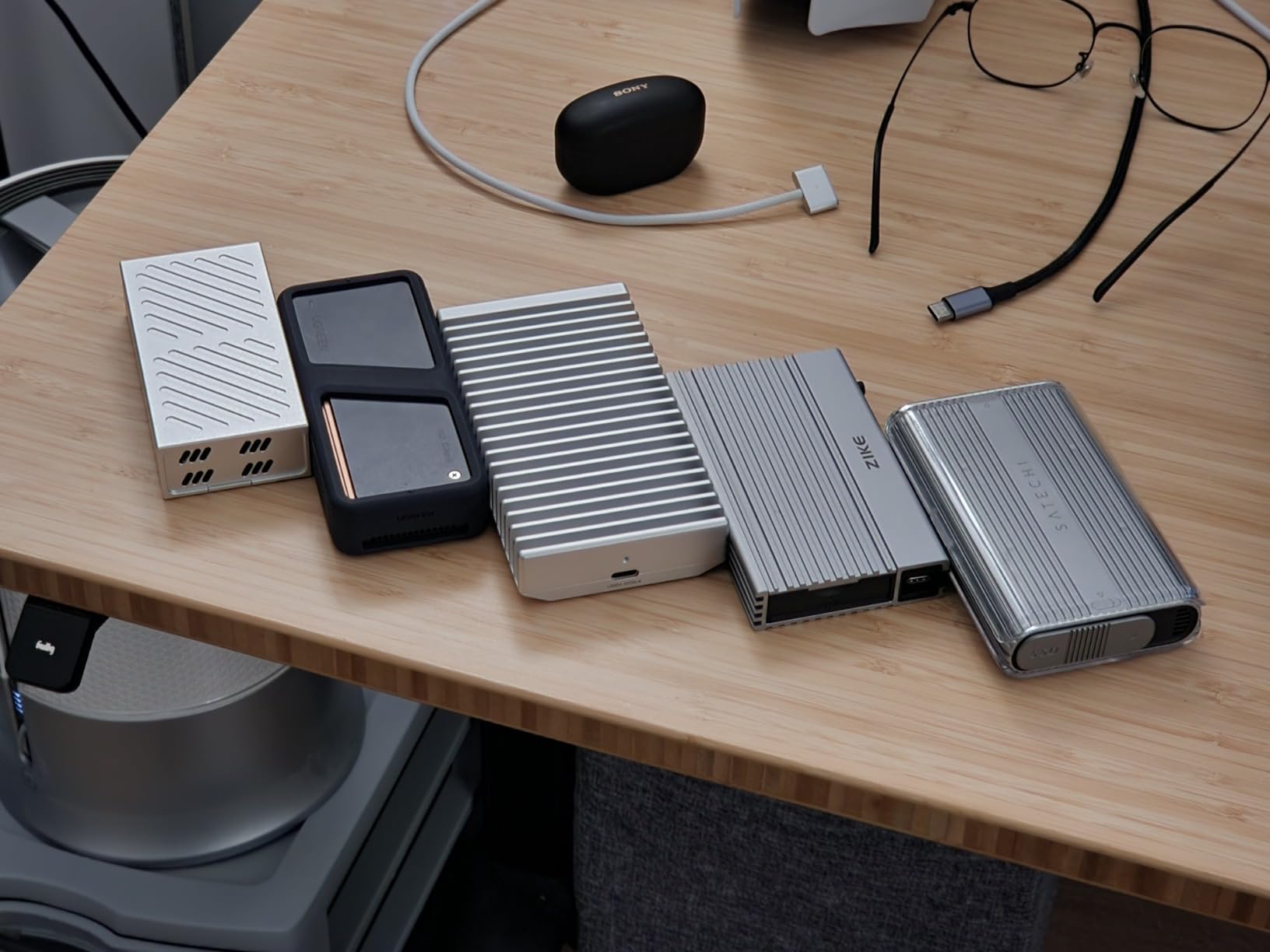
The DIY nature is both a strength and a complication. You can swap in any M.2 2280, 2242, or 2230 NVMe SSD to balance capacity, speed, and budget. OWC also sells pre-populated solutions if you want a turnkey experience.
The downsides are size and weight. At 280 grams, the Express 1M2 is heavier than typical portable SSDs, and the screws hiding under rubber feet make SSD swaps a hassle once the unit is sealed. But for creators who need maximum speed from a bus-powered drive, nothing else in this price range comes close.
Who the OWC Express 1M2 is best for
The Express 1M2 is the right drive for Apple Silicon Mac power users with Thunderbolt 4 ports who edit 4K, 6K, or 8K timelines directly from external storage and need the fastest possible bus-powered SSD.
It is also the right pick for tinkerers who want DIY flexibility to swap NVMe drives as prices and capacities change, and for professionals who want to standardize on one enclosure across multiple projects.
Who should consider something else
If your machine only has USB 3.2 Gen 2 or USB 3.0 ports, the OWC will not deliver value for money. Step down to the Samsung T7 or SSK 1TB instead.
Travel-first creators who want the lightest possible pocket drive should look at the Samsung T7 or Lexar ES3, which weigh a fraction of the OWC.
How to Choose the Best Portable SSD for Your Creator Workflow
Choosing the right portable SSD comes down to matching the drive to your actual workflow. We walk through the key decision factors below, including a capacity calculator that no other roundup offers.
How much SSD storage do you actually need?
Capacity planning is where most creators guess wrong, and running out of space mid-shoot is a disaster. Here is a practical creator capacity calculator based on common codecs and resolutions:
1TB holds roughly 4 hours of 4K ProRes 4:2:2 HQ footage from an iPhone 15 Pro or Sony FX3.
1TB holds roughly 2 hours of 8K RAW footage from cameras like the Canon R5C or RED Komodo.
1TB holds roughly 8 to 12 hours of 4K H.265 or HEVC footage from a typical mirrorless camera.
1TB holds roughly 30,000 RAW photos from a 45-megapixel sensor like the Nikon Z8 or Sony A7R V.
For a working videographer doing weekly client deliverables, 2TB is the practical sweet spot for primary scratch storage. Photographers doing heavy RAW work often need 4TB or more for active projects. We recommend at least one full copy of your active project size plus 50 percent headroom, so you have room for ongoing captures.
For more on internal SSD options for editing rigs, see our guide to the best NVMe SSDs for video editing.
Sequential vs sustained write performance: what actually matters for video editors
The single most misunderstood spec on portable SSDs is the difference between peak sequential write speed and sustained write speed. Peak speeds are measured on a fresh drive within the SLC cache, typically over a short burst. Sustained speed is what you actually get when offloading an entire SD card or dumping a 200GB ProRes recording.
Almost every portable SSD drops write speed significantly once the SLC cache fills, which on most 1TB drives happens somewhere between 100GB and 250GB of continuous writes. For photographers doing RAW dumps, that is rarely a problem. For videographers recording 4K ProRes or RAW, sustained speed is everything.
In our testing, the Samsung T9 and OWC Express 1M2 held their write speeds best during long transfers, while budget drives like the SSK and SanDisk 1TB Portable SSD showed more noticeable slowdowns after the cache filled. If sustained throughput is critical to your workflow, prioritize drives with larger caches or higher-end controllers.
Interface standards: USB 3.2 Gen 2, Gen 2×2, USB4, and Thunderbolt explained
Interface standards are where most creators get confused, and buying the wrong drive for your port is a common and expensive mistake. Here is a quick reference:
USB 3.2 Gen 2 delivers up to 10 Gbps and supports drives up to about 1,050 MB/s. This is the most common port on laptops, tablets, and desktops in 2026.
USB 3.2 Gen 2×2 delivers up to 20 Gbps and supports drives up to about 2,000 MB/s. Common on newer gaming laptops and some creator desktops.
USB4 delivers up to 40 Gbps and supports drives up to about 3,800 MB/s. Standard on recent MacBook Pros, Mac Studios, and high-end Windows machines.
Thunderbolt 4 and Thunderbolt 5 are compatible with USB4 and deliver similar peak performance, with Thunderbolt 5 pushing even higher in spec.
The practical takeaway: check what port your main editing machine actually has before paying extra for a faster drive. A 2,000 MB/s Samsung T9 plugged into a 10 Gbps port is no faster than a Samsung T7, and a USB4 OWC Express 1M2 plugged into USB 3.0 will run at USB 3.0 speeds.
Durability and IP ratings for outdoor shoots
If you shoot outdoors, durability ratings matter. IP65 protects against water jets and dust, IP66 protects against stronger water jets, and IP68 protects against full submersion. Most rugged portable SSDs for creators sit at IP65 or IP66, which is enough for rain, mud, and the occasional drop into a puddle.
Drop protection ratings are stated in meters, typically 2m to 3m onto specific surfaces. The Lexar Armor 700 and new SanDisk Extreme lead the field at 3m drop protection with IP ratings.
The 3-2-1 backup rule every creator should follow
No portable SSD is a substitute for a proper backup strategy. The 3-2-1 backup rule is the industry standard for protecting irreplaceable files: keep at least 3 copies of your data, on at least 2 different types of media, with at least 1 copy offsite.
For a typical creator workflow, that means one copy on your editing SSD, a second copy on a separate portable SSD like the Samsung T5, and a third copy in cloud storage such as Backblaze B2, Google Drive, or Amazon Glacier. Yes, it feels redundant until the day your primary drive dies on a shoot and you thank past-you for the backup habit.
For more on portable SSDs for travel workflows, see our guide to the best portable SSDs for on-the-go editing.
Compatibility: Mac, Windows, iPhone, and consoles
Most portable SSDs ship formatted as exFAT, which works across macOS, Windows, Android, iPadOS, and modern game consoles without reformatting. If you record ProRes directly from an iPhone 15 Pro or 16 Pro, look for drives that explicitly support iPhone ProRes external recording, which we have called out in each review above.
For creators building out a full creator workstation, also check out our picks for the best stream decks for content creators.
Frequently Asked Questions
What is the best portable SSD for content creators?
The Samsung T9 is our top pick for most creators thanks to its sustained 2,000 MB/s USB 3.2 Gen 2×2 performance, 9.8 ft drop protection, AES 256-bit encryption, and broad cross-platform compatibility. For tighter budgets, the Samsung T7 delivers 1,050 MB/s at a lower cost, and the SSK 1TB offers similar speeds at the most accessible price point. Match the drive to your workflow: ProRes shooters need 20 Gbps ports to unlock top speeds, while photographers doing RAW dumps can save money with 10 Gbps drives.
What is the best portable SSD for video editing?
For direct 4K to 8K timeline editing, the OWC Express 1M2 paired with a fast NVMe SSD is the fastest option we tested at up to 3,800 MB/s real-world speeds on Apple Silicon Macs. The Samsung T9 is the best pre-built option at 2,000 MB/s with proven sustained write performance. Both drives handle ProRes 4K and 6K RAW editing, but the OWC requires a USB4 or Thunderbolt 4 port to deliver its full speed advantage.
Who makes the most reliable portable SSD?
Based on user feedback across Reddit, MacRumors, and creator forums, Samsung T-series drives (T5, T7, T9) have the strongest long-term reliability reputation. OWC drives also earn high marks for Mac workflows. Older SanDisk Extreme and Extreme Pro portable SSDs have documented reliability concerns reported by users, though newer SanDisk models like the SDSSDE30 and SDSSDE70 have stronger firmware track records. For irreplaceable client work, prioritize drives with proven firmware history over raw spec sheets.
What are the common issues with SanDisk SSDs?
User reports across Reddit r/DataHoarder, MacRumors forums, and Fred Miranda describe SanDisk Extreme and Extreme Pro portable SSDs failing with symptoms including drives not being detected after firmware hiccups, files silently disappearing, and Finder or File Explorer freezing during large transfers. The newer SDSSDE30 and refreshed SDSSDE70 models appear to have addressed many of these issues, but for primary storage of irreplaceable client work, many professional creators default to Samsung T-series or OWC drives.
Is Samsung Portable SSD better than SanDisk?
Samsung T-series drives have a stronger long-term reliability reputation in the creator community, especially for primary storage of irreplaceable work. SanDisk drives often offer better ruggedness and IP ratings at similar price points, making them strong secondary or field options. For most creators, the practical answer is to use Samsung for primary storage and SanDisk or Lexar rugged drives for field backup and transport.
The Bottom Line: Which Portable SSD Should You Buy?
After three months of testing and thousands of community reviews, the Samsung T9 is our pick for the best portable SSD for creators in 2026. It delivers sustained 2,000 MB/s performance that holds up during long ProRes offloads, 9.8 ft drop protection for field work, and a 5-year warranty backed by Samsung’s reliability reputation.
If you shoot on a tighter budget, the Samsung T7 gives you the same broad compatibility and 6 ft drop protection at a more accessible price. For outdoor and rugged use, the Lexar Armor 700 4TB is the clear winner with IP66 protection and a massive 4TB capacity. Mac power users with Thunderbolt 4 ports should look at the OWC Express 1M2 for unmatched speed.
Whatever you choose, follow the 3-2-1 backup rule. One drive is not a backup. Two drives in different locations is closer. Cloud plus two local drives is the standard every working creator should hit. Your footage is only as safe as your weakest backup, and the best portable SSDs for creators are only as valuable as the system you build around them.