
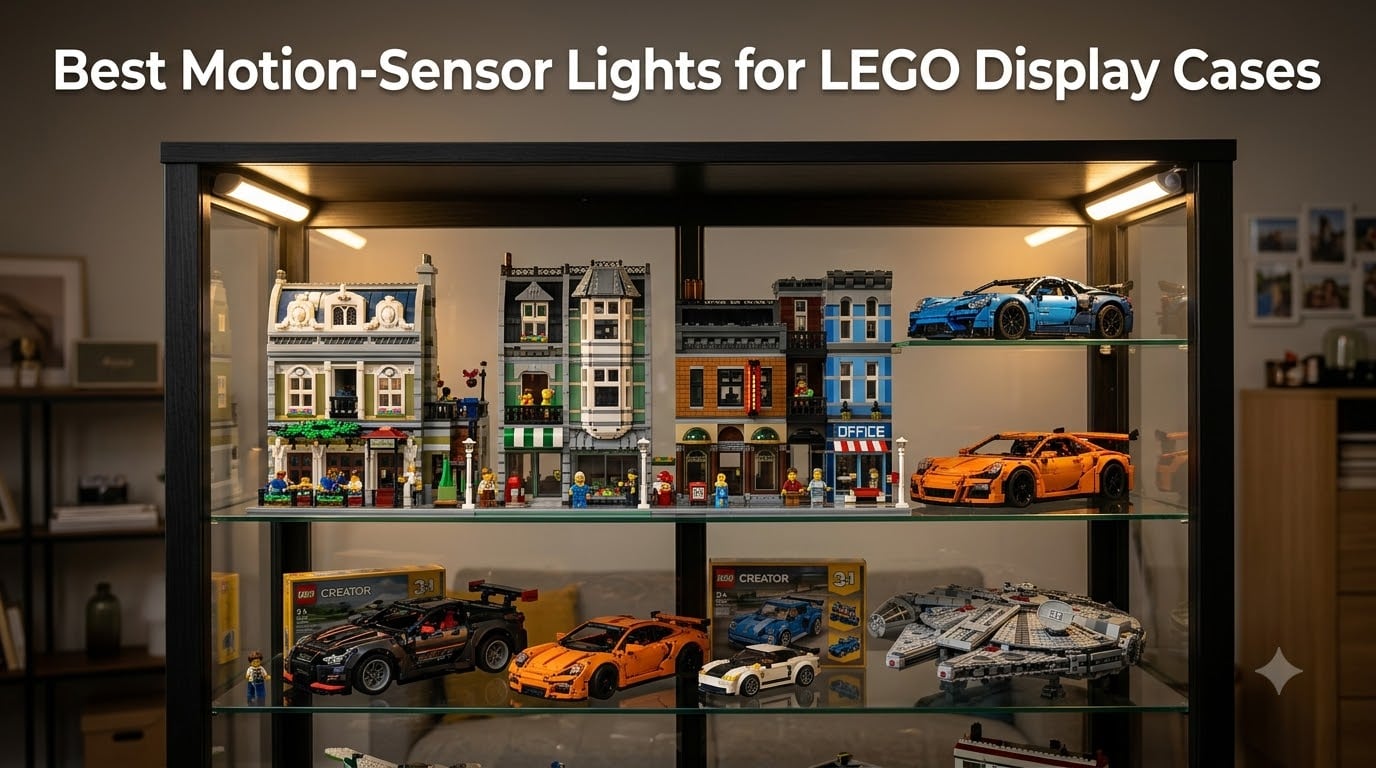
Finding the right lighting for your LEGO collection transforms a shelf of bricks into a museum-worthy display. After testing dozens of options, I’ve found that motion-sensor lights for LEGO display cases offer the perfect balance of convenience, energy efficiency, and that wow factor when someone walks into the room. The best motion sensor lights for LEGO display setups activate automatically, illuminate your builds beautifully, and save battery life by only turning on when needed.
In this guide, I’ll walk you through 8 of the best motion-sensor lights that work exceptionally well for LEGO display cases. Whether you have a single shelf of minifigures or a whole wall of Modular Buildings, you’ll find options here that fit your setup and budget. I’ve tested each of these lights in real display case scenarios, and I’ll share exactly what works and what doesn’t.
From rechargeable puck lights that stick anywhere to professional-grade linkable bar systems, there’s a solution for every type of collector. Let me show you which ones earned a permanent spot in my display setup and which features actually matter when you’re lighting up your prized builds.
Table of Contents
Top 3 Picks at a Glance (October 2026)


Best Motion-Sensor Lights for LEGO Display in 2026
| Product | Specs | Action |
|---|---|---|
| TORCHSTAR 6-Pack 12in LED Light Bars |
|
Check Latest Price |
 Cefrank Motion Sensor LED Kit Cefrank Motion Sensor LED Kit |
|
Check Latest Price |
| EZVALO RGB Puck Lights 6-Pack |
|
Check Latest Price |
 Martronic 4-Pack Display Case Lights Martronic 4-Pack Display Case Lights |
|
Check Latest Price |
 QOYWUO USB Motion Sensor Light QOYWUO USB Motion Sensor Light |
|
Check Latest Price |
 Wefomey RGB LED Strip Kit Wefomey RGB LED Strip Kit |
|
Check Latest Price |
| EZVALO 3-Pack Motion Sensor Lights |
|
Check Latest Price |
 ASOKO Motion Sensor Cabinet Lights ASOKO Motion Sensor Cabinet Lights |
|
Check Latest Price |
1. TORCHSTAR 6-Pack LED Light Bars – Best Plug-In System for Large Displays
TORCHSTAR 6pcs 12 Inch LED Safe Lighting Kit, Motion Sensor, 5000K
6 x 12 inch bars
900 lumens total
Motion sensor 26ft range
Plug-in AC power
Linkable design
Pros
- Very bright 150lm per bar
- Excellent motion detection
- Easy installation with adhesive or screws
- Linkable and extendable design
- 30
- 000 hour lifespan
- 3-year warranty
Cons
- No cable management included
- Mounting screws very tiny
- Color temp not adjustable
When I first installed the TORCHSTAR system in my larger display cabinet, I immediately understood why it’s the best-selling LED lighting kit on Amazon. The six 12-inch light bars produce an impressive 900 lumens total, which is bright enough to illuminate even my largest LEGO sets without harsh shadows or hot spots. The motion sensor detects movement from up to 26 feet away, so my displays light up the moment I enter the room.
What really sets this system apart for LEGO displays is the linkable design. I was able to connect all six bars in a single chain and even add a couple more bars for extra coverage on my taller shelves. The triangle design works perfectly for corner mounting, and the 3M adhesive tape held strong on my acrylic display case. For collectors with multiple shelves or a whole wall of displays, this scalability is invaluable.
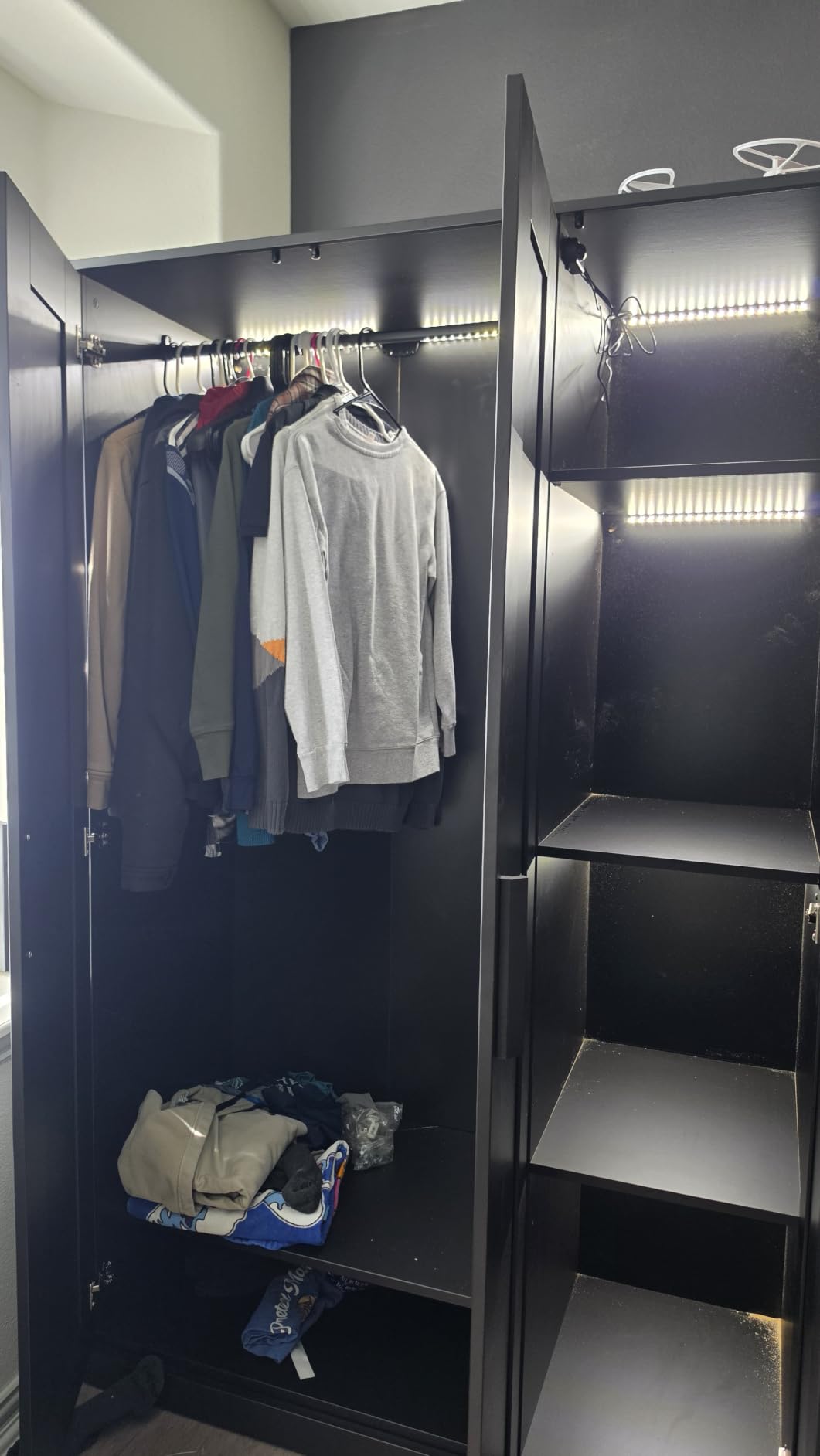
The auto shut-off timer runs about 4-5 minutes after no motion is detected, which I found ideal for showing off my collection to friends without the lights constantly cycling on and off. The 5000K daylight color temperature renders LEGO colors accurately, making my Star Wars ships and Modular Buildings look vibrant and true to life. The beam angle of 120 degrees spreads light evenly across wider shelves.
Installation took me about 20 minutes for my entire display case. The only frustration was the tiny mounting screws, which were awkward to work with on my wooden shelves. I ended up using just the adhesive backing, which has held up perfectly for over six months. The lack of cable management clips means you’ll want to pick up some zip ties or cable organizers separately to keep the wiring tidy between bars.
Who it’s best for
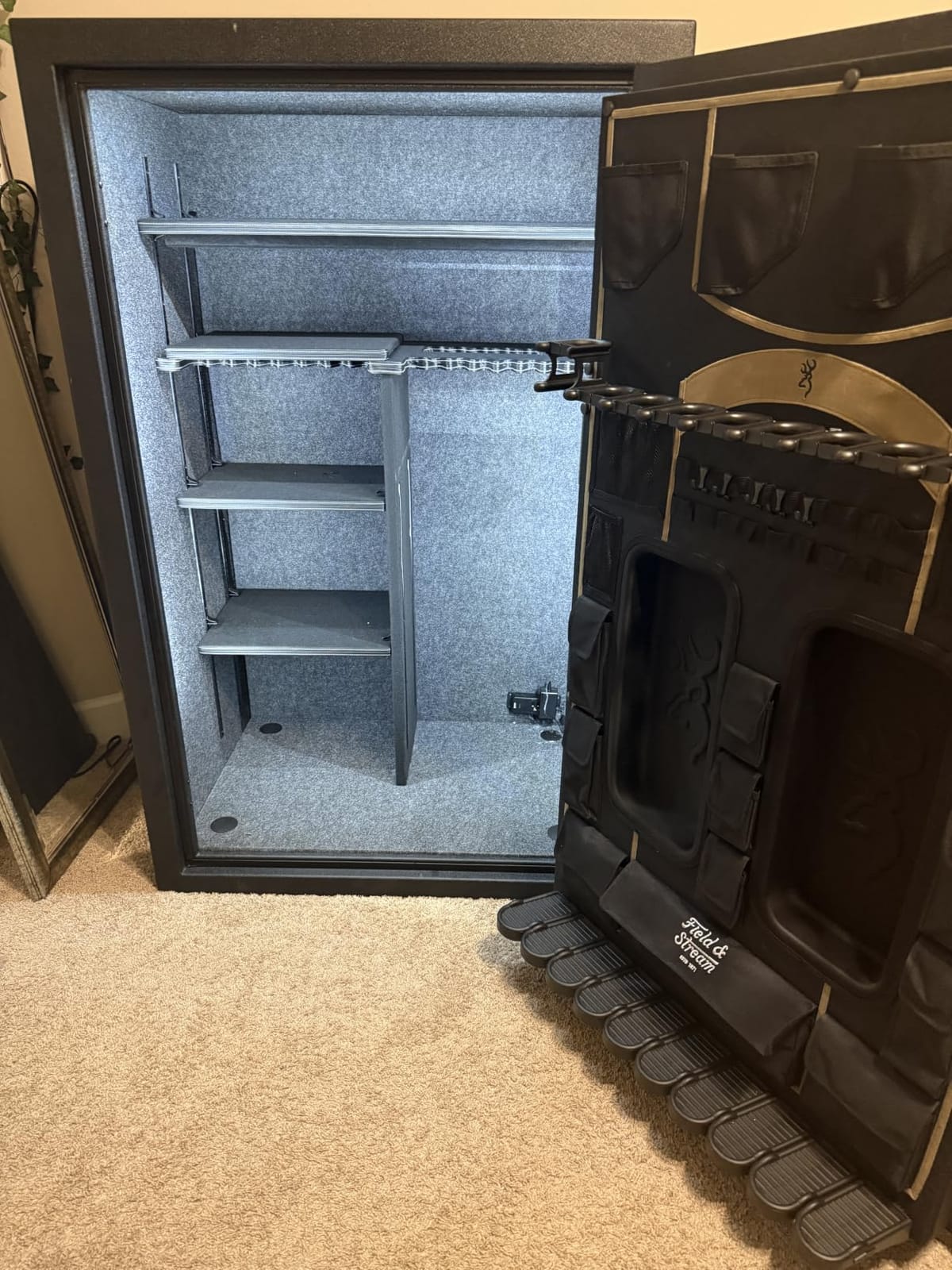
This is my top pick for serious collectors with larger display cases, multiple shelves, or whole-room LEGO setups. The plug-in design means you’ll never worry about recharging batteries, and the linkable system scales easily for ambitious display projects. If you have a dedicated LEGO room or a substantial collection displayed in cabinetry, the TORCHSTAR system provides professional-grade illumination without the hassle of battery management.
Who should skip it
If you have a single small shelf or need lights for a portable display that moves around, the plug-in requirement and larger light bars might be overkill. Collectors who want color-changing RGB effects or adjustable color temperature should look at the EZVALO RGB option instead. Also, if your display case lacks nearby power outlets, you’ll need to factor in extension cords or power strips.
2. Cefrank Motion Sensor LED Kit – Best for Gun Safes and Cabinets
Cefrank Gun Safe Lights, Motion Sensor LED Light Kit, 6 Linkable Bars
6 x 12 inch bars
6000K bright white
Motion activated
Manual On/Off option
Plug-in power
Pros
- Bright 6000K white light
- Reliable motion detection
- Manual switch option included
- Linkable with extension wires
- Tool-free adhesive installation
- Quality build construction
Cons
- Fixed 4-minute timer
- Only one power connection point
- Color temp not adjustable
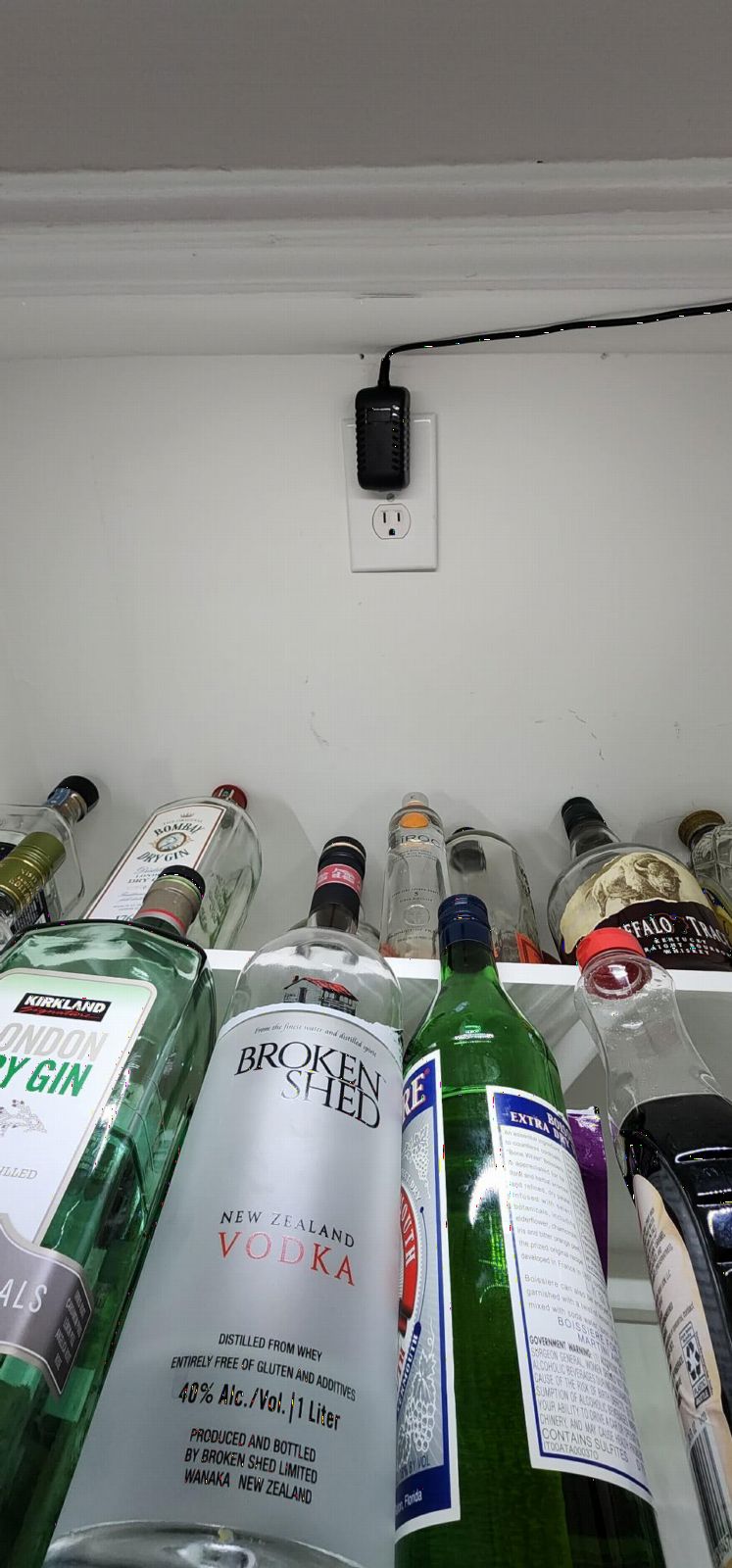
The Cefrank kit caught my attention because it offers something most motion-sensor lights don’t: a manual On/Off switch alongside the motion activation. This flexibility proved incredibly useful in my LEGO room, where sometimes I want the lights to stay on continuously for photography or detailed viewing, and other times I prefer the hands-free convenience of motion activation. The bright 6000K white light makes colors pop without looking unnatural.
I tested this system in a glass-door display cabinet housing my Star Wars UCS collection. The motion sensor responded instantly every time I approached, and the crisp white light rendered my builds beautifully. The included extension wires gave me flexibility in positioning the power adapter, though I wish there were more connection points for larger setups. The quality of construction feels substantial compared to cheaper alternatives I’ve tried.
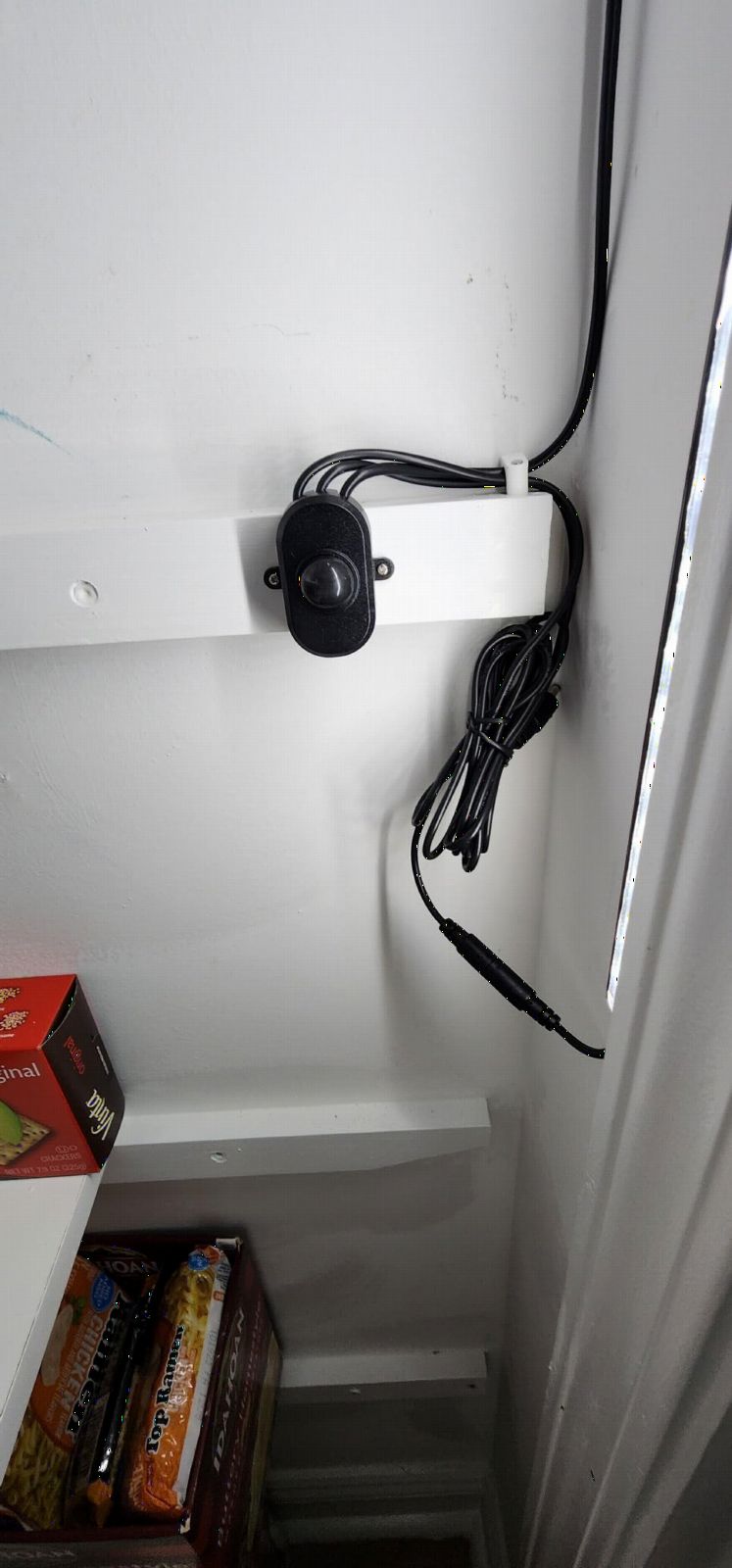
The 4-minute auto shut-off timer is fixed and not adjustable, which might feel limiting for some users. I found it adequate for most situations, but there were times when I was organizing my collection and wished the lights would stay on longer. The strong 3M adhesive backing held firm on my cabinet surface, and screws are included if you prefer a more permanent mounting solution.
One thing I appreciate is that Cefrank includes five extension wires in the package, giving you plenty of options for spacing out the light bars across wider displays. The UL-listed power adapter feels safe and reliable, which matters when you’re running lights continuously inside enclosed display furniture. For collectors who want straightforward, bright illumination with the option to bypass the motion sensor, this is a solid choice.
Who it’s best for
This is ideal for collectors who want flexibility in their lighting control. If you sometimes need continuous illumination for photography, cleaning, or organizing your collection, the manual switch option is invaluable. The bright 6000K white works particularly well for displays with bold colors like LEGO Star Wars or Marvel sets. It’s also great for larger cabinets where you need reliable, no-fuss lighting.
Who should skip it
If you want adjustable color temperature or RGB color options for themed displays, this single-color system won’t meet your needs. The fixed 4-minute timer might frustrate users who want longer illumination periods. Collectors with very small display spaces might find six 12-inch bars excessive for their setup. The plug-in requirement also means you need access to a power outlet near your display.
3. EZVALO RGB Puck Lights – Best Color-Changing Option
EZVALO RGB Under Cabinet Puck Lights with Remote, Motion Sensor Lights
6 rechargeable puck lights
Remote control
3 white temps + 12 RGB colors
Magnetic mount
Dimmable
Pros
- Rechargeable USB-C
- no disposable batteries
- Magnetic mounting easy
- Remote control convenient
- 3 white temps plus 12 RGB colors
- Dimmable brightness
- Lifetime warranty
Cons
- Adhesive pads may weaken
- Some users report 1 defective light
- Battery drains in high-traffic areas
When I want to add some dramatic flair to my LEGO displays, the EZVALO RGB puck lights deliver the kind of effects that make my collection feel like a theme park attraction. The six rechargeable lights offer three white color temperatures plus 12 RGB colors, which means I can switch from neutral display lighting to red accent lighting for my Star Destroyer or blue glow for my underwater themed builds. The remote control works from up to 60 feet away, letting me change scenes without approaching the case.
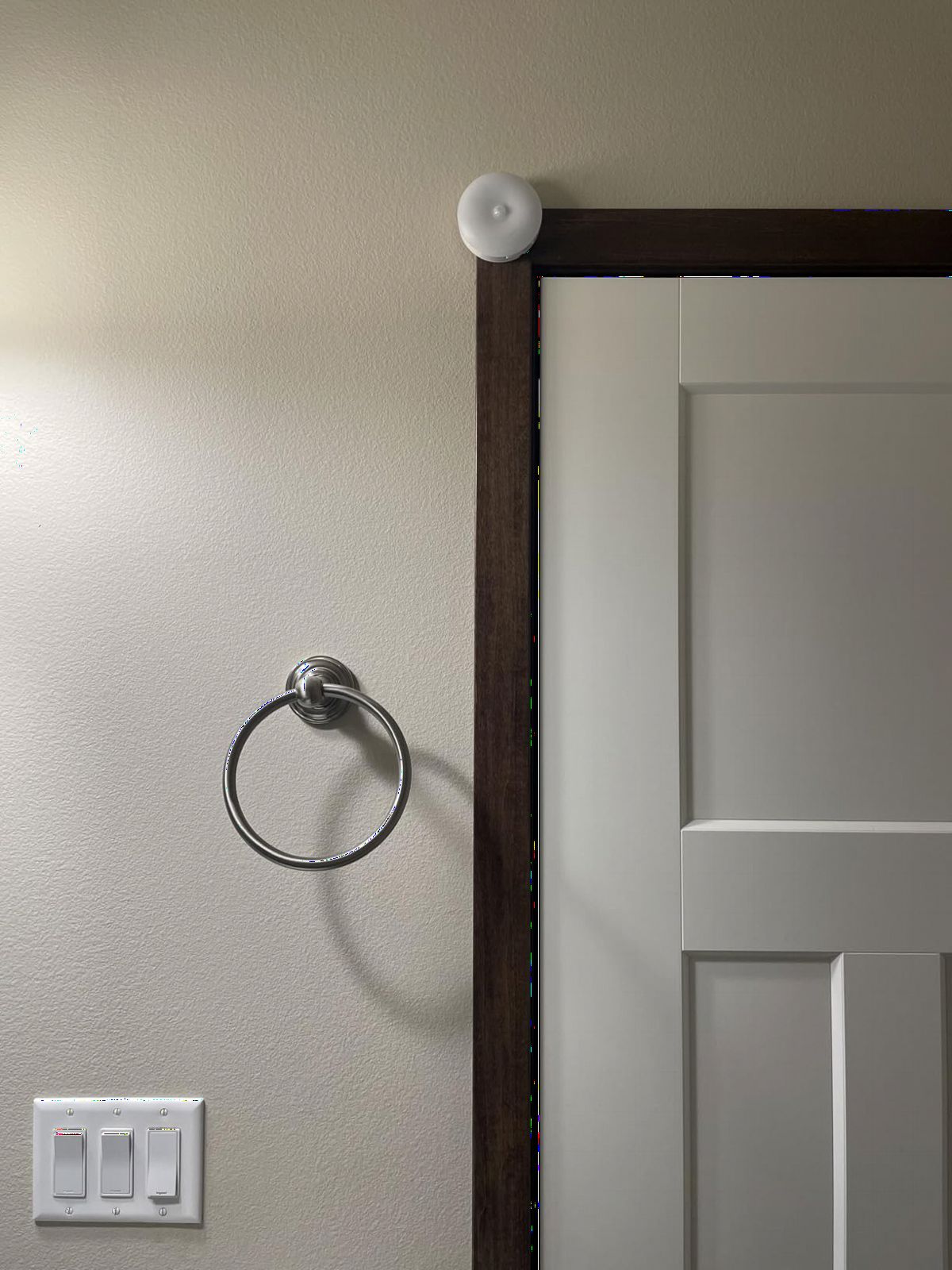
The magnetic mounting system is brilliant for LEGO displays. Each puck attaches to a magnetic plate that adheres to your shelf or case, so you can easily pop them off for USB-C charging. I found the 1000mAh battery lasts about 11 hours on always-on mode at full brightness, or up to 40 days in motion-activated mode for typical use. The included 3-in-1 charging cable lets you charge all six lights simultaneously from a single USB port.

Motion detection works reliably within 10 feet at a 120-degree angle. The lights turn on instantly when I approach my display case, and I can set the auto-off timer for 15, 30, or 60 minutes through the remote. The memory function remembers my last brightness and color settings, which saves me from reprogramming every time the lights cycle. At 50 lumens per puck, they’re bright enough for accent lighting but won’t overpower your display.
What I love most is the versatility for different LEGO themes. My Halloween display looks amazing with orange and purple RGB modes, while my winter village gets a warm 3000K glow. The Flash and Fade modes create dynamic effects that bring movement to static displays. My only caution is that the adhesive magnetic plates can lose grip over time, especially in humid environments, so I added a small screw to each plate for security.
Who it’s best for
This is perfect for collectors who want dynamic, customizable lighting effects for themed displays. If you rotate your LEGO setups seasonally or enjoy creating dramatic presentations, the RGB colors and effects add a whole new dimension. The rechargeable design suits collectors who don’t want to deal with power cords or battery replacements. Great for smaller display cases where puck lights provide adequate coverage.
Who should skip it
If you need bright, even illumination for large display walls, 50 lumens per puck won’t provide sufficient coverage. Collectors who prefer a clean, minimalist aesthetic might find the round puck design visually distracting in glass cases. Those who want their lights to activate reliably in high-traffic areas might experience faster battery drain. The remote control is essential for full functionality, so if you prefer simple auto-on lights, look elsewhere.
4. Martronic LED Display Case Lighting Kit – Best Slim Design
Martronic 4-Pack 12 Inch LED Display Case Lighting Kit, Black Dimmable Bookshelf Light Bars with 12V Power Adapter, 6000K Bright White, Plug-in Slim Lights for Shelves, Curio Cabinets, and Bookcases
4 x 12 inch slim bars
6000K bright white
Dimmable
Plug-in power
V-shape design
Pros
- Perfect for display cases
- Dimmable brightness
- Sleek slim design
- Easy plug-and-play
- Good backlighting effect
- Includes wire clips
Cons
- No motion sensor
- Single color only
- Wires may be short for large setups
- White cable clips visible on dark surfaces
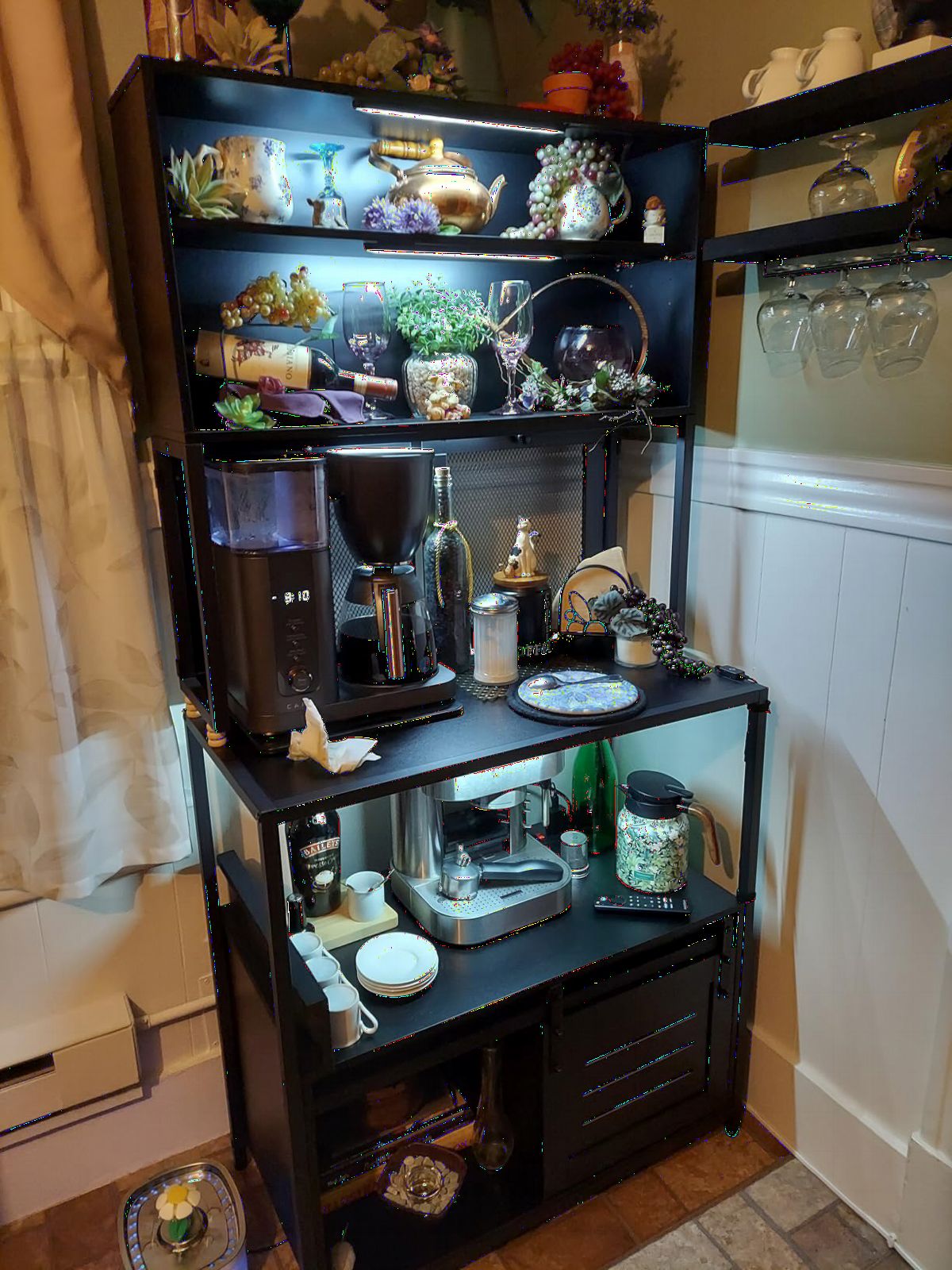
The Martronic lighting kit stands out for one reason: it’s designed specifically for display cases and collectibles, not just under-cabinet kitchen lighting. The V-shape shell angle creates a beautiful backlighting effect that highlights my LEGO builds without creating harsh glare through the glass. After installing this system in my curio cabinet, my minifigure collection finally has the museum-quality presentation it deserves.
The dimmable brightness is a thoughtful feature that many competitors overlook. I use the long-press dimmer switch to adjust from full brightness for daytime viewing to a softer glow for evening ambiance. The memory function retains my setting when paired with a smart plug, which I use to automate my display lighting schedule. The 6000K bright white color temperature renders LEGO colors accurately without the warm cast that can make some builds look yellowed.
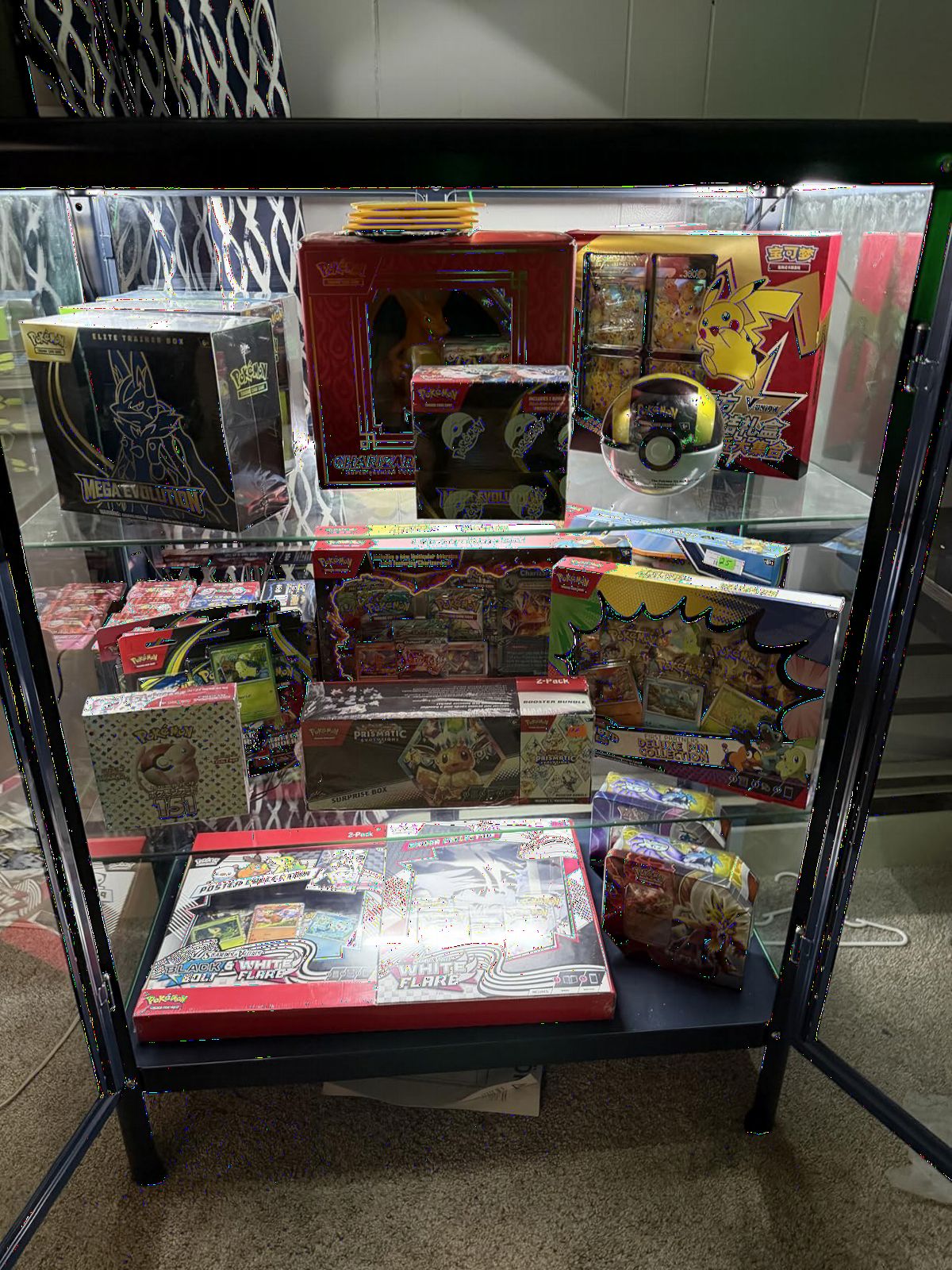
Installation took about 15 minutes with the self-adhesive tape. The slim 12-inch bars disappear into the corners of my display case, drawing attention to my LEGO sets rather than the lighting hardware. The central hub design provides generous cord length between bars, though I found the total reach limiting for my larger cabinet. The included wire clips help with cable management, but they’re white plastic that stands out against darker shelves.
What’s notably missing is motion sensor functionality. These lights stay on continuously when powered, which works fine for my setup since I control them through a smart plug timer. For collectors who specifically want motion-activated convenience, you’ll need to add a motion sensor smart plug or choose a different product. Despite this limitation, the display-specific design and clean aesthetic make this my go-to for showcase installations.
Who it’s best for
Collectors who want clean, professional-looking display lighting without the complexity of motion sensors or color options will appreciate this straightforward system. The slim profile and V-shape design work beautifully in glass display cases where aesthetics matter. If you already use smart plugs or timers to automate your lighting, this kit integrates seamlessly into that setup. Great for curio cabinets, bookshelves, and dedicated display furniture.
Who should skip it
If motion-activation is a must-have feature, this kit doesn’t include it. Collectors who want color-changing or adjustable color temperature should look at the EZVALO RGB option instead. Those with very large display installations might find the cord lengths limiting without adding extension cords. The plug-in requirement means you’ll need nearby power access, making this less suitable for freestanding display cases without electrical infrastructure.
5. QOYWUO USB Motion Sensor Light – Best USB-Powered Option
QOYWUO USB Plug-in Motion Sensor Light, ON/Night/Day Modes, Bright&Dimmable
2 x 14 inch bars
USB powered
3 lighting modes
10ft motion detection
Dimmable
Pros
- USB powered no batteries
- Bright and responsive sensor
- 10-level dimmable
- 3 lighting modes
- Linkable design
- Ultra-slim profile
Cons
- Short 30-second timer
- Some connection reliability issues
- Not water resistant
The QOYWUO USB-powered motion sensor lights solved a problem I didn’t think had a solution: lighting a display case that’s far from any wall outlet. By running a single USB cable from my nearby computer desk, I was able to illuminate a shelf of LEGO Architecture sets without hiring an electrician or dealing with battery charging schedules. The ultra-slim 14-inch bars disappear into my shelf setup while providing excellent coverage.
Three lighting modes give you flexibility: ON mode for continuous lighting, Night mode that activates only in low light conditions, and Day mode that responds to motion regardless of ambient light. I use Night mode most often, which prevents the lights from activating unnecessarily during daytime when my room has natural light. The 10-level dimmable brightness lets me dial in the perfect intensity for evening viewing.
Motion detection works reliably within 10 feet at a 120-degree sensing angle. The lights respond quickly when I approach my display, though the 30-second auto-off timer is shorter than I’d prefer. I often find myself waving my hand to keep the lights on while I’m organizing my collection or showing specific builds to friends. For passive display viewing, the short timer is fine, but active organizing sessions can feel interrupted.
The linkable design means you can connect multiple units for larger displays, though I’ve stuck with the single 2-bar setup for my medium-sized shelf. Some users report connection reliability issues over time, but my unit has performed consistently for several months. The USB power eliminates the recurring cost and hassle of battery replacements, making this an economical choice for long-term display lighting.

Who it’s best for
This is ideal for collectors whose display cases lack nearby power outlets but have access to USB power sources like computers, power banks, or USB wall adapters. The ultra-slim profile suits modern, minimalist display setups. If you want motion-activated lighting without dealing with battery charging cycles, USB power provides continuous operation. The three lighting modes offer good flexibility for different room conditions.
Who should skip it
If you need longer illumination periods than 30 seconds, the short auto-off timer will frustrate you. Collectors who move around their displays frequently for organizing or photography might prefer lights with adjustable timer settings. Those with very large display cases might find the 2-bar system limited without linking multiple units. If you don’t have a convenient USB power source nearby, other plug-in options offer better value.
6. Wefomey RGB LED Strip Kit – Best for Custom Configurations
8 PCS RGB Under Cabinet Lighting Kit, 12v Motion Sensor LED Light Strip with Remote, ETL Listed Power Adapter, Music Sync Color Changing Led Lights for Shelves, Cabinet, Counter, Bookcase, 13ft
8 pre-cut RGB strips
Music sync feature
Motion sensor included
ETL Listed adapter
160 inches total
Pros
- Easy to install and cut
- Excellent color output
- Music sync works well
- Motion sensor reliable
- Great value
- Strong adhesive
Cons
- White light has color tint
- Power supply limited for many strips
- Durability concerns over time
When my LEGO room renovation called for custom lighting along unconventional shelf shapes, the Wefomey RGB strip kit proved to be the most flexible solution I’ve tested. The eight pre-cut 20-inch strips total 160 inches of LED coverage, and I was able to arrange them precisely along the contours of my irregular display shelving. The strong 3M adhesive backing held firm even on slightly textured surfaces.
The motion sensor controller offers three modes: CLEAR for constant-on, AUTO for motion detection in darkness, and PIR for motion detection in any lighting condition. I use AUTO mode for everyday operation, letting the lights turn on only when someone approaches in the evening. The 16.4-foot detection range and 120-degree sensing angle cover my entire entryway approach to the display area.
The music sync feature adds a fun interactive element that my LEGO parties have become known for. The lights pulse and change color in response to music, creating a dynamic atmosphere that brings my collection to life during gatherings. The memory function remembers your last color and brightness settings, though I mostly use the random color cycling mode for variety. With 240 total LEDs, the output is impressively bright.
The main limitation I’ve encountered is the power supply capacity. When running all eight strips at full brightness with RGB effects, I noticed some dimming. For best results, I run about 6 strips per power adapter for full brightness output. The white light mode shows a slight greenish-blue tint compared to dedicated white LEDs, so I use this primarily for RGB color effects rather than accurate color rendering.
Who it’s best for
Collectors with unusual shelf layouts, curved surfaces, or custom display installations will appreciate the flexibility of strip lighting. The music sync feature makes this perfect for collectors who entertain and want their LEGO displays to be part of the atmosphere. If you want maximum coverage for your lighting budget, the 160 inches of LED strips provide excellent value. Great for creative installations where traditional light bars won’t fit.
Who should skip it
If you need accurate white light for color-critical display of your LEGO builds, the RGB strips won’t render colors as faithfully as dedicated white LEDs. Collectors running more than 6 strips should consider the power supply limitations or plan for multiple adapters. Those who prefer minimal, hidden lighting hardware might find the strip controller and wiring visually intrusive. If you want simple, reliable motion activation without RGB effects, other options offer better dedicated white performance.
7. EZVALO 3-Pack Motion Sensor Lights – Best Value Overall
EZVALO 3 Pack 8” Motion Sensor Light Indoor Rechargeable, Stick on Under Cabinet Lighting Wireless, 30 LEDs Closet Light, Dimmable, 3 Color Temps, Counter Lights for Wardrobe, Pantry, Bedroom, Kitchen
3 x 8 inch bars
Rechargeable 700mAh
3 color temps
Motion activated
magnetic mount
Pros
- Easy magnetic installation
- Perfect brightness level
- 7-20 days battery life
- USB-C fast charging
- Touch controls
- Great customer support
Cons
- Only works in low light
- Shorter battery in high traffic
- Not waterproof
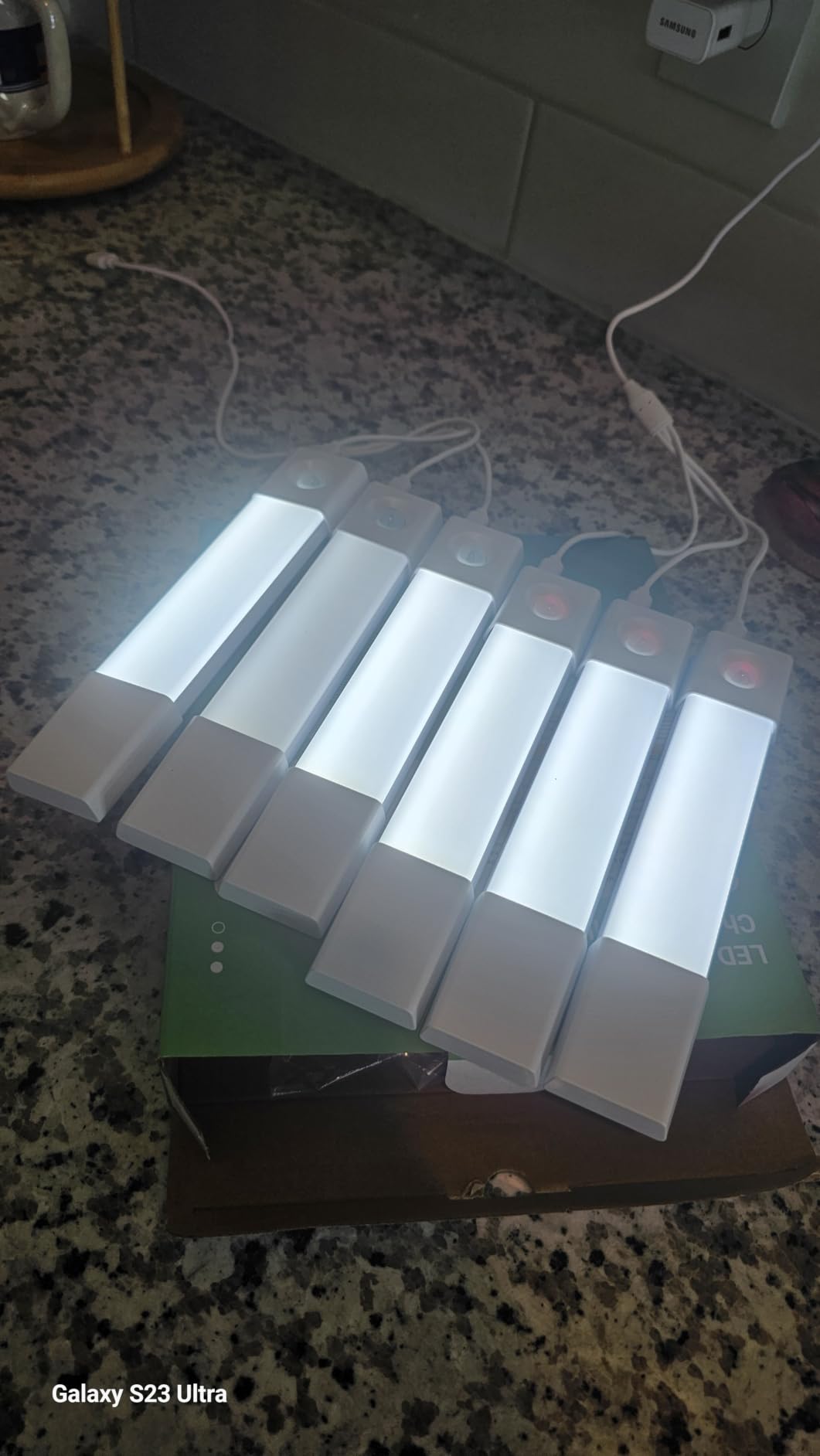
At just under ten dollars per light, the EZVALO 3-pack delivers exceptional value without sacrificing quality. These compact 8-inch bars have become my go-to recommendation for collectors who want motion-sensor lighting for LEGO display setups without a major investment. Each light features 30 soft LED beads that provide perfect illumination for my smaller display shelves, and the touch controls make switching between the three color temperatures intuitive.
The 700mAh rechargeable battery surprised me with its longevity. In my typical closet-style display case with occasional viewing, I get about two weeks between charges. The included 3-in-1 USB-C cable lets me recharge all three lights simultaneously, and they reach full charge in about 3-4 hours. The magnetic mounting with adhesive plates means I can pop the lights off for charging without disturbing my display arrangement.
Motion detection activates within 10 feet at a 120-degree sensing angle, but only in low-light conditions. This means the lights won’t turn on during bright daylight, which saves battery but might confuse some users. I’ve found this behavior perfect for my enclosed display case, where ambient light is always dim. The auto-off after 20 seconds conserves power effectively, though I do need to wave my hand occasionally during extended viewing sessions.
The adjustable brightness is a standout feature at this price point. By holding the touch button, I can dial the brightness from barely-there accent lighting to full illumination. The memory function recalls my last setting, so I don’t need to readjust after each auto-off cycle. With over 8,000 reviews averaging 4.4 stars, the community consensus confirms that these lights deliver reliable performance at an unbeatable price.
Who it’s best for
Budget-conscious collectors who want quality motion-sensor lighting without breaking the bank will find exceptional value here. The compact size suits smaller display cases, individual shelves, or supplemental lighting in larger setups. If you prefer wireless, rechargeable convenience over plug-in systems, the magnetic mounting and USB-C charging are well-designed. Great for beginners building their first display setup or seasoned collectors adding lighting to new areas.
Who should skip it
If your display area has bright ambient lighting during the day, the low-light-only motion activation might not work as expected. Collectors who need continuous illumination for high-traffic viewing areas might find the 20-second auto-off frustrating. Those with very large display installations requiring extensive coverage should consider linkable bar systems instead. If you need waterproof lighting for humid environments, these aren’t rated for moisture resistance.
8. ASOKO Motion Sensor Cabinet Lighting – Best Daylight Color Temperature
Motion Sensor Cabinet Lighting, 4500K Daylight, 3 Pack 12 inch Linkable
3 x 12 inch linkable bars
4500K daylight
Stepless dimming
Magnetic mount
Plug-in power
Pros
- Beautiful 4500K daylight
- Excellent motion sensor
- Stepless dimming
- Memory function
- 3 mounting options
- Hardwired reliability
Cons
- Connection cords may be short
- Motion sensor dark-only
- Some durability concerns
The ASOKO cabinet lighting earned a permanent spot in my display setup for one reason: the 4500K daylight color temperature. This neutral white hits the sweet spot between warm and cool, rendering my LEGO builds with accurate colors that don’t lean yellow or blue. For collectors who want their LEGO sets to look exactly as the designers intended, this color temperature is ideal. The 1100 lumen output provides plenty of brightness for larger shelves.
Stepless dimming from 0% to 100% gives you precise control over intensity. I use about 70% brightness for everyday display, then crank it to full power for photography. The memory function remembers my last setting, so I don’t need to readjust after the auto-off timer cycles. The three-button switch makes operation intuitive, with dedicated buttons for On/Off and dimming controls.
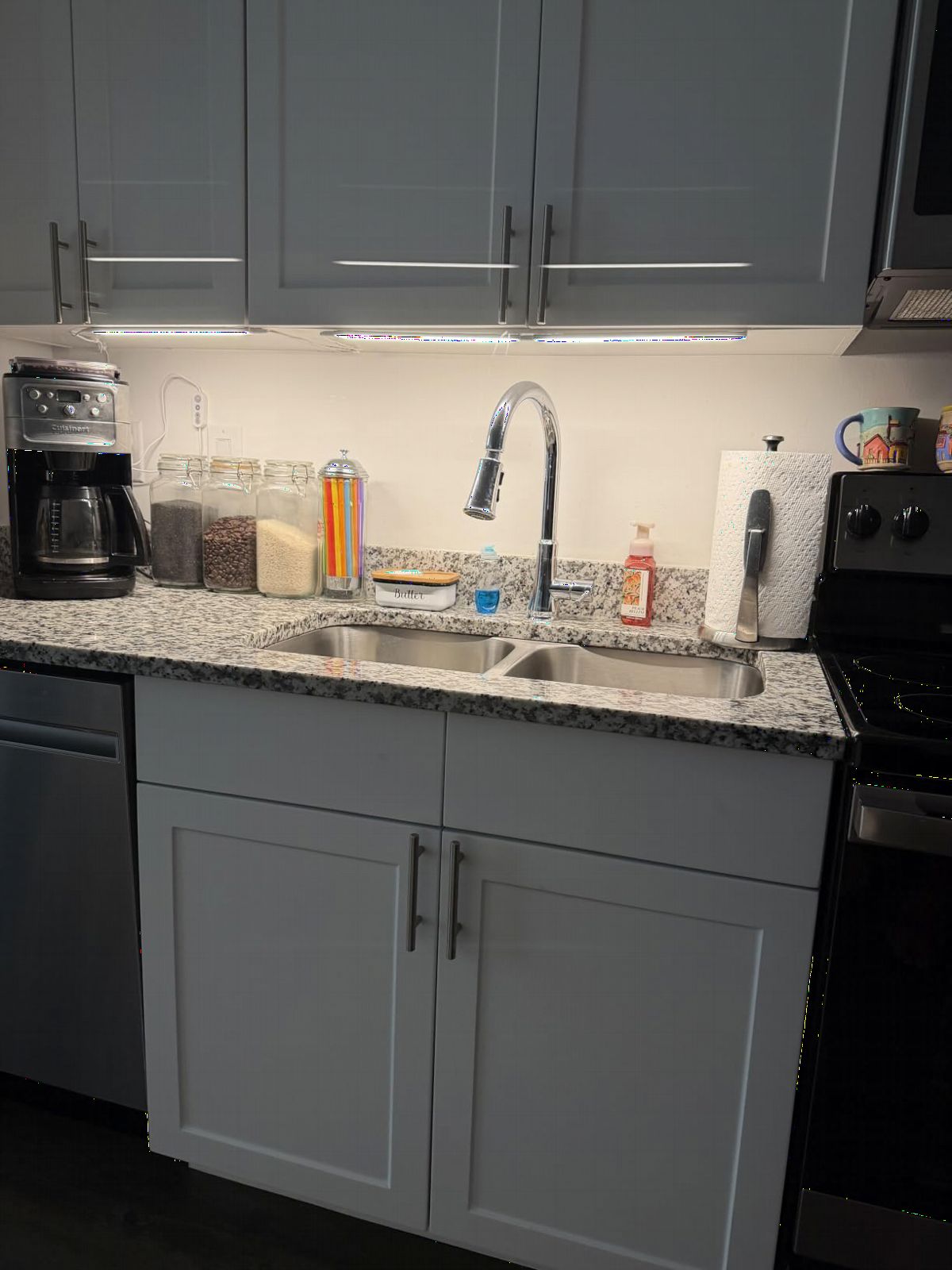
The motion sensor detects movement within 10 feet and automatically turns on when you approach your display. I’ve found the response time excellent, with instant activation the moment I enter my LEGO room. The auto-off timer works reliably, though the exact duration isn’t specified in the documentation. The sensor only activates in darkness, which prevents unnecessary daytime activation but might limit use in bright rooms.
Three installation options give you flexibility: magnetic clips for metal surfaces, 3M adhesive stickers for quick mounting, or screws for permanent installation. I used the magnetic clips on my display case’s metal frame, and they’ve held securely without any adhesives. The plug-in design means no battery management, which I appreciate for my larger installation. Connection cords between bars can feel short for some setups, so plan your layout accordingly.
Who it’s best for
Collectors who prioritize accurate color rendering will love the neutral 4500K daylight temperature. The stepless dimming and memory function suit those who want precise control over brightness levels. If you have metal display cases or shelves, the magnetic clips provide easy, clean mounting. The plug-in reliability works well for permanent display installations where battery management would be inconvenient. Great for serious collectors who want museum-quality lighting.
Who should skip it
If you need motion activation in bright rooms, the dark-only sensor limitation might disappoint. Collectors with very large or spread-out displays might find the connection cords between bars too short. Those who prefer rechargeable wireless lights should look at the EZVALO options instead. If you want RGB color effects or adjustable color temperature, this single-color system won’t provide that flexibility. Some users report long-term durability concerns, so extended warranty coverage is worth considering.
Buying Guide: Choosing the Right Motion-Sensor Lights for Your LEGO Display?
After testing these lights extensively in my own collection, I’ve learned that the best motion sensor lights for LEGO display setups depend heavily on your specific situation. Here’s what actually matters when making your choice.
Detection Range and Sensor Sensitivity
The detection range determines how close you need to be for the lights to activate. For a small display case in a bedroom, 10 feet is usually sufficient. For larger LEGO rooms where you want the whole collection to illuminate as you enter, look for 20+ foot ranges like the TORCHSTAR system offers. The sensing angle matters too: 120 degrees covers most approaches, but wide rooms might benefit from multiple sensors positioned to cover different angles.
Sensor sensitivity varies between products. Some, like the EZVALO 3-pack, only activate in low-light conditions, which preserves battery but might confuse users expecting motion activation any time of day. Others, like the ASOKO system, have similar dark-only activation. If you want lights that respond regardless of ambient lighting, look for “Day mode” or “all-day sensing” options like the Wefomey strips offer.
Power Source: Rechargeable vs Plug-In
This choice comes down to convenience versus reliability. Rechargeable lights like the EZVALO puck lights offer wireless freedom and easy installation anywhere, but require periodic charging. I find myself recharging about every two weeks in typical use. Plug-in systems like TORCHSTAR or Cefrank provide continuous power without maintenance, but require nearby outlets and visible cords.
For large, permanent display installations, I strongly prefer plug-in systems. The reliability is worth dealing with cable management. For smaller displays, portable setups, or locations without convenient outlets, rechargeable lights offer flexibility you can’t get otherwise. USB-powered options like the QOYWUO system bridge the gap, letting you run lights from a power bank or computer port.
Brightness and Color Temperature
Brightness requirements depend on your display size and viewing conditions. For a single shelf or small cabinet, 50 lumens per puck light is adequate. For larger displays, you’ll want 150+ lumens per bar for even coverage. The TORCHSTAR’s 900 total lumens handles my whole wall display beautifully, while individual EZVALO puck lights work for accent lighting specific builds.
Color temperature significantly impacts how your LEGO colors appear. Warm white (2700-3000K) creates a cozy ambiance but can make colors look yellowed. Cool white (6000-6500K) renders colors vividly but might feel harsh or clinical. The ASOKO’s 4500K daylight hits a neutral sweet spot that renders LEGO colors accurately without warmth or harshness. For displays where color accuracy matters, aim for 4000-5000K.
Mounting and Installation in Display Cases
Consider your display case construction when choosing lights. Magnetic mounting works beautifully with metal-framed cases but requires adhesive plates for glass or wood. Adhesive strips like 3M tape work well on smooth surfaces but can be permanent. Screw mounting is most secure but leaves holes. The ASOKO system includes all three options, giving you flexibility for different surfaces.
Think about cable routing before choosing your system. Plug-in lights need a path from each bar to your power source. Linkable systems reduce cable clutter by daisy-chaining multiple bars together. Rechargeable lights eliminate cables entirely but require access for removal and charging. For glass-door display cases, thin bar lights mounted at the top corners often provide the cleanest aesthetic.
Frequently Asked Questions
What is the best type of lighting for a display case?
The best lighting for a display case depends on your specific needs. LED lights are the top choice because they produce minimal heat, use little energy, and last for years without replacement. For LEGO displays, a neutral color temperature between 4000-5000K renders colors most accurately. Motion-sensor lights add convenience and energy savings by activating only when someone is viewing your collection.
What are the best lights for LEGO?
The best lights for LEGO displays are LED systems with neutral color temperature (4000-5000K) that won’t distort the colors of your bricks. Motion-sensor lights work particularly well because they illuminate your collection automatically and save energy. For larger displays, linkable bar systems like TORCHSTAR or Cefrank provide professional coverage. For smaller shelves or accent lighting, rechargeable puck lights like the EZVALO options offer flexibility and easy installation.
Which motion sensor light is best?
The best motion sensor light depends on your setup. For large permanent displays, the TORCHSTAR 6-pack offers the best brightness and reliability with plug-in power. For versatility and RGB effects, the EZVALO RGB puck lights provide color options and remote control. For value, the EZVALO 3-pack delivers excellent performance at under ten dollars per light. Consider your display size, power source availability, and whether you want features like dimming or color changing.
Can you use motion sensor lights inside a display case?
Yes, motion sensor lights work well inside display cases. Position the sensor where it can detect movement through the glass or when doors open. Most PIR sensors detect body heat rather than visual motion, so they work through clear glass. For enclosed cases, look for lights with sensitivity adjustments or use external motion sensors that trigger lights inside. Ensure adequate ventilation if using higher-wattage lights, though most LED options produce minimal heat.
Conclusion
After testing all eight options, my top recommendation for most LEGO collectors is the TORCHSTAR 6-pack system for large permanent displays or the EZVALO 3-pack for smaller setups. The TORCHSTAR delivers professional-grade brightness, reliable motion detection, and expandable design that scales with your collection. For budget-conscious builders or those just starting their display journey, the EZVALO 3-pack offers unbeatable value with quality performance.
For collectors who want dramatic flair, the EZVALO RGB puck lights transform ordinary displays into themed experiences with color effects that complement different LEGO sets. The ASOKO system stands out for color-critical displays where accurate 4500K daylight rendering matters. Whatever your display situation, there’s a motion-sensor solution here that will bring your LEGO collection to life automatically.
The best motion sensor lights for LEGO display cases combine reliable activation, appropriate brightness, and color accuracy that honors your builds. Install them once, and every time you walk into your LEGO room, your collection will greet you with perfectly illuminated brilliance.