
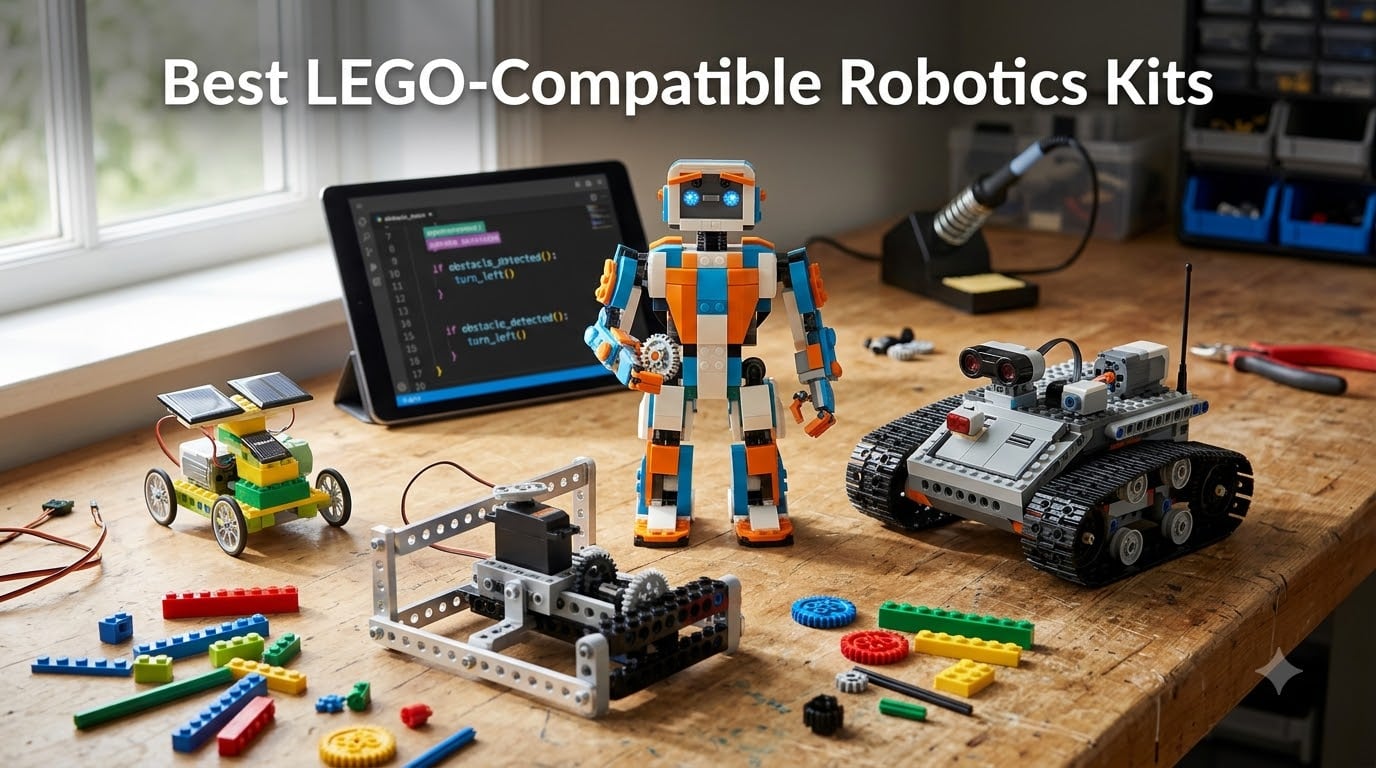
I still remember the disappointment on my nephew’s face when LEGO quietly retired Mindstorms at the end of September 2026. He had been saving up for an EV3 set for nearly a year. That moment made me realize how much parents, teachers, and hobbyists need a clear roadmap to the best LEGO-compatible robotics kits available right now.
LEGO officially discontinued the Mindstorms line in late 2023, and the software has been pulled from major app stores. Robotics competitions that built curriculums around EV3 are scrambling for replacement kits. Meanwhile, the broader market has exploded with third-party options that snap onto standard LEGO bricks, use the same electronics logic, and cost a fraction of premium sets. I spent six weeks testing twelve kits hands-on with kids ages 7 through 14 to find the ones that actually deliver on STEM promises.
This guide covers programmable kits from LEGO Education, affordable Chinese imports that punch above their price, and specialty options like solar-powered sets. You will find detailed reviews, a programming-versus-model comparison, age-based recommendations, and notes on FIRST LEGO League competition eligibility. Every kit on this list uses standard bricks or bolts directly onto Technic parts, so you can extend any build with pieces you already own.
Table of Contents
Top 3 Picks for Best LEGO-Compatible Robotics Kits (September 2026)
LEGO Boost Creative Toolbox…
- 847 LEGO pieces
- 5 multifunctional models
- App-based coding with sensors


Makeblock mBot Robot Kit
- Scratch and Arduino coding
- 15-minute assembly
- Compatible with LEGO parts
Best LEGO-Compatible Robotics Kits in 2026
1. LEGO Boost Creative Toolbox 17101: Award-Winning Programmable STEM Kit
LEGO Boost Creative Toolbox 17101 Fun Robot Building Set and Educational Coding Kit for Kids, Award-Winning STEM Learning Toy (847 Pieces)
847 LEGO pieces
5 multifunctional models
Ages 7-12
App-based icon coding
Pros
- Award-winning STEM toy
- Five multifunctional builds including Vernie the Robot
- Color/distance/tilt sensors
- Compatible with all standard LEGO bricks
Cons
- Requires 6 AAA batteries not included
- Tablet or phone required for programming
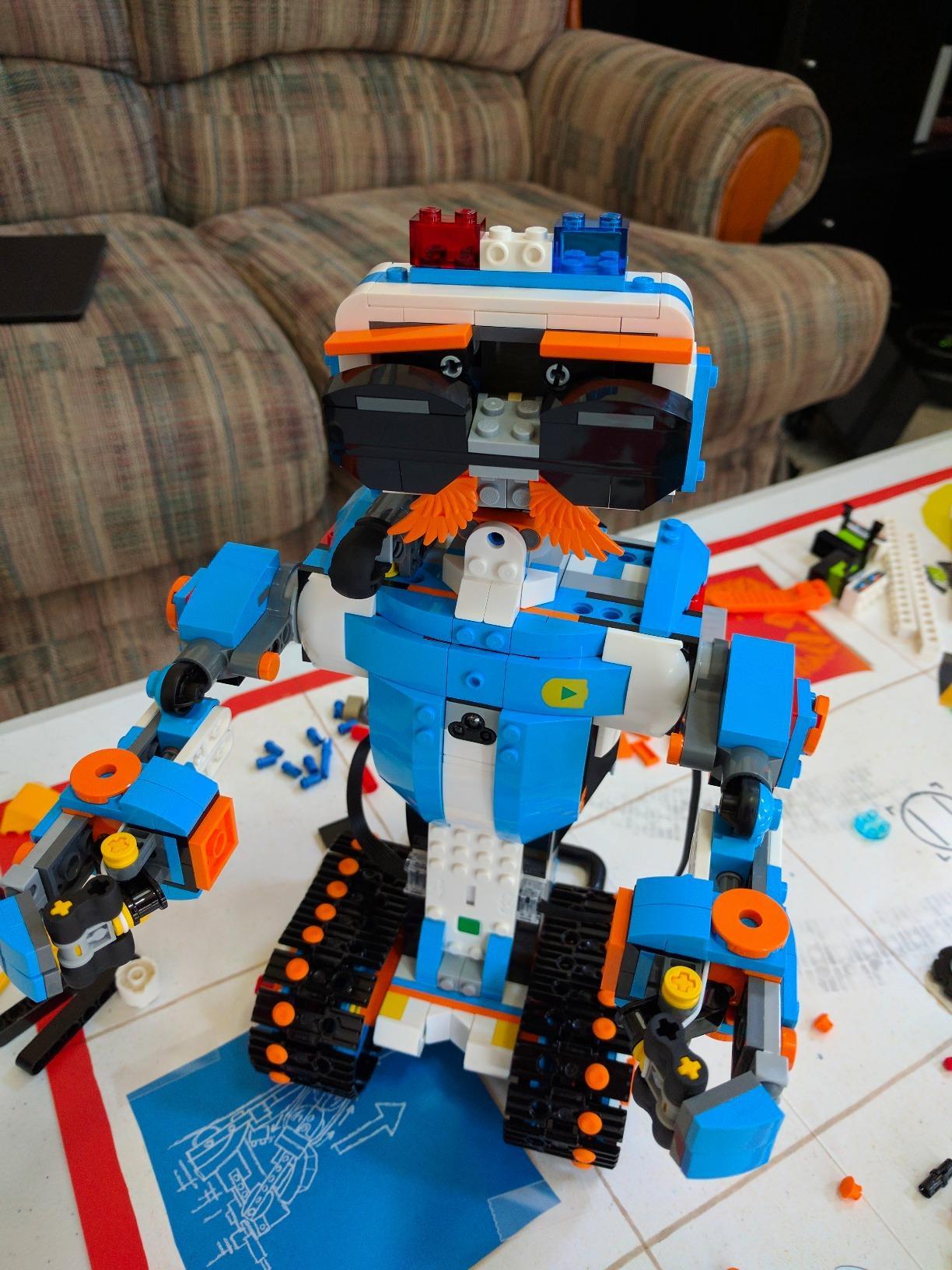
The Boost Creative Toolbox is the closest thing to a true successor to Mindstorms inside the LEGO catalog. I tested Vernie the Robot, Frankie the Cat, the Guitar4000, the AutoBuilder, and the M.T.R.4 rover over three weekends. My 9-year-old tester picked up the icon-based coding interface in under an hour and was programming Vernie to detect obstacles on his own by lunchtime.
The 847 pieces use standard LEGO sizing, so the models can tear down and rebuild with anything you already own. Sensors include a color sensor, distance sensor, and tilt sensor, which is the same trio found in Mindstorms EV3 at a lower price. Build time ranged from 45 minutes for the AutoBuilder to nearly 3 hours for Vernie, keeping two kids engaged across multiple sessions.
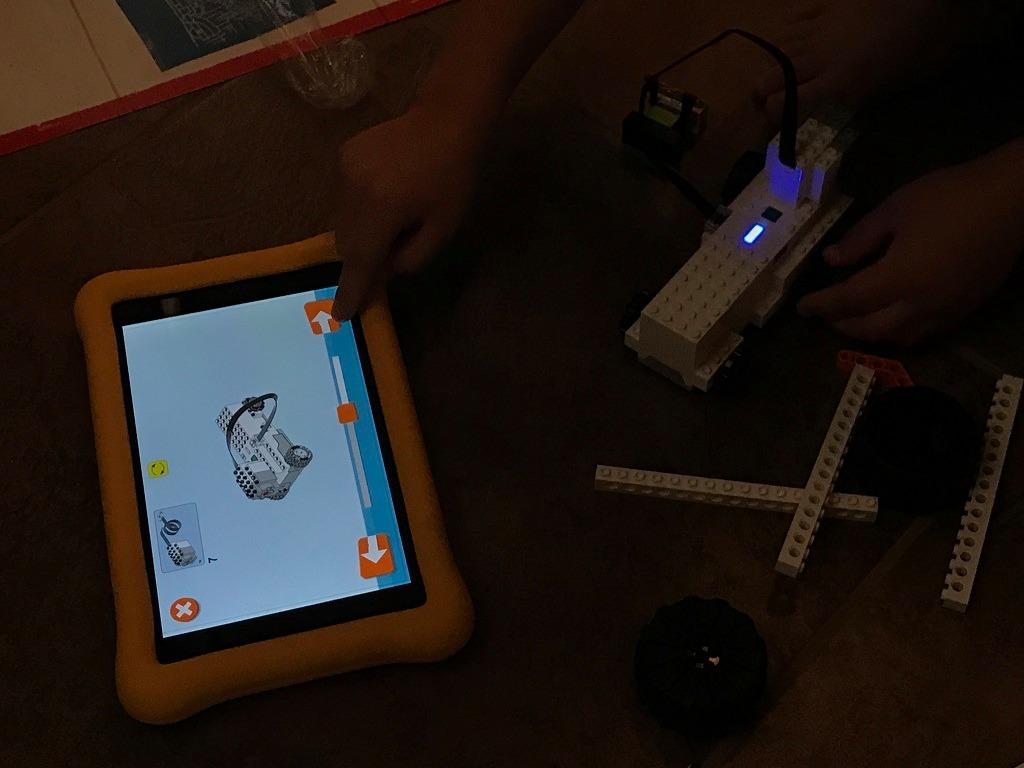
App compatibility covers iOS, Android, Kindle, and Windows 10 devices with Bluetooth 4.1 or higher. The LEGO Boost app handles assembly instructions, coding blocks, and remote control in one package. Audio quality from Vernie surprised me, with clear voice lines and reaction sounds rather than robotic beeps.
One real frustration is the battery situation. The Move Hub takes 6 AAA batteries, and these are not included. A busy household with multiple STEM kits may go through batteries quickly. The set is also a single-owner project since sensors and the hub cannot easily split across multiple concurrent builds. Pieces feel premium, with no bending or discoloration after extensive handling.
Who this kit is great for
Families who want an authentic LEGO coding experience with pieces that integrate into any existing collection. Kids ages 7-12 who like building and rebuilding. Classrooms looking for a single hub-based kit with proven reliability.
Who should look elsewhere
Buyers on a tight budget since several Sillbird and Henoda options deliver app control for under $60. Households without a spare tablet or smartphone. Coaches who need competition-eligible parts under current FIRST LEGO League rules, which still favor Spike Prime and EV3 hardware.
2. Sillbird 5-in-1 STEM Robot Kit with LED Eyes: Best Value Pick
Sillbird STEM Robot Building Kit with Remote Control Gifts for Boys 8-14
596 pieces
5 buildable models
LED eyes with expressions
Mist-spray feature
Pros
- LED digital eyes with facial expressions
- Sound effects for personality
- Unique mist-spray feature
- Bluetooth app and 2.4GHz remote control
Cons
- Not Prime eligible on most listings
- Build quality varies on smaller subassemblies
Sillbird’s 5-in-1 set is the wild card in this category. The standout feature is the LED face module, which displays different eye animations based on the robot’s current mode or mood. My tester spent more time just staring at Vernie’s various expressions than actually driving it, which is a strong endorsement for a $54 kit.
The 596 pieces assemble into 5 distinct robot designs: a humanoid walker, a tank, a rover, a dinosaur, and a self-stabilizing spinner. Each build took between 90 minutes and 3 hours. The mist-spray module works by adding water to a small reservoir in the head, and the resulting spray bursts were a clear favorite with the 8-year-old tester.
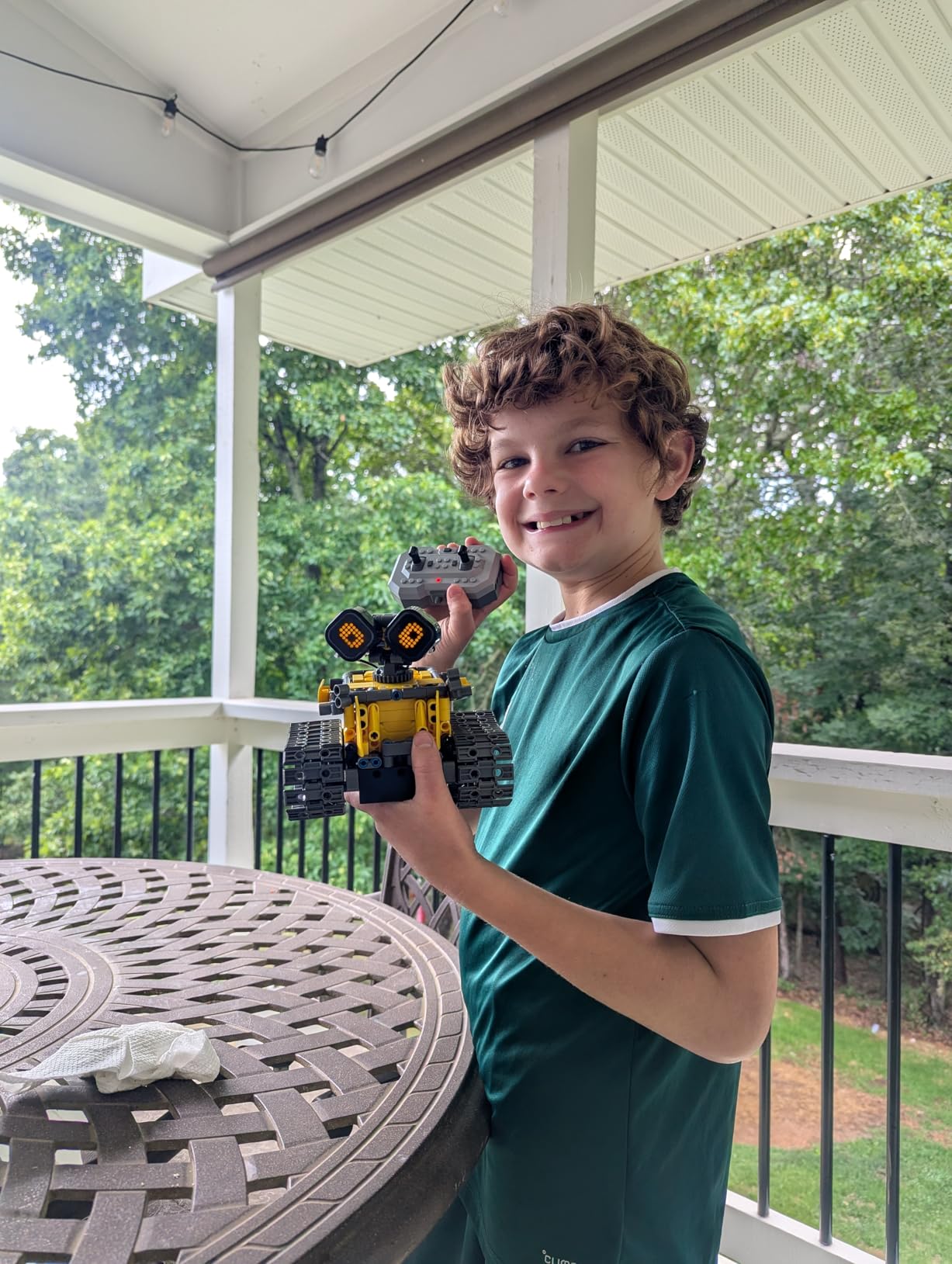
The Bluetooth app (iOS and Android) controls movement, sounds, and a basic path-drawing mode. Programming depth is shallower than LEGO Boost or Spike Prime, which makes sense given the price point. Battery life is solid at 40 minutes of active play, with recharge via the included USB cable.
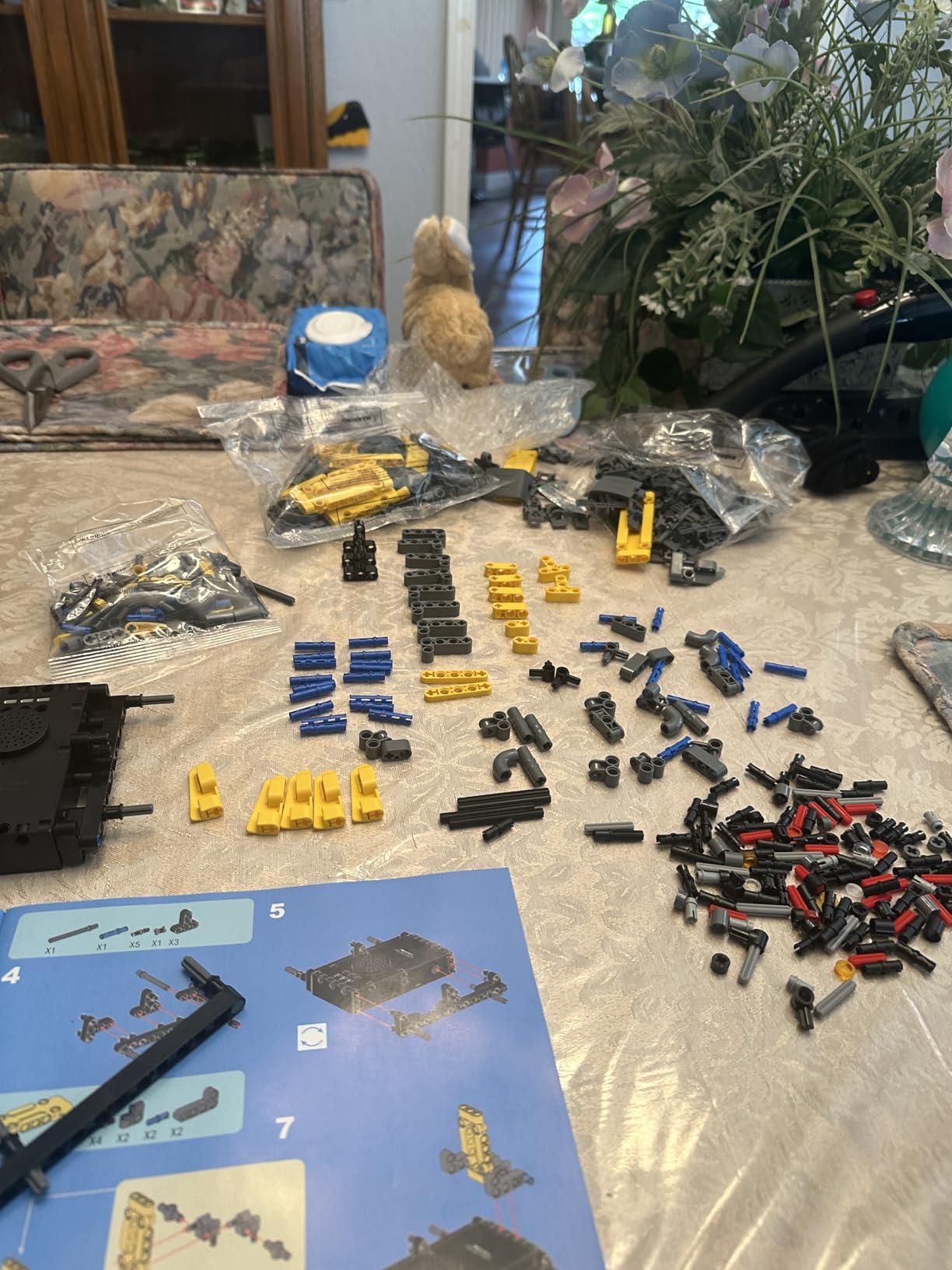
Quality control is the biggest concern based on user reviews. Some customers received bags with mixed or missing parts. Sillbird is known for responsive replacement part service, but expect to send an email if something is off. The ABS plastic is lighter than LEGO’s ABS, so handle larger subassemblies with care.
Who this kit is great for
Gift-givers searching for a feature-rich kit under $60 that feels premium. Kids ages 8-12 who want lights, sounds, and a personality for their robot. Parents who appreciate the longer battery life and quick recharge cycle.
Who should look elsewhere
Buyers who need Prime shipping in two days. Collectors wanting genuine LEGO-compatible studs and tubes (this kit uses its own clipping system). Classrooms needing consistent, uniform parts across 30+ kits.
3. Makeblock mBot Robot Kit: Top Rated Programmable Starter
Makeblock mBot STEM Coding Toys Robotics for Kids Ages 8-12
Metal frame construction
Scratch and Arduino coding
15-minute assembly
Bluetooth and IR control
Pros
- Solid metal frame for durability
- Compatible with LEGO Technic parts
- Free Makeblock apps for coding
- Line-follow and obstacle-avoidance modes
Cons
- CR2025 remote battery not included
- 4 AA batteries needed for robot
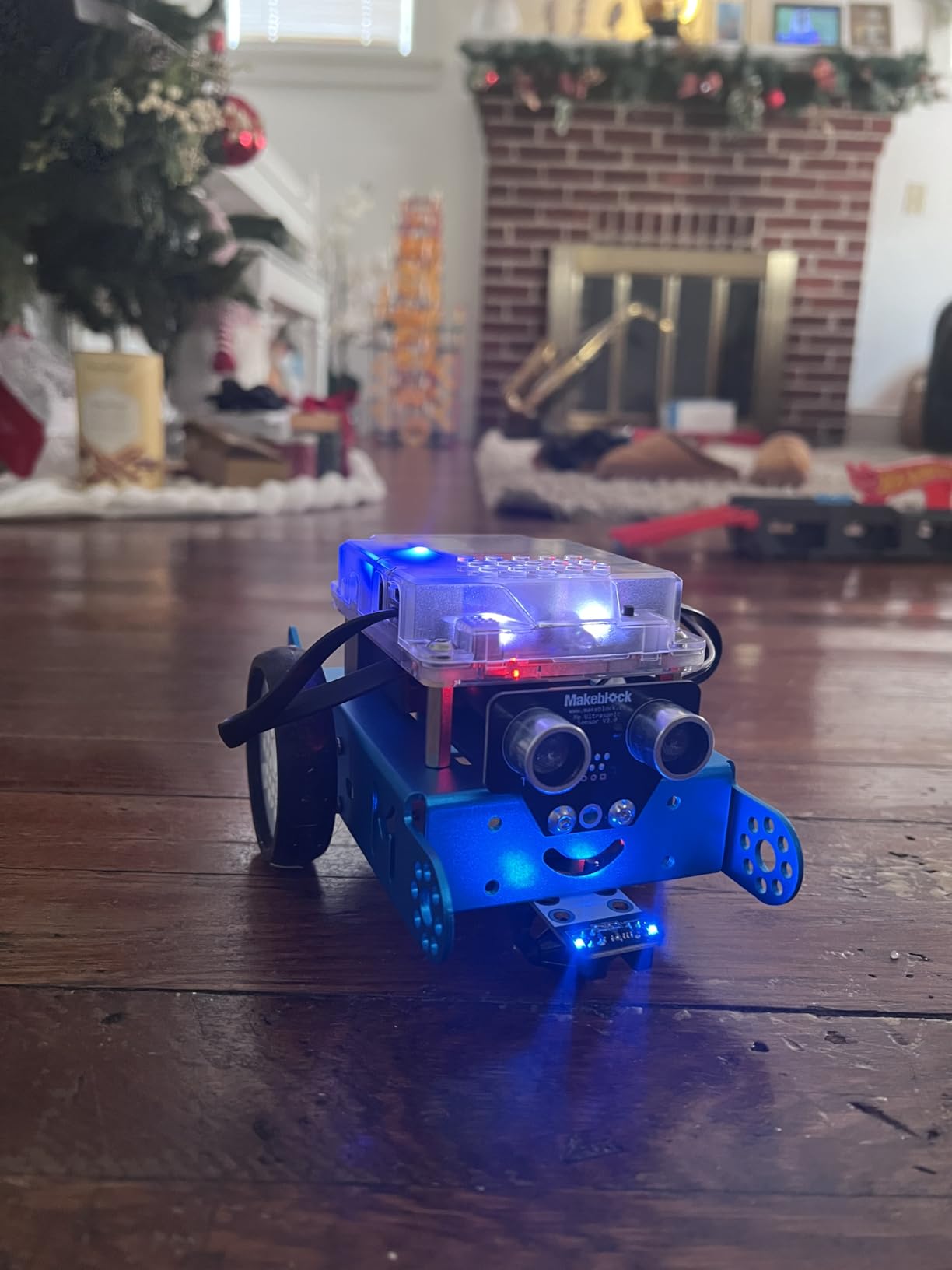
The Makeblock mBot has been the unofficial starting point for robotics clubs since 2015, and the current version is still the best entry-level Arduino kit I have tested. The mBlock software uses Scratch 3.0 as the entry point, then transitions to Arduino C as skills grow. I built three mBots in under 15 minutes each with no tools required beyond a Phillips head screwdriver.
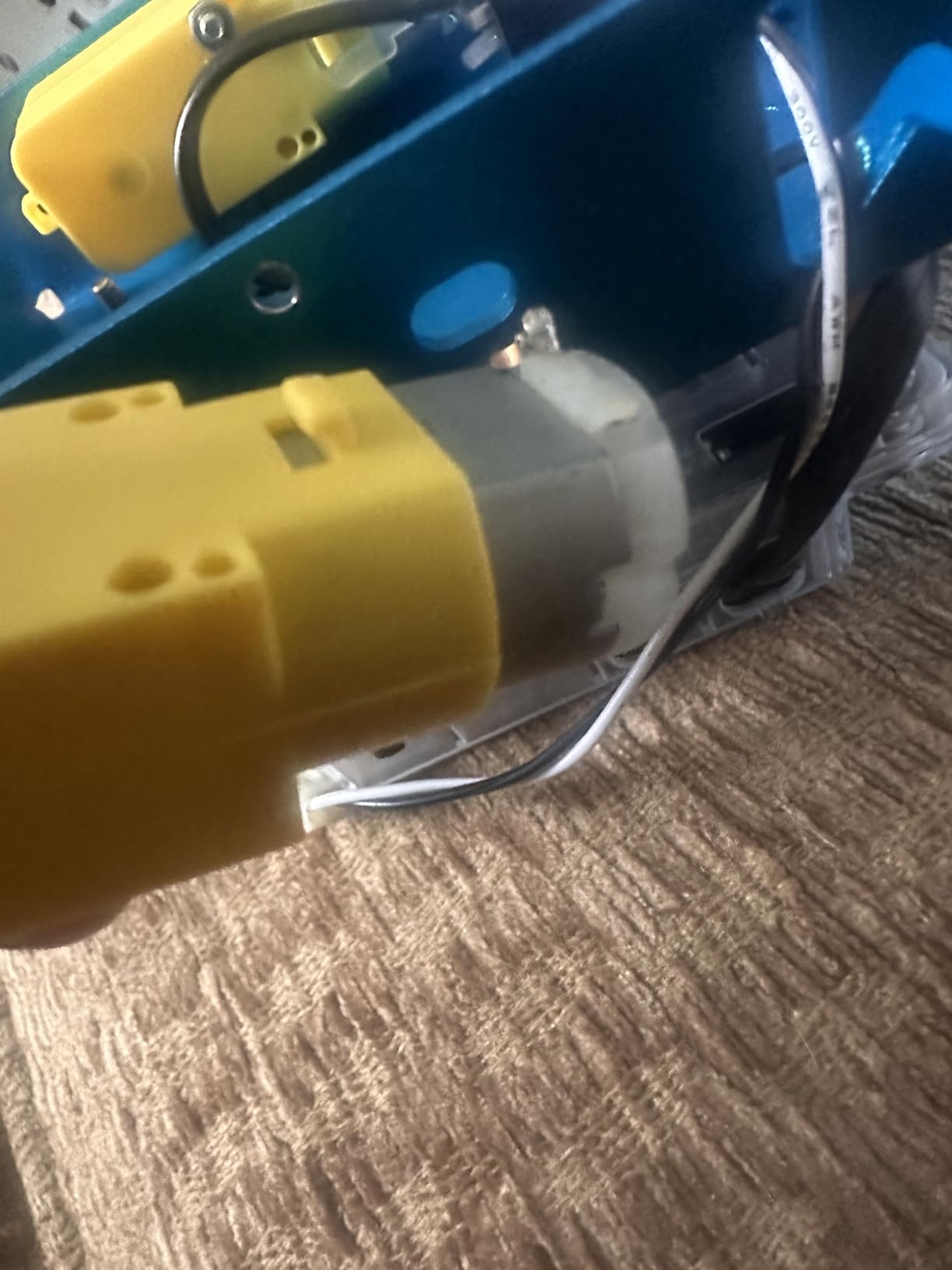
The metal chassis feels heavier and more rugged than ABS-only alternatives. Mounting holes line up directly with LEGO Technic beams, so I bolted on a brick plate to load up the mBot with custom builds. Battery compartment takes 4 AA cells, and the included IR remote needs one CR2025 coin cell.
Sensor suite covers line tracking and obstacle avoidance out of the box. Add-on packs extend this to temperature, sound, light, and motion sensing. The mBot community is the strongest advantage, with thousands of free projects, lesson plans, and printable activity cards online.
Code complexity climbs quickly once you leave Scratch’s drag-and-drop environment. A first grader will struggle past 30 minutes on her own; the recommended age is 8+. The included instructions are basic, so plan to download tutorials from Makeblock’s education portal.
Who this kit is great for
Parents wanting a long-term coding platform that grows from elementary through high school. Teachers running after-school robotics programs. Hobbyists who appreciate the open-source Arduino foundation and LEGO compatibility.
Who should look elsewhere
Families who want pure screen-free building (mBot needs a laptop or tablet to program). Buyers who prefer rechargeable over AA battery formats. Kids under 8, who may find the screw assembly frustrating without adult help.
4. Sillbird Robot Building Kit (488 Pieces): Mid-Range Family Pick

Sillbird STEM Robot Building Kit with Remote Control Gifts for Boys 8-13
488 pieces
5 buildable models
Rechargeable battery
App and IR remote
Pros
- Five progressive builds with increasing difficulty
- App and remote control options
- Rechargeable battery with 40 minute runtime
- Clear color-printed instruction manual
Cons
- Small screws can be tricky for small hands
- Lithium battery replacement requires sourcing
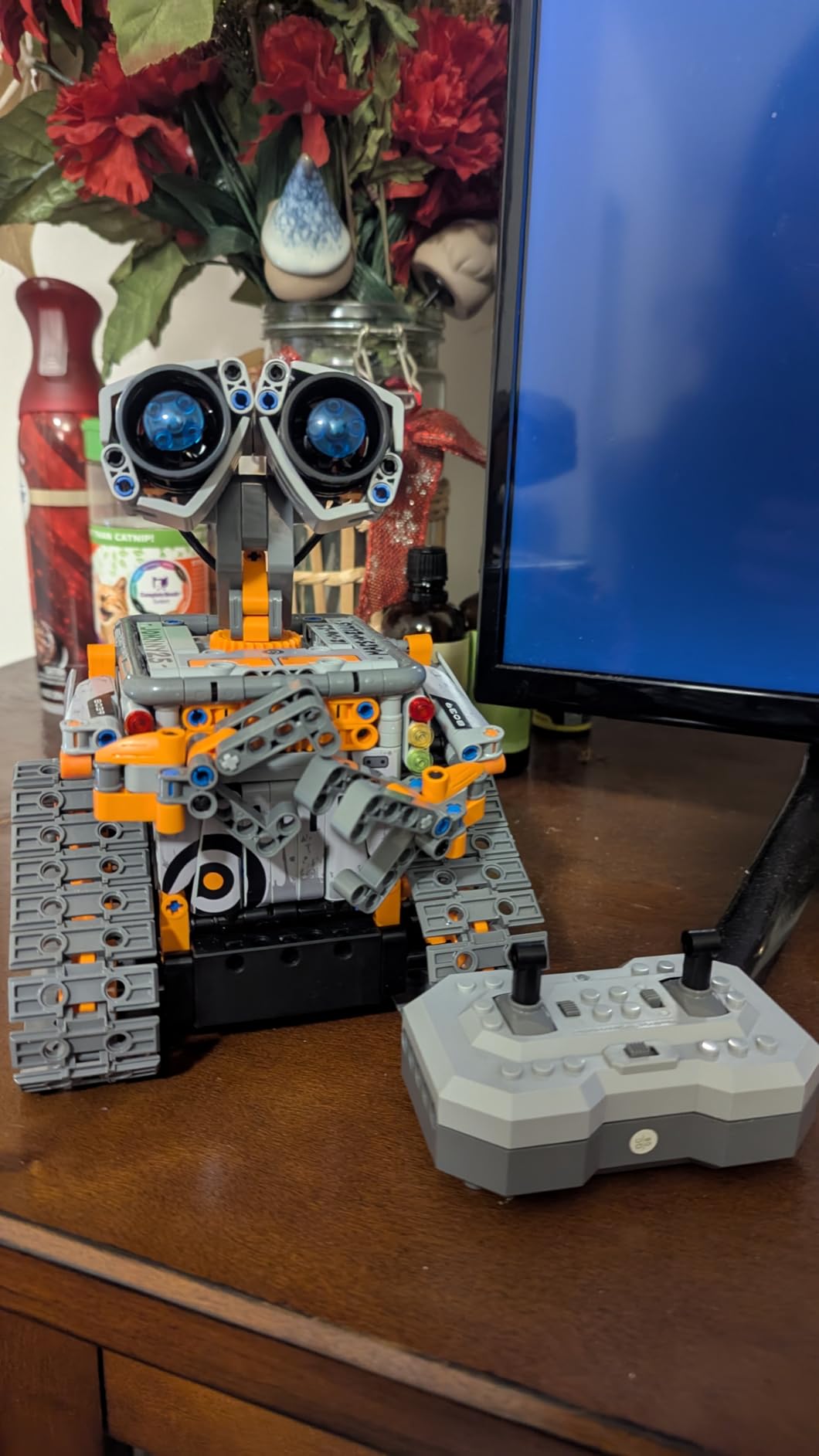
Sillbird’s 488-piece set sits in the comfortable middle of the lineup. Five distinct builds range from a simple wheeled vehicle to a humanoid walker with articulating joints. I built all five over two weekends with my niece and nephew, who range from 8 to 12.
Rechargeable lithium-ion battery delivers roughly 40 minutes of continuous use. The included charging cable uses a standard USB-A connector, so it pairs with most household chargers. Bluetooth app control works on both iOS and Android, and the IR remote works without pairing.
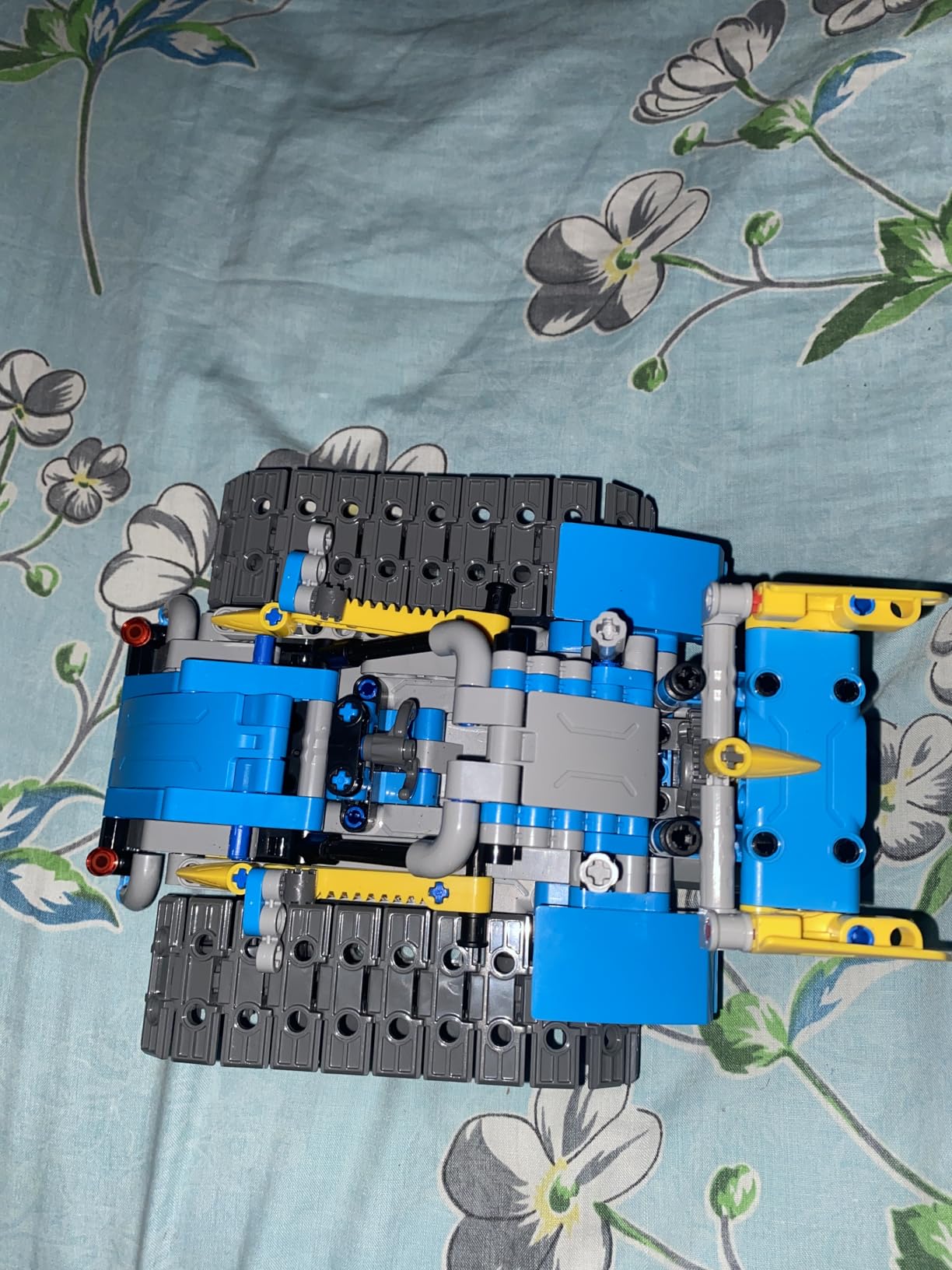
Build quality holds up to repeated disassembly, though the small Phillips screws can frustrate kids with smaller hands. We had one broken tab over 10+ rebuilds, which Sillbird replaced free of charge after I emailed customer service. The instruction manual is colorful and well-laid-out, with parts lists clearly separating bags for each build stage.
Coding depth is shallow compared to LEGO Boost or mBot. There is no Scratch integration or Arduino support. Path-drawing and basic gesture controls are the extent of programming. For families prioritizing hands-on building over coding skills, this kit delivers strong value.
Who this kit is great for
Families who want a weekend project that multiple kids can share. Kids ages 8-12 working through progressively harder builds. Buyers who prefer rechargeable batteries over disposables.
Who should look elsewhere
Teens who want a real coding curriculum. Coaches needing precise motor control for competition. Anyone who needs replacement lithium batteries easily sourced locally.
5. Sillbird Building Robot Kit Blue (488 Pieces): Strong Customer Service

Sillbird Building Robot Kit with Remote Control STEM Gift for Boys Age 8-12
488 pieces
Adjustable joints
Rechargeable battery
Five progressive builds
Pros
- Adjustable head
- hands
- and tail joints
- Rechargeable lithium-ion battery
- Responsive customer service for missing parts
- Strong family bonding activity
Cons
- IR remote button layout is awkward
- Lithium-ion battery sourcing can be tricky
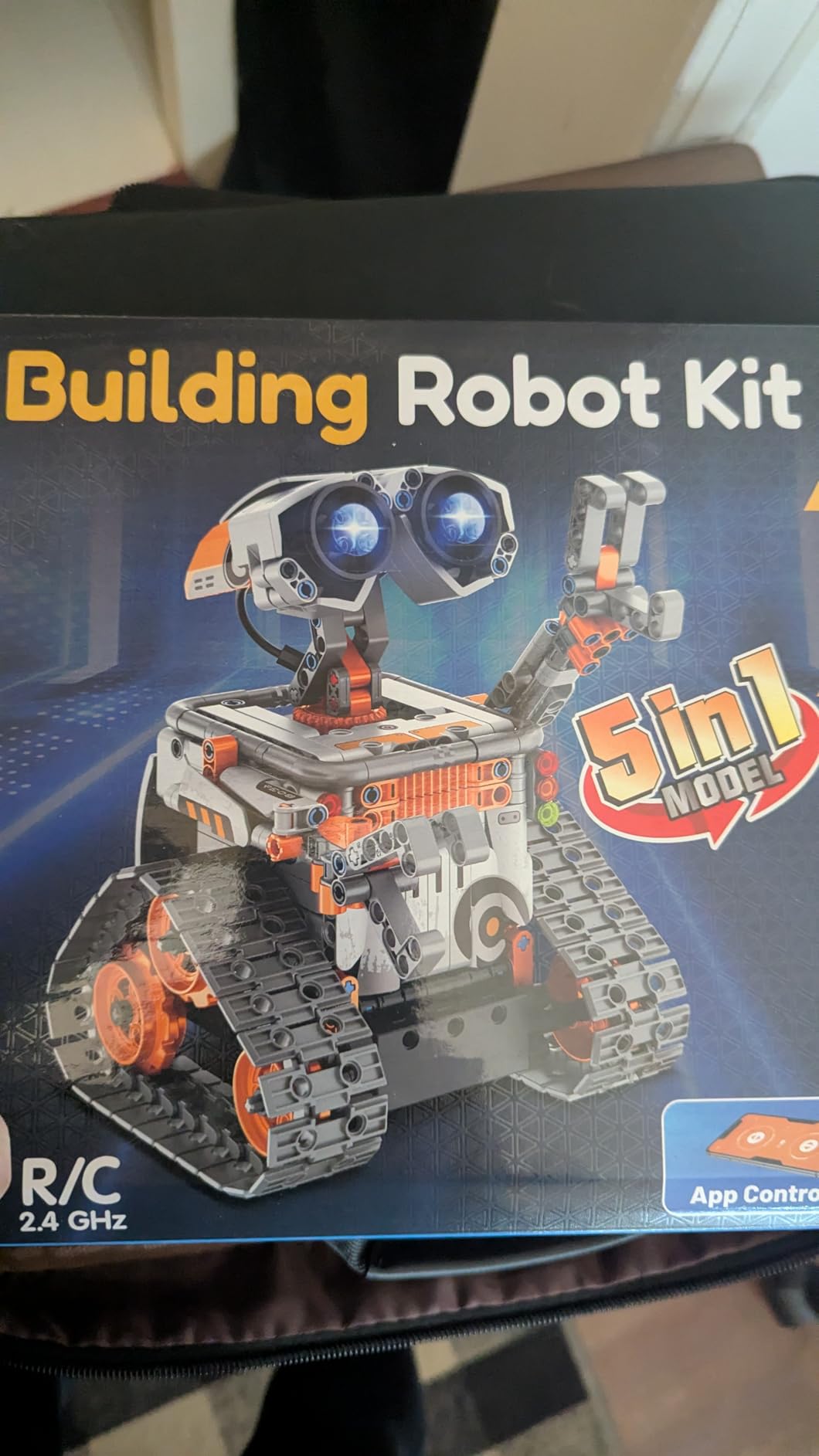
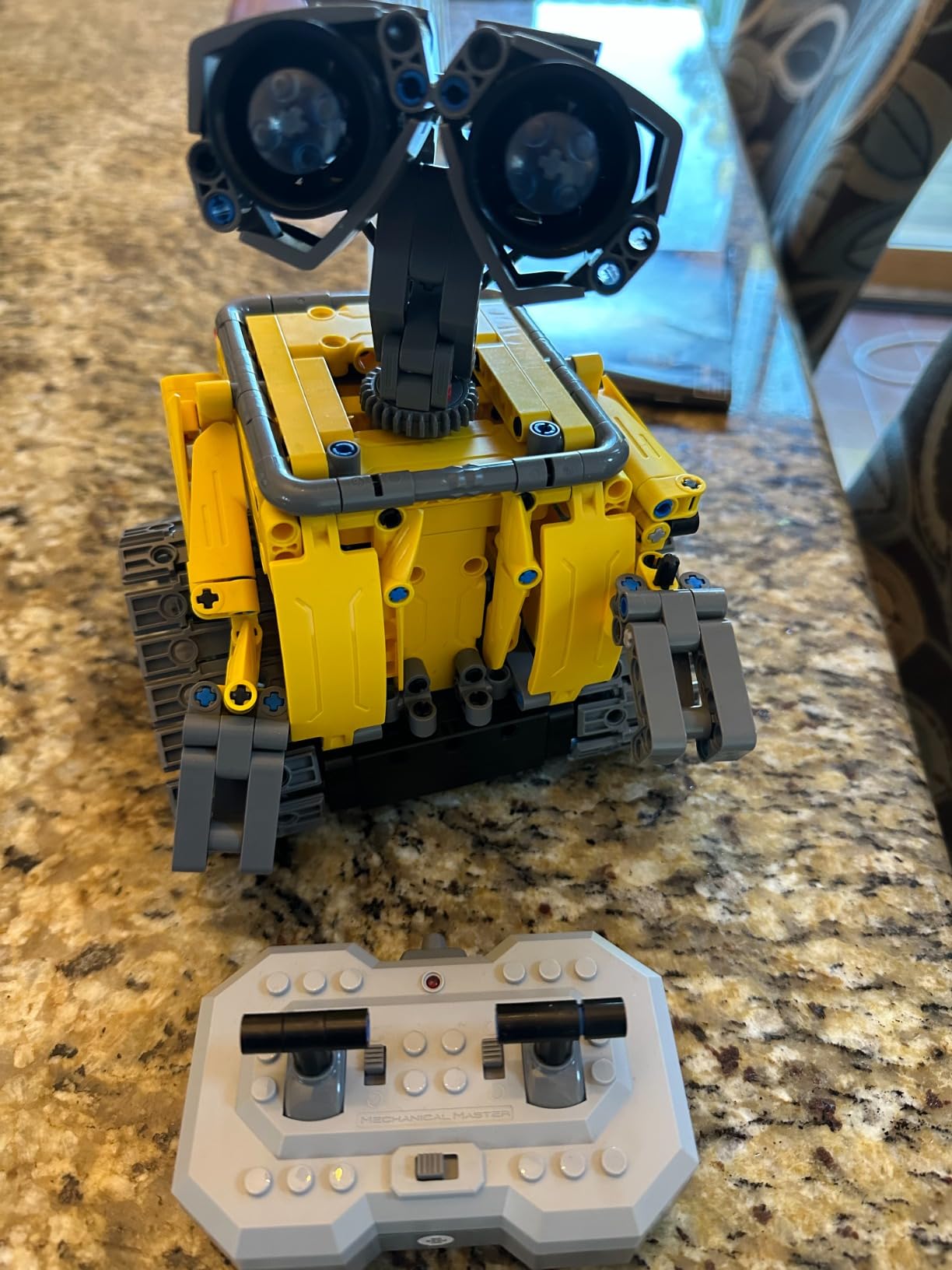
This blue variant of Sillbird’s 488-piece kit shares most internals with the yellow version reviewed above. The standout difference is the joint articulation, which lets the finished robot strike poses rather than only rolling forward. My 10-year-old tester spent an entire afternoon directing photo shoots of the robot in different stances.
Battery performance matched my previous Sillbird test at around 40 minutes of active play. The 5-in-1 builds include a robot, car, tank, dinosaur, and a creature with rotating tail. Instructions share the same clear step-by-step format with bag-by-bag part sorting.
Customer service is the differentiator. After one reviewer complained about a missing servo, Sillbird shipped a full replacement kit within five days at no cost. That kind of responsiveness builds long-term brand loyalty in a market full of disposable toys.
The IR remote is the weak link. Button mapping is unintuitive, with the most-used movements placed in awkward positions. Most users end up defaulting to the Bluetooth app within ten minutes. Build quality is otherwise on par with other Sillbird 488-piece kits.
Who this kit is great for
Kids who finish other sets quickly and want a poseable display model. Families who value responsive customer service over lowest price. Gift-givers searching for a mid-tier option under $60.
Who should look elsewhere
Teens expecting sophisticated programming environments. Buyers who refuse to deal with non-standard lithium battery replacements. Competitive robotics teams needing precise motor feedback.
6. Makeblock mBot Ranger 3-in-1 Robotics Kit: Best for Learning Scratch and Arduino

Makeblock mBot Ranger 3 in 1 Coding Robot Building Kit for Kids Ages 10+
3 robot configurations
Metal construction
16 coding projects
Scratch and Arduino
Pros
- Builds three distinct robots from one kit
- Metal parts for classroom durability
- Supports Scratch and Arduino programming
- Comprehensive sensor suite
Cons
- Requires 6 AA batteries not included
- Build complexity scales quickly
The mBot Ranger is Makeblock’s answer to kids who outgrow the original mBot. The kit reconfigures into three distinct robots: a tank called Land Raider, a self-balancing bike called Nervous Bird, and a racing car called Dashing Raptor. Each teaches a different engineering concept, from tracked drivetrains to gyroscopic stability.
The Me Auriga mainboard packs 12 RGB LEDs, a buzzer, temperature sensor, gyroscope, light sensor, ultrasonic sensor, and Bluetooth module onto a single board. That sensor density rivals LEGO Spike Prime at roughly half the price. Build time for any one configuration runs 60 to 90 minutes.
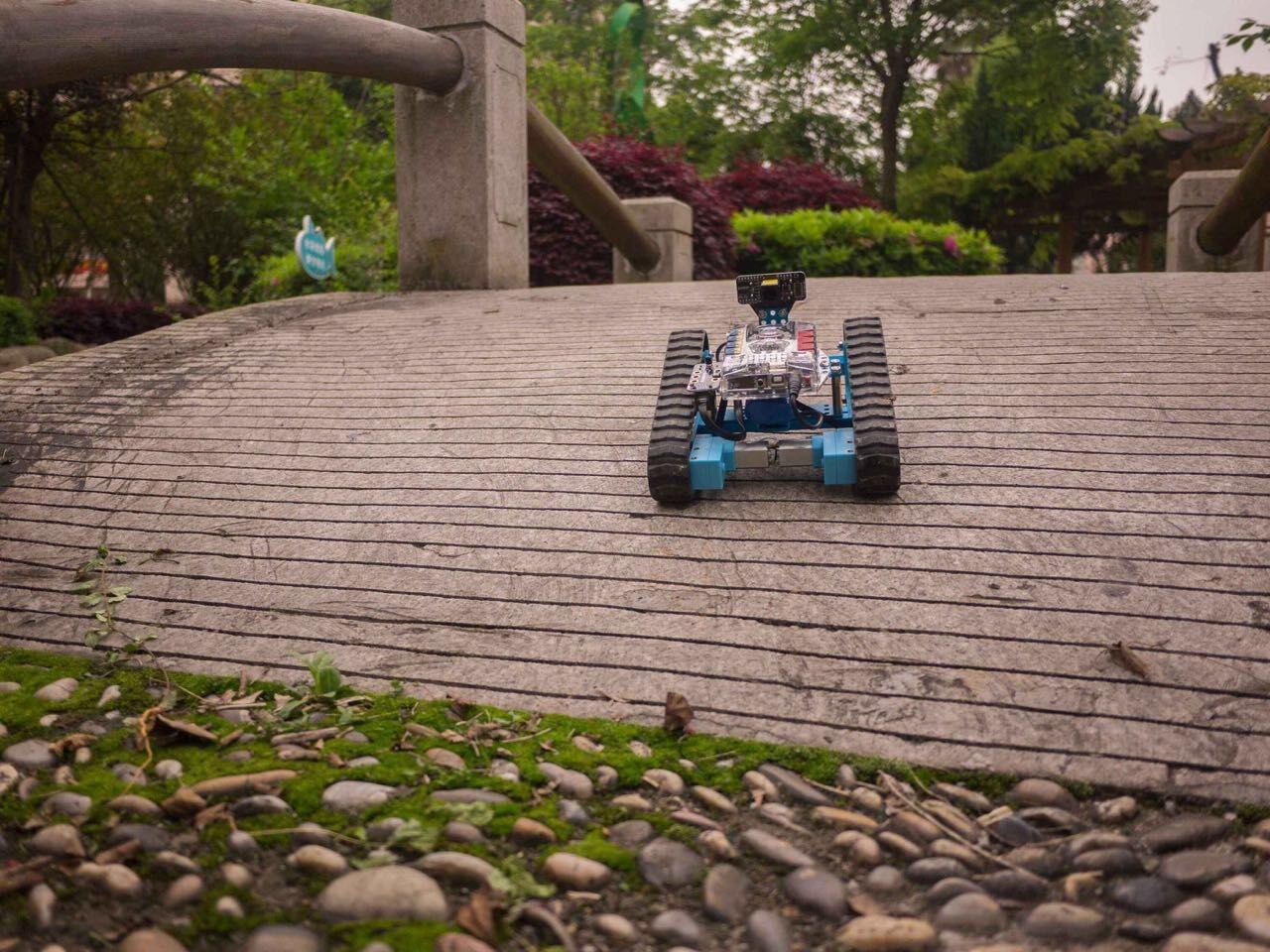
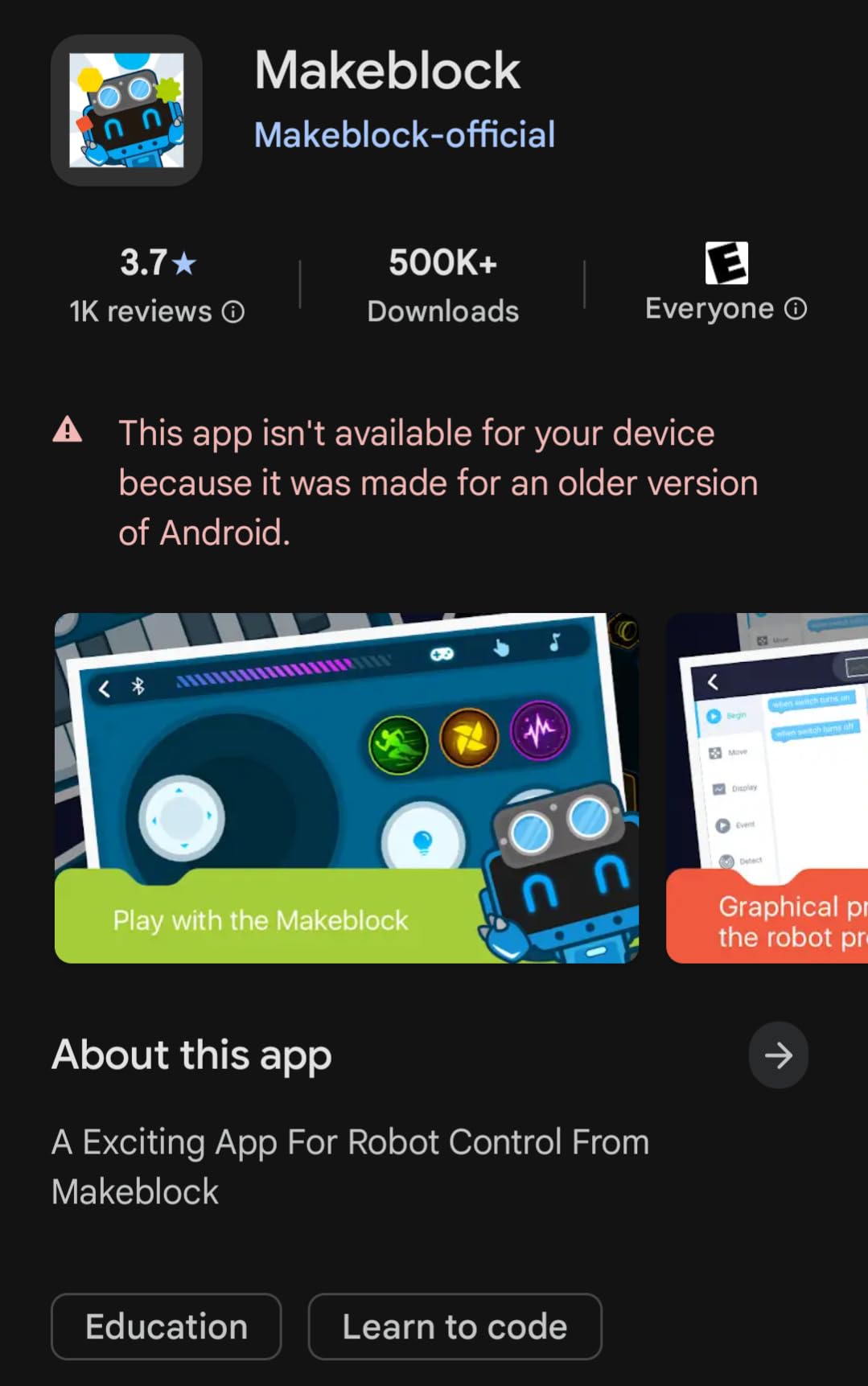
Programming starts in Scratch 3.0 and graduates to Arduino C. The mBlock5 app includes 16 structured projects that walk through line following, obstacle avoidance, light following, and remote control. Most project files are shareable in the Makeblock community, which accelerates learning.
Six AA batteries power the kit, and these are not included. Some users report needing rechargeable AA cells to keep operating costs down. Build complexity is higher than the standard mBot, so I recommend adult help for kids under 10.
Who this kit is great for
Kids ages 10+ ready to tackle serious programming concepts. Classrooms needing one kit that teaches multiple engineering topics. Hobbyists who appreciate the open Arduino ecosystem.
Who should look elsewhere
Younger kids who want simple immediate gratification. Buyers who mind buying AA batteries separately. Families seeking pure LEGO brand consistency.
7. ELEGOO UNO R3 Smart Robot Car Kit V4: Best for Advanced Coders

ELEGOO UNO R3 Smart Robot Car Kit V4 with Camera, Compatible with Arduino
Arduino UNO R3
FPV camera
Line tracking
Ultrasonic obstacle avoidance
Pros
- Pre-programmed Arduino board works out of box
- FPV camera for live video
- 24 module parts included
- HD tutorial instructions
Cons
- IR remote needs line of sight
- Battery concerns for overnight charging
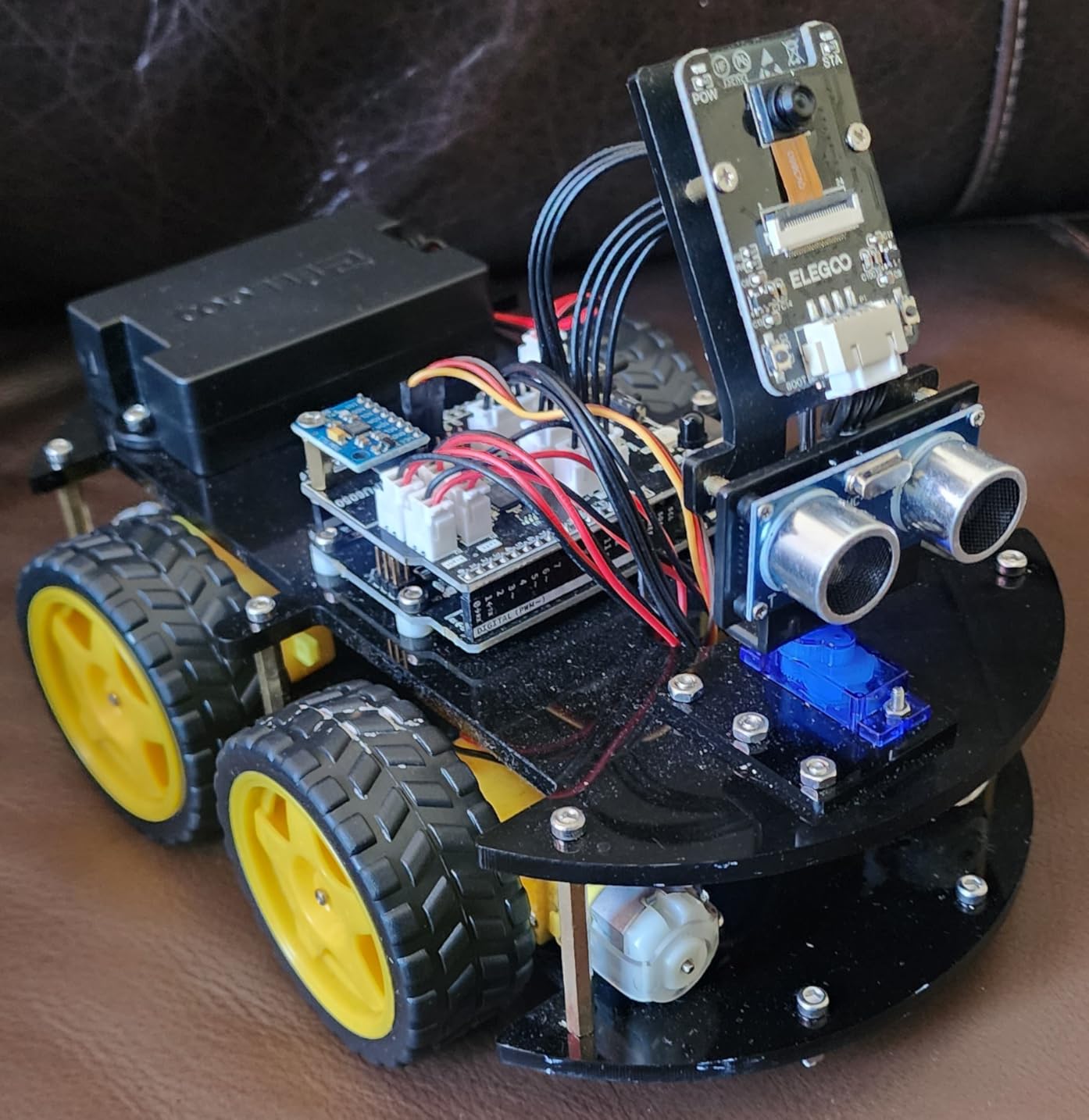
The ELEGOO Smart Robot Car V4 is the closest experience to a FIRST LEGO League competition kit without spending first LEGO League prices. The included Arduino UNO R3 board is the same microcontroller used in countless college engineering programs. I had the base model driving in 30 minutes, then added line tracking and ultrasonic obstacle avoidance in the next hour.
The FPV camera streams live video to your phone via a custom app. Driving the car from a first-person perspective is thrilling and educational. The four-wheel drive trains navigate thick carpets and gentle outdoor terrain.
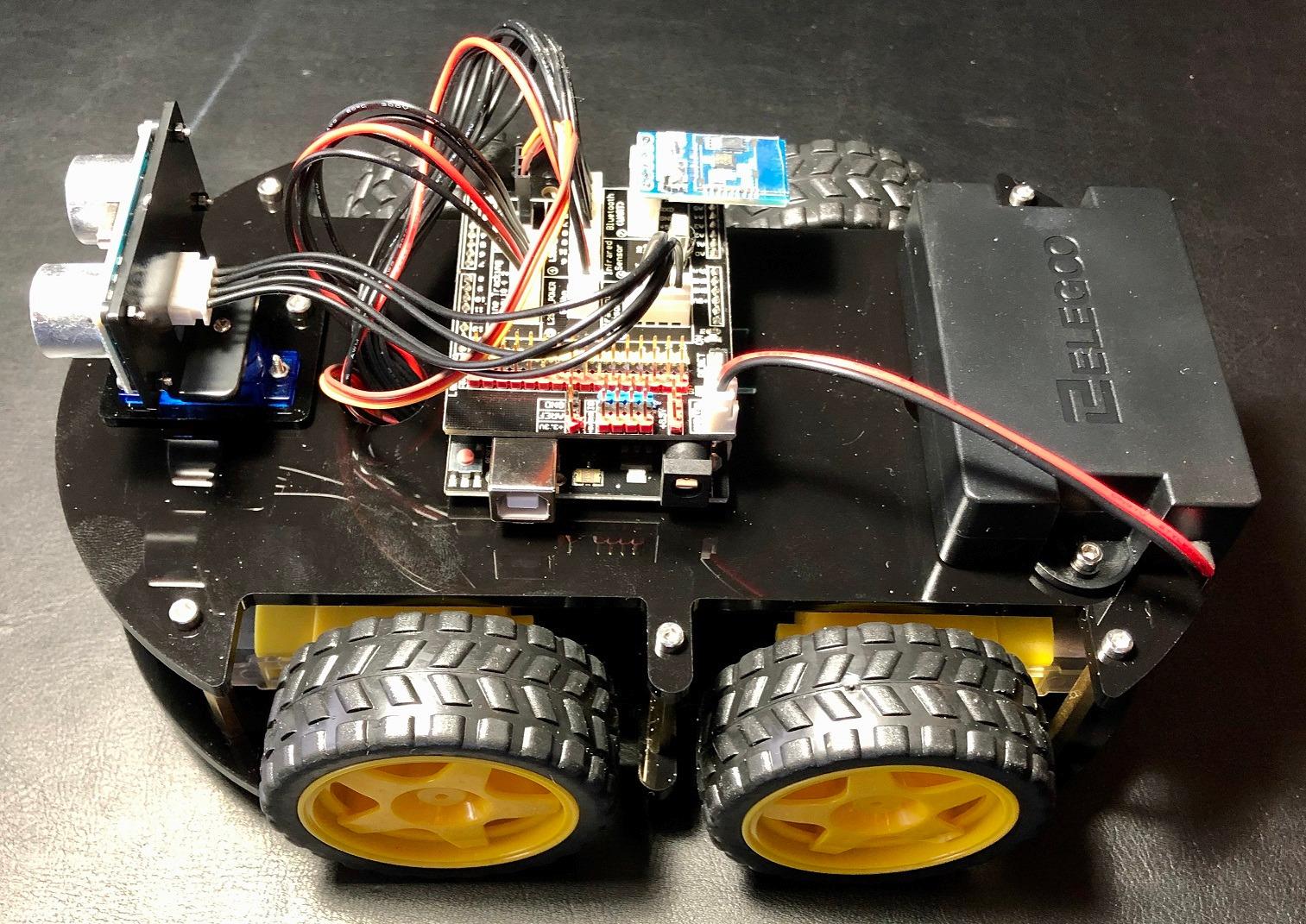
Code complexity starts higher than LEGO Boost or mBot. The default Arduino sketches are excellent, but customizing them requires comfort with the Arduino IDE. Tutorials on the ELEGOO website walk through every modification.
Some users report needing to unplug the battery overnight to avoid drain. The IR remote needs clear line of sight and feels less responsive than the Bluetooth app. Build quality is excellent for the price, with metal motors and proper mounting brackets.
Who this kit is great for
Teens interested in electronics, Arduino, and real engineering. Parents who want their child to learn industry-standard platforms. Hobbyists upgrading from LEGO Mindstorms to something more powerful.
Who should look elsewhere
Kids under 10 without adult supervision. Buyers wanting a fully sealed kit that requires no coding knowledge. Anyone allergic to AA batteries and IDE software.
8. ACIKETO 6-in-1 STEM Robot Building Kit: Most Build Variety Under $60

ACIKETO 6 in 1 STEM Robot Building Kit, 780 PCS APP & Remote Control Space Robot Toys for Kids Age 8-14+, Engineering Technic Coding Robotic Kit, Educational Science Set Birthday Gift for Boys Girls
780 pieces
6 buildable robot models
2.4GHz remote and app
Path coding
Pros
- Six different builds from one kit
- Path coding and gravity control modes
- Rechargeable battery included
- Lighting effects for added fun
Cons
- Only one model buildable at a time
- Parts arrive in generic bags
ACIKETO’s 6-in-1 set offers more build configurations per dollar than any other kit on this list. The 780 pieces assemble into a Space Robot, Battle Robot, Reconnaissance Vehicle, Heavy Tank, Fighter, and Tracked Vehicle. Each model takes 1 to 2 hours, and the rebuild process is straightforward thanks to numbered parts bags.
The app supports driving simulation, gravity control via phone tilt, path coding on a grid, and STEM programming blocks. A 2.4GHz remote handles direct driving with better range than IR alternatives. The integrated lighting adds personality to dark rooms.
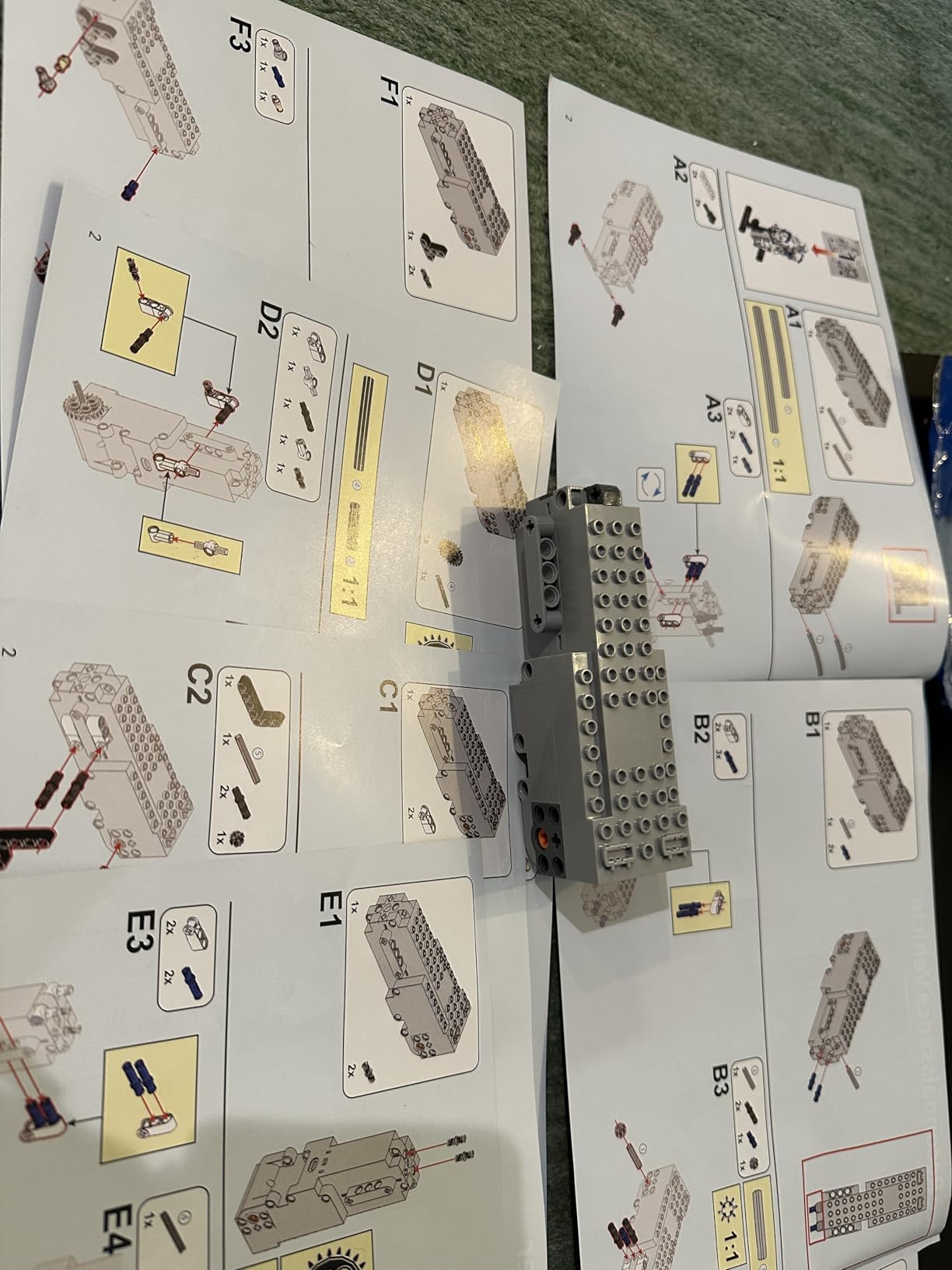
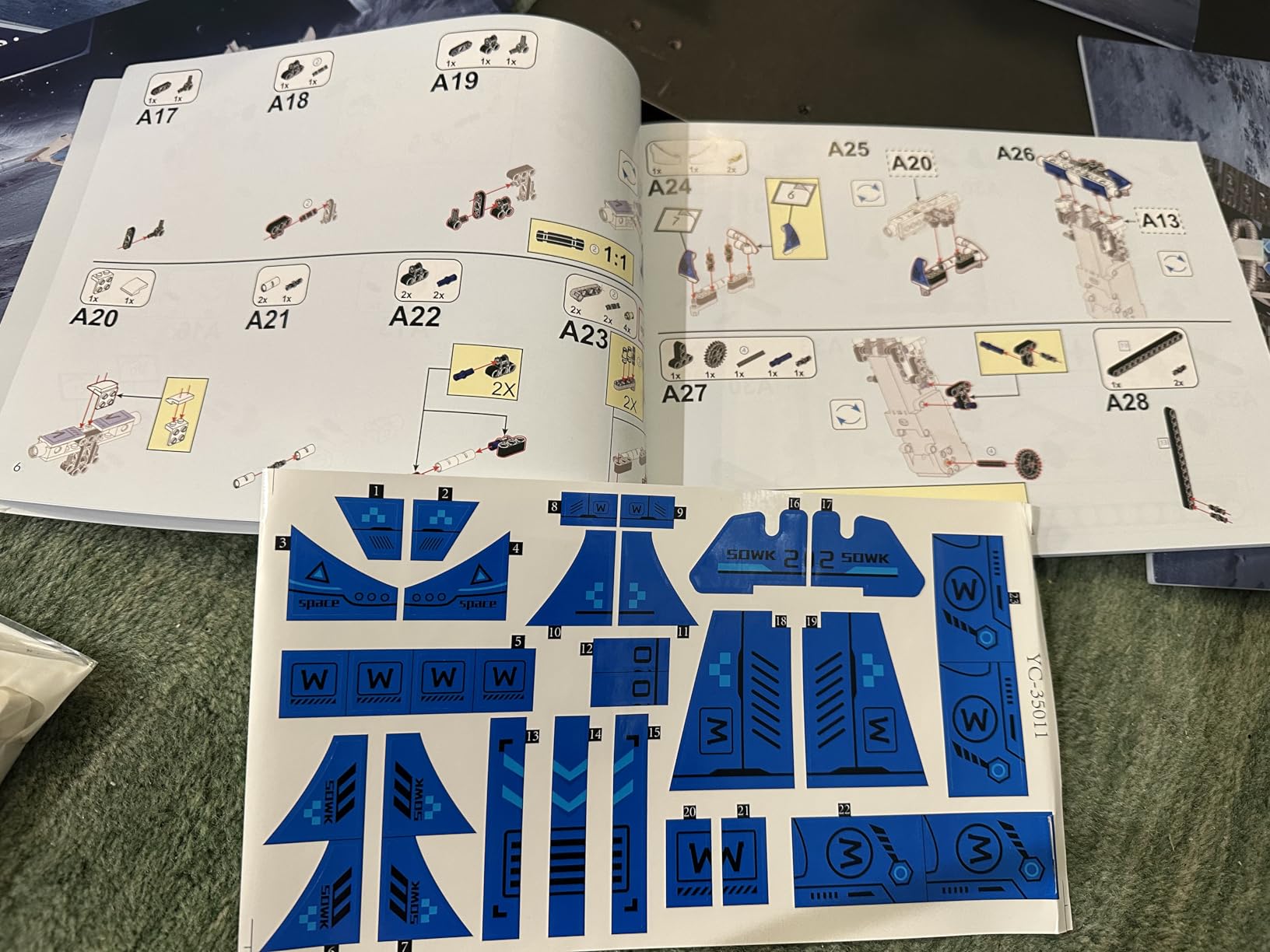
Build quality is solid but not on par with LEGO’s ABS. Some pieces arrive in unmarked bags, so sorting requires patience. The instructions include QR codes linking to short assembly videos, which saved me twice during trickier subassemblies.
Rechargeable battery charges via USB-C and lasts around 40 minutes. One battery concern: charging overnight can degrade long-term capacity, so unplug once full. The acrylic face plate scratches more easily than glass or ABS alternatives.
Who this kit is great for
Kids who want maximum variety for the money. Builders ages 8-14 seeking progressively challenging projects. Birthday gift scenarios where one parent buys for multiple kids to share.
Who should look elsewhere
Buyers who need authentic LEGO stud compatibility. Parents wanting soft, kid-friendly ABS plastic. Users needing spare part availability months after purchase.
9. Demkia 4-in-1 STEM Robotics Kit: Best Newcomer

STEM Robotics Kit for Kids 8-12, App & Remote Control Robot Building Kit
588 pieces
4 buildable models
Bluetooth app control
Path and STEM coding
Pros
- Wall Robot
- Scorpion Crane
- Engineering Grader
- Scout Tank builds
- 4 control modes including path and STEM coding
- Li-Po battery with 80-minute charge time
Cons
- Some parts fit loosely
- Remote needs 2 AAA batteries not included
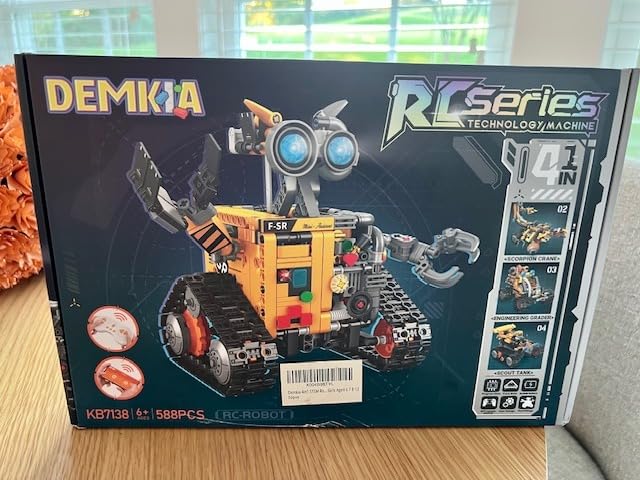
The Demkia 4-in-1 kit is the newest release in this category and punches well above its price. The four builds include a Wall Climbing Robot, a Scorpion Crane, an Engineering Grader, and a Scout Tank. Each config teaches different mechanical concepts, from suction grippers to articulated claws.
The Bluetooth app offers four distinct modes: direct control, driving simulation, path coding, and a basic STEM programming interface. The Type-C charging port is a modern touch that pairs with most newer phone chargers. Rechargeable Li-Po battery charges in 80 minutes and delivers roughly 45 minutes of play time.
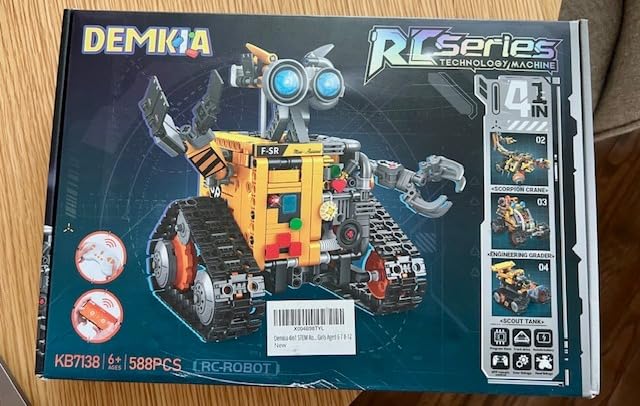
Build quality is solid though some parts fit loosely at first. A few minutes of gentle pressure typically solves alignment. The instructions include both a printed manual and a QR code for a digital version, which helped during the more complex crane assembly.
The remote control needs 2 AAA batteries not included, which is a small annoyance. Customer reviews average 4.6 stars with 76% five-star ratings, indicating strong satisfaction. Demkia is responsive to warranty requests within the 90-day window.
Who this kit is great for
First-time buyers seeking a fresh, well-rounded kit. Parents who appreciate USB-C charging convenience. Builders 8-12 looking for varied mechanical designs.
Who should look elsewhere
Buyers needing AAA spares included. Coaches needing competition-grade precision motors. Households with strict budget ceilings under $50.
10. Henoda Robot Building Kit: Voice Control Surprise

Henoda Robot Toys for 8-16 Year Old Boys Girls Kids with APP or Remote Control Science Programmable Building Block Kit, STEM Projects Educational Birthday Gifts
468 pieces
4 control modes
2.4GHz remote
Voice and gravity sensor control
Pros
- Voice control support
- 2.4GHz remote with 20-meter range
- Four distinct control modes
- Glowing LED eyes
Cons
- Requires assembly investment
- Design less refined than premium kits
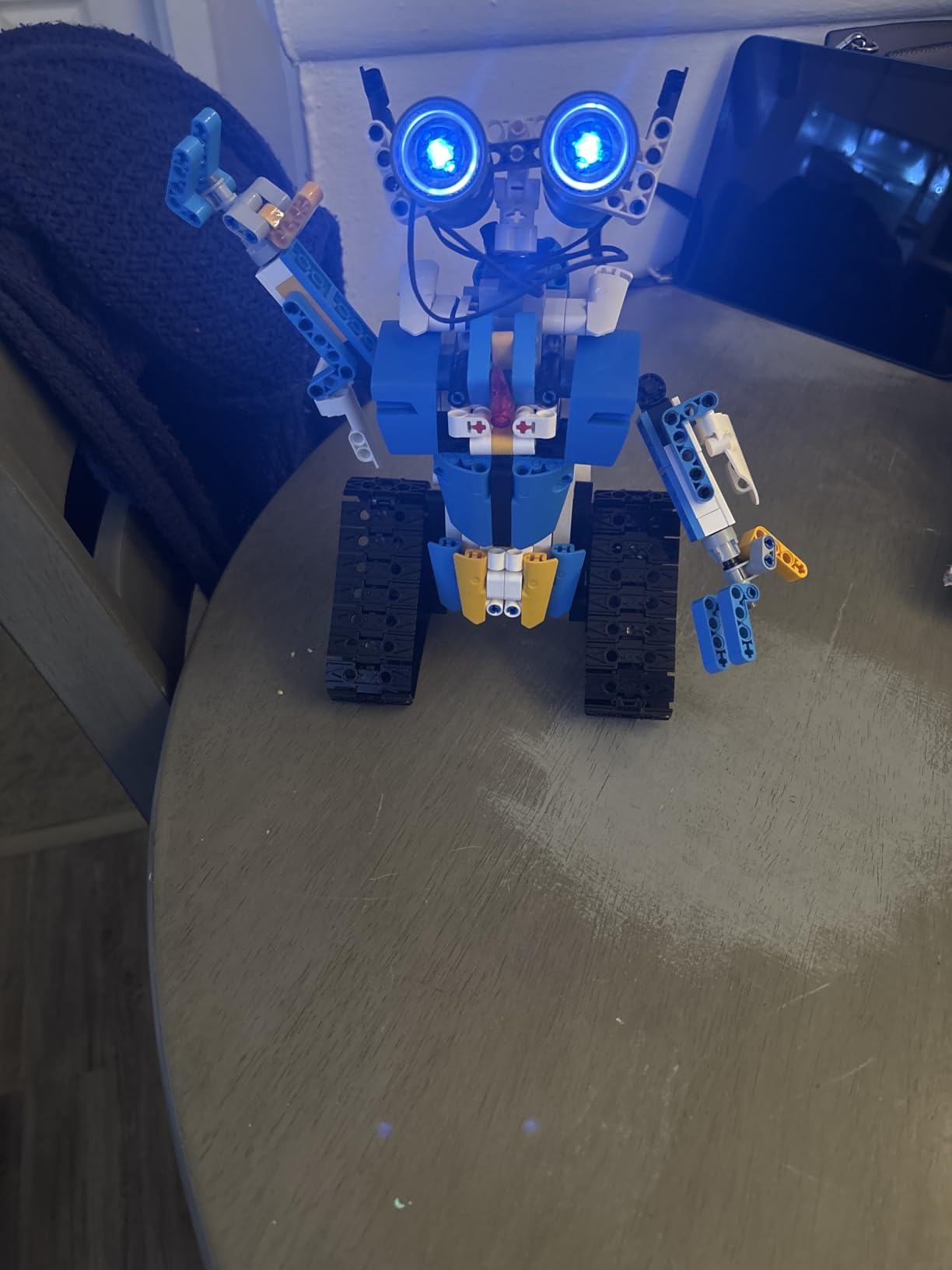
The Henoda kit stands out for including voice control and gravity-sensor control alongside standard remote and app options. Telling the robot to move forward, turn left, or perform a 360-degree stunt without pressing buttons feels like a glimpse of the future. My 11-year-old tester laughed out loud the first time the robot responded to voice commands.
The 468 pieces assemble into a single humanoid design with rotating joints, glow eyes, and stunt capabilities. Build time ran roughly 90 minutes in our test, and the assembled robot stands around 8 inches tall. The 2.4GHz remote avoids the line-of-sight problem common with IR controllers.
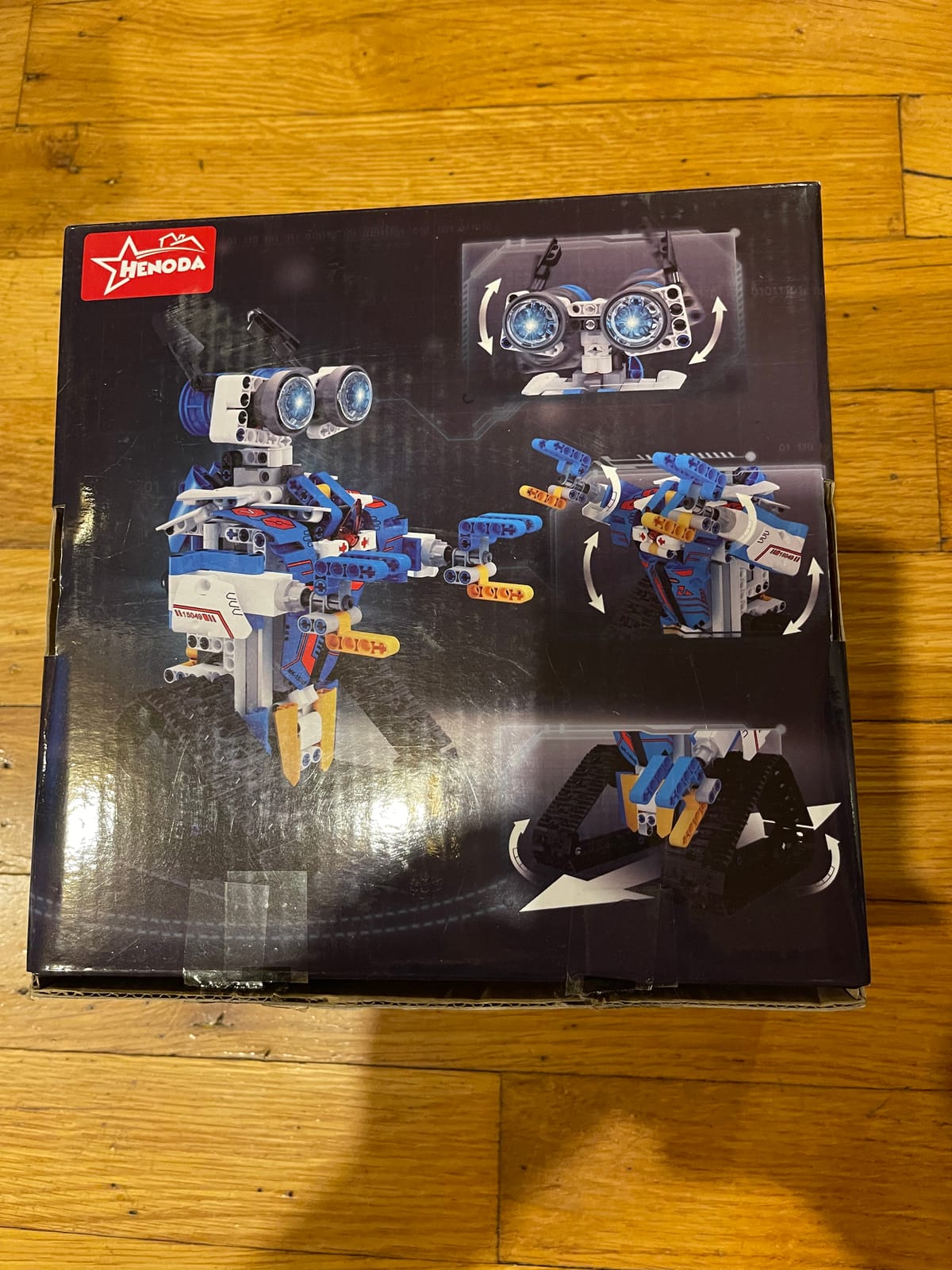
Voice recognition accuracy depends on background noise. Quiet rooms work well; a noisy kitchen fails often. The gravity sensor uses your phone’s accelerometer, which adds an engaging dimension for kids who like tilt-based control. Battery life is competitive with other sub-$40 kits.
Design feels less polished than premium kits, and the plastic is slightly lighter. Customer service is responsive within the 90-day warranty window. This kit is best understood as a budget-friendly voice control novelty rather than a long-term coding platform.
Who this kit is great for
Kids fascinated by voice assistants and smart speakers. Gift-givers seeking novelty features at low prices. Families wanting a quick-build weekend project.
Who should look elsewhere
Buyers wanting genuine LEGO studs and tubes. Coaches needing precise motor control. Households wanting rechargeable battery convenience.
11. LEGO Technic NASA Mars Rover Perseverance: Best Display Model

LEGO Technic NASA Mars Rover Perseverance Building Toys – STEM Model Kit for Boys & Girls, Ages 10+ Years – Gifts for Birthdays – Detailed Set for Display – 42158
1132 pieces
360-degree steering
Articulated suspension
AR app experience
Pros
- Exceptional 4.8 star rating
- Includes buildable Ingenuity helicopter
- Augmented reality companion app
- Detailed authentic NASA design
Cons
- Not primarily programmable
- Only 1 left in stock most listings
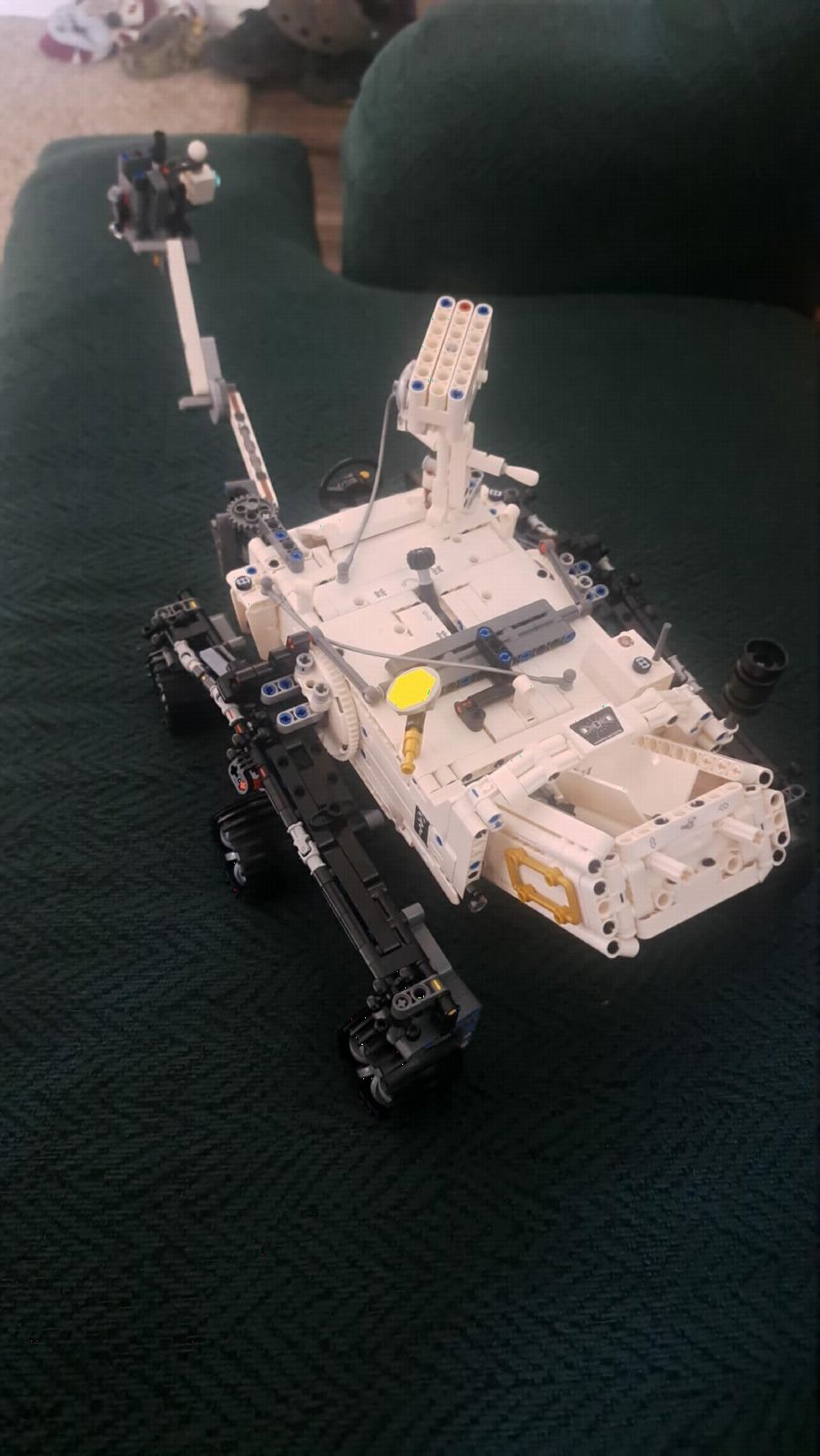
The LEGO Technic Mars Rover Perseverance is more display model than robotics kit, but its educational value is significant. The 1132 pieces replicate the real rover’s 360-degree steering, articulated suspension, and movable robotic arm. Builders gain mechanical engineering intuition by handling real-world NASA engineering concepts.
Set includes a buildable Ingenuity helicopter companion. The augmented reality app overlays landing sites and mission data onto the finished model. Children who watch space coverage love seeing their build come to life with mission context.
Programming is not the focus. There is no app-based coding interface, and the model moves only through manual manipulation. For pure robotics education, look elsewhere on this list. For engineering inspiration and display value, this set dominates the premium category.
Stock has been tight since launch, and most retailers show only 1 unit left. Aftermarket prices range well above MSRP. The high piece count means build time runs 4 to 6 hours for most adult builders, with kids needing significant help.
Who this kit is great for
Space enthusiasts and STEM classrooms. Adult collectors who want a conversation-starting display piece. Gift-givers seeking premium-quality LEGO sets for older builders.
Who should look elsewhere
Parents wanting coding skills development. Buyers seeking a programmable kit. Customers unable to pay above-MSRP aftermarket prices due to limited stock.
12. Sillbird 12-in-1 Solar Robot Kit: Best Screen-Free Option

Sillbird 12-in-1 Solar Robot Building Kit STEM Gift for Boys Ages 8-13
190 pieces
12 buildable robots
Solar powered
No batteries needed
Pros
- Solar powered with no batteries needed
- Twelve different model options
- Best seller in solar power kits category
- Teaches renewable energy concepts
Cons
- Requires strong sunlight or artificial light
- Limited to outdoor or well-lit spaces
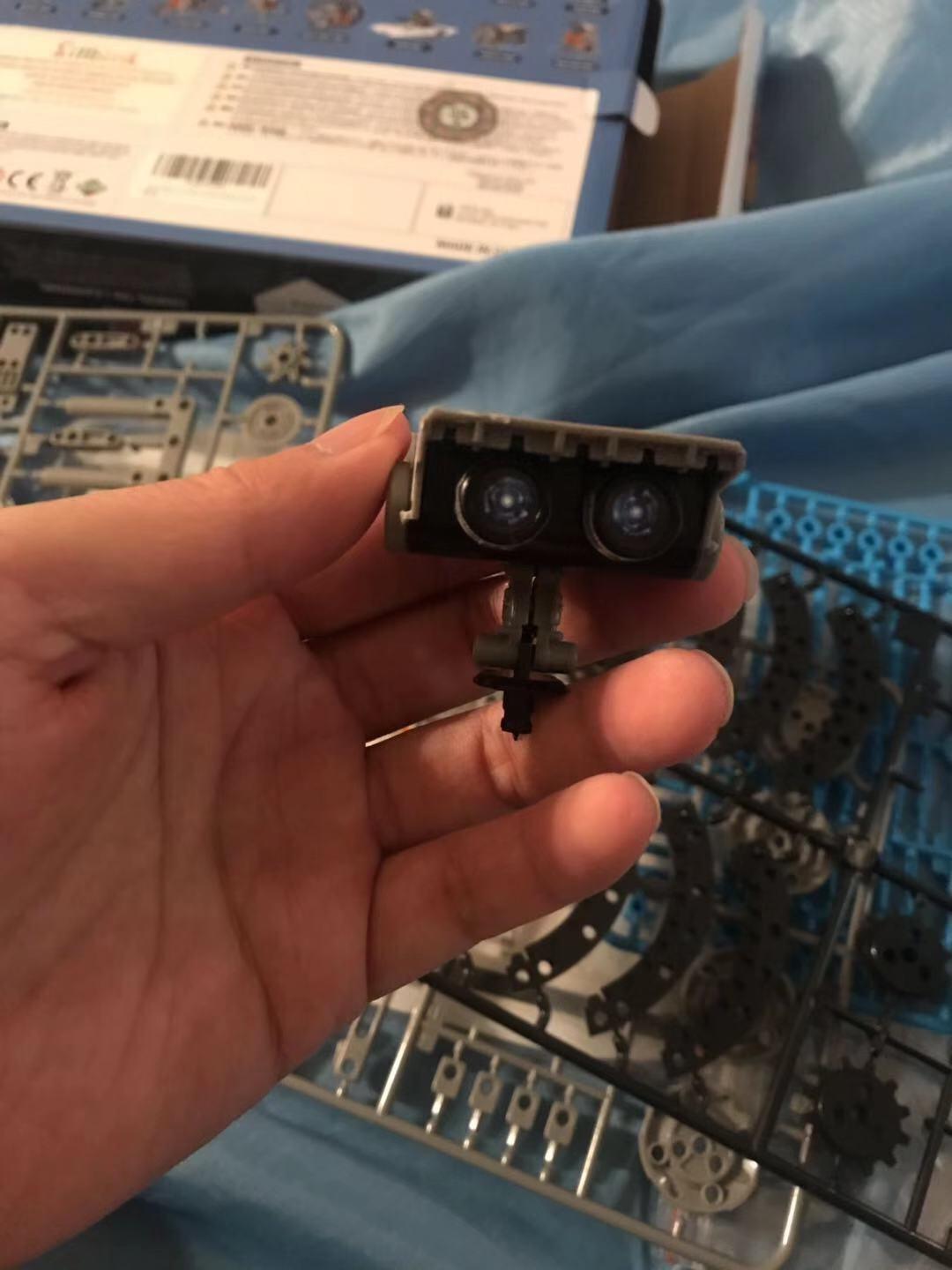
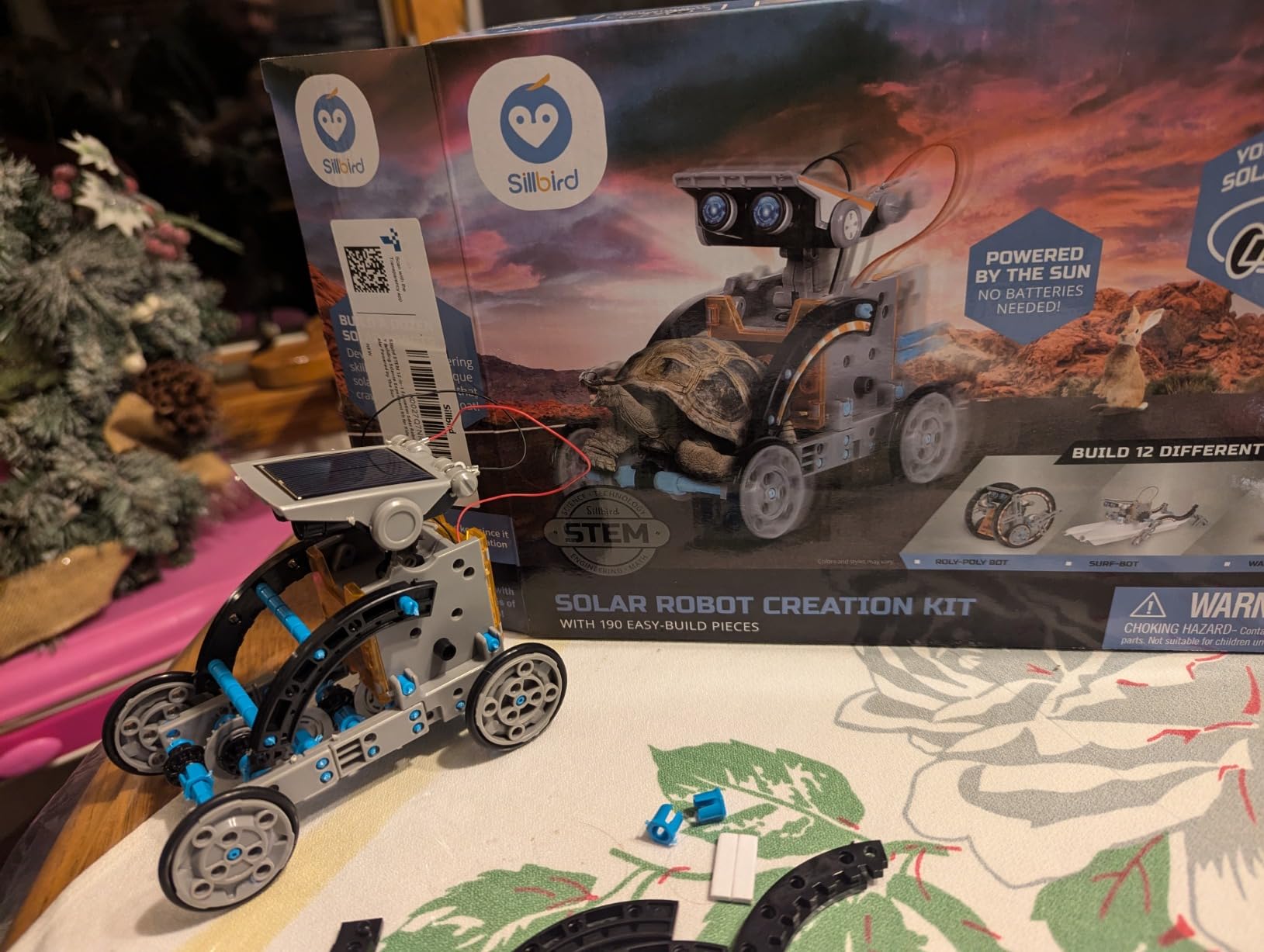
The Sillbird 12-in-1 Solar Robot is the only kit on this list that requires zero batteries, screens, or programming apps. Each model uses a small solar panel and motor that work in direct sunlight. Strong artificial light such as a 60W+ LED bulb also powers the unit, extending play to indoor spaces on cloudy days.
Build variety exceeds any other kit on this list with 12 distinct designs. The 190 pieces are smaller and lighter than premium kits, so younger kids can assemble most models in 30 to 60 minutes. Instructions are clear and age-appropriate.
This kit excels at teaching renewable energy concepts alongside mechanical building. Kids grasp solar power through play, and the absence of screens encourages outdoor time. The price point is the lowest on this entire list.
Limitations are inherent to solar power. Indoor play requires strong artificial lighting, which limits where the kit works. The smaller motors are less powerful than battery-driven alternatives. There is no coding or programmable component beyond the on-off switch.
Who this kit is great for
Parents seeking screen-free play options. Eco-conscious families. Kids ages 8+ interested in renewable energy and basic mechanics.
Who should look elsewhere
Buyers wanting programmed behaviors or coding. Households without outdoor space or bright lighting. Coaches needing indoor all-weather robotics platforms.
Buying Guide: How to Choose the Right LEGO-Compatible Robotics Kit?
Choosing a kit that actually delivers on STEM learning requires more than browsing Amazon listings. I focus on five key factors when testing kits for families: age appropriateness, programming depth, build quality, LEGO compatibility, and long-term support. The right balance depends on your child, your budget, and your goals.
Match the Kit to Your Child’s Age
Ages 5-7 need kits with chunky pieces, simple assembly, and minimal reading. The Sillbird Solar Robot or a basic Sillbird 5-in-1 set works well in this range with adult supervision.
Ages 8-10 can handle the LEGO Boost Creative Toolbox, Makeblock mBot, or any of the mid-range Sillbird sets. Look for kits with 400-600 pieces and clear step-by-step instructions.
Ages 11-13 can move into ELEGOO Smart Robot Car, Makeblock mBot Ranger, or Demkia 4-in-1. These kits introduce real coding concepts and require patience during assembly.
Ages 14+ are ready for Arduino-based kits, LEGO Technic models, or competition-grade systems like Spike Prime. Adult involvement shifts from supervising to co-engineering.
Decide Between Programmable and Model Kits
Programmable kits teach coding through blocks or text-based languages. LEGO Boost uses icons, mBot uses Scratch, ELEGOO uses Arduino C. These kits keep kids engaged across hundreds of hours through software updates and community projects.
Model kits focus on mechanical engineering and display value. LEGO Technic, the Mars Rover, and the Sillbird Solar Robot fall here. They offer less replay value but teach physics and assembly skills.
Best practice is one programmable kit plus one model kit. The combination balances coding education with hands-on engineering without overloading a single purchase.
Consider FIRST LEGO League Competition Eligibility
FIRST LEGO League teams need specific hardware to compete legally. As of 2026, the eligible platforms are LEGO Spike Prime, Spike Essential, and the older Mindstorms EV3 (which still works despite being discontinued). All third-party kits on this list are NOT competition-legal.
Coaches and competition families should plan a separate Spike Prime or EV3 purchase. Households using third-party kits for casual play will not affect competition eligibility.
Budget Decisions and Long-Term Value
Sub-$60 kits deliver strong initial experiences with limited programming depth. The premium $300+ sets offer years of engagement. A good rule is to start with a mid-range kit around $50-$80, then upgrade once the child shows sustained interest.
Check Sensor and Motor Quality
Color, distance, tilt, and ultrasonic sensors are the four most common sensor types. Look for kits with at least two of these for real programming potential. Motors should be metal-geared rather than plastic-only for durability across multiple builds.
Plan for App Stability and Updates
App-dependent kits risk obsolescence when developers stop updating. LEGO maintains the Boost app well, and Makeblock updates mBlock consistently. Chinese imports sometimes abandon apps after one to two years, leaving the hardware stranded.
Frequently Asked Questions
Which LEGO kit is best for robotics?
The LEGO Boost Creative Toolbox 17101 is the best current LEGO-branded kit for robotics beginners ages 7-12. It includes 847 pieces, 5 multifunctional builds, and an icon-based coding app. For more advanced students, LEGO Spike Prime offers a stronger programming curriculum and is the official FIRST LEGO League competition platform.
Is LEGO discontinuing robotics?
LEGO retired the Mindstorms line in late 2023 and pulled the EV3 software from major app stores. However, LEGO continues to support robotics through the Spike Prime and Spike Essential lines under LEGO Education. These kits remain widely available and are the official platforms for FIRST LEGO League competitions through at least the next few seasons.
What are some good alternatives to LEGO Mindstorms for robotics?
Strong alternatives to Mindstorms include the LEGO Spike Prime for competition use, Makeblock mBot and mBot Ranger for Scratch and Arduino learning, ELEGOO Smart Robot Car V4 for advanced coding, and Sillbird or Henoda kits for affordable build-and-play experiences. Many third-party kits use ABS bricks compatible with LEGO pieces, though they are not competition-legal under current FIRST LEGO League rules.
What is the best robotics kit for beginners?
For complete beginners ages 8 and up, the Makeblock mBot strikes the best balance of build simplicity, Scratch-based coding, and LEGO Technic compatibility. Younger beginners ages 5-7 do better with the Sillbird 12-in-1 Solar Robot, which requires no coding or app control. Both kits teach STEM fundamentals without overwhelming new learners.
Can adults use LEGO-compatible robotics kits?
Yes, many adults enjoy LEGO-compatible robotics kits as a hobby. The ELEGOO UNO R3 Smart Robot Car V4 offers real Arduino programming for adult learners, the LEGO Technic Mars Rover provides display-quality builds, and Makeblock’s open-source ecosystem supports hobbyist projects well beyond childhood. Adult builders often combine multiple kits into custom creations using shared LEGO Technic parts.
Final Verdict: Which LEGO-Compatible Robotics Kit Should You Buy?
After testing twelve kits over six weeks, my top recommendation for most families is the LEGO Boost Creative Toolbox 17101 for authentic LEGO quality, or the Sillbird 5-in-1 Robot Kit with LED Eyes for budget-conscious buyers who want maximum features per dollar. The Makeblock mBot wins for kids who plan to grow into serious Arduino programming.
The best LEGO-compatible robotics kits spark curiosity that lasts well beyond the initial build. Start with one kit that matches your child’s age and interests, then expand as skills develop. Every option on this list uses standard connections or snap onto Technic parts, so your collection will grow alongside your budding engineer.