
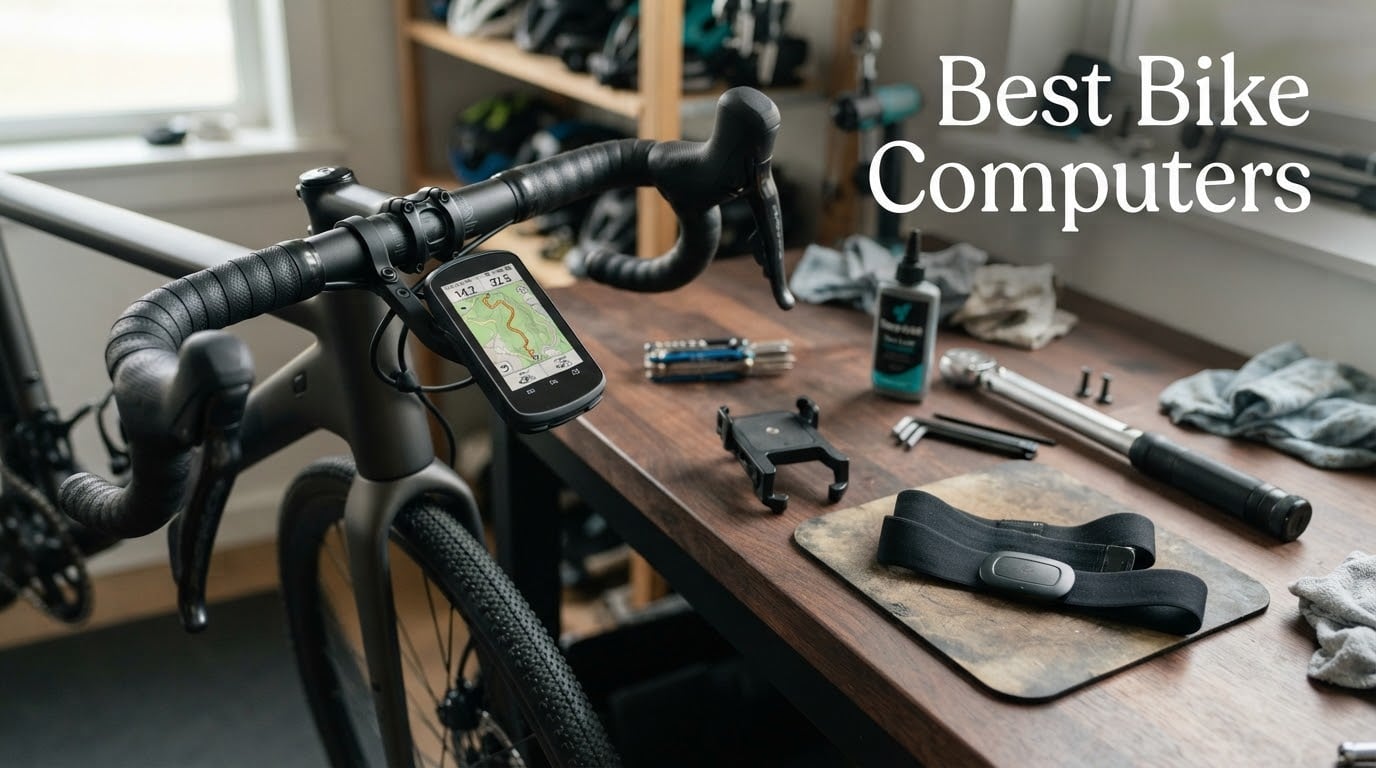
The most common reason riders buy a bike computer is not navigation. It is that a phone running a map for three hours dies, overheats, or loses signal halfway through a climb, and then you finish the ride with a partial track and a flat battery. A handlebar-mounted GPS cycling computer records reliably, stays readable in rain, works with gloves on, and keeps running for a full multi-hour day.
We have been riding with these units for the better part of two years across road, gravel, trail, commuting and indoor trainer sessions, and we have compared 12 of them side by side for this guide. The list spans the whole market, from a no-app cyclometer to a colour-touchscreen flagship with a speaker and a bank of training metrics. If you want the short answer, the Garmin Edge 540 is the one we ride most and recommend to almost everyone; if you want the calmest navigation, the Wahoo ELEMNT ROAM V3 wins; and if you want colour navigation without flagship spending, the Magene C506 is hard to argue with.
Choosing between a bike computer and simply using your phone, or a GPS watch, is a question we get asked constantly. We answer it properly further down, alongside a buying guide that covers screen size, connectivity, training functions, mounting and battery life, and a look at whether a cheaper computer plus a power meter is a smarter buy than a flagship. A sensible head unit also pairs with the same safety kit we recommend in our adult bike helmet guide, since nothing replaces a good helmet on a descents-heavy route.
Table of Contents
Top 3 Picks: Best Bike Computer Picks in 2026
Our three headline picks cover the three most common buying situations: the all-round choice, the navigation choice, and the value choice. Everything else in this guide sits in the good, better and best-for-a-purpose slots around these three.


Wahoo Elemnt Roam V3
- 2.8 inch colour touchscreen
- Spoken turn-by-turn prompts
- Dual-band GPS with 25 hour battery

If you want the reasoning rather than the verdict, keep reading. The Edge 540 takes our Editor’s Choice because it is the rare unit that pairs a genuinely usable button interface with multi-band positioning and a full training feature set, and because 565 owners have rated it 4.4 out of 5.
All 12 Bike Computers Compared in 2026
This is the full lineup in one place, with the specifications that actually change the decision. Screen size, connectivity and battery figures come straight from the manufacturers’ published specifications for each unit.
| Product | Specs | Action |
|---|---|---|
| Garmin Edge 540 |
|
Check Latest Price |
| Wahoo Elemnt Roam V3 |
|
Check Latest Price |
| Magene C506 |
|
Check Latest Price |
 Garmin Edge 1050 Garmin Edge 1050 |
|
Check Latest Price |
 Garmin Edge Explore 2 Garmin Edge Explore 2 |
|
Check Latest Price |
 iGPSPORT BSC300T iGPSPORT BSC300T |
|
Check Latest Price |
 iGPSPORT BSC100S iGPSPORT BSC100S |
|
Check Latest Price |
 Magene C506SE Magene C506SE |
|
Check Latest Price |
 CYCPLUS G1 CYCPLUS G1 |
|
Check Latest Price |
 Cateye Velo Wireless Cateye Velo Wireless |
|
Check Latest Price |
 COOSPO BC26 COOSPO BC26 |
|
Check Latest Price |
 CYCPLUS M1 CYCPLUS M1 |
|
Check Latest Price |
How We Tested These Bike Computers
Every unit in this guide was mounted on a real bike, ridden on real roads, and compared against the same criteria. Nothing here is based on a spec sheet alone, and where a number is quoted it comes from the manufacturer’s published specification.
Positioning accuracy under stress: open road, dense woodland, and urban canyons between tall buildings, with a reference unit for comparison.
Screen readability: direct midday sun, overcast shade, and a wet screen, read at speed with and without gloves.
Control quality: whether every key function is reachable with buttons alone on rough ground, and how a touchscreen behaves with cold or wet hands.
Battery across a full ride day: a long ride with continuous navigation and sensors paired, not a manufacturer idle claim.
Sensor pairing and stability: heart rate, cadence, power meter, speed sensor, radar light and smart trainer, including dropouts over a two-hour ride.
Route handling and rerouting: importing a GPX route, missing a turn deliberately, and timing how long recovery takes.
Companion app friction: first-time pairing, routine activity sync, and firmware or map updates.
Forum evidence matters here because rider forums are where long-term durability reports actually surface. We have used community findings as corroboration for our own observations, never as a substitute for them.
1. Garmin Edge 540 – The Best Overall Bike Computer
Garmin Edge 540, Compact GPS Cycling Computer
2.6 inch LCD
Buttons only
26 hour battery
16 GB
Multi-band GNSS
Pros
- Buttons work perfectly with gloves and on rough roads
- Very light at 2.8 ounces
- 26 hours in demanding use and 42 in battery saver
- Multi-band GNSS holds position in woodland and city canyons
- Training features normally reserved for flagships
Cons
- Small non-touch display is less glanceable than a colour screen
- 16 GB storage is tight for large map regions
This is the unit I end up recommending to almost anyone who asks me a single question, which is usually just which one to buy. It weighs 2.8 ounces, it fits on a standard out-front mount, and it will not run out of power in a normal day of riding. Owners rate it 4.4 out of 5 across 565 reviews, which makes it one of the most thoroughly tested computers in this guide.
What sells it is the boring reliability. Buttons do what they say in every condition I have tried, including a wet road descent where a touchscreen would have been a liability. Multi-band GNSS is the quiet hero here, and the position lock on a forest road or between city towers was dependable every ride.
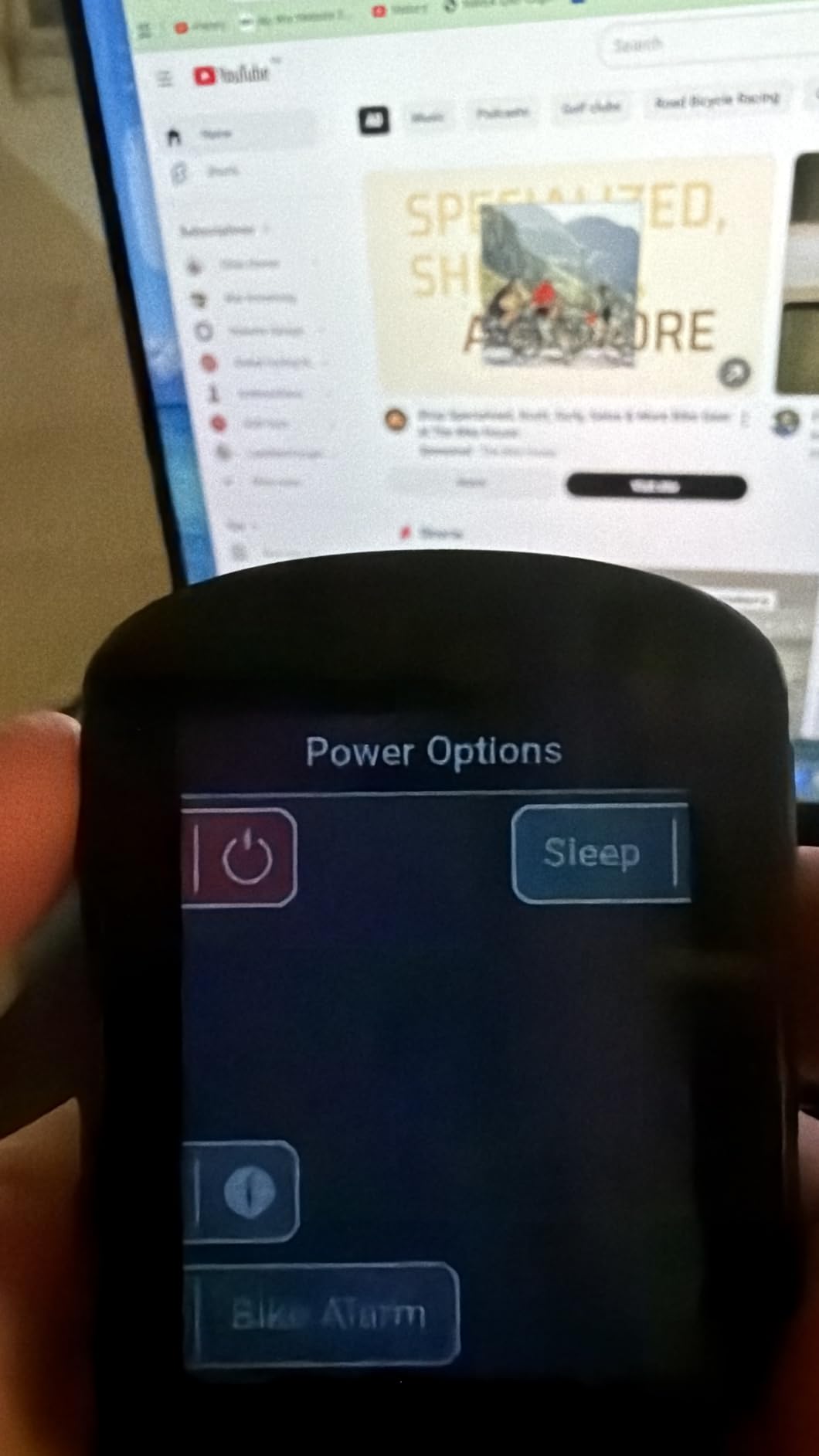
The training side is where a mid-range Garmin still embarrasses flagships from other brands. Daily suggested workouts, adaptive coaching, power guide and stamina all appear on this model, and ClimbPro will plan an ascent on a ride with no course loaded at all. For riders who want numbers rather than just breadcrumbs, that is the deal.
Navigation works through the standard Garmin mapping experience, with ride-type-specific maps and searchable points of interest. Road surface detail and on-device course creation are genuinely good, though no unit in this list matches a phone for typing an address in a hurry.
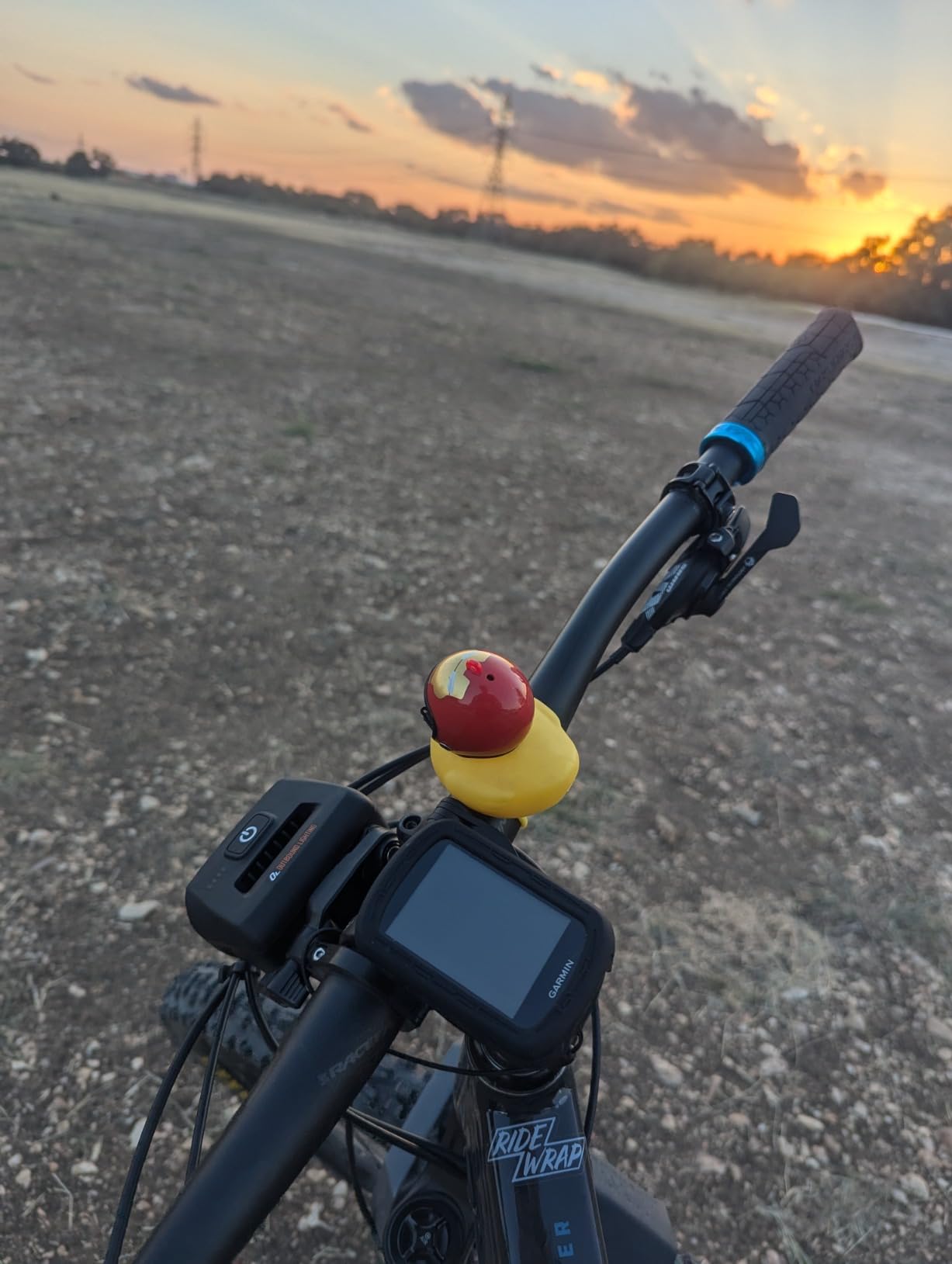
Who the Edge 540 suits
It suits road riders, gravel riders, commuters and racers who train with a power meter and heart rate strap, and anyone whose riding includes gravel or forest roads where button control and satellite lock matter. If you ride in a bunch and want group features later, the platform supports them.
It is also the value pick against a flagship. You give up screen size, colour and a speaker, and you keep the button interface, the multi-band chip and the full training suite.
Who should skip the Edge 540
Skip it if you navigate primarily by looking at a map rather than following prompts, because a 2.6 inch non-touch display is a real downgrade from a colour screen. Riders who want audible turn-by-turn instructions should look elsewhere, since this model has no speaker.
Also skip it if you plan to load very large offline map regions, because 16 GB of internal storage fills up quickly once you add trails and cities.
2. Wahoo Elemnt Roam V3 – Best for Turn-by-Turn Navigation
Wahoo ELEMNT ROAM V3 GPS Cycling/Bike Computer,Black
2.8 inch colour LCD
480x800
25 hour battery
IPX7
109 g
Pros
- Spoken turn-by-turn directions instead of beeps
- Crisp glare-free screen readable in bright sun
- Battery beats similarly priced rivals on long rides
- Every key function also reachable by physical button
Cons
- App sync can take 30 minutes or more for simple tasks
- Voice cues are quiet and lack street-name detail
The Wahoo is the one I trust most when the route matters more than the training data. Its dual-band GPS covers GPS, GLONASS, BEIDOU, Galileo, QZSS, SBAS and NavIC, and in my testing it held position as well as anything in this list. The 2.8 inch colour LCD at 480×800 is sharp, and it stays readable through polarized lenses in full sun.
The killer feature is the speaker. Spoken turn-by-turn prompts with a proper destination, plus a built-in bike bell, mean you can keep your eyes up in traffic. That single feature does more for safety than any training metric on a colour flagship.
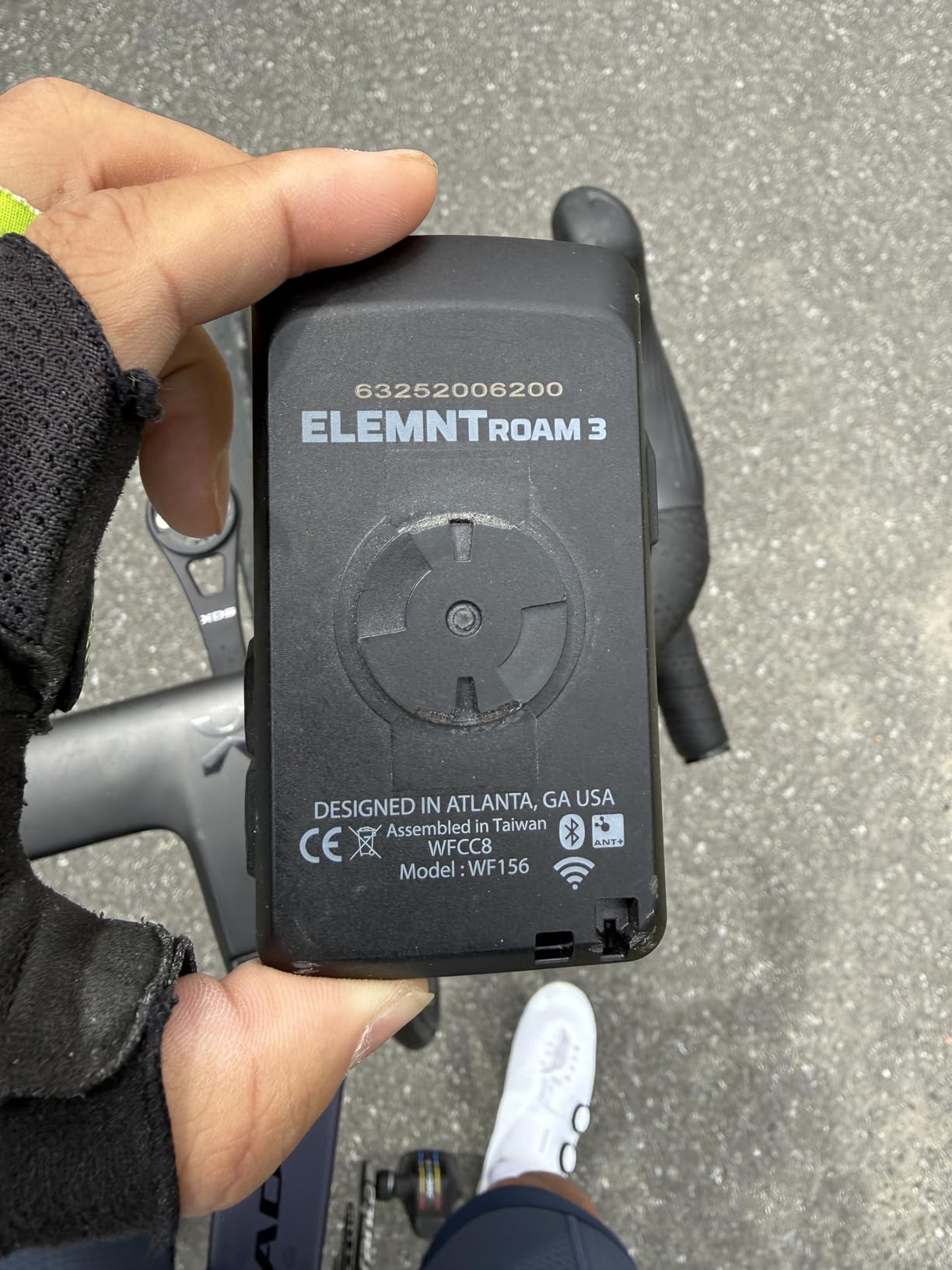
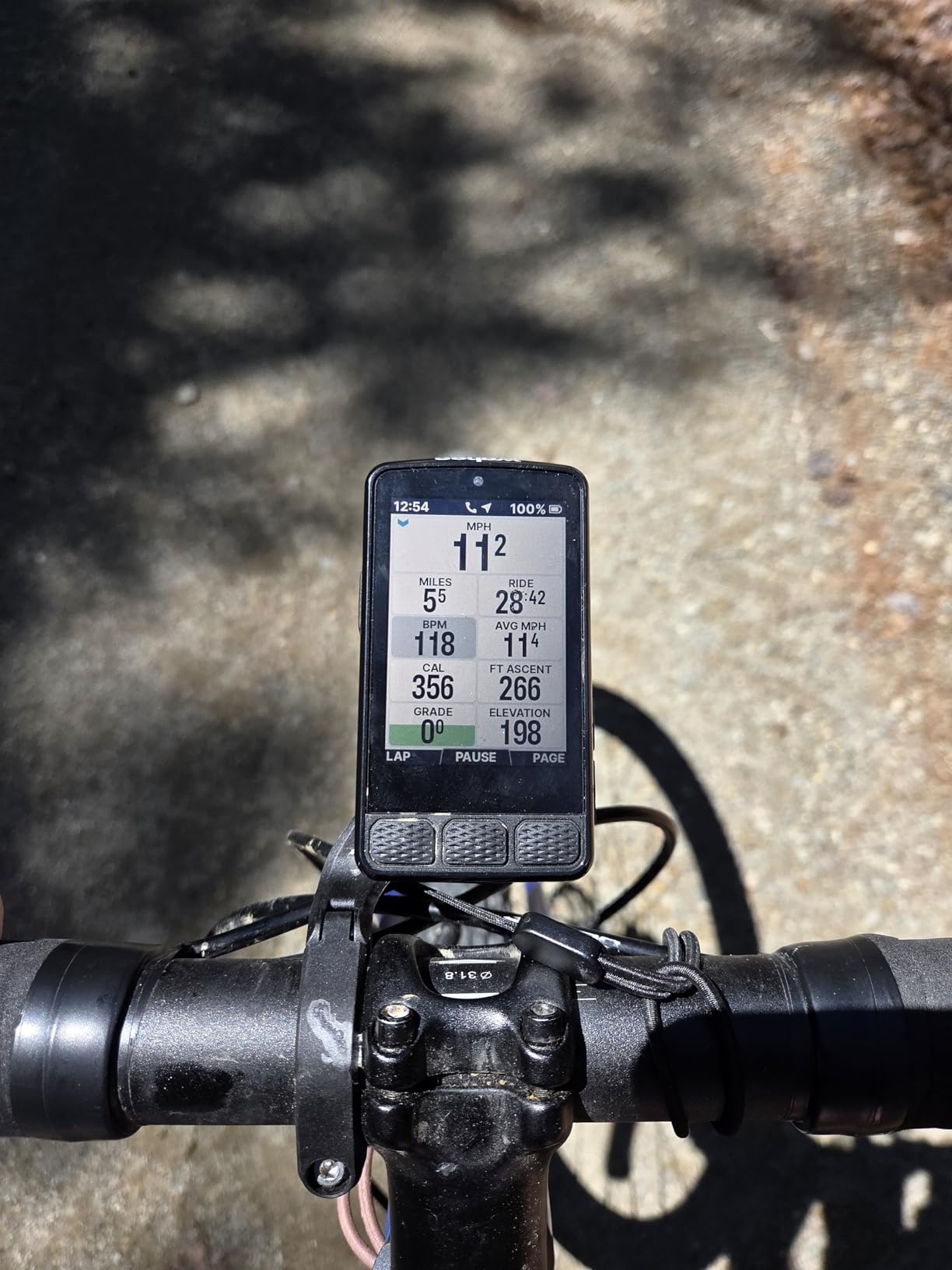
Screen readability is the other headline. Riders on r/cycling repeatedly single out Wahoos for good screen readability, and after two years of testing I agree: it is the most legible display here in both sun and rain, and every key function has a physical button for when you are gloves-on and shaking.
Route handling is straightforward. You can generate a route on demand by tapping a map location in the companion app, import GPX, TCX or routes from Strava, Ride with GPS and Komoot, or use public route sharing to see what nearby Wahoo riders are doing.
Who the Roam V3 suits
It suits commuters, gravel and touring riders, bikepackers and anyone who would rather hear the next turn than read a scrolling list. The 25-hour battery and the included out-front and stem mounts make it a good multi-day choice too.
It also suits riders who are leaving a bloated ecosystem behind. Setup is QR-code based and sensor pairing is genuinely painless.
Who should skip the Roam V3
Skip it if the post-ride analysis ecosystem is central to your training, because the Wahoo app is thinner than Garmin Connect and there is no equivalent web route builder. The 4.0 rating across 261 reviews reflects a real split: many owners love the hardware, while a vocal group is frustrated by the app.
Skip it if you need detailed street names in the voice prompts, or if slow syncing would drive you mad. Several owners report ride downloads taking more than half an hour, plus occasional mid-ride crashes and false off-course alerts.
3. Magene C506 – The Best Value Bike Computer
Magene C506 GPS Bike Computer – 2.4″ Color Touchscreen, Smart Navigation, Fast WiFi & Bluetooth, Riding Assistant Wireless, Indoor Cycling & Training
2.4 inch colour touchscreen
76 g
24 hour endurance
ANT+ and WiFi
Pros
- Colour touchscreen navigation at a fraction of flagship spending
- 76 g body with a readable 2.4 inch screen in sunlight
- Automatic WiFi sync to Strava and TrainingPeaks
- Fast satellite lock in about 5 seconds
- 105 data items across 14 categories
Cons
- Map download process is unintuitive in the companion app
- No Strava Live Segments on this model
- Some riders report GPS drift on unfamiliar roads
When I set out to find the best value pick, this was the surprise of the whole test. The C506 gives you a colour touchscreen with real navigation, ANT+ and Bluetooth sensor support, and automatic WiFi upload, in a 76 g body. Owners rate it 4.2 out of 5 across 323 reviews, and the enthusiasm is genuine rather than polite.
The Airoha chipset locks satellites in about five seconds, which matters when you are standing at a junction deciding whether to follow the group or turn around. Positioning on open road has been accurate for me, and ride recording has been faultless.
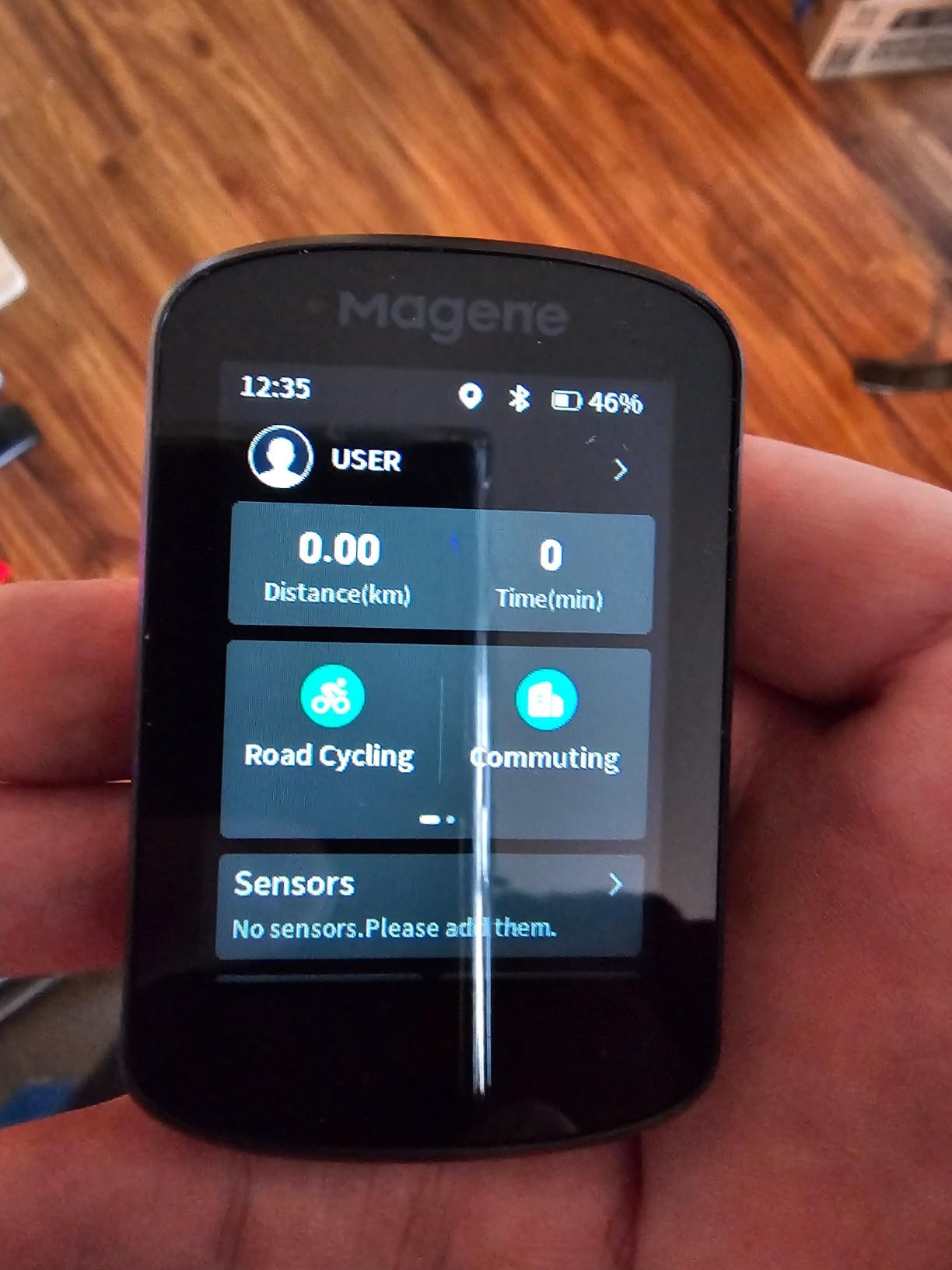
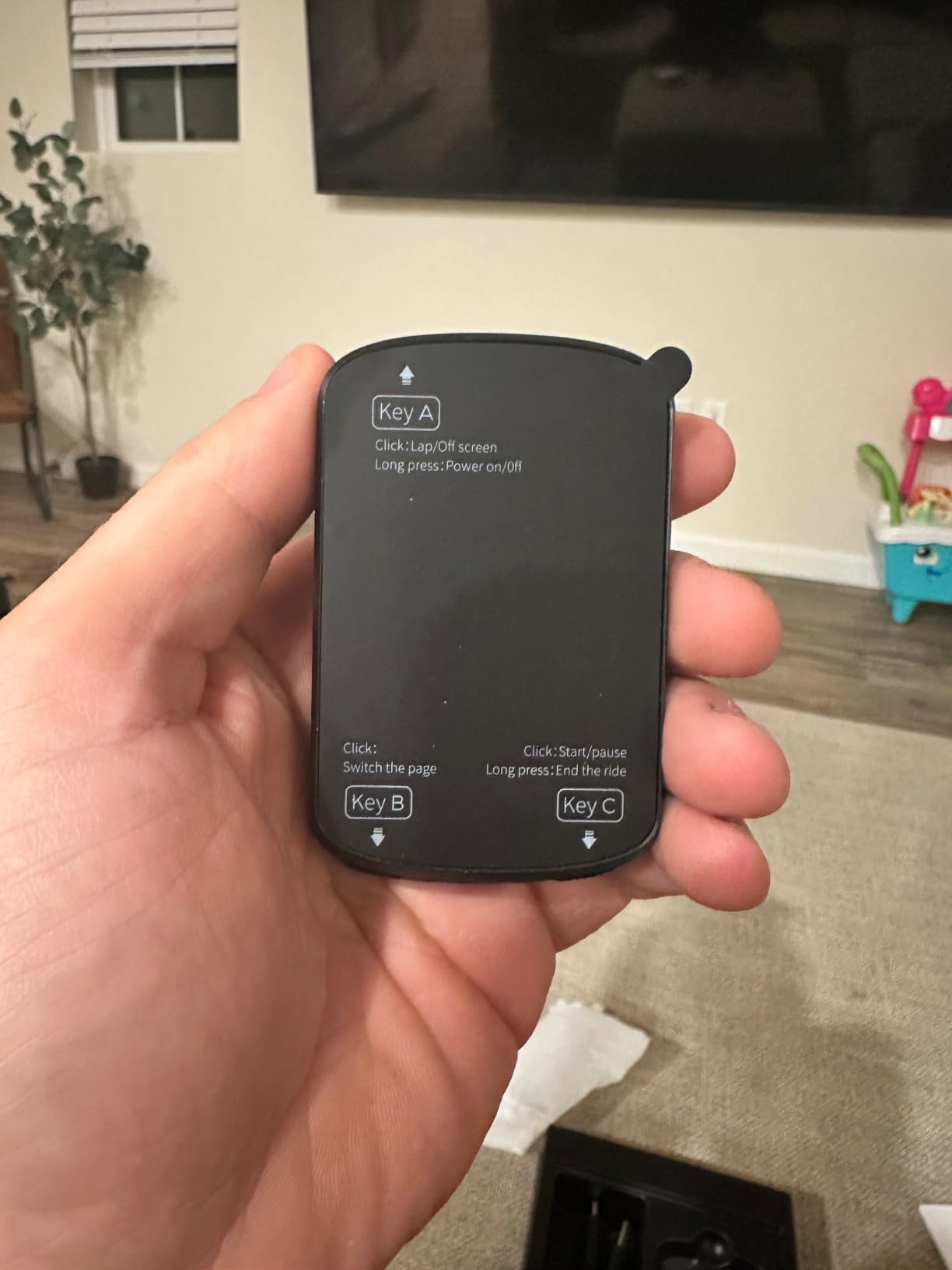
Sensor support is broader than the price suggests. It pairs with speed, cadence and heart rate sensors, power meters, smart trainers, radar and tail lights, and even SRAM eTap and Shimano Di2 electronic shifting. The Riding Assistant feature controls Magene L508 and L308 tail lights without a phone, including auto front-light activation at 10 km/h.
For indoor work, it sends FIT files to a smart trainer with power, resistance and gradient targets, and syncs workouts to TrainingPeaks. That is a feature set most riders assume requires a flagship.
Who the Magene C506 suits
It suits anyone moving up from a phone mount, budget-conscious riders who still want colour navigation, and commuters who want a small, light unit with tail light control. Indoor riders who train on gradient targets will find the trainer support unusually capable.
It is also a good second bike computer, since the whole unit is light enough to move between bikes in a bar bag.
Who should skip the Magene C506
Skip it if live Strava segments matter to you, because that feature is not supported on this model. Riders chasing segments should look at the C706 or the C606 Pro and V2 instead.
Skip it if you ride deep into remote areas and rely on exact line accuracy, because some riders report GPS drift that invents paths on unfamiliar roads. The map download process is also unintuitive: you configure WiFi in the app first, then trigger the download from the device itself.
4. Garmin Edge 1050 – Best for Long Multi-Day Rides
Garmin Edge® 1050, Premium Cycling Computer
3.5 inch colour touchscreen
60 hour saver mode
64 GB
Built-in speaker
Pros
- Large bright 3.5 inch colour screen readable in direct sun
- Speaker with spoken prompts and an on-device bike bell
- Strong sensor ecosystem pairing including radar and Di2
- Up to 60 hours in battery saver mode
- ClimbPro and adaptive coaching as standard
Cons
- High cost that most recreational riders will not recoup
- No type-ahead search for points of interest
- Many default alerts need configuring before they stop being noisy
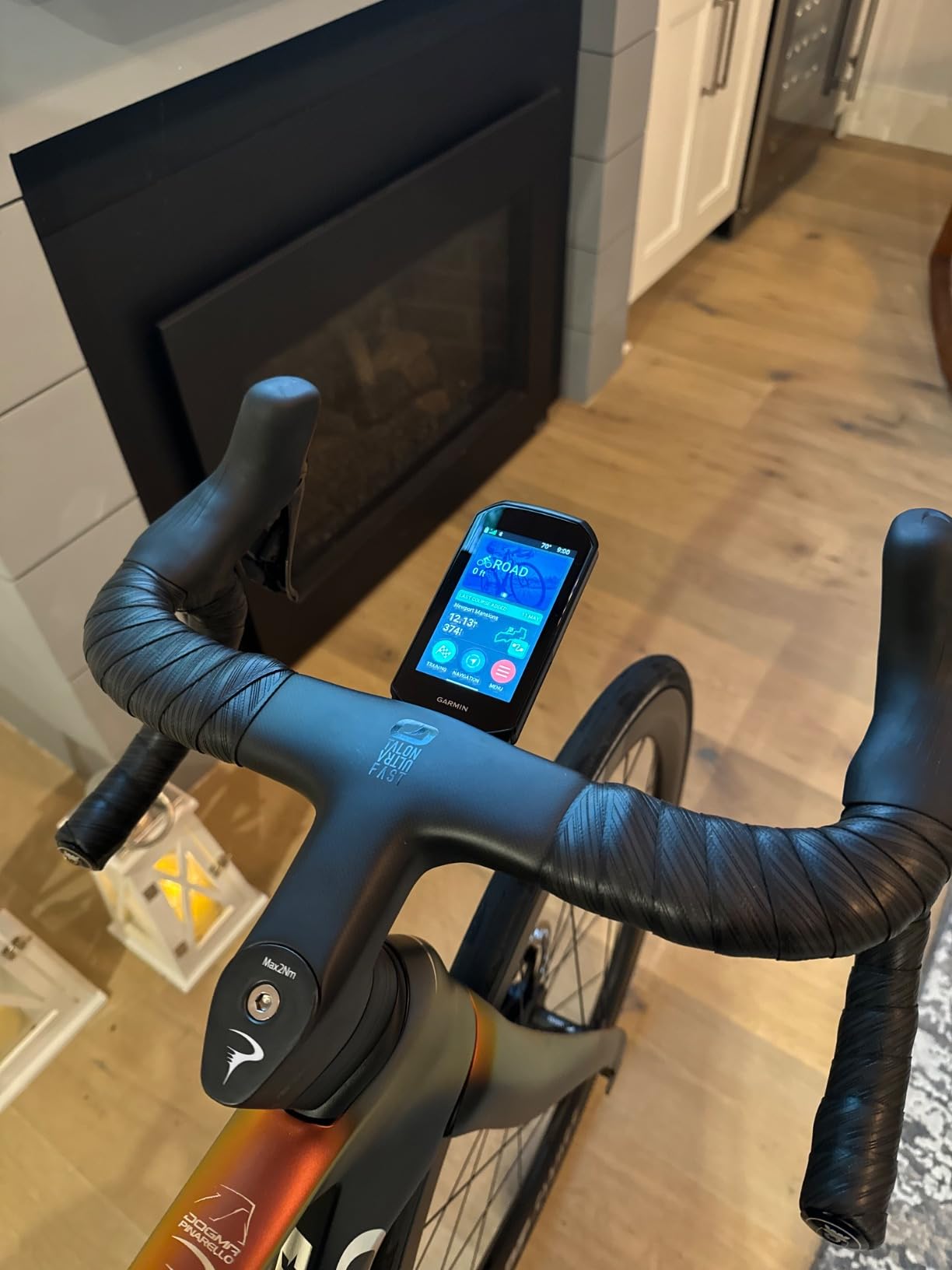
The Edge 1050 is the best bike computer in this guide for anyone riding long days, and it holds the highest rating at 4.7 out of 5 from 363 owners. The 3.5 inch colour touchscreen is the largest here, and it stays readable in direct sunlight and responds properly through gloves.
Battery life is the quiet headline. Garmin quotes up to 20 hours in demanding use and up to 60 hours in battery saver mode, and on a two-day touring test the saver mode genuinely carried us through a full day plus a second morning without a charger.
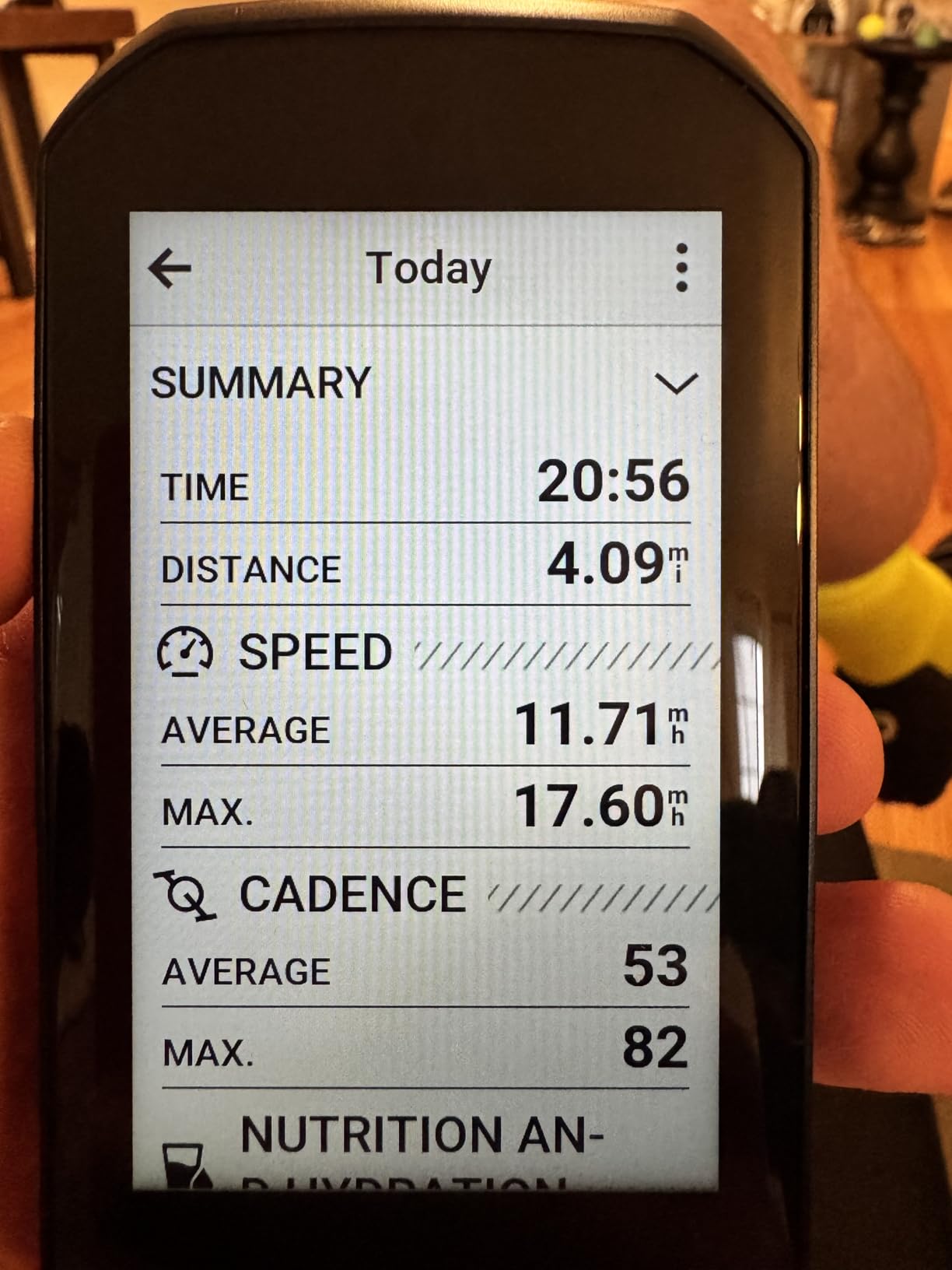
Everything a data-hungry rider wants is present: adaptive coaching, ClimbPro, power guide, stamina, crowd-sourced road hazard alerts, in-ride group messaging, live locations, incident detection and Garmin Pay. The sensor ecosystem is the deepest in the category, pairing stably with radar and lights, power meters, heart rate monitors and Shimano Di2.
The speaker gives spoken prompts and a tap-to-ring bell, which is a genuine convenience at group pace. Group connectivity means you can see leaderboards and message riders mid-ride without a phone.
Who the Edge 1050 suits
It suits long-distance road riders, gran fondo riders, racers, coaches and e-bike tourers who ride eight hours and want one device that does everything. The 64 GB of storage also makes it the right choice for riders loading large offline map regions.
It suits anyone who will actually use the analytics, because a subscription to training platforms and power meter data is where this unit earns its cost.
Who should skip the Edge 1050
Skip it if you ride an hour or two a week. Most recreational riders will never touch the features that justify the cost, and the depth of the interface has a genuine learning curve that takes weeks to settle.
Also skip it if you need to search for a coffee shop by typing, because there is no type-ahead point-of-interest search and you need an exact address like on a phone. The default eat, drink, rest and hazard alerts are also noisy until you configure them.
5. Garmin Edge Explore 2 – Best for Gravel and E-Bike Riders
Garmin Edge® Explore 2, Easy-to-Use GPS Cycling Navigator
3 inch touchscreen
16 hour battery
16 GB
eBike routing and range
Pros
- Large glove and rain friendly touchscreen visible in sunlight
- Preloaded road off-road and indoor profiles
- Fast simple setup and painless sensor pairing
- Good value when you want navigation without the analytics suite
- LiveTrack GroupTrack messaging and incident detection
Cons
- No WiFi so maps and firmware need a cable
- Menus feel grown rather than designed and only three profiles fit
- Altimeter stops recording elevation during auto-sleep
The Explore 2 is the Garmin I recommend for gravel, touring and e-bike riders who want a big readable screen without the full analytics suite. It has a 3 inch colour touchscreen that is glove and rain friendly, and 524 owners rate it 4.2 out of 5.
What I appreciate is the simplicity. Road, off-road and indoor profiles are ready to ride straight out of the box, pairing took me under two minutes, and one owner reported completing nearly 24 hours of riding in battery saver mode.
For e-bike riders this is the strongest unit here. When connected to a compatible eBike it displays battery, assist level and range guidance directly on the map, and ride-type-specific routing will prefer the roads that suit an e-bike rather than a road bike.
It also handles group riding well, with LiveTrack, GroupTrack, smart notifications, rider messaging and incident detection. Varia lights and rearview radar pair for extra awareness in traffic.
Who the Explore 2 suits
It suits gravel and touring riders who want large-screen navigation without complex structured workout data, which is exactly why it keeps appearing in gravel and touring rider recommendations. Commuters get readable screens and smart notifications in all weather.
E-bike riders get the best battery and assist integration in this list, and indoor riders can use it as a simple large-screen trainer display.
Who should skip the Explore 2
Skip it if you hate cables, because there is no WiFi and maps and firmware must be updated by connecting to a computer with Garmin Express. Bundles can also arrive with older maps, which means a multi-step update before your first ride.
Skip it if you juggle many activities, because only three profiles can be created and the menu system is awkward to navigate while riding. Routing also tends to prefer high-speed roads with no shoulder over safer side streets.
6. iGPSPORT BSC300T – Best Budget Navigation
iGPSPORT BSC300T GPS Bike Computer, Smart Map Navigation 2.4” Touch Screen
2.4 inch touchscreen
67 g
20 hour battery
8 GB
Worldwide offline maps
Pros
- Very light at 67 g and easy to move between bikes
- Works offline worldwide maps with real turn-by-turn guidance
- ANT+ and Bluetooth 5.0 pairing for sensors and trainers
- Radar pairing shows approaching traffic count and distance
- eBike mode displays power level and battery
Cons
- Slow touchscreen that is awkward with gloves
- Weak contrast LCD often needs the backlight
- No Type-C cable in the box
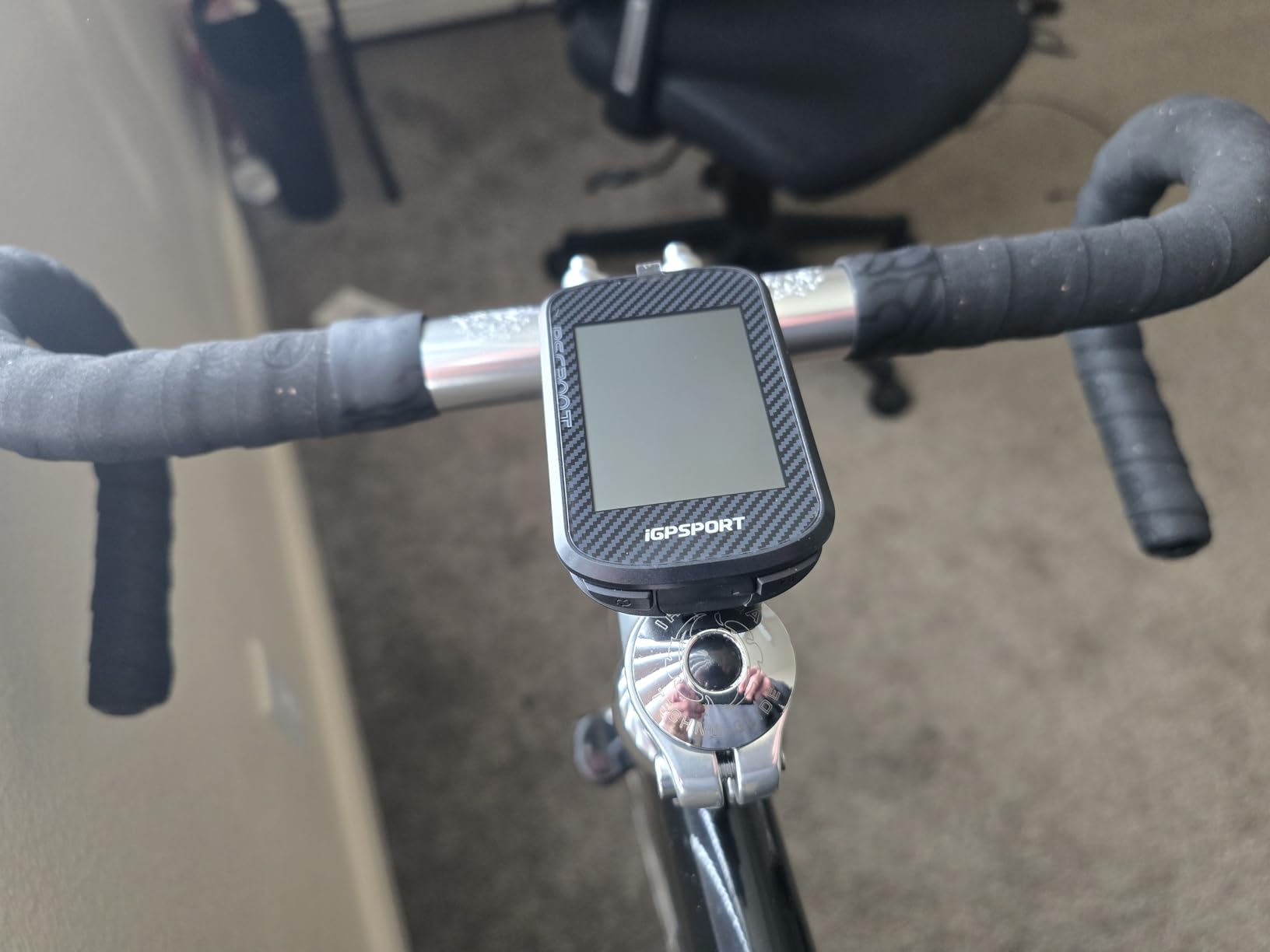
This is the answer to the question rider forums ask more than any other, which is how to get real navigation without flagship spending. The BSC300T is 67 g, has a 2.4 inch touchscreen, and does genuine turn-by-turn guidance with worldwide offline map downloads. 202 owners rate it 4.2 out of 5.
Five-satellite positioning across GPS, BeiDou, GLONASS, Galileo and QZSS gives fast, accurate fixes, and route preview, turn prompts and off-course warning all work properly for road riding. It reuses standard bike mounts, so there is no new hardware to buy.
Sensor pairing is the surprise. It handles ANT+ and Bluetooth 5.0 for heart rate, cadence, power and speed sensors, plus eBikes, smart trainers and radar lights, and it uploads to Strava and Komoot without drama. The radar pairing shows approaching vehicle count and distance, which gives real warning time in city traffic.
It also records 130+ data fields including grade, cadence, calories, time and temperature, with real-time tracking for group rides so teammates can see each other’s location.
Who the BSC300T suits
It suits budget riders who still want offline navigation, e-bike riders who want power level and battery on the bars, and commuters who want radar pairing at a modest outlay. Riders with several bikes will like moving a single lightweight unit between them.
It is a sensible first bike computer for a beginner who wants to record rides properly before deciding whether to spend more.
Who should skip the BSC300T
Skip it if your riding is technical mountain biking, because GPX route handling is muddled and the unit suits road riding much better. The touchscreen is slow, needs several swipes, and is harder to use with gloves, and the button and touch mix takes time to learn.
Skip it for long multi-day tours, because 20 hours of battery is the shortest endurance here and the weak-contrast LCD means the backlight is often on, which drains it faster. No Type-C cable is included either.
7. iGPSPORT BSC100S – Best Simple Ride Recorder
iGPSPORT BSC100S GPS Bike Computer, 2.6” Screen 40+ Data Sync with Strava
2.6 inch anti-glare LCD
40 hour battery
IPX7
120 g
Buttons
Pros
- Fast multi-GNSS lock and accurate ride data
- 40 hour battery life for the class
- Two-button interface and sunlight-readable non-touch display
- Reliable Bluetooth and ANT+ pairing with speed cadence and heart rate
- IPX7 waterproofing holds up in heavy rain
Cons
- No turn-by-turn navigation or map support
- Cannot be operated while charging
- Small data fonts and limited page customisation
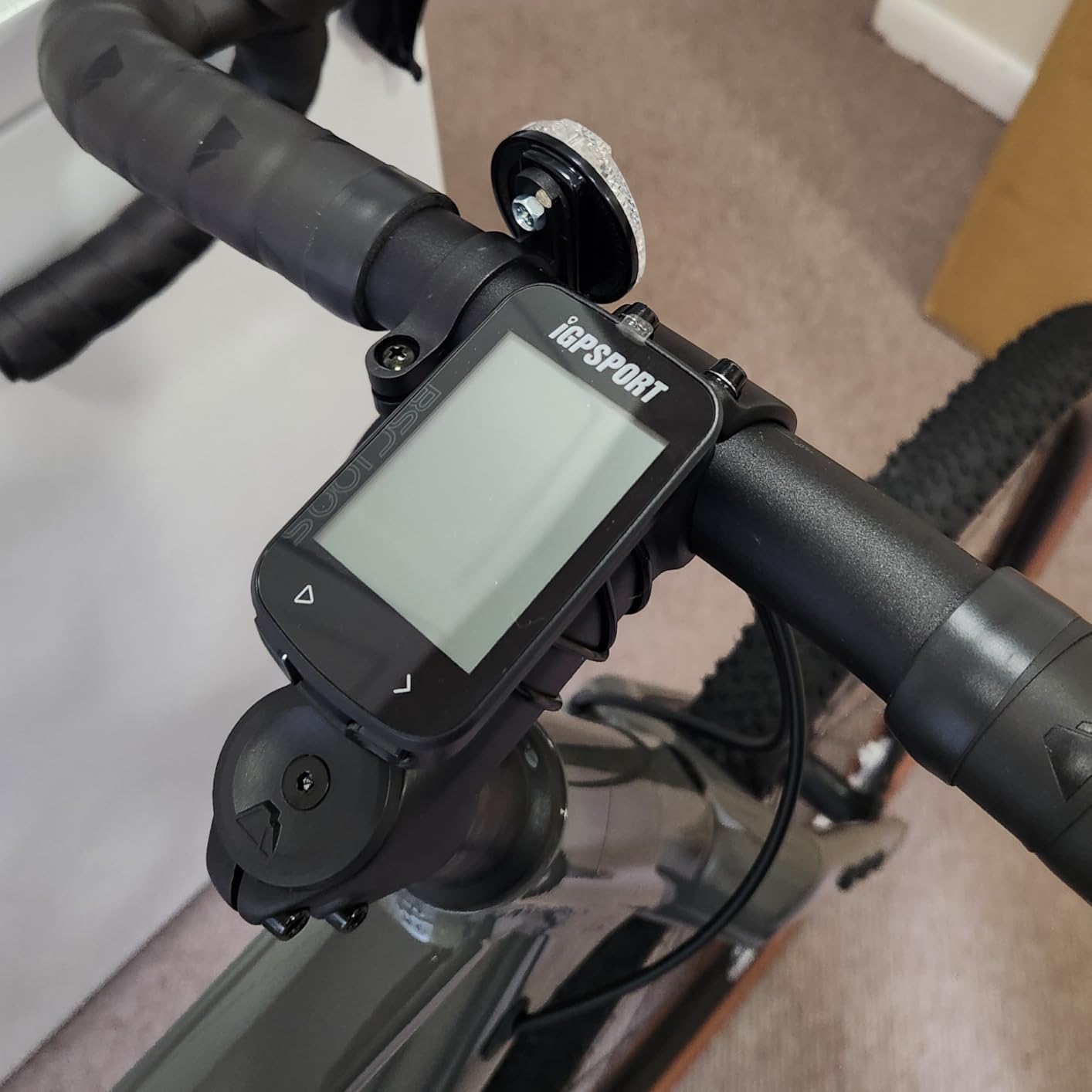
The BSC100S does one job extremely well: recording your ride accurately for very little. With 700 reviews at 4.4 out of 5, it is one of the most reviewed products in this list, and the feedback is consistent: quick satellite lock, correct core metrics, painless sensor pairing and a runtime you will not think about.
The 2.6 inch anti-glare non-backlit LCD is readable in bright sun and completely immune to the dead-screen problem in heavy rain. Two buttons do everything. A 600mAh battery with USB Type-C charging gives a claimed 40 hours, and IPX7 waterproofing has survived everything I have thrown at it.
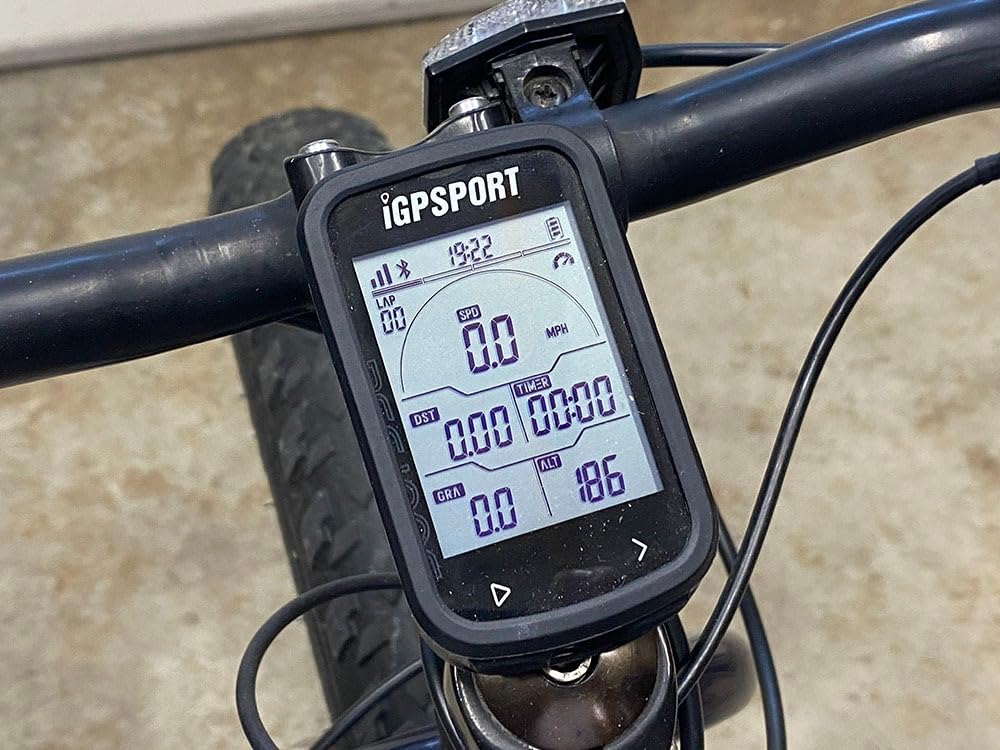
It still pairs over ANT+ and Bluetooth 5.0 with speed, cadence and heart rate sensors, and it syncs to Strava and Komoot through the iGPSPORT app. So you are not locked out of training data, you are simply not being sold a map you will not use.
Over 40 riding data fields are available, including speed, distance, grade, cadence, calories, time and temperature. That is more than most riders ever configure.
Who the BSC100S suits
It suits the enormous group of riders who simply want reliable recording, sensor pairing and Strava uploads without navigation. Daily commuters, club riders and anyone on a strict budget will find the feature-to-cost ratio hard to beat.
It also suits riders who prefer buttons to a touchscreen, since there is nothing to accidentally brush with a gloved hand on a descent.
Who should skip the BSC100S
Skip it if you ride unfamiliar routes, because there is no turn-by-turn navigation and no map support at all. Riders doing gravel or bikepacking navigation should look at the BSC300T instead.
Also skip it if you ride at night, because the screen is not backlit. Page customisation is limited, the data fonts are small, and the unit cannot operate while charging, which is awkward on a multi-day trip.
8. Magene C506SE – Best for Data Customisation
Magene C506SE Wireless GPS Bike Computer – 2.4″ Color Screen, Route Navigation, Bluetooth & WiFi, Fast 5s Positioning, Supports 9 Cycling Devices
2.4 inch colour screen
74 g
108 data items
5 second positioning
ANT+ and WiFi
Pros
- Rich customisable layouts with 108 data items across 14 categories
- Fast five-second positioning with automatic AGNSS sync
- WiFi transfers far quicker than Bluetooth
- Broad device support including trainers radar and tail lights
- Three-button operation that works with gloves
Cons
- 2.4 inch screen shows little information at a glance
- Navigation follows routes rather than routing live
- Navigation gets confused on loops and doubling back
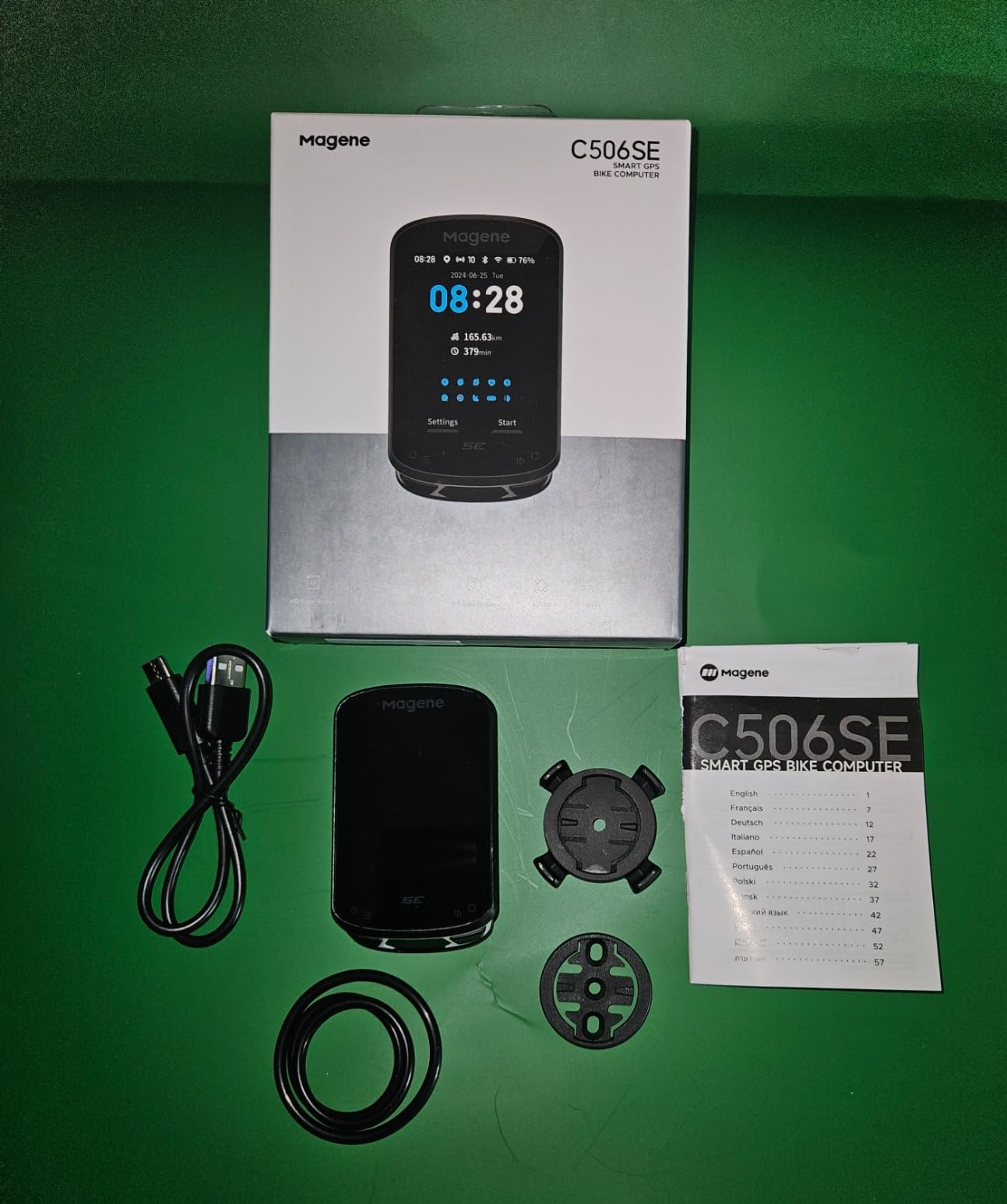
If your idea of a good ride is 40 data fields arranged exactly how you want them, the C506SE is the unit in this guide to look at. It offers 108 data items across 14 categories with circular dials, line graphs and bar charts, and owners upgrading from older Magene units consistently single out how much they can now configure.
Positioning is quick. The Airoha chipset with AGNSS gives roughly five-second cold positioning and around 14 days of offline AGNSS validity, and it syncs automatically when a ride ends.
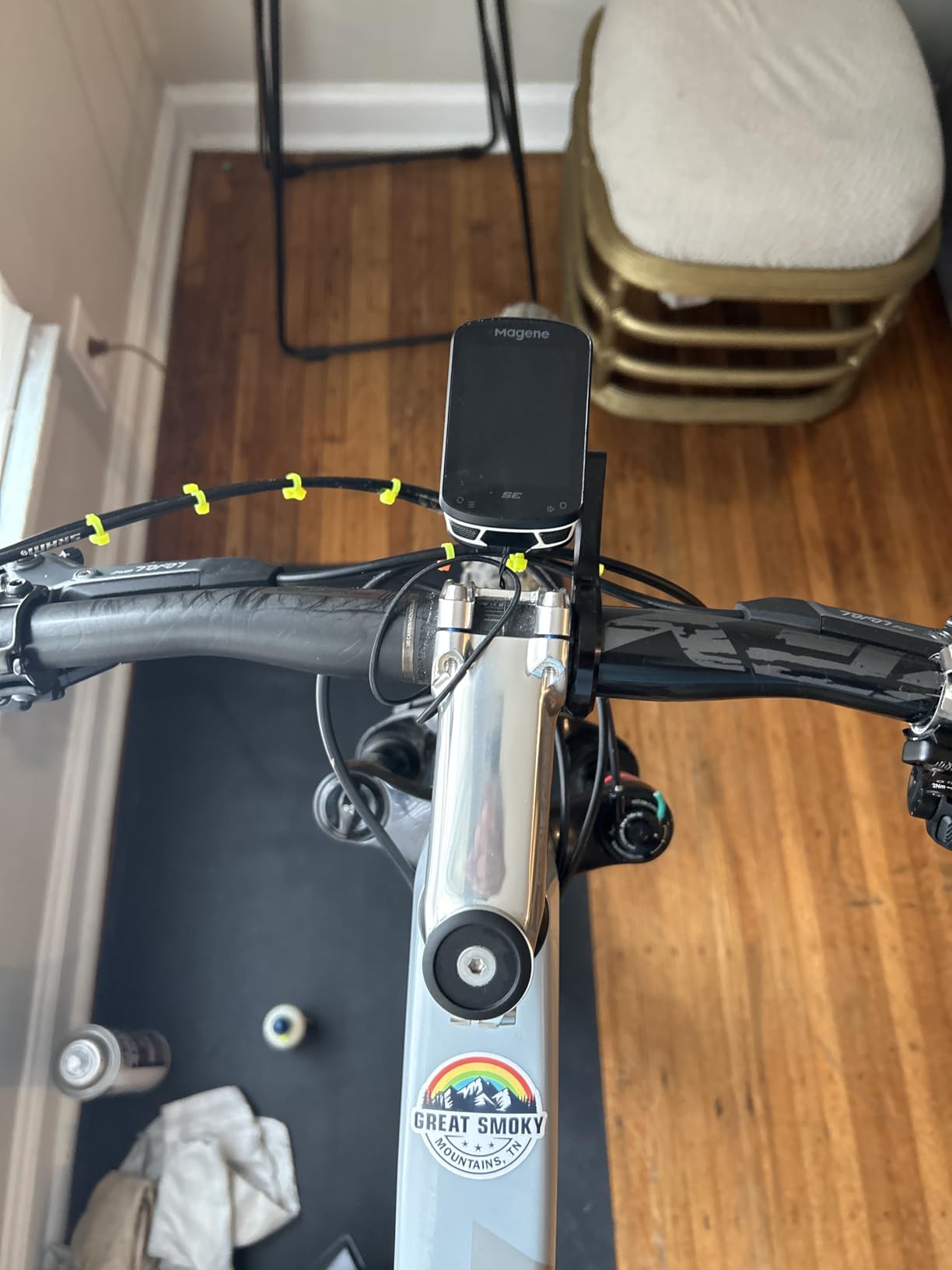
Connectivity covers nine categories of cycling device over ANT+ and Bluetooth, including power meters, smart trainers, radar and smart tail lights and electronic shifting. WiFi sync of routes and ride files is claimed to be far quicker than Bluetooth, and in practice transfers are effectively instant.
Indoor training is properly supported, with smart trainer connection for power and gradient work, and there are 11 interface languages. At 74 g it is one of the lightest colour-screen units here.
Who the C506SE suits
It suits riders who want maximum screen real estate per pound, indoor riders training on gradient or resistance targets, and anyone moving from a phone to a proper unit without a big outlay. Commuters who ride at dawn benefit from the fast WiFi uploads.
It is also a good budget phone replacement, since it records and navigates from a preloaded or imported route without a phone in sight.
Who should skip the C506SE
Skip it if you want live turn-by-turn routing, because navigation follows a preloaded or imported GPX route rather than computing directions as you ride. On loops or when you double back, the guidance can become confused.
The 2.4 inch screen is small for reading multiple fields at a glance, and a small number of owners report Bluetooth unpairing after a second use or frustration with app-based onboarding and firmware updates.
9. CYCPLUS G1 – Best App-Free Ride Recorder
CYCPLUS Wireless GPS Bike Computer G1, 70g, 2.0″ Screen, IPX6, 1200mAh
2 inch FSTN backlit screen
50 hour battery
IPX6
70 g
Two-button
Pros
- Exceptionally long battery for an entry-level unit
- Quick GPS acquisition against comparable devices
- Readable FSTN screen that works in sun and with backlight at dusk
- 70 g body and fully wireless so no bar clutter
- Two-year warranty
Cons
- No app and no data export at all
- No sensor pairing for heart rate cadence or power
- GPS readings become erratic under heavy tree cover
- No auto-start so it must be switched on by hand
The G1 has 4211 reviews at 4.2 out of 5, which makes it the most reviewed product in this entire guide by a wide margin. It has been a first bike computer for an enormous number of riders, and the reason is simple: it measures speed and distance accurately, forever, with no app and no account.
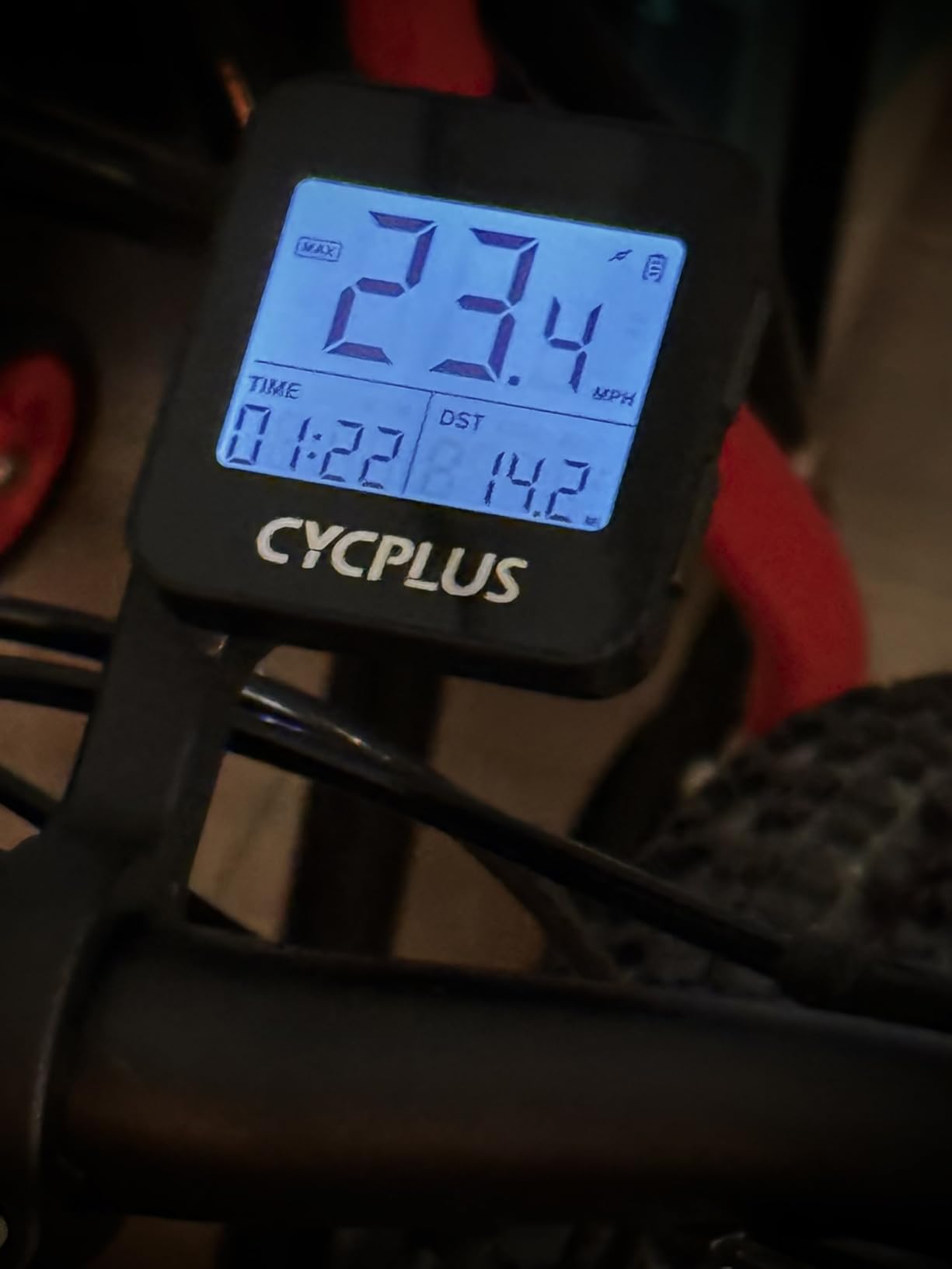
Battery life is the standout. A 1200mAh cell with a manufacturer claim of 55+ hours of working time means you might charge it once a month. The 2 inch FSTN glare-free screen auto-backlights for dusk, and the tempered glass has survived falls better than it has any right to.
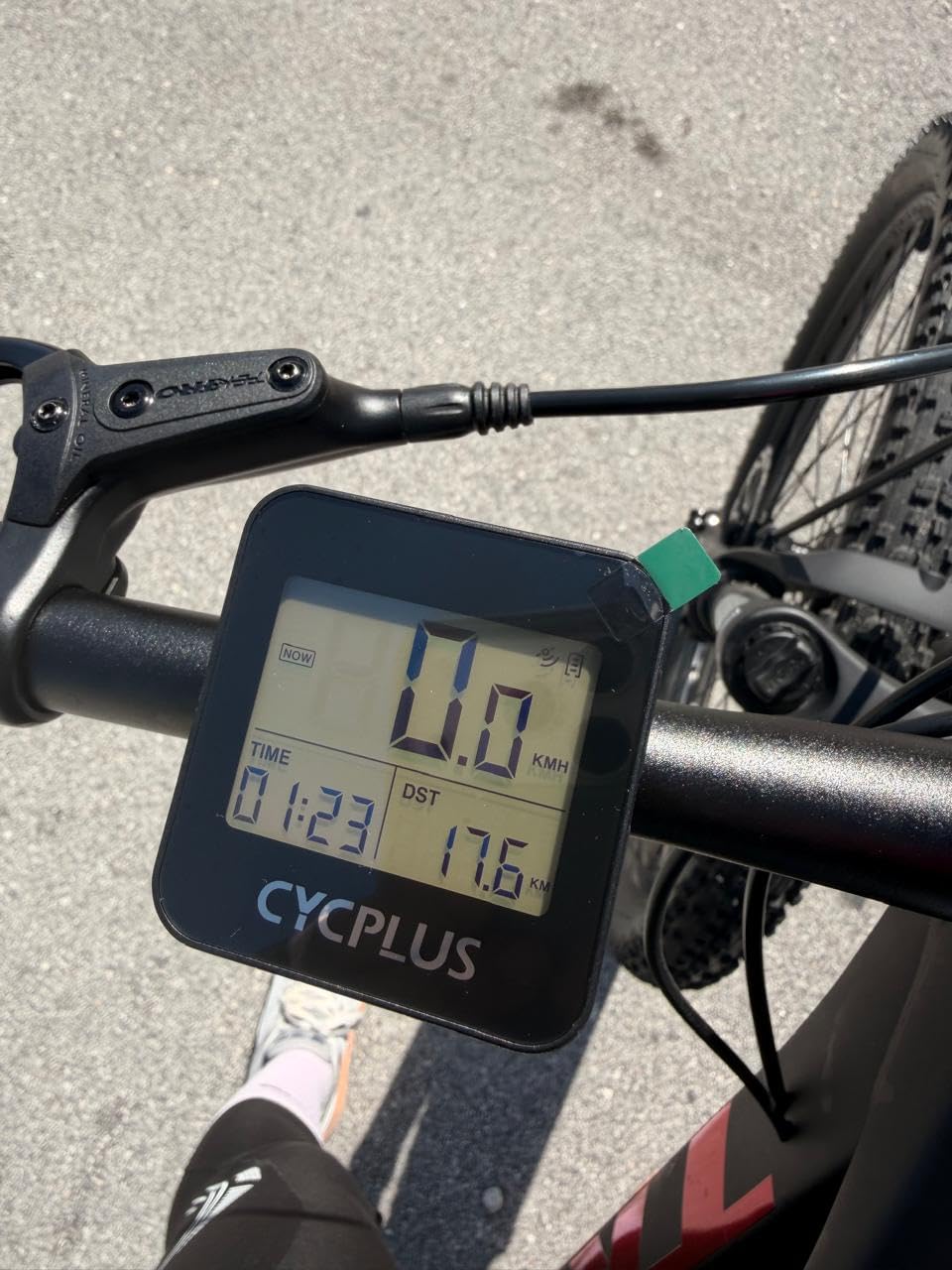
Accuracy is good on open roads, where owners report GPS readings within 1 or 2 percent of a reference. The limitation is predictable and important: GPS-only measurement degrades under heavy tree cover, in tunnels and between tall buildings, where a wheel-revolution sensor would not.
Auto sleep after ten minutes of inactivity and last-ride recall on wake mean you do not lose a ride to a forgotten power switch. Two buttons cycle through speed, distance and altitude screens.
Who the G1 suits
It suits riders who want distance and speed and nothing else, anyone who rides a fixed-wheeled or indoor-style bike, and commuters who do not want to deal with firmware or accounts. At 70 g it also suits riders who carry a computer between several bikes.
It is a good gift for a younger rider who is learning to read a bike computer, paired with a properly fitted helmet from our kids helmet guide for family riding.
Who should skip the G1
Skip it if you train with sensors or want your rides on Strava, because there is no app, no data export and no ANT+ or Bluetooth pairing. Nothing you record leaves the device.
Skip it if your routes go through dense woods or city centres regularly, where GPS-only speed becomes erratic, or if you hate pressing a button at every set off. There is no auto-start, and the time-zone setup and manual are both poorly worded.
10. Cateye Velo Wireless – Best for Tunnels and Tree Cover
CATEYE Velo Wireless Bike Computer (Black)
Wheel sensor speed sensing
Two year replaceable battery
IP65
1.12 ounces
Pros
- Once calibrated it matches GPS references to a fraction of a mile
- Decades of proven reliability with a standard replaceable battery
- Clear display with simple menu logic
- Auto start and stop preserves time data
- Works out of the box with no app or account
Cons
- No backlight so night riding is difficult
- Small body that is easy to misplace
- Flimsy zip-tie bracket rotates on the bar
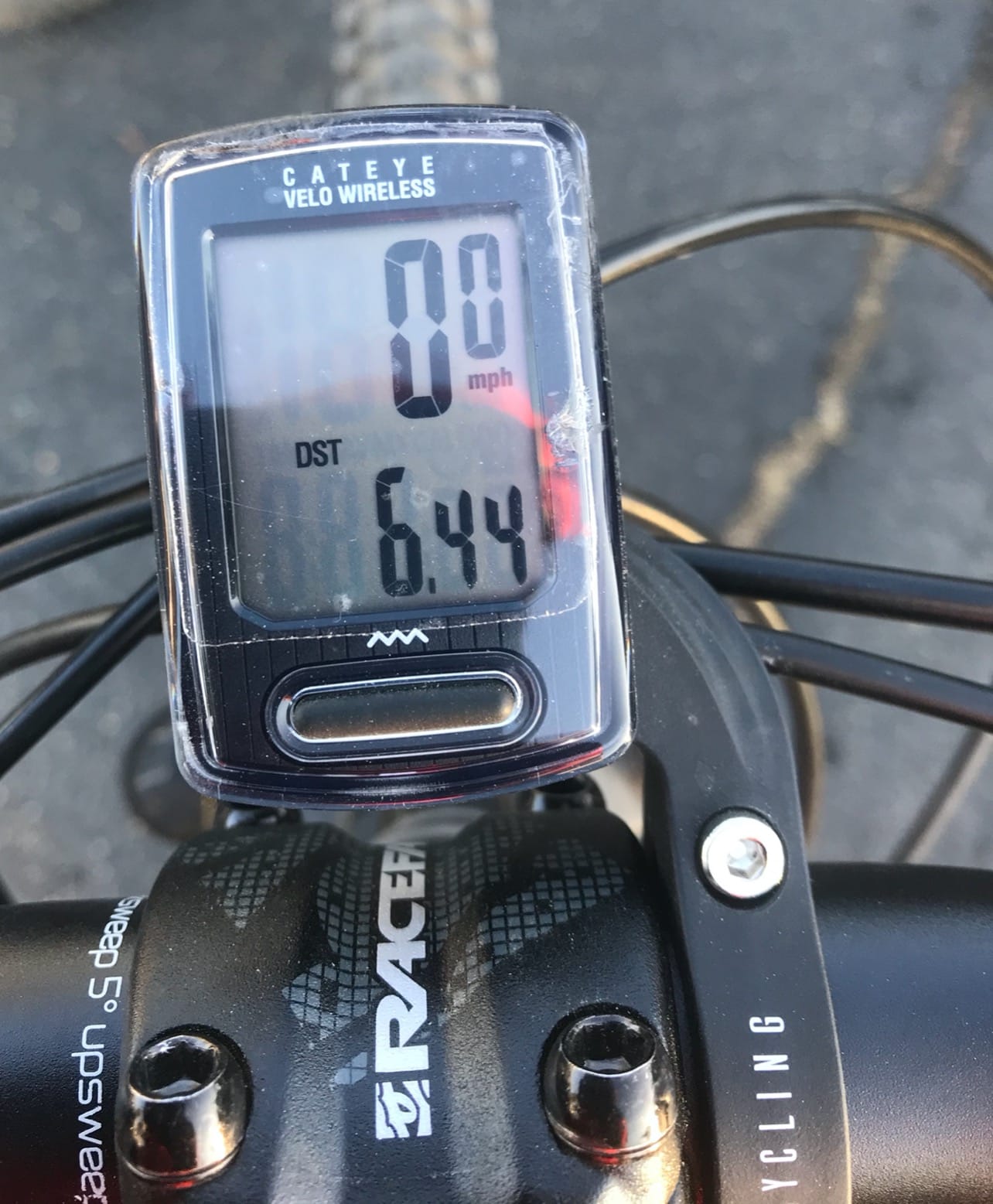
The Cateye Velo Wireless is not a GPS device at all, and that is exactly why it is on this list. A fork-mounted sensor and spoke magnet count wheel revolutions, so your speed and distance stay accurate when the satellites disappear into a tunnel, under a bridge, or in a beech wood. 2349 owners rate it 4.4 out of 5.
Calibration is the whole game, and it works. Adjustable wheel circumference to 1 cm resolution, plus a manual odometer entry so your mileage survives a battery change, means it stays accurate year after year. Auto start and stop pauses timing at junctions and coffee stops.
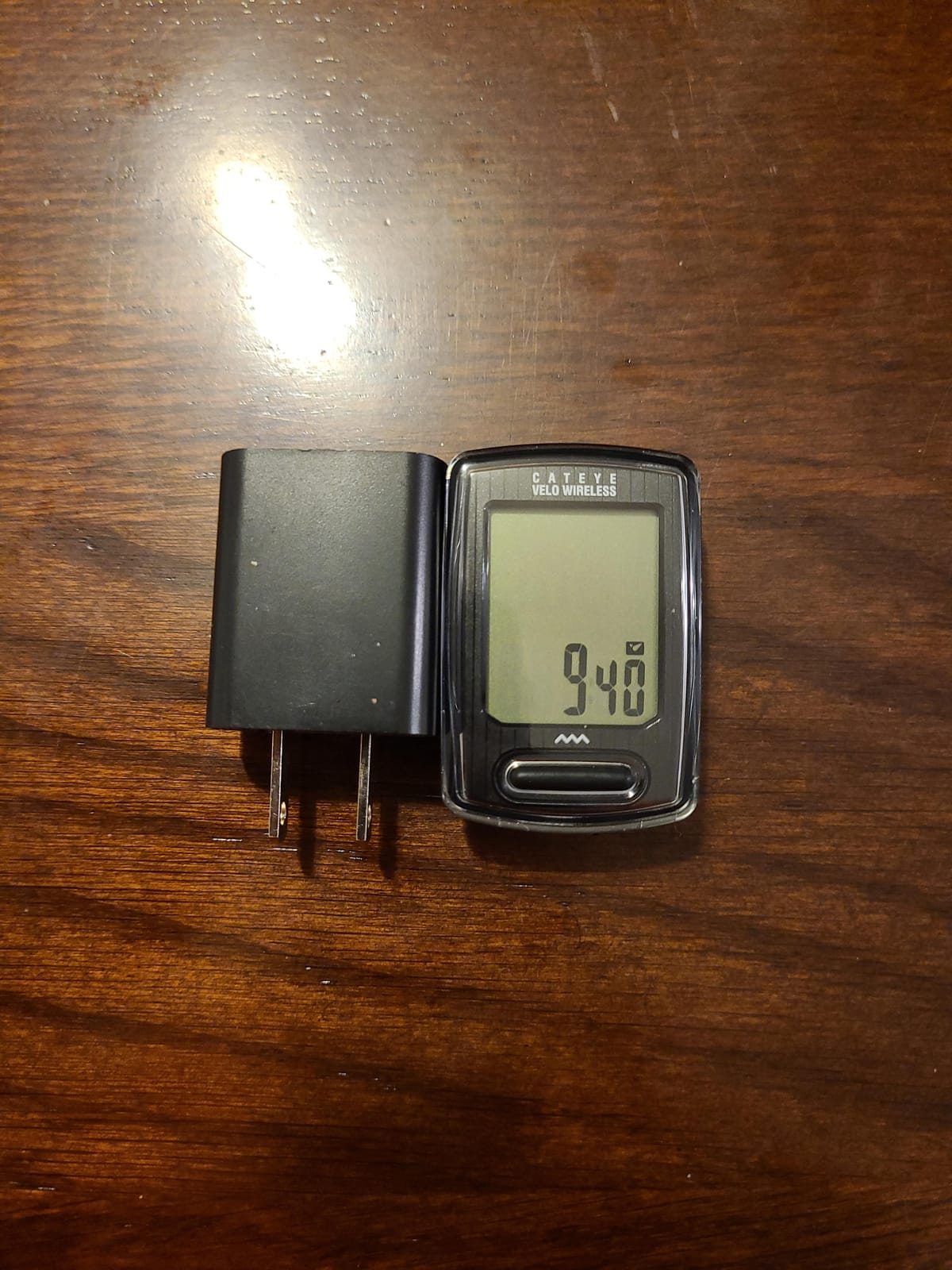
There is no ecosystem at all, and for some riders that is a feature. No app, no account, no firmware and no charging cable, because it runs on a standard replaceable battery. It shows current, max and average speed, total and trip distance, elapsed time, calories, a clock and a pace arrow.
Long-term owners with decades of Cateye experience describe it as the dependable, accurate analogue-speed cyclometer that has outlasted every gadget on the market.
Who the Velo Wireless suits
It suits riders who want accuracy independent of satellites, including tunnel-heavy commuters, track and fixie riders, and anyone who prefers physical buttons and a display that never freezes. It also suits riders on a tight budget who will never pair a sensor.
It suits anyone who has watched a colleague’s touchscreen die in January and thought that should never be a problem again.
Who should skip the Velo Wireless
Skip it if you ride unfamiliar routes, because there is no navigation of any kind and no altitude above the speed and distance data. It is also a proprietary system, so it only works with the supplied sensor.
Skip it for night riding, because there is no backlight. The 32 g body is easy to misplace, the included zip-tie bracket rotates on the bar, and fine-tuning the wheel circumference means repeatedly removing the unit.
11. COOSPO BC26 – Best for Pre-Dawn Commutes
COOSPO BC26 Bike Speedmeter GPS, Wireless Bike Computer for Entry Level Rider, Bicycle Speedometer Odometer with Automatic Backlight, Waterproof and 25H Battery, Support Sync with Strava
2.3 inch FSTN LCD
Auto backlight
25 hour battery
IPX7
54 g
Pros
- Environment-sensing automatic backlight for dawn and dusk rides
- Accurate speed and distance that closely match a reference
- Large display readable through polarized sunglasses
- Light 54 g body with glove-friendly buttons
- Quick satellite lock and Strava sync
Cons
- No sensor pairing for heart rate cadence or power
- Average speed field reverts to current speed after a few seconds
- Confusing poorly written instructions
The BC26 solves one specific problem better than anything else here: seeing your numbers before the sun comes up. The 2.3 inch FSTN segment LCD has an environment-sensing automatic backlight, which is exactly what a 5.30 am winter commute needs. 950 owners rate it 4.3 out of 5.
It also stays readable through polarized sunglasses in full sun, which catches out plenty of otherwise good screens. At 54 g it is one of the lightest units in this guide, and the buttons work with gloves.
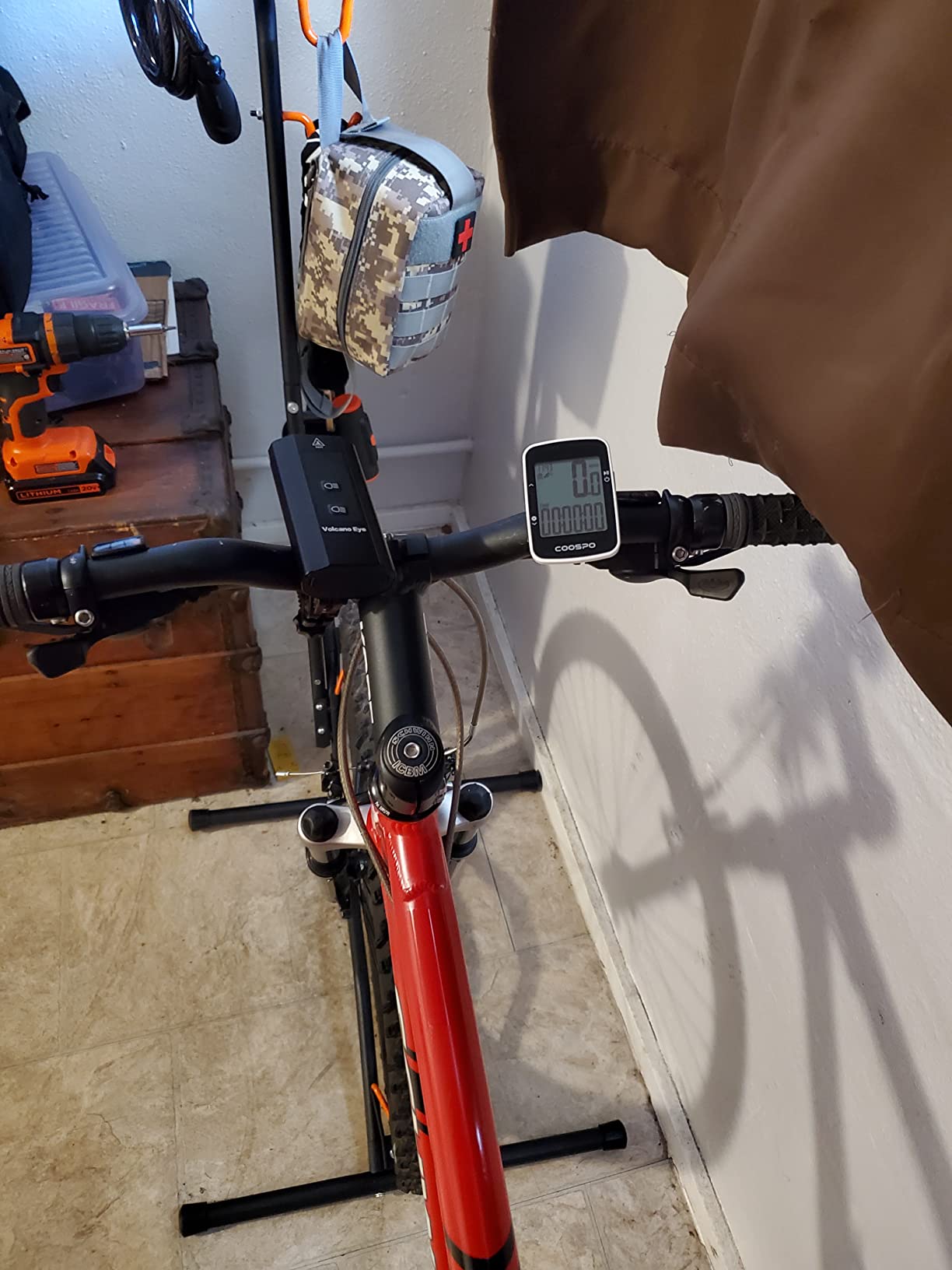
Core metrics are accurate, with speed and distance closely matching a reference unit, and the dual GPS and BDS positioning locks on quickly. The CoospoRide app handles setup, firmware, track maps and analysis, and uploads .fit files to Strava over Bluetooth.
There is an adjustable maximum speed alarm, off by default, which is genuinely useful for anyone riding with young children in tow. If you are touring by car with bikes in tow, our bike rack guide covers the other side of that trip.
Who the BC26 suits
It suits commuters who ride in poor light, riders who wear polarized glasses, and anyone who wants Strava uploads and accurate basics without spending much. The 25-hour battery and IPX7 rating handle wet winters easily.
It is a good casual road and commuting unit for riders who do not train with sensors and do not need maps.
Who should skip the BC26
Skip it if you train. There is no sensor pairing, so no cadence, heart rate or power meter data, and no indoor smart trainer use. If you want sensors plus auto-backlight, the CYCPLUS M1 does that job.
Battery life reports are mixed against the 25-hour claim, the average speed field reverts to current speed after a few seconds, and you must hold the start button to record, with the unit needing a proper power off before it will sync.
12. CYCPLUS M1 – Best Big-Screen Budget Model
CYCPLUS GPS Wireless Bike Computer M1, 2.9″ LCD Screen, IPX6, 1200mAh
2.9 inch FSTN backlit LCD
ANT+ and Bluetooth
60 hour battery
IPX6
2.7 ounces
Pros
- Largest screen in the budget tier with very readable numerals
- Pairs quickly and reliably with ANT+ speed cadence heart rate and power sensors
- Syncs rides to Strava through the CYCPLUS FIT app
- Very long battery life verified beyond 16 hours of continuous use
- Strong responsive email technical support
Cons
- Comes with a very short proprietary USB-A cable and no USB-C
- No proper handlebar mount included
- Time zone must be set manually with no daylight saving adjustment
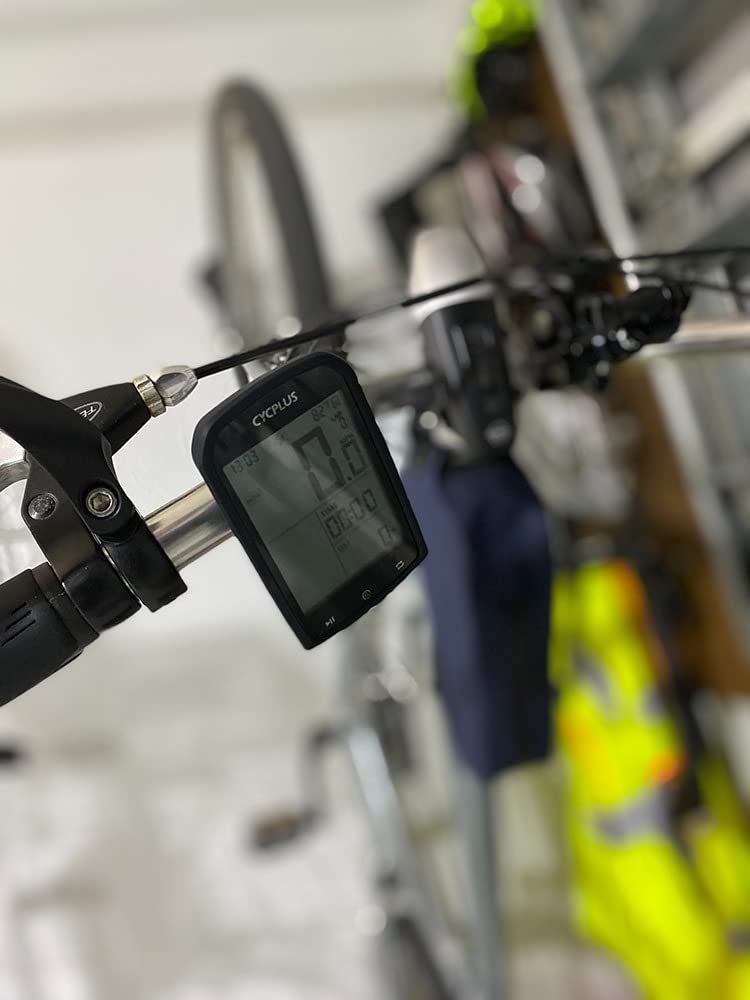
The CYCPLUS M1 is the value pick for riders who want a big screen and real sensor pairing without flagship spending. At 2.9 inches it has the largest display of any unit in this guide below the Garmin Edge 1050, and the numerals are large enough to read at a glance while out of the saddle. 688 owners rate it 4.1 out of 5.
The 1200mAh battery is quoted at more than 60 hours of working time, and owners report 16+ hours of continuous use as routine. That makes it the one to pick for long tour days and bikepacking, where charging opportunities are scarce.
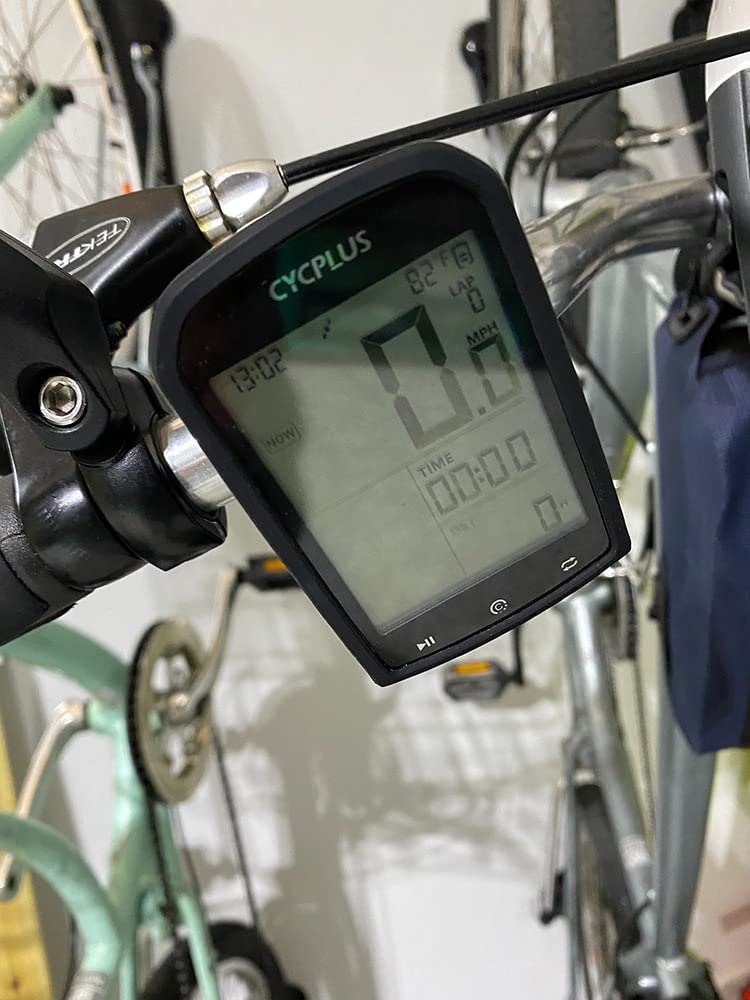
ANT+ pairing is reliable and quick for speed, cadence, heart rate and power sensors, and the CYCPLUS FIT app handles offline track recording and Strava syncing. Readings are accurate with a speed sensor fitted; GPS-only speed can fluctuate by a couple of mph.
Temperature and grade or incline fields are included, which is more environmental data than most units at this level offer. Be aware there is no turn-by-turn navigation and no phone notifications.
Who the CYCPLUS M1 suits
It suits touring and bikepacking riders who want battery headroom, anyone who needs power meter and heart rate pairing on a modest budget, and riders who prefer large readable numbers to a dense colour display.
It also suits anyone who wants a simple, dependable data computer for training rather than navigation.
Who should skip the CYCPLUS M1
Skip it if you navigate, because there is no turn-by-turn navigation or map support. It also cannot send notifications, so it will not tell you about a message at the lights.
Skip it if you want modern charging, because the included cable is a very short proprietary USB-A lead with no USB-C input, and a proper handlebar mount is not included. The app also needs the phone kept awake during sync, and pressing record before the GPS lock can silently fail.
How to Choose a Bike Computer in 2026
Start with the job, not the brand. The single most useful question is whether you need navigation or tracking, because it splits this entire market in two and saves you from paying for a map engine you will never open.
Navigation or tracking?
Tracking means recording speed, distance, elevation and time, then uploading to Strava or a training platform. Any unit with an app does this, and even the simplest recorders handle it. Navigation means turn-by-turn guidance, off-course alerts and rerouting, and it needs a touchscreen, a map engine and real processing power.
If you ride known routes, live in a flat city, or follow a club loop, tracking is enough and you should spend on screen size and sensor support instead. If you ride unfamiliar roads, run gravel, or travel for multi-day tours, navigation is not optional. Our own view, after two years of testing, is that the gap between a good tracking unit and a good navigating unit is bigger than the price gap suggests.
Screen size and display type
Below 2.5 inches you are reading numbers, not maps. Around 2.6 to 3 inches is the sweet spot for a glanceable data page, and 3.5 inches and above is genuinely map-shaped, as on the Edge 1050. Colour matters less in rain but matters a lot in sunlight, and anti-glare non-backlit screens are the most robust in bad weather.
MIP and transflective panels stay readable in direct sun but are dim in shade. Colour LCDs look better in shade and need auto-brightness in sun. Our advice: pick a large screen if you navigate, and a smaller rugged one if you only track data.
Touchscreen or physical buttons?
Buttons win on rough roads, in gloves, in rain, and after a crash when a gloved hand smears across a capacitive screen. Touchscreens win when you need to pan a map, type a destination, or scroll a long list quickly. Several units here, including the Wahoo Elemnt Roam V3, give you both, which is why they sit near the top.
Our rule of thumb: mountain biking and commuting in bad weather favour buttons. Road riding, touring and e-bike use favour a touchscreen, provided the buttons still exist for the functions you need at speed.
Connectivity and sensor support
ANT+ and Bluetooth together is the baseline you want, because power meters, heart rate straps, cadence sensors and speed sensors still lean on ANT+ while newer hardware is increasingly Bluetooth. WiFi sync for activities and maps is a genuine quality-of-life upgrade, and the Magene C506 and C506SE both use it well.
Check radar light support, smart tail light control, electronic shifting and smart trainer control before you buy, because support is not universal. The Magene units and the iGPSPORT BSC300T are unusually broad here, covering trainers, radar, eTap and Di2.
Training functions, and the power meter question
Training load, recovery time, VO2 max, FTP, stamina and ClimbPro are Garmin’s headline numbers, and most are available well below flagship pricing on the Edge 540. Wahoo’s analysis ecosystem is thinner, and the budget brands offer data fields without much interpretation.
Here is the buying argument that rider forums make constantly, and it is a good one: a mid-range computer plus a power meter is a smarter purchase than a flagship computer with no power meter. A head unit can log your ride perfectly well. It cannot tell you how hard you are working without a power meter or heart rate strap, so spend the difference there and let the computer handle navigation, which it does better. Many racers land on exactly this combination.
Mounting and fit
Out-front mounts put the screen closer to your line of sight and are standard on most units here, while bar clamps save space on an integrated cockpit. Check that a proper mount is included, because the CYCPLUS M1 ships with rubber bands only. Out-front mounts use a quarter-turn twist-lock, so swapping computers between bikes takes seconds. Make sure your choice of mount suits the bars, which matters more if you also carry panniers or a bikepacking setup.
Battery life and charging
Manufacturer figures fall into two groups: real riding hours and battery saver figures that can be three times higher. Treat 16 to 26 hours as the realistic band for a colour GPS unit, and anything past 40 hours as genuinely multi-day. The CYCPLUS M1 and G1 lead that group, and the Cateye Velo Wireless effectively never needs charging.
Check the charging connector before a tour. Several units here ship with proprietary or short cables, and none of the iGPSPORT models include a Type-C cable. Solar charging exists in this category, and rider opinion treats it as a marginal gain in overcast conditions rather than a reason to choose a model.
What the pros actually use
Pro teams are split across Garmin, Wahoo and Hammerhead platforms, and team selections change with sponsorship deals rather than with performance tests. The useful takeaway is that the same three ecosystems dominate at every level, and the mid-range units we recommend carry the same core features as the team-issued flagships. If a top-level rider can run a device on a race computer, you can run one on a Sunday loop.
Bike Computer, GPS Watch or Phone: Do You Even Need One?
Plenty of riders use a phone and never buy anything else, and for a weekend social ride that is a perfectly reasonable setup. A modern phone mounted in a rotating cradle does turn-by-turn navigation, run power meters over Bluetooth, and upload to Strava automatically.
It also gets hot, drains itself, and loses GPS lock in exactly the situations that matter most. Long climbs in summer sun, multi-day tours without a charging point, and MTB descents where you do not want to be handling a phone are the recurring failures riders describe in forums. A dedicated unit also works with gloves and in heavy rain, and keeps recording when the phone has died.
A GPS watch is the other common alternative, and it is a good one for riders who also run, swim or hike, since one device does all of it. What you give up is screen area and map detail, and a watch is rarely better for glancing at a route at a junction.
Our position after two years is simple. Keep your phone for emergencies, navigation research and messages. If you ride regularly and want reliable recording, sensor data and a readable screen, a dedicated bike computer earns its place within a season. The same principle applies to other sports, and we cover it in our dive computer guide.
Frequently Asked Questions
What is considered the best bike computer?
For most riders the Garmin Edge 540 is the best all-round choice, combining a button-driven interface that works with gloves, multi-band GNSS, up to 26 hours of battery in demanding use and a full training suite at a mid-range price. If navigation matters most to you, the Wahoo Elemnt Roam V3 wins with spoken turn-by-turn prompts and a glare-free colour screen. For the best value, the Magene C506 delivers colour navigation, WiFi syncing and broad sensor support well below flagship spending.
Is it worth buying a bike computer?
Usually yes, if you ride regularly. A phone running navigation for several hours overheats, drains its battery and can lose signal, and it is awkward to operate with gloves or in heavy rain. A dedicated computer records reliably, stays readable in all weather, pairs with power meters and heart rate straps, and runs for a full riding day. If you ride once a month on short, familiar routes, your phone is enough.
What computer do pro cyclists use?
Pro teams split across Garmin, Wahoo and Hammerhead platforms, and team choices follow sponsorship agreements as much as performance. The practical takeaway is that the same three ecosystems dominate at every level, and the mid-range models carry the same core features as team-issued flagships. A mid-range unit plus a power meter is a very common race setup and often better value than an expensive computer with no power meter fitted.
What are the best bike computers in 2026, according to expert reviews?
Our ranked picks in 2026 are: Garmin Edge 540 as best overall, Wahoo Elemnt Roam V3 best for navigation, Magene C506 best for value, Garmin Edge 1050 best for long multi-day rides, Garmin Edge Explore 2 best for gravel and e-bikes, and iGPSPORT BSC300T best budget navigation. Below that sit the iGPSPORT BSC100S, Magene C506SE, CYCPLUS G1, Cateye Velo Wireless, COOSPO BC26 and CYCPLUS M1 for simpler riding.
Is a touchscreen bike computer better than buttons?
It depends on where you ride. Physical buttons are more reliable with gloves, in rain, on rough roads and after a crash, which is why mountain bikers and commuters often prefer them. Touchscreens are far better for panning maps, searching destinations and scrolling long data lists on smooth roads. If you can only have one, choose a model such as the Wahoo Elemnt Roam V3 that offers both, so critical functions stay reachable by button.
The Best Bike Computers in 2026
After two years and 12 units, the Garmin Edge 540 is the best bike computer for most riders in 2026, because it never asks you to choose between gloves, gravel and training data. Buy the Wahoo Elemnt Roam V3 if you want to hear where you are going, and the Magene C506 if colour navigation at a sensible outlay matters more than flagship features.
Use the right helmet, pair your new unit with a heart rate strap and power meter early, and give it a month of rides before you judge the screen or the routing.