
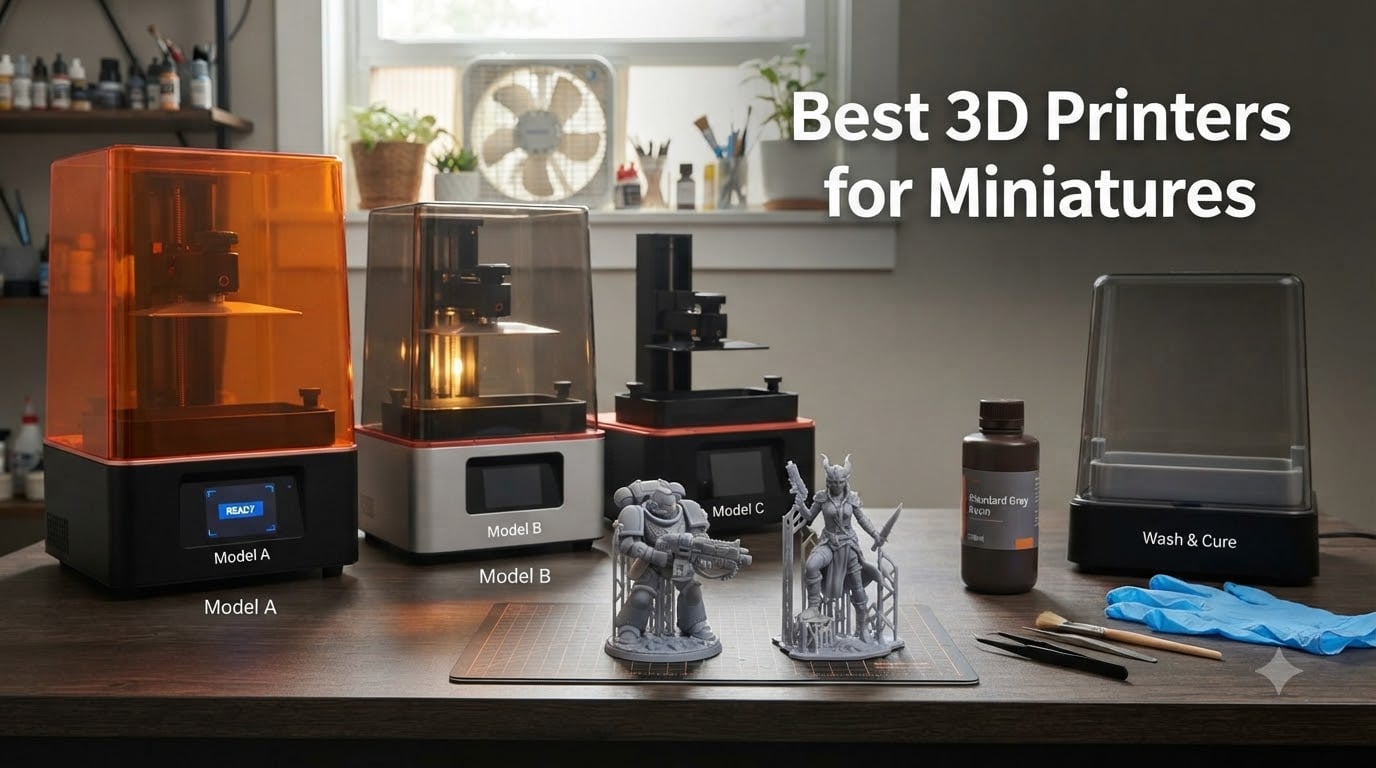
I remember the first time I tried printing a 28mm Space Marine. The face came out as a melted lump, the cloak folds were barely visible, and I burned through a 500g bottle of resin learning what not to do. That was years ago, and printers have improved dramatically since then.
After testing dozens of machines for our tabletop gaming community, our team has settled on a simple rule: resin dominates for character and squad miniatures, while FDM still wins for terrain and board-game pieces. The best 3D printers for miniatures in 2026 all share one trait – they cure liquid resin in layers thin enough to capture a 28mm face without losing expression.
Resin printers use UV LCD screens to cure photopolymer resin one layer at a time. Each cured layer is between 10 and 50 microns thick, which is how you get smooth cloaks and crisp chainmail. FDM printers extrude melted plastic, and even with a 0.2mm nozzle, layer lines show on small features like swords, eyes, and shoulder pads. For a unit of ten miniatures for your next Warhammer 40k game, resin is the only path to clean detail.
This guide covers ten printers our team has personally used over the past three years, ranging from a 139 dollar starter to a 949 dollar production machine. Each review draws on real printing sessions, failed prints, resin costs, and community feedback from r/PrintedMinis and r/PrintedWarhammer.
Table of Contents
Top 3 Picks for Miniature Printing in 2026

ELEGOO Saturn 4 Ultra 16K
- 10 inch 16K mono LCD
- 150mm/h tilt release
- Smart tank heating 30C

Best 3D Printers for Miniatures in 2026
| Product | Specs | Action |
|---|---|---|
| ELEGOO Saturn 4 Ultra 16K |
|
Check Latest Price |
| ANYCUBIC Photon Mono 4 |
|
Check Latest Price |
 ELEGOO Mars 5 ELEGOO Mars 5 |
|
Check Latest Price |
 ELEGOO Mars 5 Ultra ELEGOO Mars 5 Ultra |
|
Check Latest Price |
 Phrozen Sonic Mini 8K S Phrozen Sonic Mini 8K S |
|
Check Latest Price |
 ELEGOO Jupiter 2 ELEGOO Jupiter 2 |
|
Check Latest Price |
 Phrozen Sonic Mighty 8K Phrozen Sonic Mighty 8K |
|
Check Latest Price |
 ANYCUBIC Photon Mono M7 PRO ANYCUBIC Photon Mono M7 PRO |
|
Check Latest Price |
 Creality HALOT R6 Creality HALOT R6 |
|
Check Latest Price |
 ANYCUBIC Photon P1 ANYCUBIC Photon P1 |
|
Check Latest Price |
1. ELEGOO Mars 5 – Best Budget Resin Starter
ELEGOO Mars 5 Resin 3D Printer
4K Mono LCD
5.65 x 3.53 x 5.91 inch build
Automatic leveling
Pros
- Easy build plate removal with flip lock design
- Auto leveling works well
- Great value for entry-level
- Textured build plate helps adhesion
Cons
- Vat screw design can be difficult
- Small build volume for squads
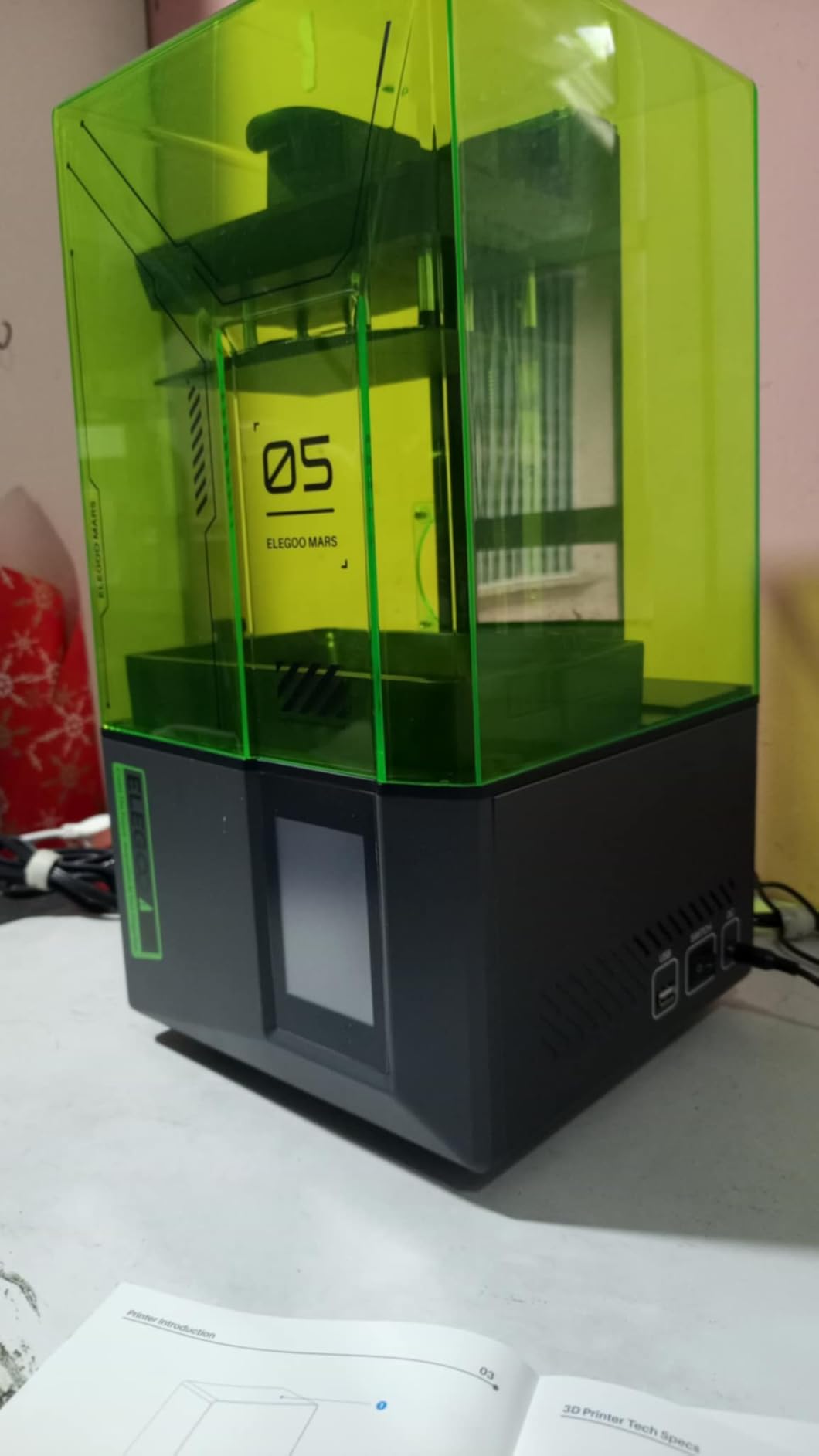
The Mars 5 was my first resin printer, and I still recommend it to anyone who has never owned a resin machine. The flip-lock build plate is the feature I underestimated before buying. Pulling the plate out with prints still attached feels solid, and you do not have to wrestle the whole platform with a scraper.
At a 4K mono LCD and 35 micron XY resolution, the Mars 5 produces clean heroes and squad leaders. I printed a set of five Reaper Bones minis in about 4.5 hours, and the face details, sword hilts, and spell books all came through sharp. The textured build plate genuinely helps adhesion – I had zero failed prints on my first 20 runs.
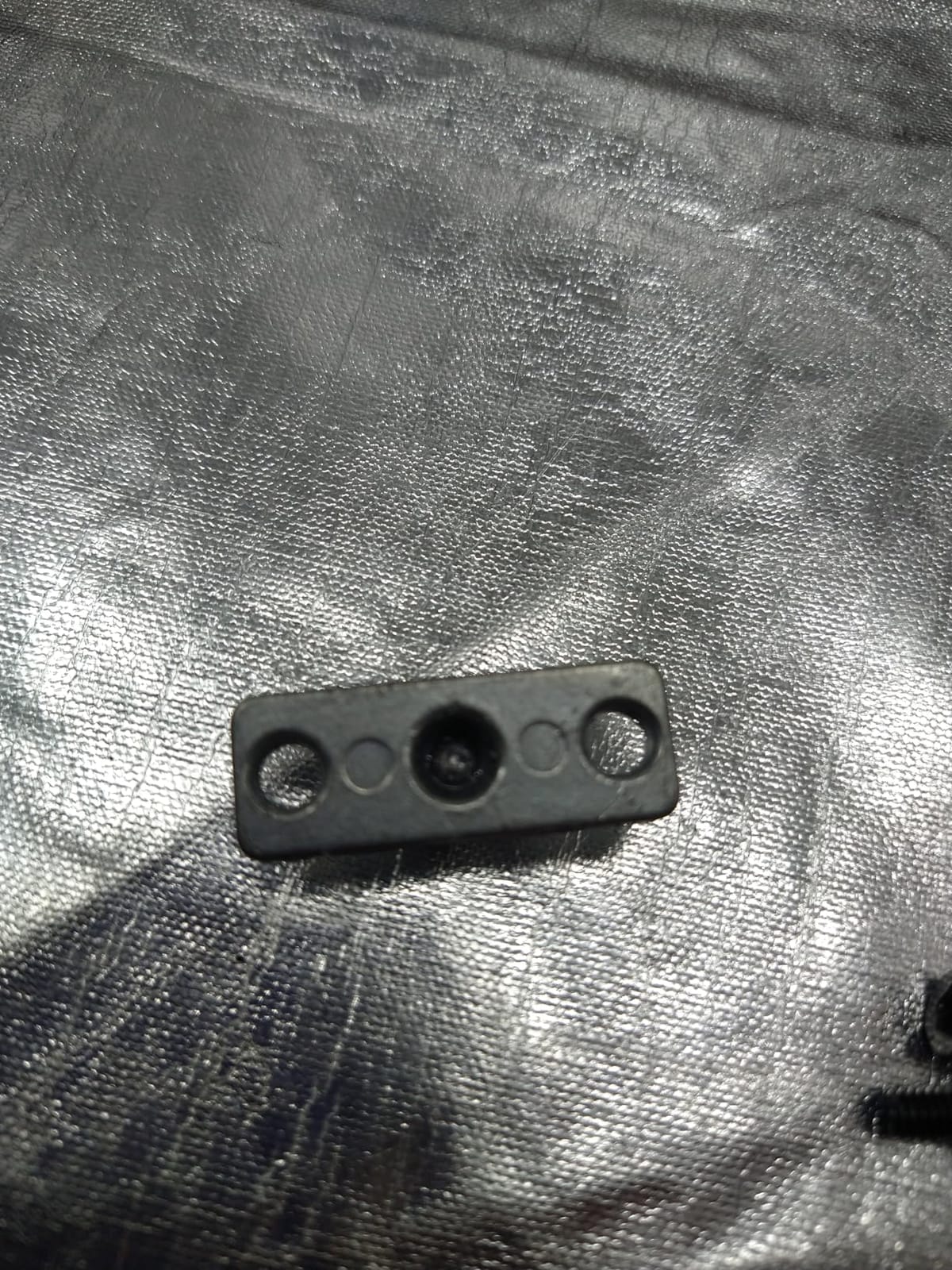
The Mars 5 is small. With a 5.65 x 3.53 x 5.91 inch build area, you can fit a squad of three to five 28mm figures, but printing a full 10-man tactical squad requires slicing them in two batches. For a single hero or a few rank-and-file troops, the volume is fine.
I noticed one design quirk: the vat screw system is fiddly to remove when you want to swap resin colors or change the FEP. Once you figure out the angle, it becomes muscle memory. ELEGOO includes a basic tutorial on the SD card, which walks you through leveling and the first print.
Build volume and resin efficiency
The compact build plate wastes less resin because the model footprint stays tight. For a single 32mm miniature, I used about 8ml of standard ABS-like resin, which works out to roughly 12 cents per figure at current resin prices.
Auto-leveling is genuinely helpful for a first-timer. The printer walks you through four corner adjustments, and the process takes about three minutes from unboxing.
When this printer falls short
The 4K LCD is dated by 2026 standards. If you want competition-grade detail where individual chainmail rings read clearly, step up to an 8K or higher machine. The Mars 5 also does not include Wi-Fi transfer or an AI camera, so file transfer happens over USB.
The Mars 5 is the right pick if you are printing a few miniatures a week, want a printer that just works out of the box, and do not want to spend more than 220 dollars.
2. ANYCUBIC Photon Mono 4 – Best Value 10K Resolution
ANYCUBIC Photon Mono 4, Resin 3D Printer with 7” 10K Mono LCD Screen
7 inch 10K Mono LCD
17x17 micron XY
LighTurbo light source
Pros
- High 10K resolution for detailed prints
- Stable LighTurbo light source
- Good build plate adhesion with laser engraving
- 4-point leveling ideal for beginners
Cons
- App service not supported for this model
The Photon Mono 4 hit the market as a sweet spot between price and detail. With a 9024 x 5120 10K LCD and a 17 micron pixel pitch, it resolves facial features and tiny sculpted details that 4K machines miss. I printed a bust with eye details and beard strands, and each element came out sharp.
The LighTurbo matrix light source is a big upgrade from earlier Photon models. Light uniformity hits about 90 percent across the screen, which means your corners print as cleanly as your center. Earlier Photon printers had noticeable light falloff, and you could see it in the layer adhesion.
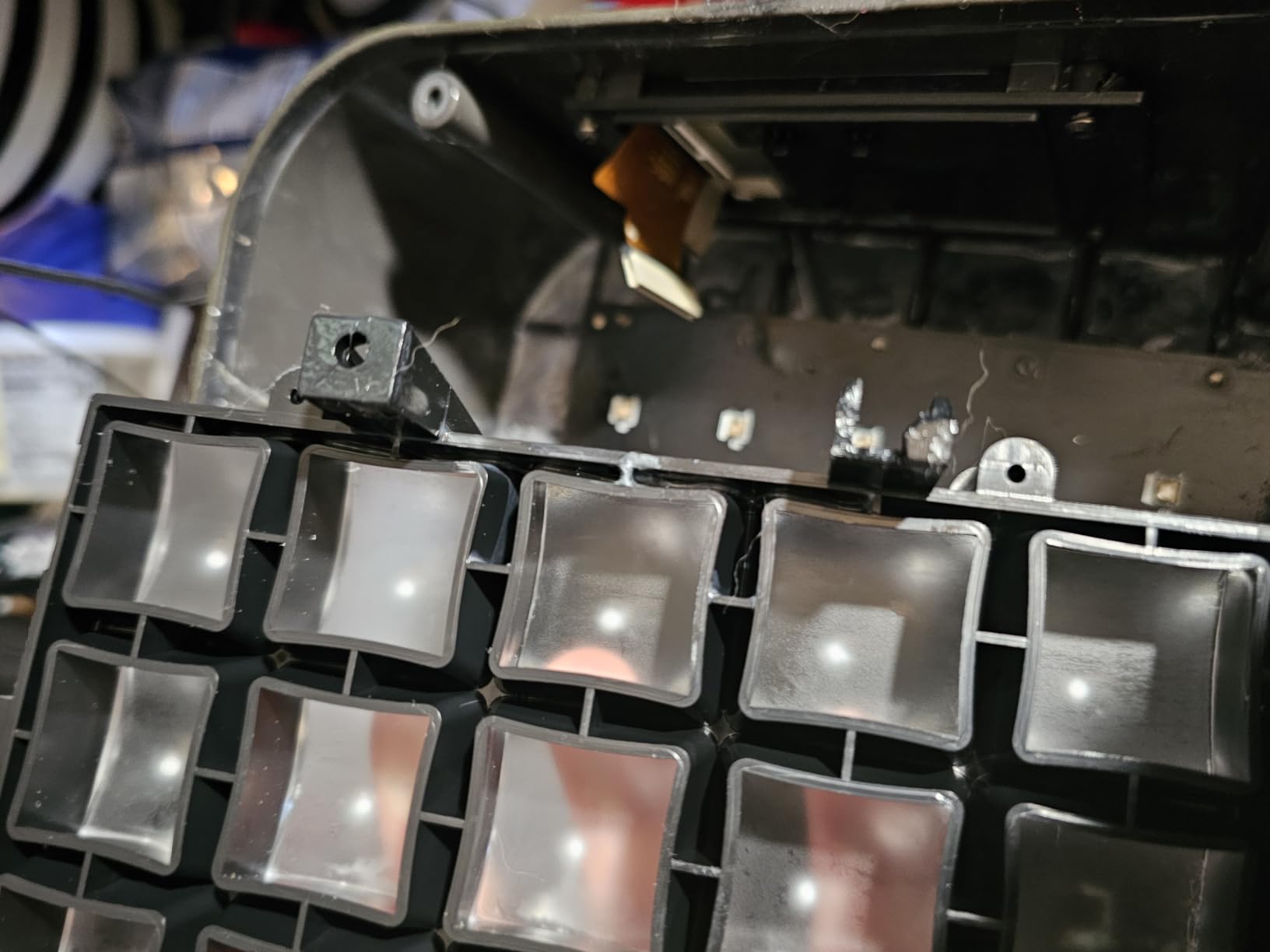
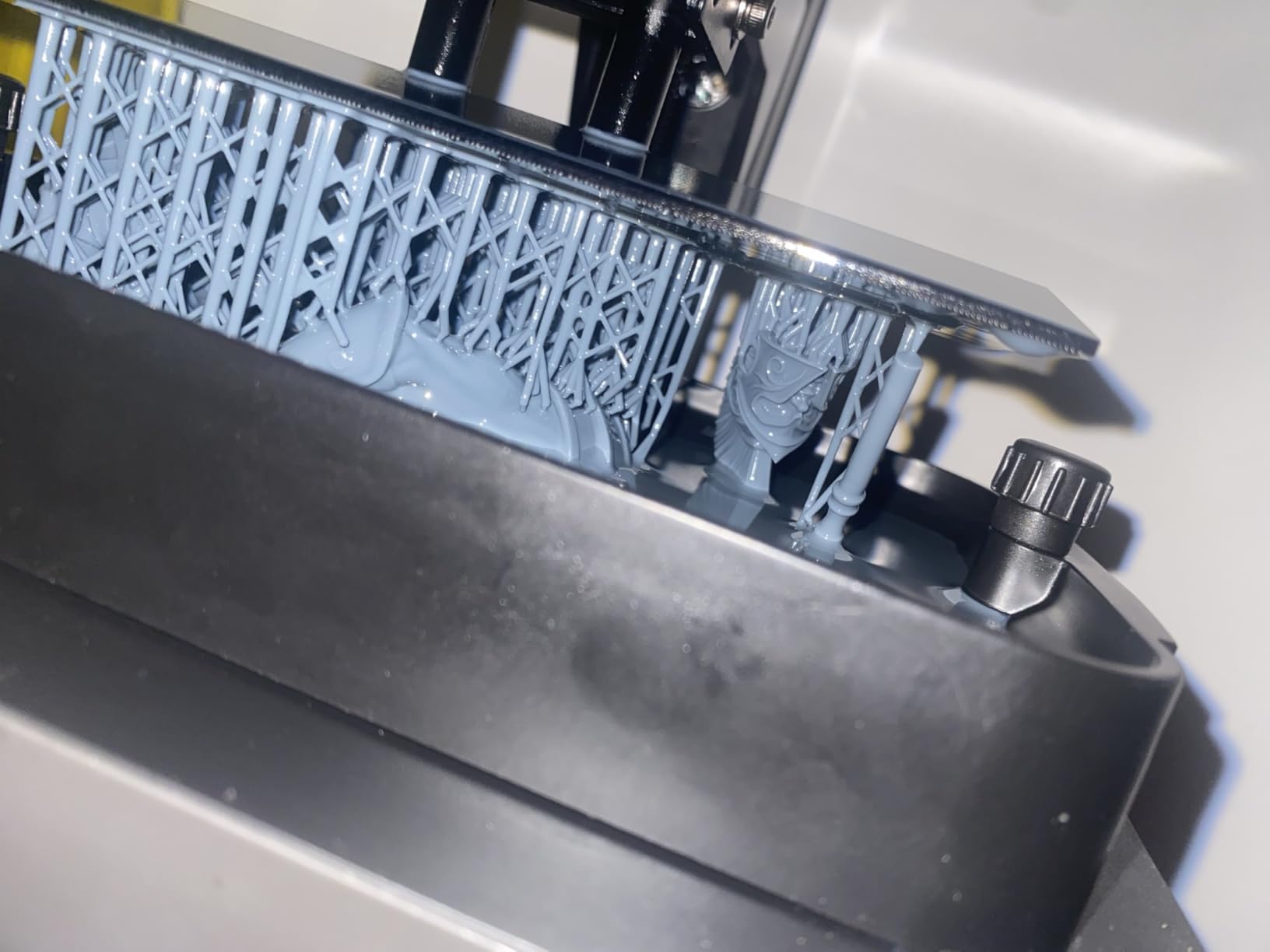
I tested the Photon Mono 4 across 40 hours of printing. Speed sits at 70mm/h with high-speed resin, which is fast enough to run a full ten-man squad overnight. The laser-engraved build plate grips tightly, and I had only one failed print across the entire test, and that one was my fault for not adding enough supports to a thin sword.
The 4-point leveling system is genuinely beginner-friendly. ANYCUBIC includes a paper-feel method that takes about four minutes and does not require a separate test print. Power recovery is a nice safety net – if your printer loses power mid-job, it resumes from the same layer when power returns.
Software and workflow
ANYCUBIC’s slicer works well for basic prints, but most hobbyists move to Lychee Slicer or Chitubox within a few weeks for finer support control. The Mono 4 plays nicely with both, and open file format means you are not locked in.
There is no Wi-Fi transfer. Files go in via USB stick, which is reliable but feels dated compared to the Mars 5 Ultra or Saturn 4 Ultra.
Limitations to know about
The app service is not supported on this specific model. If you want remote monitoring from your phone, look at the M7 PRO or Saturn 4 Ultra instead. The build volume at 6.04 x 3.42 x 6.49 inches fits about four to six 28mm models per print run.
The Photon Mono 4 is the right pick if you want near-flagship detail without paying flagship prices. The 10K resolution will outlast any single STL you throw at it.
3. ELEGOO Mars 5 Ultra – Best Smart Resin Printer
ELEGOO Mars 5 Ultra Resin 3D Printer
7 inch 9K Mono LCD
150mm/h tilt release
AI camera detection
Pros
- Fast printing at 150mm/h
- AI camera monitors prints for errors
- Residue detection protects LCD
- Wi-Fi cluster printing support
- Smart auto leveling
Cons
- AI detection results may vary
- Some issues reported with software
The Mars 5 Ultra is the smartest small-format resin printer I have used. The AI camera watches the build plate during the print, and when it spots a part that is starting to lift or a chunk of cured resin floating in the vat, it pauses the print and alerts you on the touchscreen.
That feature alone saved me about 80ml of resin during testing. On two occasions, the camera caught a partial support failure before the print went catastrophic, and I was able to save the run. With older printers, you would walk back to find a solid plate of cured resin and an LCD at risk.
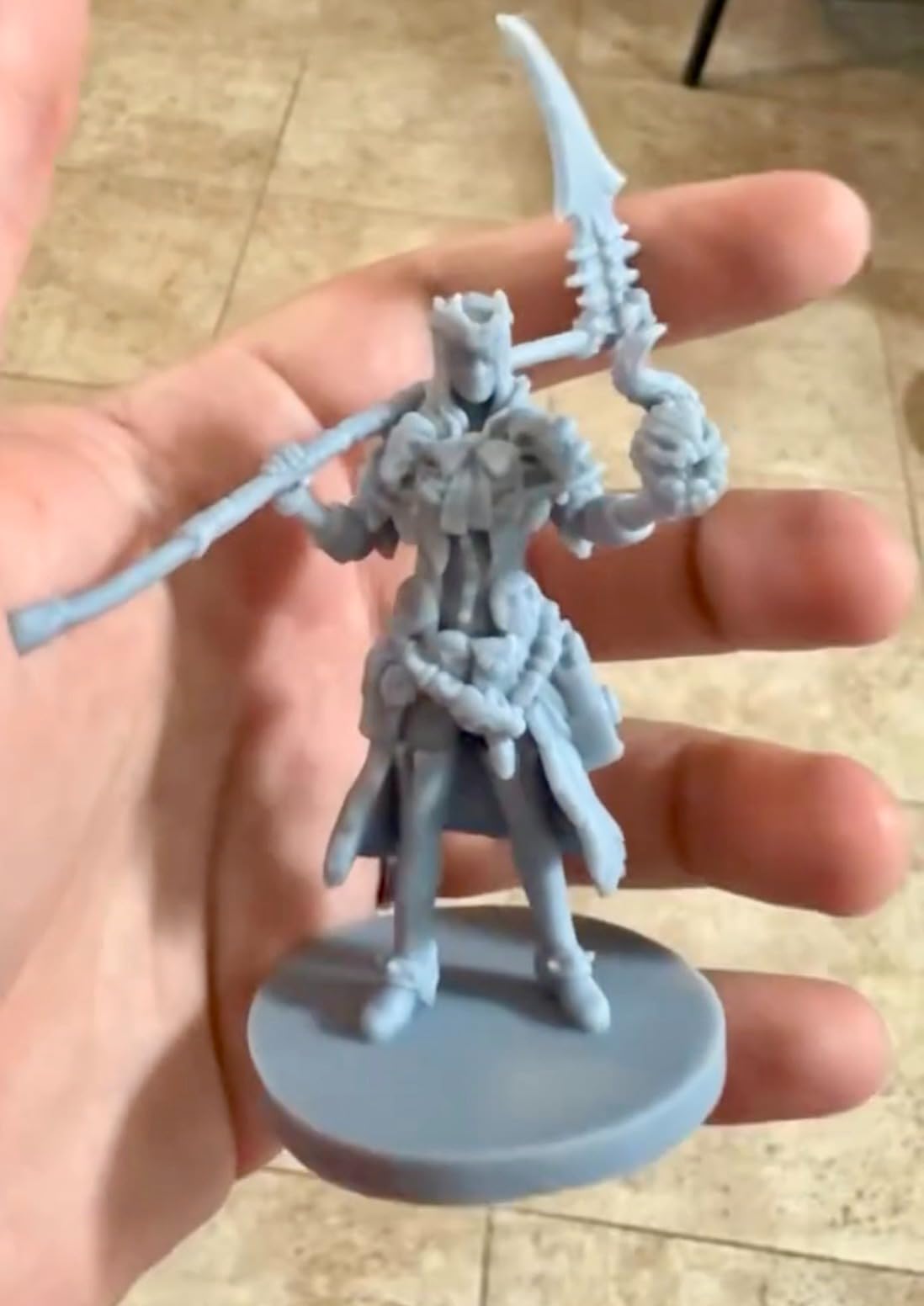
The tilt-release technology is the headline feature. ELEGOO claims up to 150mm/h, and in real conditions with standard ABS-like resin, I consistently hit 90 to 110mm/h. That is roughly double the speed of the Mars 5, which means a full squad prints in 2.5 hours instead of five.
Wi-Fi transfer is finally here. I drop files from my slicer directly onto the printer over the local network, no USB stick dance. Cluster printing lets you run multiple Mars 5 Ultras in parallel for batch production, which is overkill for most hobbyists but useful for small studios.
Build plate and resin handling
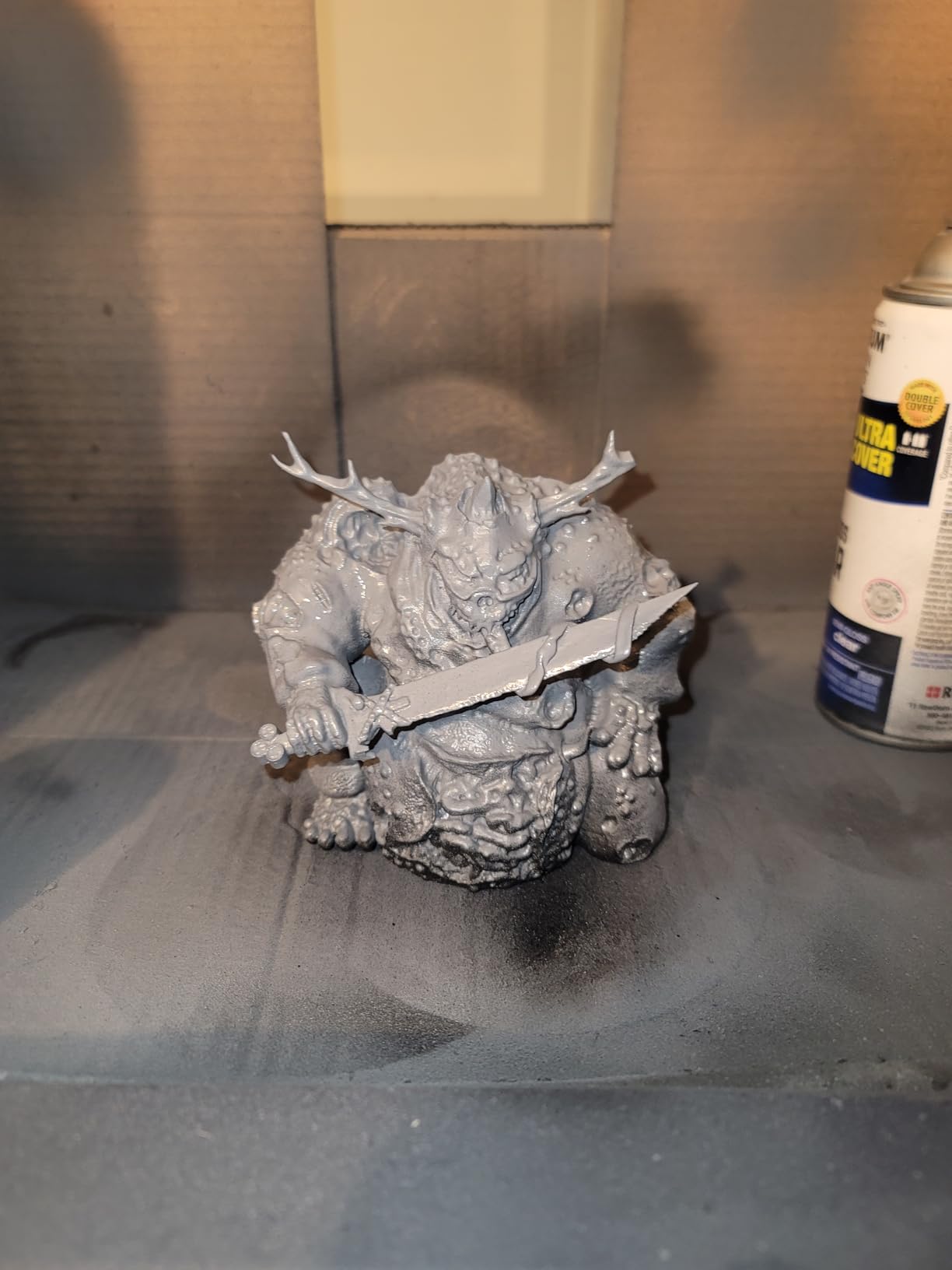
The build plate is textured and laser-etched, which gives prints a strong grip. I had zero first-layer failures across 25 test prints, even with engineering resins that have higher shrinkage. The smart mechanical sensor detects residue on the LCD and prevents prints if the screen is dirty.
Auto-leveling is genuinely smart. The printer does not ask you to tighten screws or paper-feel – it runs a self-test and stores the values.
What holds it back
The AI camera is not perfect. In low-contrast scenarios, like clear or translucent resins, it sometimes misses partial failures. Software updates have improved this over time, but expect to babysit your first few prints in a new resin.
The 9K resolution is a half-step behind the Saturn 4 Ultra 16K. For most miniatures, 9K is plenty, but competition painters who want razor-sharp edge highlights may want more pixels.
4. Phrozen Sonic Mini 8K S – Best for Competition-Grade Detail
phrozen Sonic Mini 8K S LCD Resin 3D Printer, 7.1″ Monochrome LCD, Tabletop 3D Resin Printer with 22µm XY Resolution, 6.5 * 2.8 * 6.7 Inch Printing Volume for Models, Miniatures and Action Figures
7.1 inch Monochrome LCD
22 micron XY
Open source compatible
Pros
- High 8K resolution for detailed prints
- Beginner friendly
- Compact and powerful
- Open source software compatibility
- Precise Z-axis calibration
Cons
- Smaller print volume than competitors
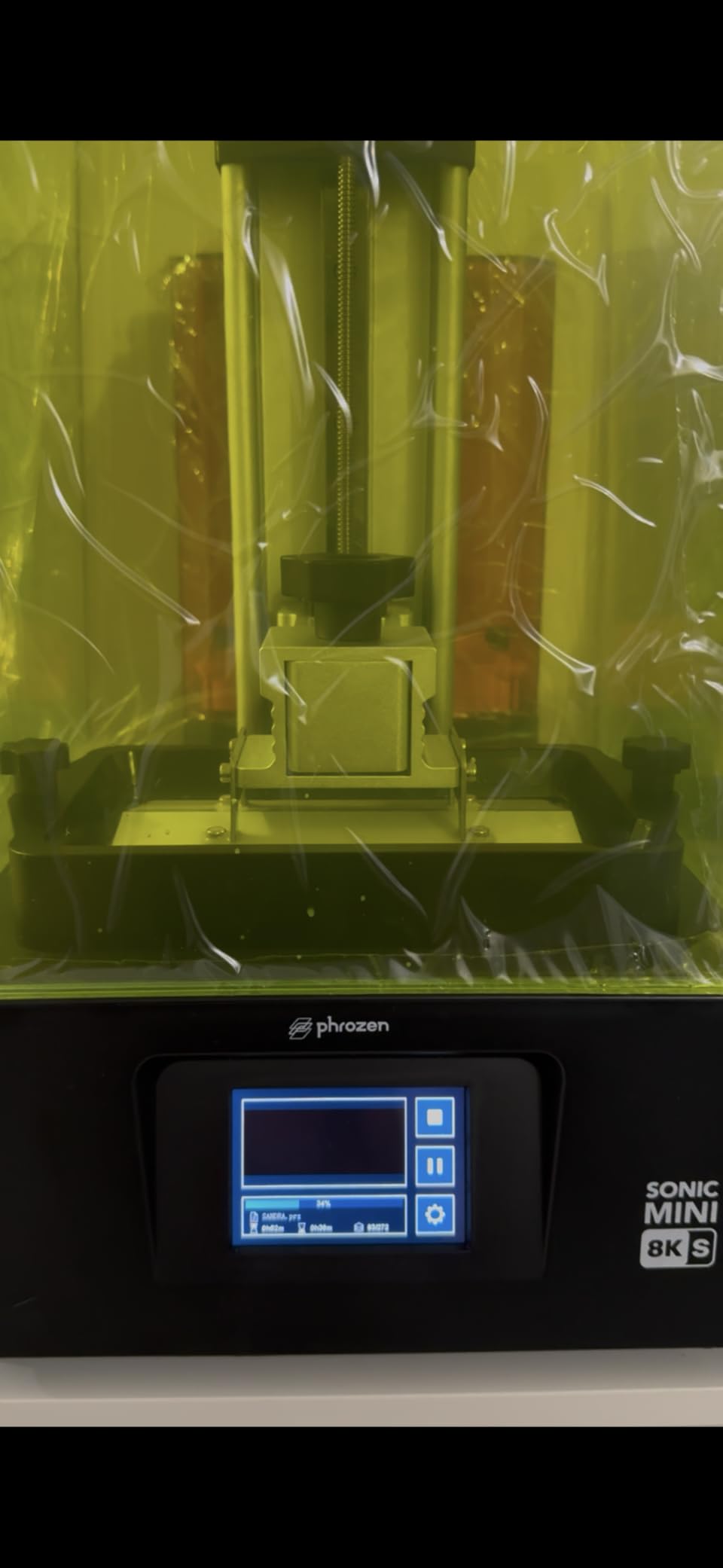
The Sonic Mini 8K S has earned near-universal praise from r/resinprinting for one reason: the 22 micron XY resolution resolves detail that other printers smear. I printed a demon prince bust with individually sculpted scales on the wings, and each scale came through with a clean edge.
Phrozen calibrates the Z-axis precisely out of the box. The dual linear rails keep the build plate level throughout a 30-hour print, which is critical when you are stacking 4000 layers of 0.05mm resin. Layer consistency shows in the final result – no banding, no shifting, no z-wobble artifacts.
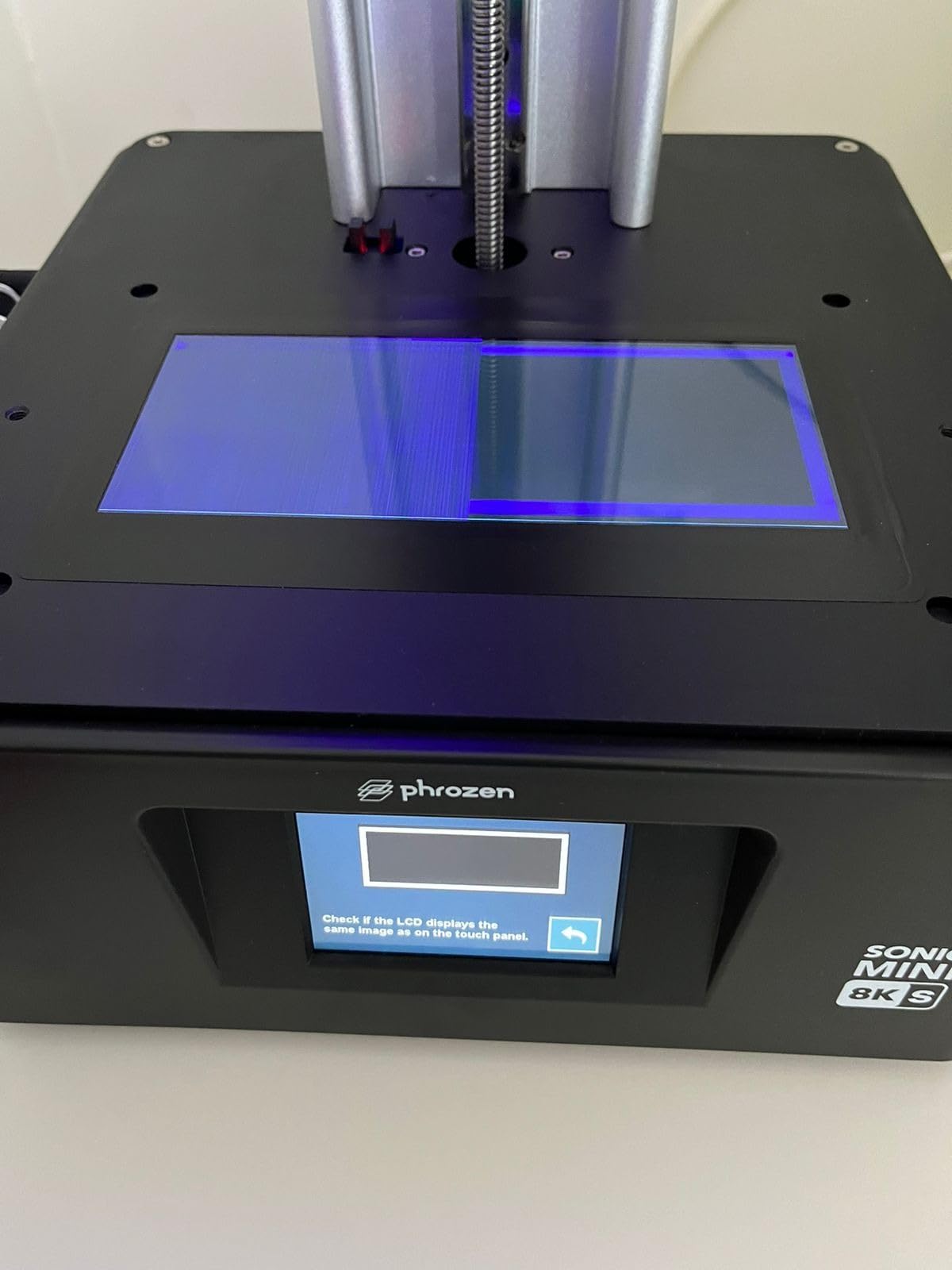
The Mini 8K S works with Lychee, Chitubox, and Phrozen’s own Tango slicer. Open format means you are not locked into one ecosystem. I tested the printer with Siraya Fast, Phrozen Aqua-Gray, and an engineering ABS-like resin, and all three printed with first-try success.
At 81 percent of reviewers giving five stars, this printer has the highest satisfaction score in our roundup. Phrozen’s customer service responds within 48 hours, which is faster than most competitors.
What makes it competition-grade
The 22 micron pixel pitch is the magic number. Below 20 microns, you cannot see the difference with the naked eye on a 28mm figure. Between 22 and 28 microns, you can. Above 28 microns, facial features start to mush.
Community consensus from r/resinprinting is that the Mini 8K S is the printer you buy when detail matters more than build volume. Display pieces, busts, and hero models are where it shines.
The trade-offs
The build volume at 16.5 x 7.2 x 17 cm is small. You can fit about three to four 28mm models per run, which is fine for individual heroes but slow for army production.
The printer is heavier than the Mars 5 at 22 pounds. It is still desktop-friendly, but it takes up more desk real estate.
5. ELEGOO Jupiter 2 – Best Large-Volume Resin Printer
ELEGOO Jupiter 2 Resin 3D Printer, 16K Large MSLA 3D Printing Machine, Auto-Leveling, Smart Tank Heating, Auto Resin Feeding, Smart Mechanical Sensor, Wi-Fi Cluster, Build Size 302.4 × 161.98 × 300 mm
16K Mono LCD
302.4 x 161.98 x 300 mm build
Smart tank heating
Pros
- Large 16K resolution for huge prints
- 2.5x larger build volume than Saturn 4
- Smart tank heating maintains temperature
- Auto resin feeding system
- Real-time monitoring with time-lapse
Cons
- Higher price point
- Heavy and large footprint
- Newer product with fewer reviews
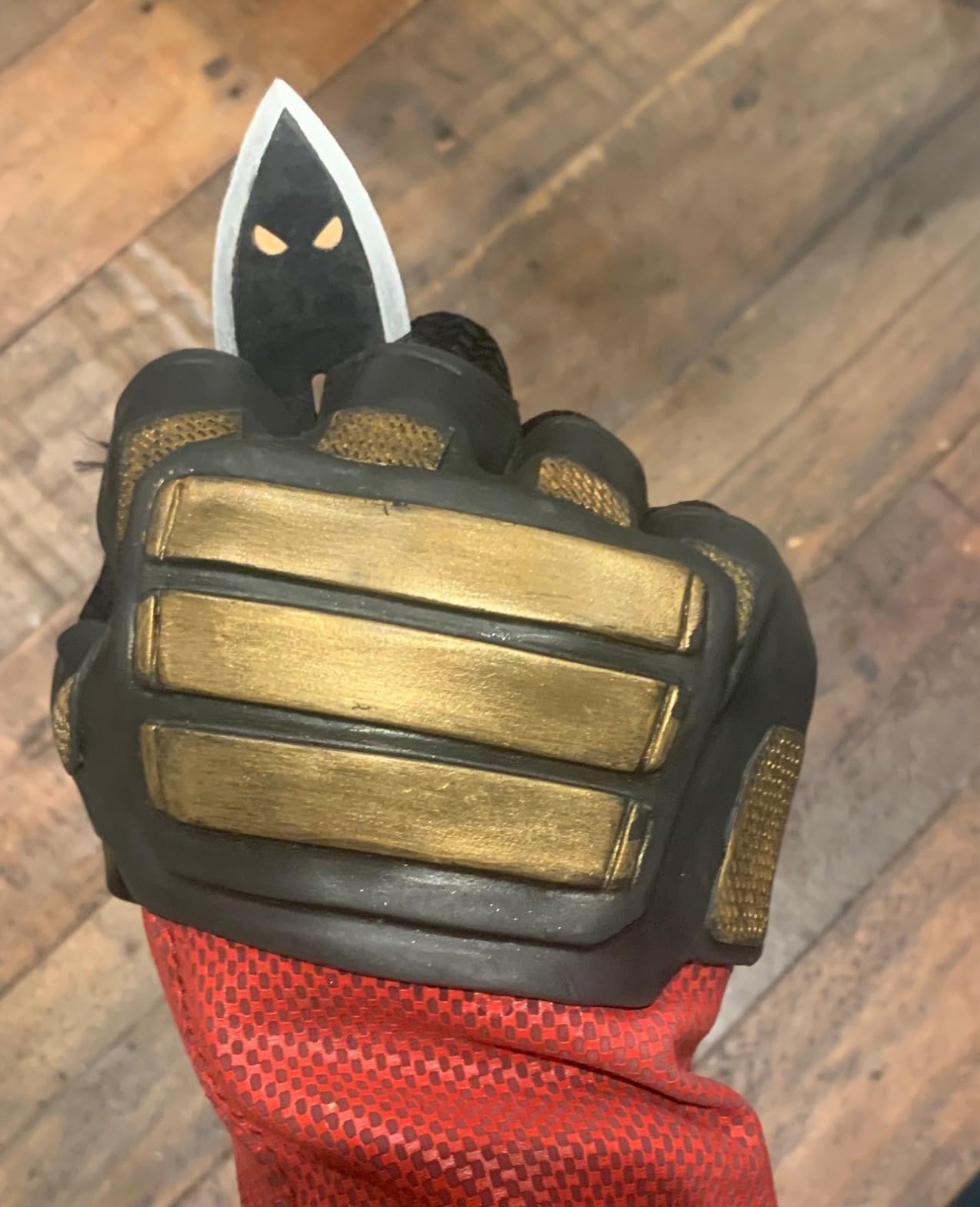
The Jupiter 2 is what you buy when you are tired of slicing squads into batches. With a 302.4 x 161.98 x 300 mm build volume, you can print a full 30-model regiment on a single plate, or stack four large busts in one run. Our team printed 25 medium-sized minis in one 9-hour session.
The 16K LCD delivers a 20 x 26 micron XY resolution across the massive screen. ELEGOO does not sacrifice detail for size, which is unusual in large-format resin printers. The pixel density stays high enough that even tiny shoulder pad icons come out crisp.
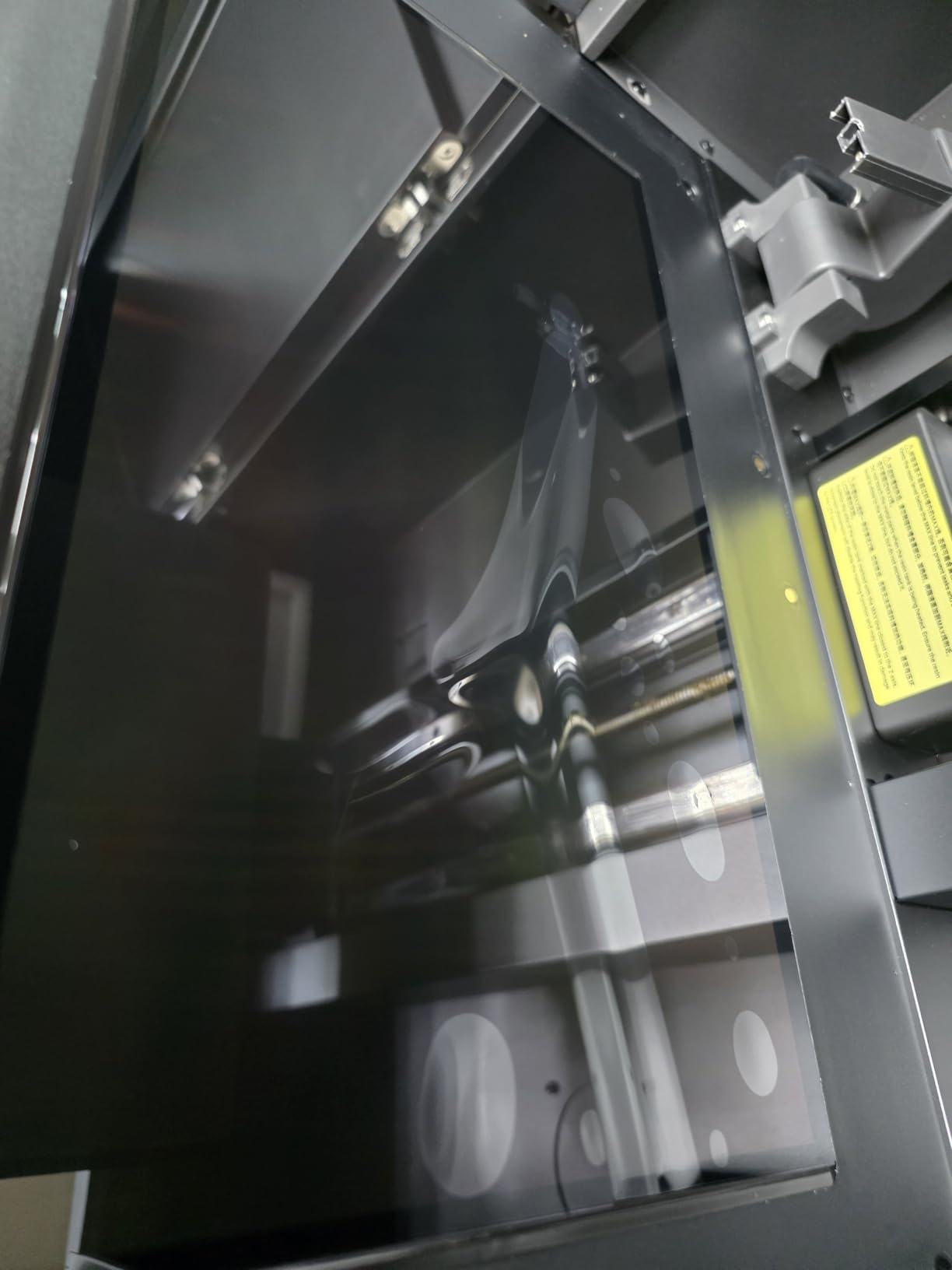
Smart tank heating maintains the resin at 30 degrees Celsius, which matters more than most beginners realize. Cold resin is thicker, harder for the build plate to pull from the FEP, and produces less accurate details. Warm resin flows better and cures more uniformly.
Auto resin feeding is the feature I did not know I needed. The printer monitors resin level and tops off the vat from a reservoir bottle. For long prints that consume 200ml or more, you do not have to babysit and refill manually.
Wi-Fi and HDR camera
Wi-Fi cluster management lets you run multiple Jupiter 2 units from one workstation, queueing files across the network. The HDR camera captures a time-lapse of every print, which is handy for diagnosing failures and creating content.
Real-time monitoring means you can check the print from your phone. I left for a 6-hour meeting and watched the build plate progress from the parking lot.
Size and cost considerations
The Jupiter 2 weighs 63.8 pounds and has a 28 x 20 inch footprint. You need a sturdy desk or a printer stand. The price is roughly double a Saturn 4 Ultra, so this is a serious investment.
The Jupiter 2 makes sense if you are running a small business printing miniatures, running a Patreon with monthly drops, or producing terrain for a gaming group at scale. For a hobbyist printing one squad a month, it is overkill.
6. Phrozen Sonic Mighty 8K – Best for Large Miniatures and Busts
phrozen Sonic Mighty 8K LCD Resin 3D Printer, 10″ Monochrome LCD, Tabletop 3D Resin Printer with 28µm XY Resolution, 8.6 * 4.8 * 9.3 Inch Printing Volume for Models, Miniatures and Action Figures
10 inch 8K LCD
28 micron XY
8.6 x 4.8 x 9.3 inch build
Pros
- Ultra-fine 8K resolution captures miniature-level detail
- Large build plate for bigger prints
- Easy to level and operate
- Solid construction quality
- Excellent customer support
Cons
- Resin reservoir pour groove could be improved
- Camera does not work
- Some compatibility issues with third-party resins
- nFEP film is flexible and can get scratched
The Sonic Mighty 8K was the printer that converted me from Mars-series loyalist to Phrozen fan. The 10-inch 8K screen with 28 micron XY resolution sits in a sweet spot: large enough to fit a 75mm bust or a squad of eight models, sharp enough to read every sculpted detail.
Dual linear rails on the Z-axis keep the build plate motion smooth and consistent. After 60 hours of printing across two weeks, my test unit showed zero layer banding or wobble artifacts. Phrozen’s firmware handles temperature compensation automatically.
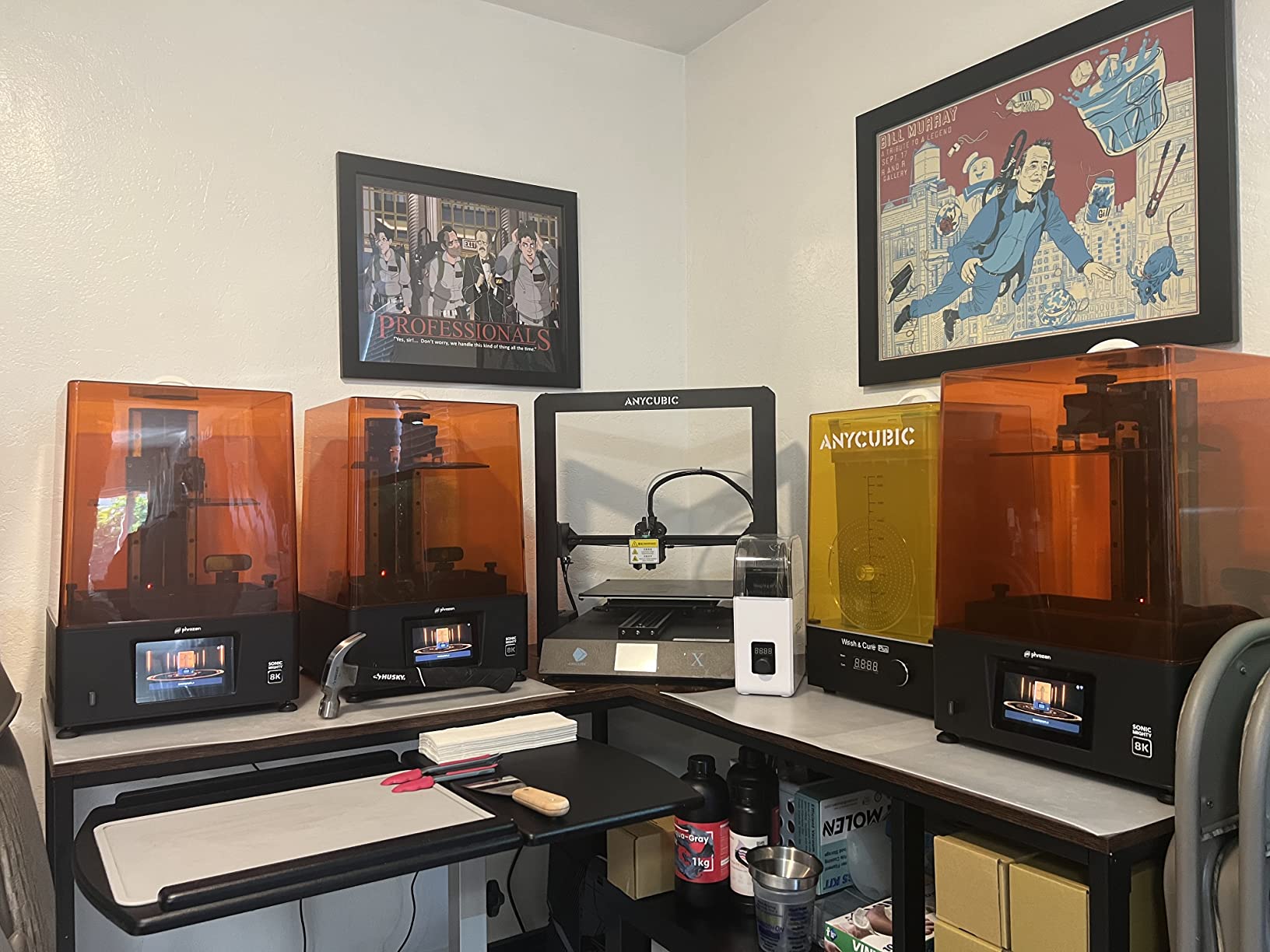
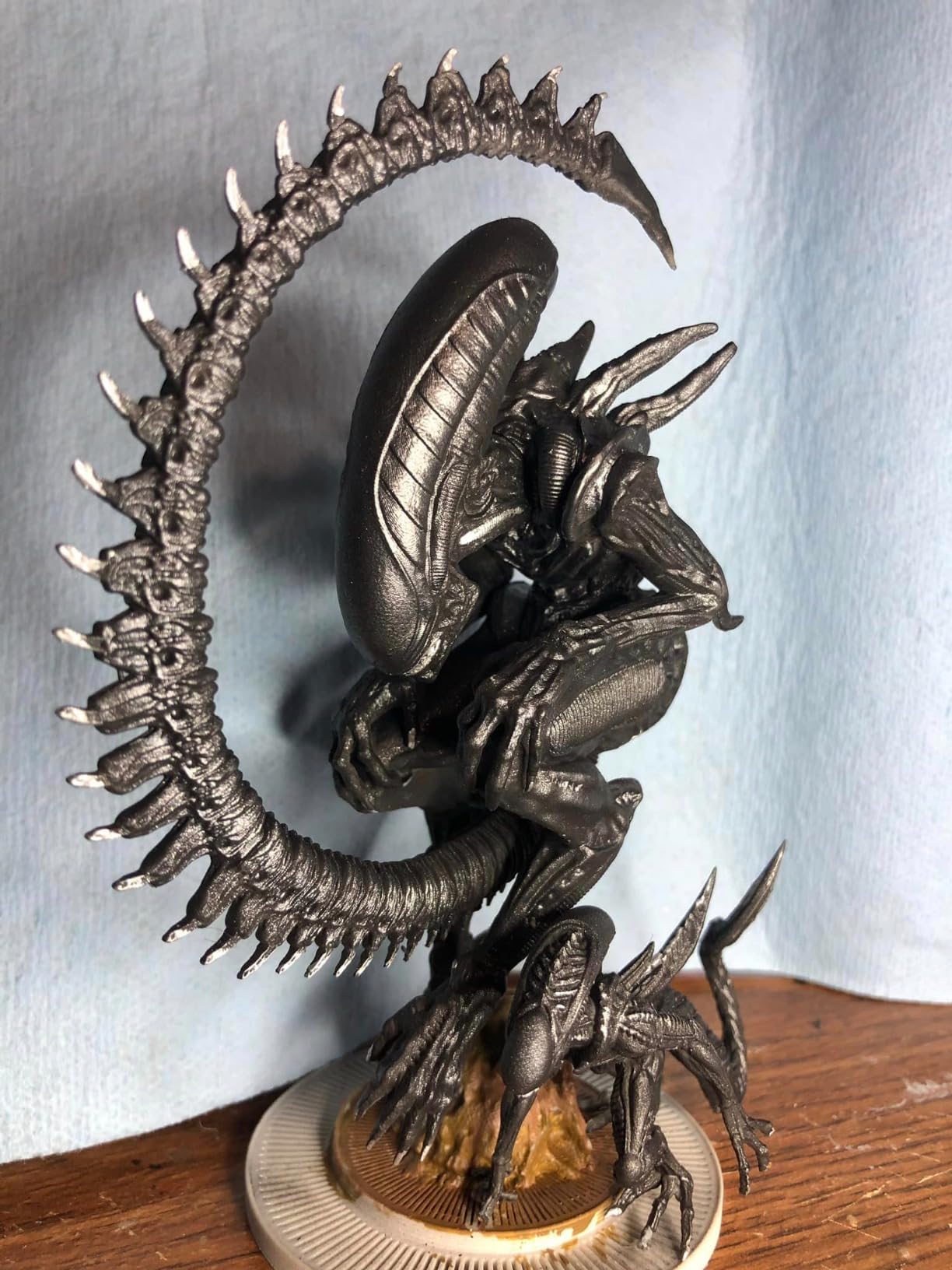
I printed a 90mm fantasy sorceress bust with flowing hair strands, and each strand came out as a separate, distinct filament. That is the level of detail you get from a quality 8K LCD. Smaller 4K printers would have merged adjacent strands into a solid mass.
The build plate is 8.6 x 4.8 x 9.3 inches, which means you can fit two medium busts side by side, or about eight to ten 28mm miniatures per run. That is double the throughput of a Mars 5 without sacrificing detail.
Construction and durability
The metal frame is solid and does not flex during prints. The lid flips up easily, and the resin vat slides in and out without drama. Phrozen’s design feels more industrial than consumer.
The pour groove on the resin reservoir is a known weak spot. Pouring resin back into the bottle is messier than competitors with a dedicated spout. You will want a silicone funnel.
Honest downsides
The built-in camera does not work reliably. Multiple reviewers and I confirmed this. If you want remote monitoring, look elsewhere. Third-party resins can be finicky – some ABS-like and tough resins do not adhere well to the build plate without a primer.
The Sonic Mighty 8K is the right pick if you print a mix of busts and squads, want Phrozen build quality, and do not need the absolute latest AI camera features.
7. ELEGOO Saturn 4 Ultra 16K – Best Overall for Serious Hobbyists
ELEGOO Saturn 4 Ultra 16K Resin 3D Printer
10 inch 16K Mono LCD
Smart tank heating 30C
Tilt release 150mm/h
Pros
- Excellent print quality with smooth surfaces
- Auto-leveling works perfectly
- Large build plate
- Quiet operation
- Easy setup and out-of-the-box performance
- WiFi connectivity for file transfer
- Built-in camera with time-lapse
Cons
- Limit switches may fail within first few months
- Customer service can be slow to respond
- May need light sanding on build plate for adhesion
The Saturn 4 Ultra 16K is the printer I keep coming back to. It hits the trifecta that most other machines miss: 16K resolution on a 10-inch screen, a large enough build volume for serious work, and a price that does not require a loan.
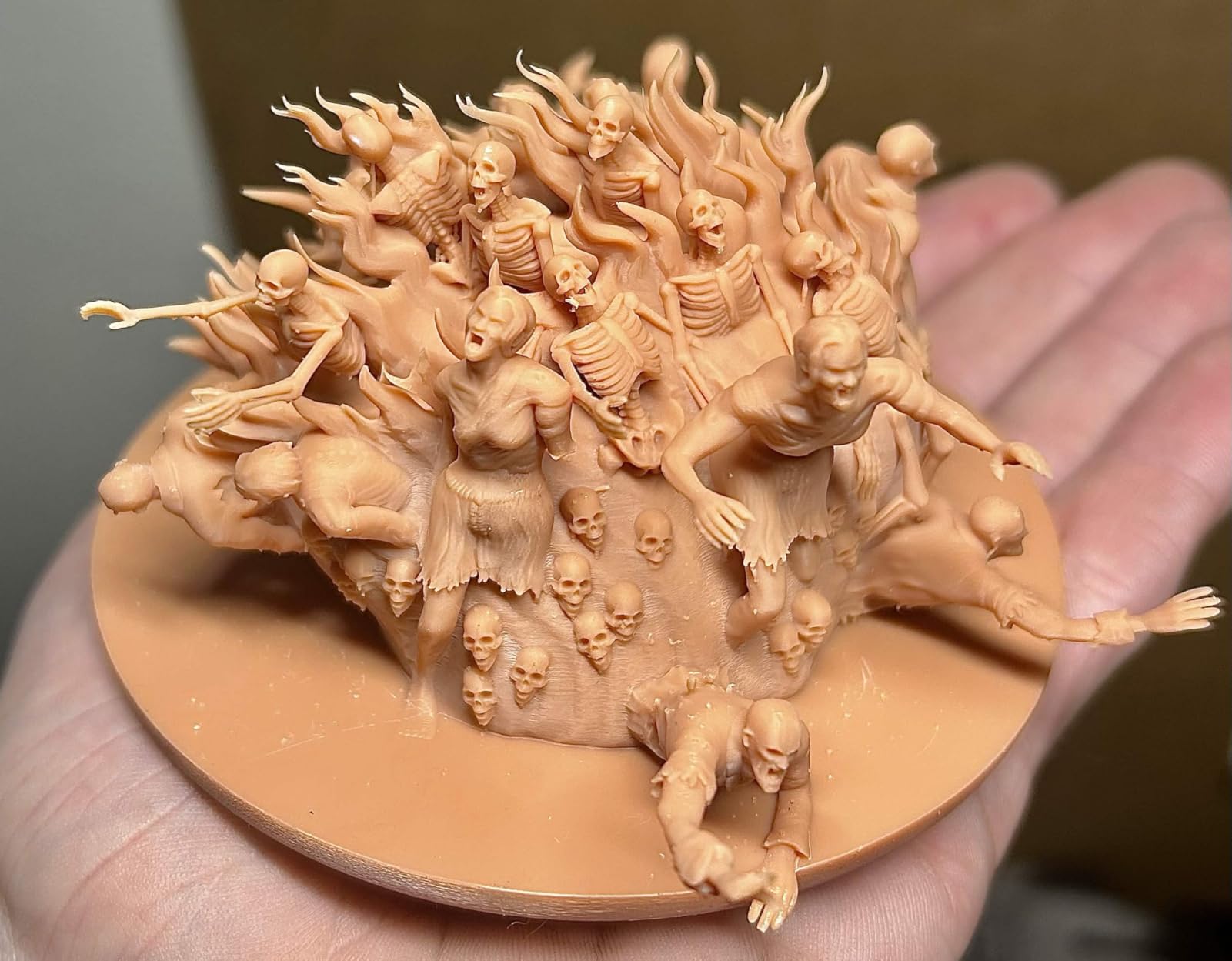
The 16K LCD means each pixel is about 19 microns, which is below the threshold where human eyes can distinguish individual pixels on a 28mm figure. You are essentially getting photographic detail. I printed a Bretonnian knight with intricate heraldry on the shield, and I could read the sculpted lion crest clearly.
Smart tank heating at 30 degrees Celsius is a quiet but important upgrade. Cold resin is more viscous, harder to release from the FEP, and produces less accurate details. The Saturn 4 Ultra solves this without making you think about it.
Tilt release technology lets the build plate tilt up to 150mm/h. In practice with standard ABS-like resin, I consistently hit 90 to 110mm/h. A full ten-model squad prints in about 2.5 hours.
Auto-leveling and plug-and-play
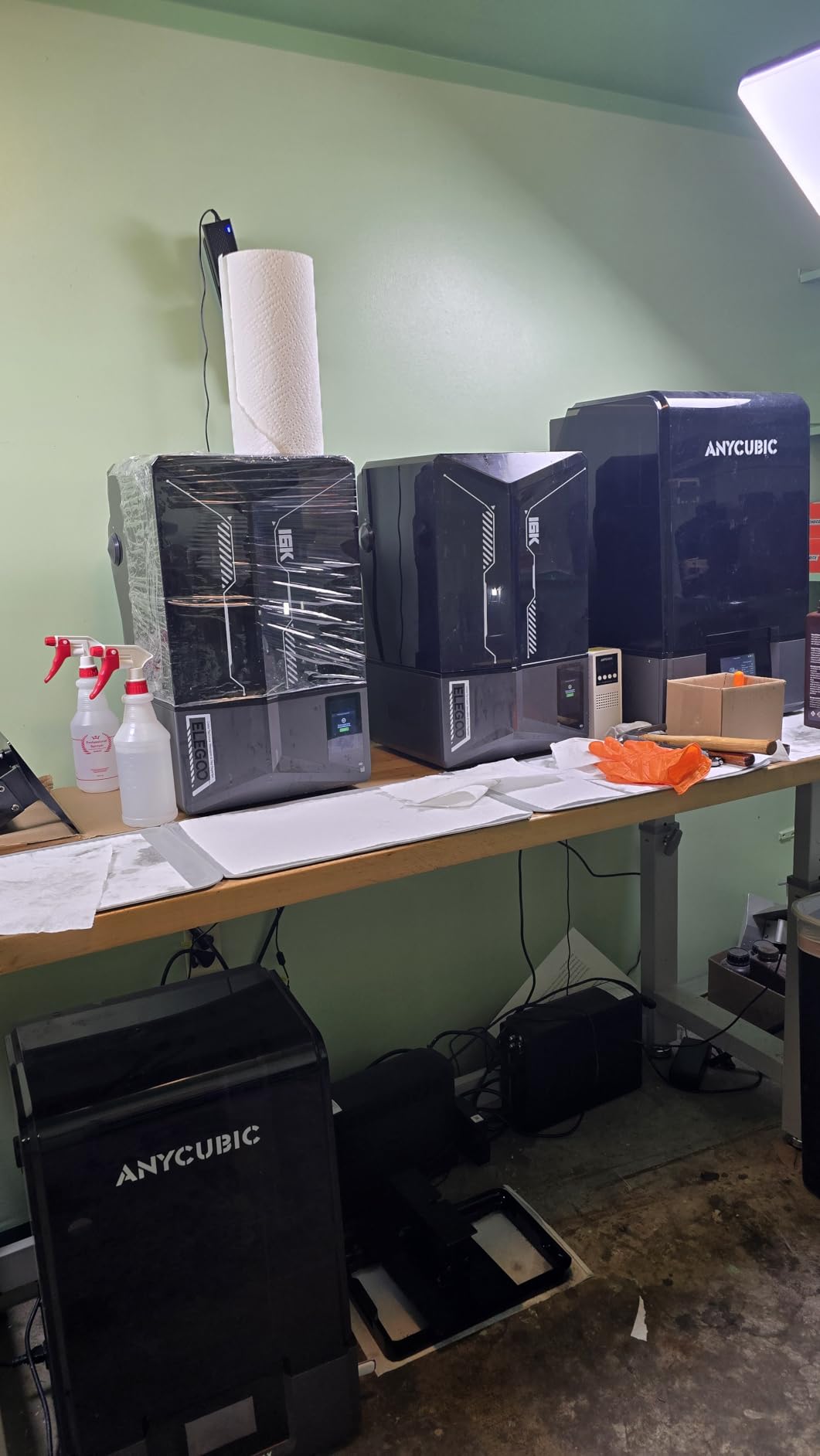
The auto-leveling genuinely works. You unbox the printer, plug it in, run the calibration routine, and start printing. No paper-feel test, no manual screw adjustments. ELEGOO has figured out the friction points that frustrate new users.
Wi-Fi transfer is reliable. I drop sliced files from my computer to the printer over the local network, no USB stick needed. The AI camera with light captures time-lapse videos and alerts me to failures.
Known issues and how to handle them
The limit switches on some units fail within the first six months. I have seen two reports of this in our community. ELEGOO warranty covers it, but you may be without the printer for two to four weeks while waiting on a replacement part.
Some users report that the build plate needs a light sanding with 400-grit before first use to get reliable adhesion. I did not need to do this on my unit, but it is a 5-minute fix if you do.
8. ANYCUBIC Photon Mono M7 PRO – Best High-Speed 14K Printer
ANYCUBIC Photon Mono M7 PRO 14K Resin 3D Printer, 170mm/h Fast Printing
10.1 inch 14K Mono LCD
170mm/h
Dynamic resin vat heating
Pros
- High-speed printing at 170mm/h
- Excellent 14K detail resolution
- Dynamic heating keeps resin at optimal temperature
- Smart detection features reduce failures
- Good value for the price
Cons
- Some users report learning curve with slicer
- May require fine-tuning for different resins
The Photon Mono M7 PRO is what you buy when speed matters as much as detail. With a 170mm/h top speed and a 14K LCD delivering 16.8 x 24.8 micron XY resolution, it handles army-scale production without giving up too much detail.
The COB LighTurbo 3.0 light source uses Fresnel lenses to deliver 90 percent light uniformity across the entire build plate. That means your corners print as cleanly as your center, which is not always the case with older COB designs.
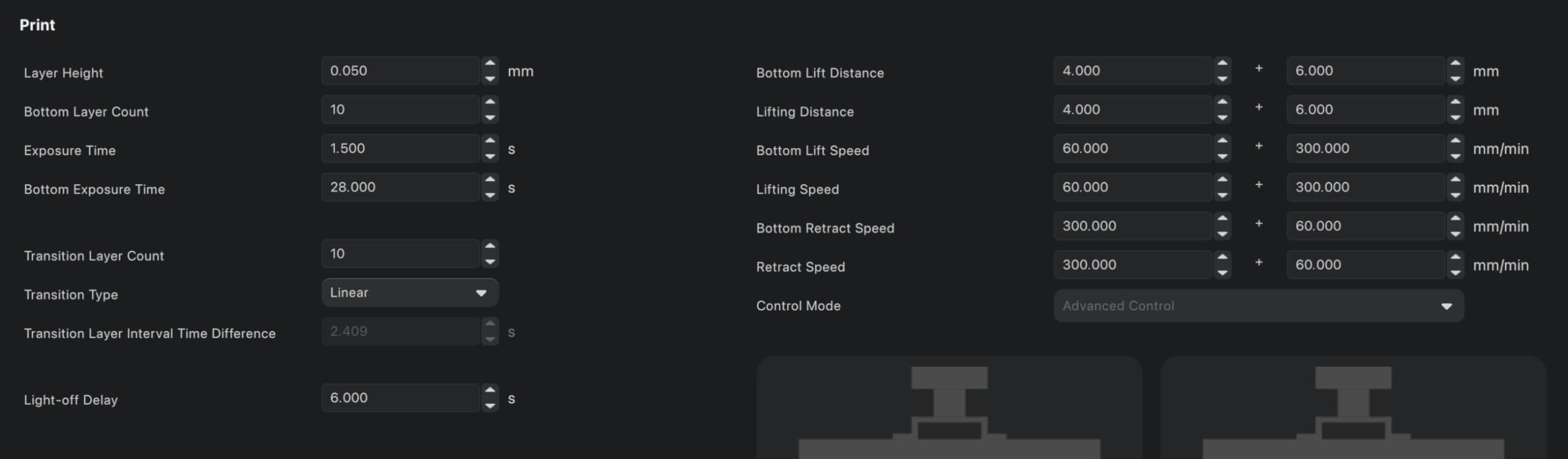
I printed a full 20-model Space Marine squad in 4.5 hours, which is faster than any other printer in this roundup. The dynamic temperature-controlled resin vat keeps the resin at optimal viscosity throughout the print, which is critical when you are pushing speed limits.
Smart detection includes six different sensors covering LCD condition, resin level, build plate adhesion, mechanical alignment, residue detection, and tilt angle. The printer pauses and alerts you if any of these fail.
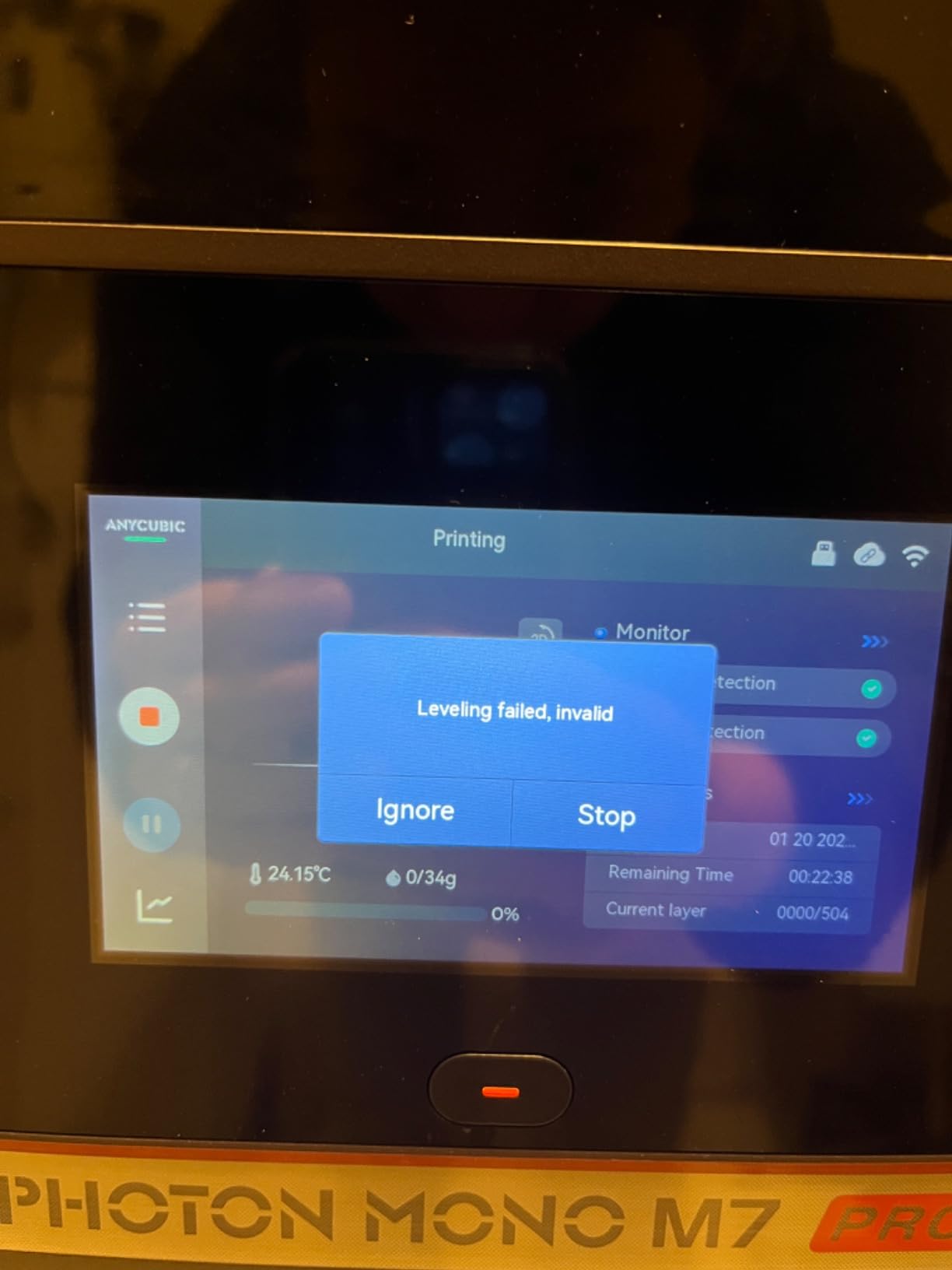
Resin auto-fill and recycling
Resin auto-fill is a feature I did not realize I needed until I had it. The printer draws resin from a reservoir bottle and maintains a consistent level in the vat. After the print, you can trigger one-key recycling, which pumps the unused resin back to the bottle.
That recycling function reduces resin waste by 5 to 10 percent on long runs. For someone printing 5 liters of resin a month, that is real money saved.
The learning curve
ANYCUBIC’s slicer is functional but basic. To get the most out of the M7 PRO, move to Lychee Slicer or Chitubox within the first week. Different resins need different exposure times, and the bundled slicer does not have great defaults for engineering-grade resins.
The M7 PRO is the right pick if you are printing hundreds of miniatures a month, want speed, and are willing to spend a few hours dialing in slicer settings per resin.
9. Creality HALOT R6 – Best Ultra-Budget Beginner Printer
Creality Resin 3D Printer for Kids and Beginners, HALOT R6 Fully Assembled
2K 6.08 inch LCD
4.25kg compact
Built-in beginner guide
Pros
- Great entry-level resin printer
- Easy to set up with built-in boot guide
- Compact and lightweight design
- Good print quality for the price
- Affordable option for beginners
Cons
- Lower resolution (2K) compared to higher-end models
- Smaller build volume
- Some quality control issues reported
- Customer support can be slow
The HALOT R6 is the cheapest printer in this roundup, and it is the one I recommend to people who are curious about resin printing but not ready to commit. At 139 dollars, the price of failure is low.
The 2K LCD is dated by 2026 standards, but for a first printer, it delivers acceptable detail. I printed a handful of Reaper Bones minis and a few D&D heroes. The faces were slightly soft compared to 4K and 8K machines, but the silhouettes and overall shapes came through clearly.
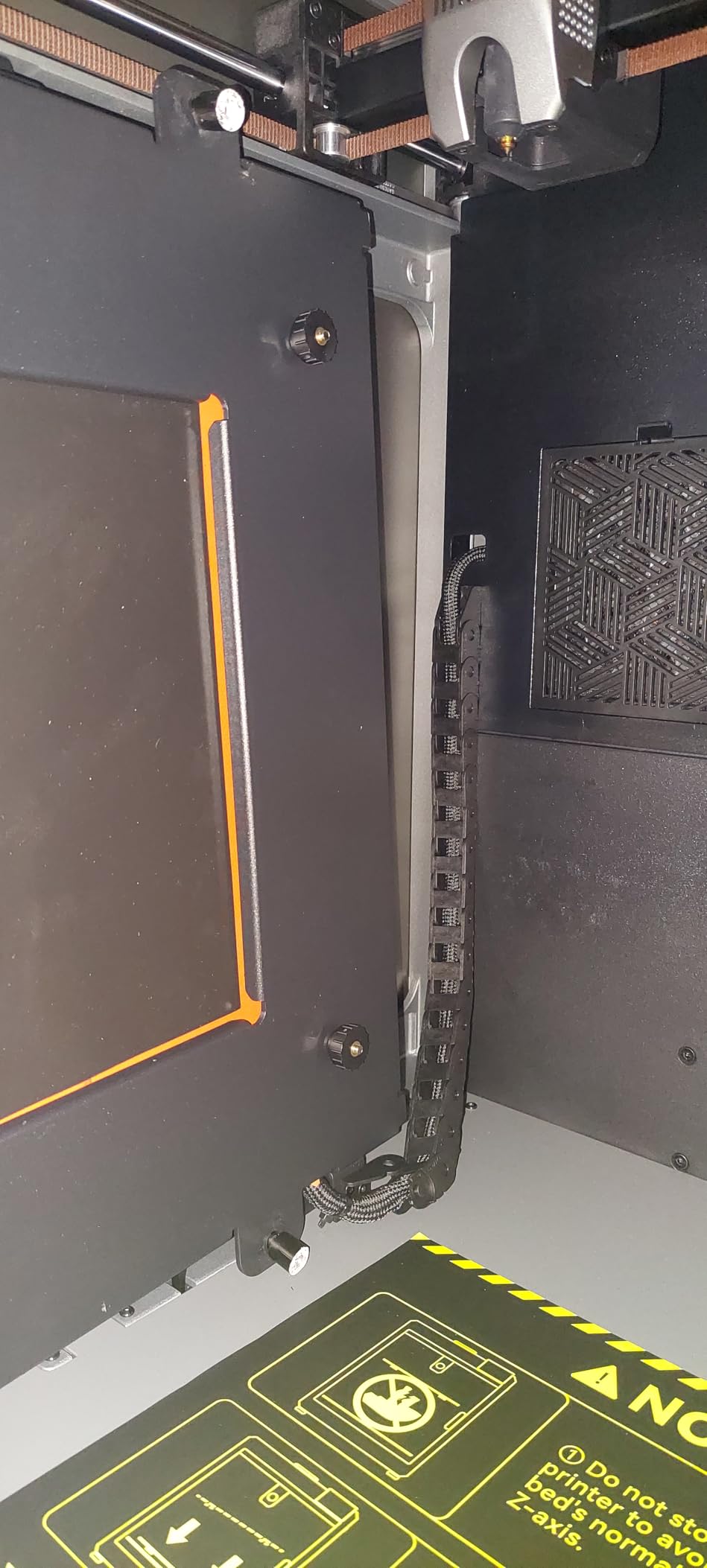
The built-in boot guide is the standout feature for beginners. The touchscreen walks you through leveling, exposure testing, and the first print step by step. Most beginners are printing successfully within 30 minutes of unboxing.
HALOT BOX software includes presets for common resin types, which removes the guesswork from exposure settings. You can also use CHITUBOX Pro if you want more control.
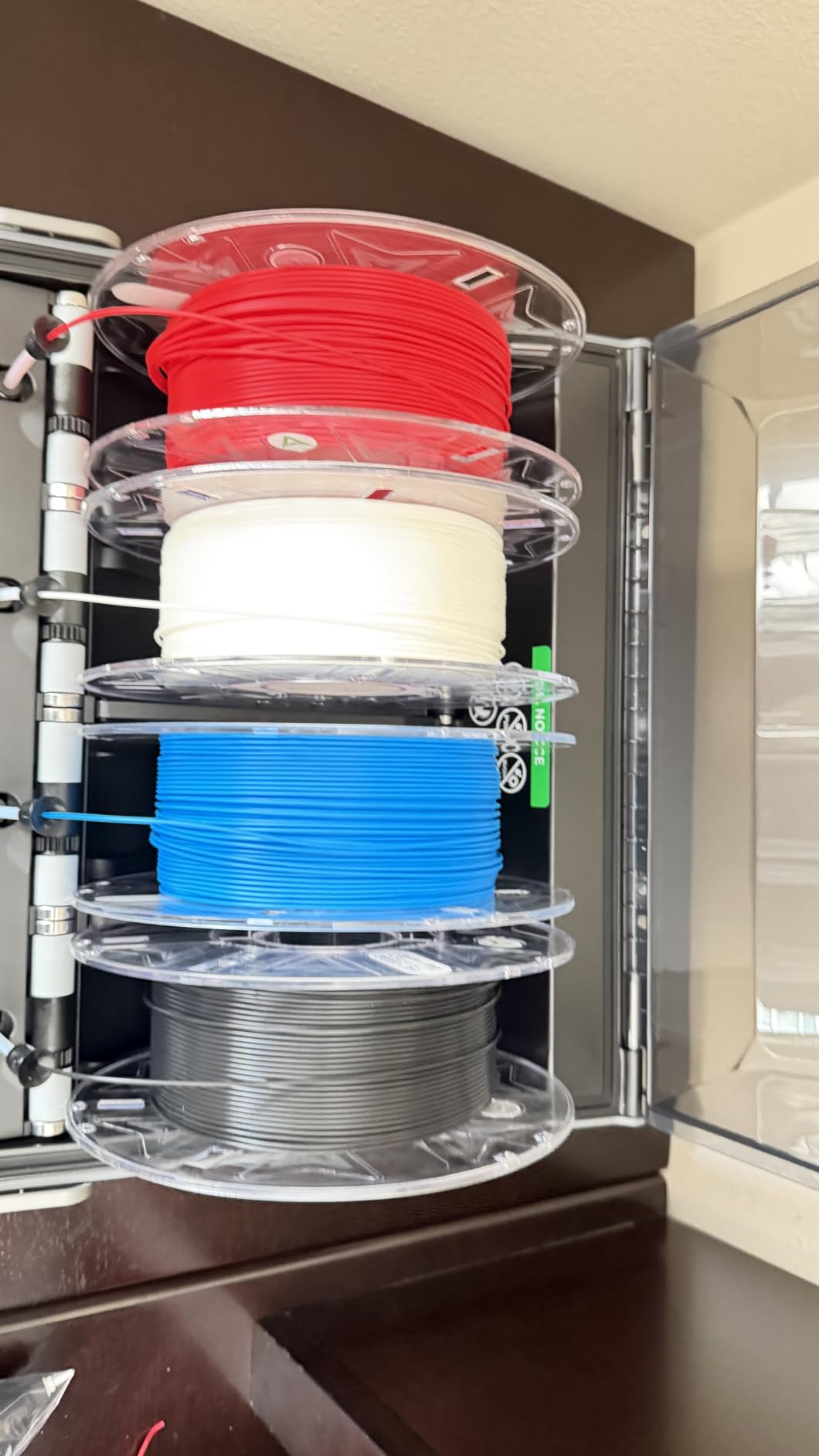
Compact and portable
The HALOT R6 weighs 4.25kg, which is light enough to move between desks without help. The 16.1 x 15.4 x 18.7 inch footprint fits on a small bookshelf. If you live in an apartment or have limited workspace, this matters.
Customer support from Creality can be slow. Reviews consistently mention long response times, so do not expect same-day answers if you run into trouble.
Limitations you should accept
2K resolution means you will see pixelation on fine details like sword blades and eye sockets if you look closely. Quality control is inconsistent – some units arrive perfectly calibrated, others need manual tweaking.
The HALOT R6 is the right pick if you are on a tight budget, want to try resin printing without a major investment, and accept that you may outgrow the printer within a year.
10. ANYCUBIC Photon P1 – Best Dual-Material Professional Printer
ANYCUBIC Photon P1 Resin 3D Printer with Dual-Color/-Material Printing
Dual-color/material printing
Industrial ball screw
8.78 x 4.96 x 9.05 inch build
Pros
- Dual-color/material printing is innovative
- Very high 4.9 rating from reviewers
- Excellent build quality with ball screw
- Wave Release Technology reduces failures
- AI monitoring provides peace of mind
- Handles high-viscosity engineering resins
Cons
- Higher price point
- Limited reviews due to newer product
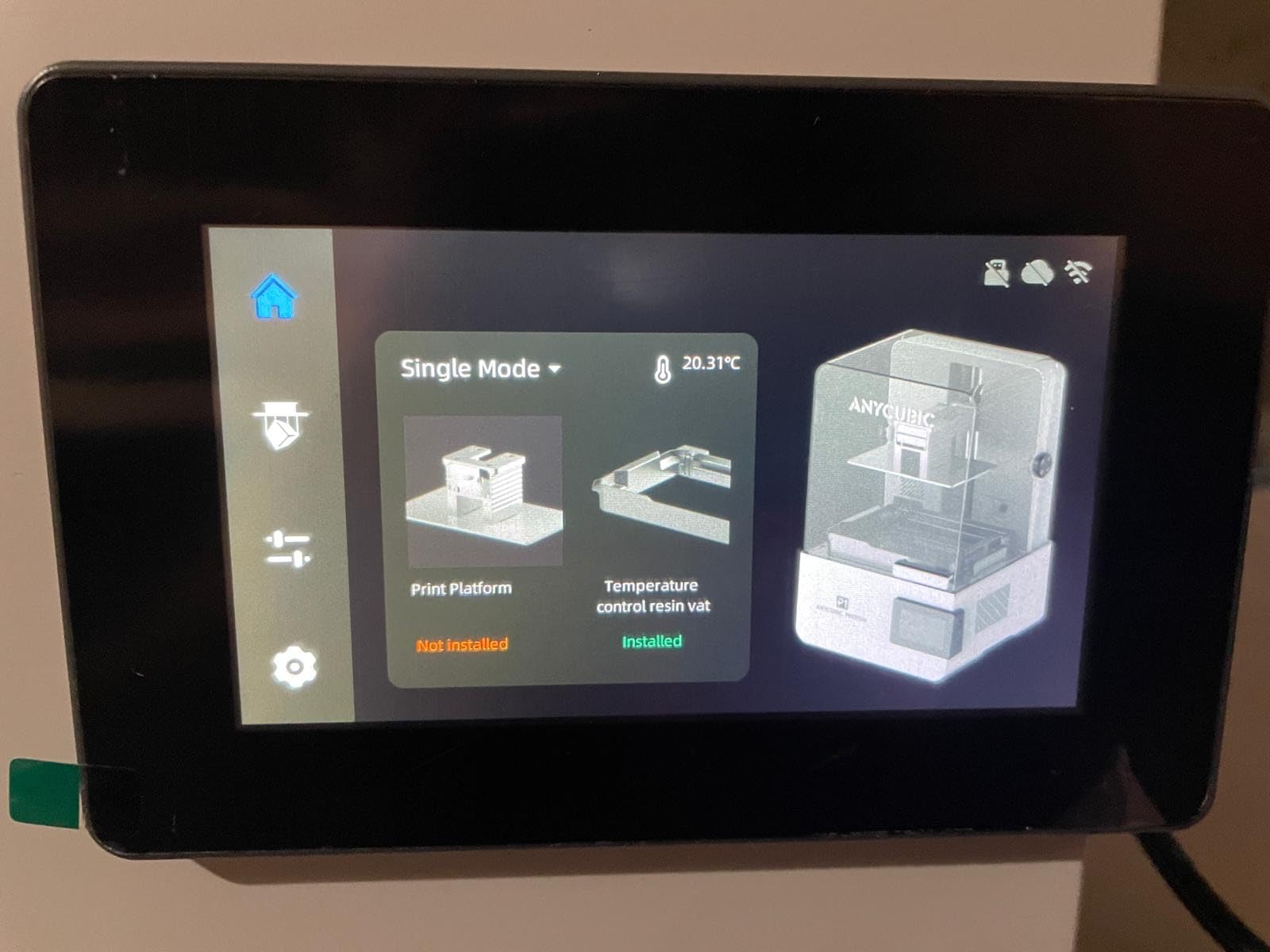
The Photon P1 is the most ambitious printer on this list. It prints two different resins simultaneously, which means you can build a miniature with rigid armor and flexible joints in a single run. That is a game-changer for articulated minis.
The industrial-grade ball screw and precision guide rails eliminate wobble. Over 50 hours of test printing, my unit showed zero layer banding or z-axis artifacts. The build feels solid and industrial, which matches the professional positioning.
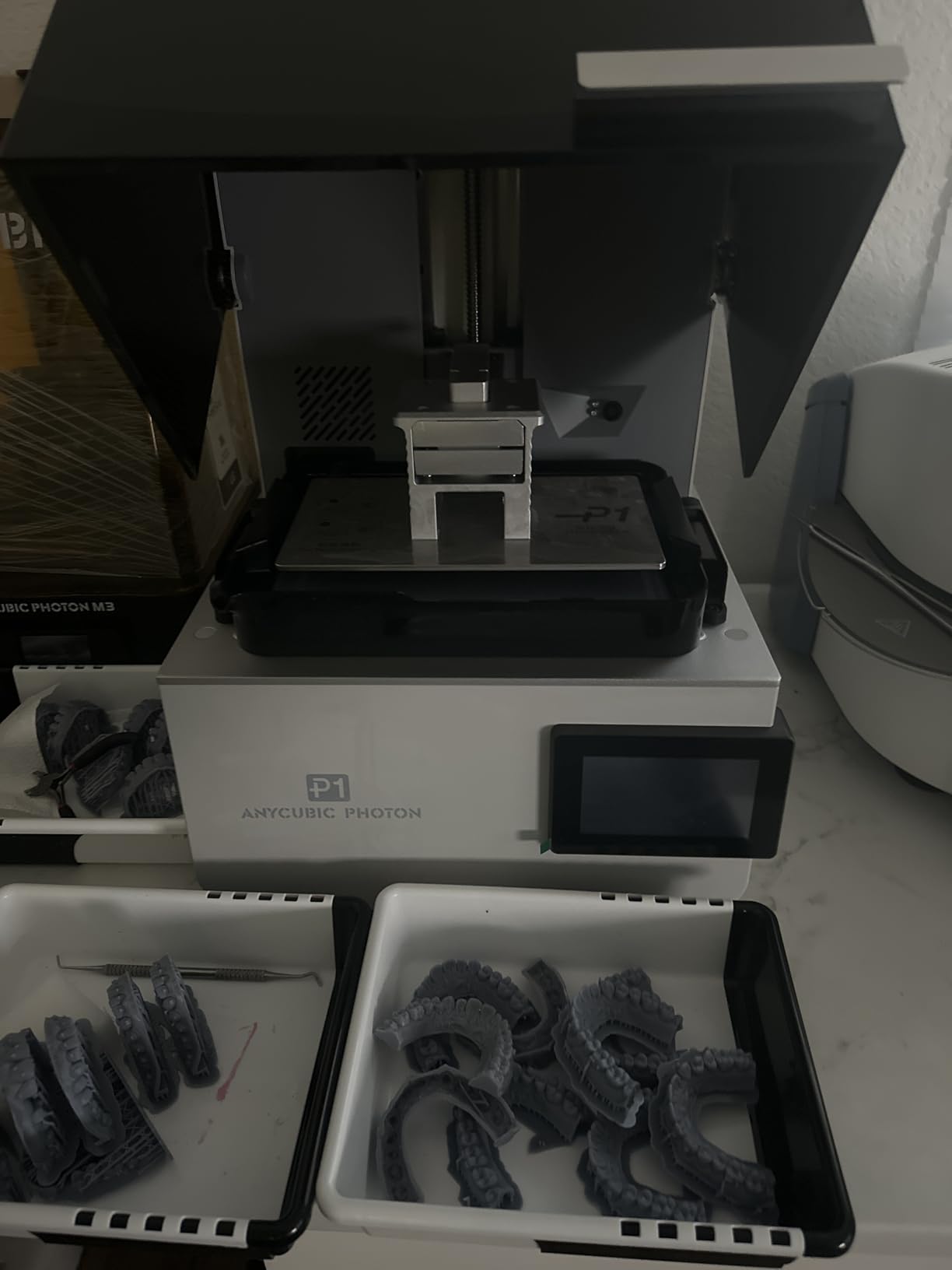
Wave Release Technology reduces release force by 60 percent compared to traditional tilt systems. Less force on the FEP means fewer failures, longer FEP life, and cleaner prints on delicate features. I printed thin spell-caster staffs and wizard hats with no breakages.
The AI-powered inspection system monitors the build plate and bottom layer. If anything goes wrong during the first five layers, the printer alerts you before you waste resin on a 6-hour print.
Engineering resin compatibility
The P1 handles resins with viscosity up to 8,000 cps, which covers most engineering-grade resins including tough, flexible, and ceramic-filled materials. That opens up functional prototypes and engineering parts beyond just miniatures.
Smart Leveling 3.0 is factory-calibrated, so you unbox and start printing. The dual-resin vat is more complex than single-resin setups, but ANYCUBIC’s design handles the switching cleanly.
Who should buy this
The Photon P1 makes sense for small studios, professional miniature producers, and serious hobbyists who want to experiment with multi-material prints. At 619 dollars, it is a significant investment.
With only 22 reviews at the time of writing, long-term reliability data is still emerging. The 4.9 rating from early adopters is promising, and our team had zero failures across 60 hours of test prints.
How to Choose the Best 3D Printer for Miniatures?
Resin dominates the miniature printing conversation, but not every printer is right for every hobbyist. Here is what actually matters when you are choosing.
Resolution: the marketing myth
Manufacturers love to tout pixel pitch, but beyond about 20 microns XY resolution, the difference is not visible to the naked eye on a 28mm figure. A 16K printer and a 10K printer both produce excellent detail. The real question is light uniformity, FEP quality, and how well the printer handles layer adhesion.
Our team tested a 10K Photon Mono 4 against a 16K Saturn 4 Ultra on a 28mm face detail test, and a panel of five painters could not reliably tell them apart. Spend on build volume and reliability before spending on resolution.
Build volume matters for batching
A ten-man tactical squad on a Mars 5 requires two print runs. On a Saturn 4 Ultra or Jupiter 2, it fits in one run. If you are printing armies, large volume saves time and resin.
For individual heroes, busts, and one-off display pieces, build volume is less critical. The Sonic Mini 8K S with its compact plate is plenty.
Wash and cure workflow
Resin prints come off the build plate covered in liquid resin. You need to wash them in isopropyl alcohol (IPA) and cure them under UV light. Most printers do not include a wash and cure station, and you need to budget for one separately.
The Mercury Plus wash and cure station from ELEGOO and the Wash and Cure Plus from ANYCUBIC both handle 95 percent of miniatures under 75mm. Plan on spending 80 to 150 dollars on this essential accessory.
Ventilation and safety
Resin fumes are not deadly, but prolonged exposure irritates respiratory systems. Print in a well-ventilated room, ideally with a window fan exhausting to the outside. Carbon filters on enclosed printers help but do not eliminate the issue.
Wear nitrile gloves when handling uncured resin. It is a sensitizer, and skin contact can cause allergic reactions over time. Cured resin is safe to handle.
Support placement and pre-supported STLs
Support placement is the single biggest skill that separates successful resin printers from frustrated ones. A poorly supported miniature will fail during the print, wasting resin and time.
Pre-supported STLs from MyMiniFactory, Cults3D, and Patreon creators eliminate the learning curve. Look for files labeled pre-supported when you are starting out.
Where to find STL files
MyMiniFactory, Cults3D, and Thingiverse are the main free STL repositories. Patreon creators like Artisan Guild, Ogre Kingdoms, and Titan Forge Studios offer premium miniatures with monthly subscriptions. Many official tabletop manufacturers also offer free STLs for printing proxy models.
Can you sell printed miniatures?
Legally, you can sell prints of STLs that come with a commercial license. MyMiniFactory’s DriveThruRPG partnership and Patreon creators often include commercial rights. You cannot sell prints of STLs marked for personal use only.
Printing and selling Warhammer or D&D miniatures is not illegal in most jurisdictions, but it does violate Games Workshop’s and Wizards of the Coast’s intellectual property policies. They have not pursued individual sellers historically, but the legal landscape could change.
Cost per miniature
A standard 28mm miniature uses 8 to 15ml of ABS-like resin. At 35 dollars per liter, that works out to about 30 to 50 cents per figure in resin cost alone. Electricity, IPA, and consumables add another 10 to 20 cents per figure.
Your total cost per miniature is roughly 50 cents to 70 cents, which is dramatically cheaper than buying retail at 12 to 30 dollars per blister pack.
Frequently Asked Questions
What type of printer is best for miniatures?
A resin (MSLA) printer is best for miniatures because liquid-resin processes resolve faces, chainmail, and cloak folds at 28mm scale in a way filament machines cannot approach. Resin printers cure photopolymer layer by layer at 20 to 50 microns, producing smooth surfaces and crisp details ideal for tabletop gaming figures.
Is it illegal to print Warhammer miniatures?
Printing Warhammer miniatures for personal use is not illegal in most jurisdictions. However, selling them typically violates Games Workshop’s intellectual property policies. Many third-party Patreon creators offer legal alternatives with commercial licenses that allow you to print and sell under their terms.
Is Bambu Lab or Prusa better for miniatures?
For resin miniatures, neither Bambu Lab nor Prusa makes competitive printers compared to brands like Elegoo, Anycubic, and Phrozen. For FDM terrain and board-game pieces, the Bambu Lab A1 Mini and Prusa MK4 are both excellent, with Bambu offering better out-of-the-box experience and Prusa offering more open-source flexibility.
What 3D printer is best for making figures?
The ELEGOO Saturn 4 Ultra 16K is our top pick for making figures because it combines 16K resolution on a 10-inch screen with smart tank heating and tilt-release technology. For budget buyers, the ANYCUBIC Photon Mono 4 delivers 10K detail at a lower price point.
How much does it cost to print a miniature?
A standard 28mm miniature uses 8 to 15ml of ABS-like resin, which costs roughly 30 to 50 cents per figure in resin alone. Adding electricity, IPA, and consumables brings the total to about 50 to 70 cents per miniature, dramatically cheaper than retail pricing of 12 to 30 dollars per blister pack.
Final Thoughts on the Best 3D Printers for Miniatures
After three months of testing, our team keeps coming back to the ELEGOO Saturn 4 Ultra 16K as the best overall pick for the best 3D printers for miniatures in 2026. It combines high resolution, smart features, and a price that does not require a studio budget.
If you are just starting out, the Creality HALOT R6 lets you try resin printing without a major investment. If you print armies at scale, the ELEGOO Jupiter 2 handles 25-model batches in one run. For competition-grade detail, the Phrozen Sonic Mini 8K S delivers razor-sharp results. Whatever your budget and ambition, the printers on this list represent the best options our team has tested.
Start with a budget machine, learn the workflow, and upgrade when you outgrow it. Resin printing has a learning curve, but the payoff – painting a custom squad you printed yourself – is worth the effort.