
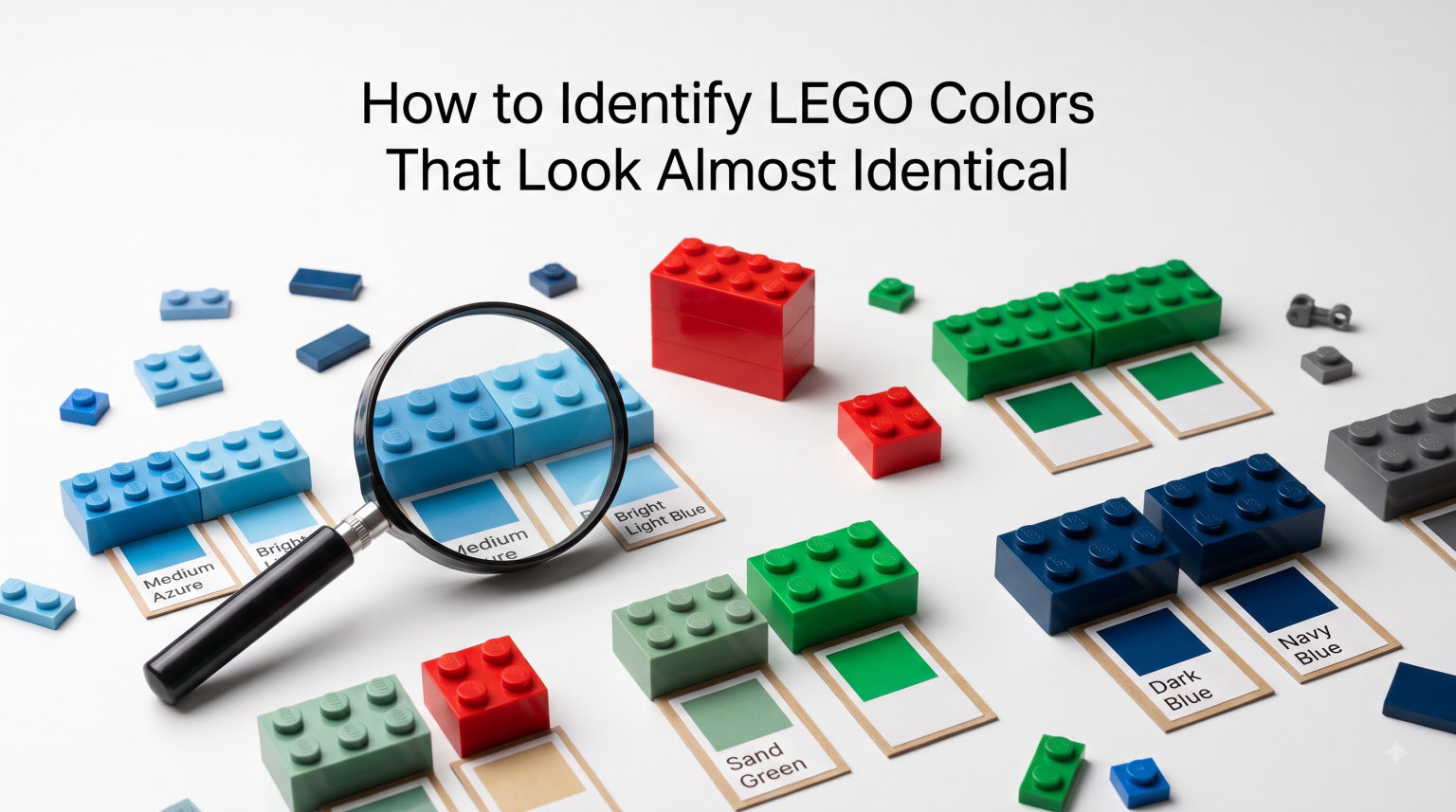
I’ve been sorting LEGO bricks for over a decade, and nothing trips me up more than two pieces that look exactly the same but turn out to be completely different colors. Tan versus Light Flesh, Old Gray versus Bluish Gray, Sand Green versus Sand Blue: these pairs have fooled every collector I know. This guide walks you through how to identify LEGO colors that look almost identical, using the same systems serious AFOLs and MOC builders rely on every day.
Whether you’re sorting a collection, hunting for replacement parts, or rebuilding a set from your childhood, accurate color identification saves hours of frustration. I’ll share the official color ID system, the BrickLink naming conventions, the lighting tricks the community uses, and tools that work even if you’re color blind. By the end, you’ll have a repeatable workflow that turns “is this gray or is this gray?” into a confident answer.
Table of Contents
Understanding the LEGO Color ID System
Every LEGO color has a unique color ID number, and this is the foundation of accurate identification. The official LEGO color ID is a number assigned to a specific plastic formulation, not just a visual appearance. That’s why two bricks can look nearly identical to your eye but carry completely different IDs.
LEGO currently uses around 200+ color IDs, though only about 70 to 80 are in regular production at any given time. Each color ID is paired with an official name (internal to LEGO) and usually a BrickLink name. When you search for a replacement piece on BrickLink, you’re searching by color ID, not by description. Picking the wrong ID is the number one reason rebuilds end up with mismatched bricks.
The color ID is distinct from the element ID. Element IDs identify the shape (a 2×4 brick, a 1×1 round plate), while color IDs identify the plastic. The full identifier for a specific piece combines both: element ID + color ID. This is why two pieces with the same shape but different colors have different part numbers.
Official LEGO Names vs BrickLink Color Names
One of the biggest sources of confusion is that LEGO’s internal color names don’t match what the community calls them. LEGO uses names like “Bright Red” and “Cool Yellow,” while BrickLink uses more descriptive names like “Red” and “Bright Yellow.” Translating between the two systems is essential.
BrickLink built their color guide by analyzing the actual plastic, not by copying LEGO’s marketing names. That’s why BrickLink’s “Tan” is technically different from LEGO’s “Brick Yellow,” even though most people would call them the same color. When in doubt, trust the BrickLink name and BrickLink color ID because that’s what the aftermarket uses worldwide.
Here’s a quick comparison of common mismatches:
- LEGO “Nougat” / BrickLink “Nougat” — same color, but LEGO renamed it to “Medium Nougat” in 2018 to distinguish it from a new lighter shade.
- LEGO “Brick Yellow” / BrickLink “Tan” — the same color under different naming systems.
- LEGO “Cool Yellow” / BrickLink “Bright Yellow” — different naming, same plastic.
- LEGO “Light Yellow” / BrickLink “Light Yellow” — these actually match, but only because LEGO chose the same name.
Keep a printed BrickLink color chart next to your sorting area. Cross-referencing takes five seconds and saves you from building a whole MOC in the wrong shade.
Color Theory Basics Applied to LEGO Bricks
You don’t need an art degree to use color theory for LEGO identification, but understanding the HSL model helps. HSL stands for Hue, Saturation, and Luminance, and it describes color the way humans actually perceive it.
Hue is the base color (red, yellow, blue, green). Saturation is how intense or pure the color looks. Luminance is how light or dark it is. Most of the LEGO palette is organized by tweaking saturation and luminance while keeping the hue close to a small set of primary hues. That’s why LEGO has thousands of grays but only a handful of distinct yellows.
When you’re stuck between two similar colors, ask: is the difference mainly in hue (one is greener than the other), saturation (one is duller), or luminance (one is darker)? Most confusing LEGO pairs differ in only one of these three dimensions. Once you identify which one, the decision usually becomes obvious.
For example, “Tan” and “Light Flesh” have nearly identical hue and saturation. The difference is luminance: Light Flesh has a slightly higher luminance value, making it look slightly washed-out next to Tan. Under the right lighting, that tiny difference is visible. Under poor lighting, they look identical.
Step-by-Step Process to Identify an Unknown LEGO Color
Here’s the workflow I use when I find a brick I can’t place. It works whether you have one piece or a thousand.
- Set up your lighting. Use a daylight-balanced LED (5000K to 6500K) or work near a north-facing window. Avoid warm incandescent bulbs and overhead fluorescents. Lighting is the single biggest variable in color perception.
- Wipe the piece clean. Dust, oils, and grime shift colors. A quick wipe with a microfiber cloth reveals the true plastic.
- Compare to a physical BrickLink color chart. Hold the unknown piece next to the chart in good light. Bricks of the same color should look identical. If they don’t, they aren’t the same color, no matter how close they seem.
- Check the part number on the stud. LEGO studs have the part number only on certain pieces, but when present, you can look it up in the BrickLink catalog to confirm the exact color ID.
- Use a digital tool as a second opinion. If you still can’t tell, photograph the piece under daylight and use Rebrickable’s color search or a color-picker tool to narrow down the ID.
- Ask the community when stuck. Post a photo on r/LegoStorage or Eurobricks with a known reference piece. Experienced collectors will usually identify the color in minutes.
This process takes about 30 seconds per piece once you’re set up. After a few hundred bricks, you’ll be able to skip steps and identify most colors by sight alone.
The Most Commonly Confused LEGO Color Pairs
Some LEGO color pairs are notorious for looking almost identical. Knowing these ahead of time saves you from making the same mistakes other collectors have made for decades.
- Tan (5) vs Light Flesh (12) — Hands down the most confused pair. Tan is slightly darker and more saturated. Light Flesh has a pinkish, washes-out quality. The 5 2 rule comes from here: color IDs 5 and 12 are different, but the colors look similar enough that people mix them up.
- Old Gray (27) vs Bluish Gray (298) — Before 2005, all grays were Old Gray, which had a slight blue tint. After the change, LEGO introduced Bluish Gray (now called Light Bluish Gray) and Dark Bluish Gray. Old Gray pieces look warmer and slightly yellow next to Bluish Gray.
- Sand Green (48) vs Sand Blue (135) — Both are muted, dusty shades. Sand Green has a grayish-green hue, while Sand Blue tends toward a soft teal. Side by side, the difference is clear. Apart, they often look the same.
- Brick Yellow (3) vs Tan (5) — Brick Yellow is a warmer, more orange-tinted yellow. Tan is more of a beige. Under warm lighting, they look identical. Under daylight, Tan looks noticeably less yellow.
If you sort your collection after noticing you have one of these pairs, prepare to spend more time than you think. Many collectors report finding hundreds of mis-sorted pieces in just these four categories.
The Gray to Bley Transition: A 2005 Color Revolution
The single biggest change in LEGO color history happened in 2005 when LEGO retired Old Gray and replaced it with Bluish Gray. Old Gray had a warm, slightly yellow tone that bothered some builders. The new Bluish Gray is cooler and more neutral, which most people find easier to work with.
If you’re sorting a collection that mixes sets from 2005 with sets from before, you’ll encounter both Old Gray and Bluish Gray pieces. The visual difference is subtle. Old Gray looks slightly warmer. New Bluish Gray (often called “Bley” by collectors) looks slightly cooler and more blue.
The practical impact: if you’re trying to match a pre-2005 set, you need Old Gray pieces, and they can be hard to find. LEGO used to sell Old Gray elements exclusively on the now-defunct LEGO Universe MMO platform, then through the Pick a Brick service. Today, you’ll find Old Gray mainly on BrickLink from collectors who bought them in the early 2000s.
Lighting Conditions That Change How LEGO Colors Look
I learned this the hard way: the lighting in your sorting area changes every color you see. Yellow looks orange under warm light. Blue looks gray under fluorescent tubes. Gray looks warm under incandescent bulbs. If you’re serious about color identification, lighting is your first variable to control.
The gold standard is natural daylight, ideally indirect from a north-facing window. Direct sunlight is less reliable because it varies with time of day and weather. If you sort indoors, invest in a daylight-balanced LED lamp rated at 5000K to 6500K. These are sold as “daylight” or “full spectrum” bulbs and they cost about $20.
Avoid warm white bulbs (2700K to 3000K) for color identification work. They make everything look more yellow, which is exactly what makes Tan and Light Flesh look identical. The community has settled on daylight LEDs as the most reliable, consistent, and affordable option for sorting sessions.
Identifying LEGO Colors When You’re Color Blind
Color blindness affects roughly 1 in 12 men and 1 in 200 women, and LEGO collecting can be frustrating if you can’t distinguish similar colors. The good news is that the LEGO community has developed several workarounds that make sorting possible without color vision.
One Reddit user in r/LegoStorage shared their approach: they rely on physical BrickLink color charts as their primary tool. They hold the unknown piece next to the chart and ask which reference looks identical. For reds, greens, and tans, this works because the tint differences are subtle enough that even color-blind users can match them to a reference.
Mobile apps have also become a game-changer. Apps like “Color Blind Assist” and “LEGO Scanner” use your phone’s camera to identify colors in real time. Some simply read the HSL values from a photo and compare them to a known database. Others use machine learning to suggest the closest LEGO color ID. None are perfect, but they narrow the field significantly.
For sorting large collections, the most reliable approach is to team up with a non-color-blind friend. You sort by shape and size, and they sort by color. Many AFOLs have built friendships this way. If you work alone, focus on the official BrickLink chart and label your storage bins with the color ID number, not the color name. Numbers don’t depend on your eyes.
Best Tools and Resources for LEGO Color Identification
After years of sorting, these are the tools I trust most. Each one plays a different role, and together they cover everything from quick checks to deep research.
- BrickLink Color Guide — The gold standard. Shows every official color with HSL values, RGB values, and the years it was in production. Available as a physical chart, a PDF, and an in-app reference.
- Ryan Howerter’s LEGO color spreadsheets — Community-vetted tools that cross-reference LEGO and BrickLink names. Originally released in 2015 and still updated. Use these for accurate translations.
- Rebrickable database — Lets you search by color and see which sets use each color. Great for finding which set your mystery piece might have come from.
- LEGO Pick a Brick color chart — Official LEGO visual reference. Quality is good, but the official site sometimes drifts from BrickLink on naming conventions.
- Mobile apps — “LEGO Scanner” and “BrickIt” use your camera to identify pieces. Color accuracy varies, but they’re improving every year.
Pick one physical reference and one digital tool. The physical chart is your ground truth; the digital tool is for second opinions. That’s the combination that will give you the most accurate results with the least effort.
Frequently Asked Questions
How to identify LEGO colors?
Start by looking up the part number on the stud (if present) and cross-referencing it with the BrickLink catalog. Otherwise, hold the piece next to a physical BrickLink color chart under daylight-balanced LED lighting (5000K to 6500K). Compare the unknown piece to known reference colors, then use the HSL model (hue, saturation, luminance) to confirm which dimension differs. For stubborn pieces, photograph under daylight and use Rebrickable’s color search.
What is the LEGO 5 2 rule?
The LEGO 5 2 rule is a community observation that color IDs 5 (Tan) and 12 (Light Flesh) are visually almost identical, even though they have different IDs. Many people confuse the two, especially under warm lighting. The ‘5 2’ shorthand comes from older discussions where collectors abbreviated the pair as IDs 5 and 2 (Light Flesh has been ID 12 since 2004, but some old references still use 2).
What is the rarest color of LEGO?
The rarest LEGO colors are usually limited-production shades like LEGO’s ‘Glitter’ variants, ‘Chrome’ finishes, and the discontinued ‘Old Gray’ (color ID 27). Among common plastic colors, ‘Magnet’ color and ‘Inverted’ color pieces are the scarcest. ‘Medium Nougat’ (color ID 312) has also become highly sought after since it was introduced. In terms of in-production colors, true ‘Bright Violet’ is among the least common.
Are brick yellow and tan the same LEGO color?
No, Brick Yellow and Tan are two different LEGO colors with different color IDs, although they look very similar. Brick Yellow (color ID 5) is a warmer, more orange-tinted yellow. Tan (color ID 2) is a more beige, slightly desaturated color. Under daylight, you can tell them apart. Under warm incandescent lighting, they look almost identical. BrickLink lists Tan and Brick Yellow as separate colors, so be careful when ordering replacement parts.
Final Thoughts on Identifying LEGO Colors That Look Almost Identical
Accurate LEGO color identification is a skill that pays off every time you sort, build, or hunt for parts. The combination of the official color ID system, a trustworthy BrickLink color chart, and daylight-balanced lighting handles 95% of the confusion. The remaining 5% comes from knowing the worst offenders: Tan vs Light Flesh, Old Gray vs Bluish Gray, and the sand colors. Keep those pairs in mind, and you’ll never mis-sort a pile again.
Start with one physical color chart and one digital tool. Set up a daylight lamp at your sorting station. Refer to the named pairs in this guide when you get stuck. Within a few sessions, you’ll be able to identify LEGO colors that look almost identical to most people, and you’ll wonder how you ever sorted without these techniques.