
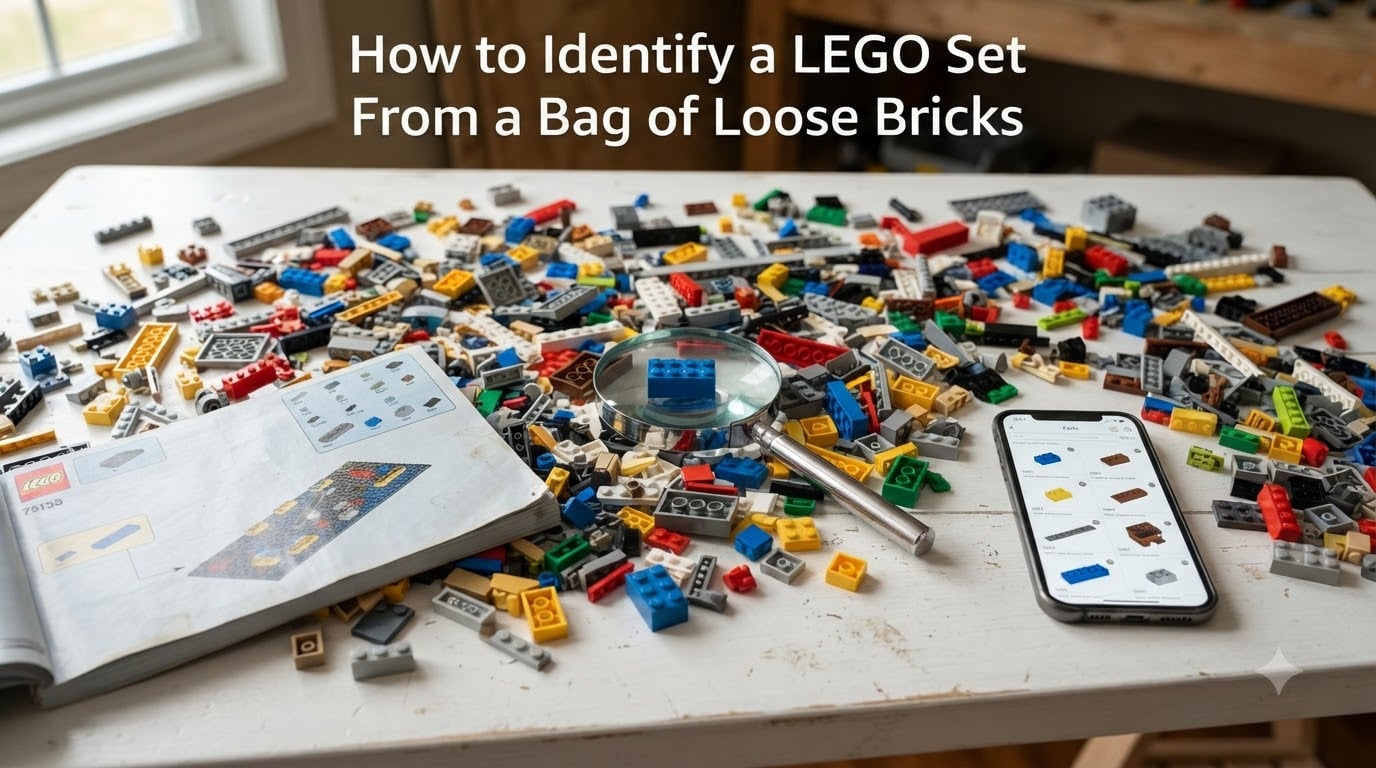
You just bought a bin of loose LEGO bricks at a garage sale, or maybe you inherited a collection with no boxes. Now you are staring at a pile of plastic and wondering what sets you actually have. Learning how to identify a LEGO set from a bag of loose bricks is one of the most useful skills any LEGO fan can develop.
I have spent years sorting through bulk LEGO finds, and the process gets faster every time. Our team has helped hundreds of collectors in our community match mystery bricks back to their original sets. The good news is that you do not need to be a LEGO expert to do this.
All you need is a free BrickLink account, a little patience, and a systematic approach. I will walk you through every step in this guide, from understanding what those numbers on the bags mean to using the best online tools available in 2026.
By the end, you will know exactly how to take a handful of loose pieces and trace them back to the set they came from. You will also learn about apps and tools that make the job much faster.
Table of Contents
Understanding LEGO Bag Markings (And Why to Ignore Them)
The numbers printed on LEGO bags are packaging codes, not set identifiers. This is the single most common misconception people have when they try to identify a LEGO set from a bag of loose bricks.
Those codes tell the factory which production line packed the bag, the date, and the shift. They are meaningless for figuring out which set the bag belongs to. LEGO customer service cannot look up a set from a bag code either, so do not waste your time calling them about it.
Some newer LEGO sets do include QR codes on the packaging box, but these scan to the set page only when you already know the set number. They are not printed on individual bags inside the box. If you have sealed bags with no box, the QR route will not help you.
The real key to identifying your set is the bricks themselves. Every LEGO piece carries information that can lead you back to the set it came from. That is where the actual detective work begins.
LEGO Piece Basics: Understanding Element Numbers and Design Numbers
Every LEGO piece has two important numbers you need to understand. These are the foundation of any LEGO set identification work.
Design numbers are molded directly onto most LEGO pieces. Turn a brick upside down and look at the studs or the underside. You will see a small number embossed in the plastic. This design number identifies the shape and type of the part, regardless of color.
Element numbers are more specific. An element number identifies both the design and the color combined. A red 2×4 brick and a blue 2×4 brick share the same design number but have different element numbers. You can find element numbers printed on the parts list at the back of instruction manuals.
Here is a quick reference to keep these terms straight:
Design number: Molded on the piece itself, identifies the part shape
Element number: Found in instruction manuals, identifies part shape plus color
Set number: Found on the box and instructions, identifies the complete set
Color ID: A number LEGO assigns to each color, used in catalogs like BrickLink
The design number is your starting point for identification. Even a single distinctive piece can lead you to the right set.
What Is the 5/2 Rule in LEGO?
The 5/2 rule refers to a common LEGO sorting convention that many experienced collectors use. It means you should find at least 5 pieces from a candidate set in your loose bricks, and those pieces should appear in no more than 2 alternative sets.
This rule helps you avoid false matches. A single common piece like a 2×4 brick could appear in hundreds of sets. But if you find five specific pieces that all overlap in just one or two sets, you have a strong match.
I use the 5/2 rule on every bulk identification project. It saves me from chasing wrong leads and gives me confidence before I commit to downloading instructions for a set I think I have found.
How to Identify a LEGO Set From a Bag of Loose Bricks: Step-by-Step Process
Here is the complete method I use to identify a LEGO set from a bag of loose bricks. Follow these steps in order for the best results.
Step 1: Sort Your Pieces and Find the Most Unusual Ones
Start by spreading all your pieces out on a flat surface. Separate them by color and type as best you can. This makes the next steps much easier.
Now look for the most unusual pieces in the pile. I am talking about specialized parts like windshields, printed tiles, minifigure accessories, animals, and uniquely shaped elements. These pieces appear in far fewer sets than standard bricks, which makes them your best identification targets.
A plain 2×4 brick could belong to thousands of sets. A printed control panel tile might only appear in a dozen. Pick out your top three to five most distinctive pieces before moving on.
This sorting step takes about 15 minutes for a typical bag of loose bricks. Do not skip it, because trying to identify every single piece will overwhelm you.
Step 2: Look Up Parts on the BrickLink Catalog
BrickLink is the largest LEGO parts database in the world, and it is completely free to use. Head to the BrickLink catalog and use the search function to find your unusual pieces.
You can search by design number if you read it off the bottom of a piece. Or you can browse by category if you know the part type. BrickLink also has a color filter, so you can narrow results to match your piece exactly.
Once you find the matching part, take note of the part name, the design number, and the color. This is the information you need for the next step.
For example, if you found a dark gray angular windshield, searching for “windscreen” in the BrickLink catalog will give you a list of all windshield designs. Scroll through the images until you find the one that matches yours.
Step 3: Use the “Appears In” Multi-Part Search
This is where the magic happens. Every part page on BrickLink has an “Appears In” tab that shows every set containing that specific part. Click on it to see a list of sets.
If you only check one part, you will get a long list of possible sets. But BrickLink lets you cross-reference multiple parts at once. Open the “Appears In” results for each of your distinctive pieces and look for overlap.
The sets that show up across all your part searches are your strongest candidates. This is where the 5/2 rule comes into play. If five different distinctive pieces all point to the same set, you have almost certainly found your match.
BrickLink makes this easier with its multi-part search tool. You can enter multiple part numbers and color combinations, and it will return only the sets that contain all of them.
Step 4: Compare Inventories to Confirm Your Set
Once you have a candidate set, it is time to verify. Open the set page on BrickLink and click the “Inventory” tab. This shows you every single piece included in that set.
Now compare this inventory list against your actual loose bricks. You do not need every piece to be present, especially if the collection is incomplete. But you should see a strong correlation between what you have and what the inventory lists.
Check the colors carefully. If the inventory calls for a light gray piece but yours is dark gray, that is a red flag. Color mismatches are the number one cause of wrong identifications.
If most of your distinctive pieces match the inventory, you can confidently say you have identified the set. Write down the set number so you can find instructions next.
Step 5: Find and Download Building Instructions
Now that you know your set number, finding instructions is easy. Head to the official LEGO website and use their building instructions database. Enter the set number and download the PDF for free.
You can also find instructions on Brickset, which is a comprehensive LEGO set database. Brickset links to official instructions and sometimes hosts scans of older manuals that LEGO no longer offers.
Once you have the instructions, you can start rebuilding. Even if some pieces are missing, you now know exactly what to order from BrickLink or Pick a Brick to complete the set.
Part Identification Example: How It Works in Practice
Here is a concrete example of the identification process. This table shows what your working notes might look like when you are matching pieces to a set.
Imagine you have a bag of loose bricks and you pulled out these distinctive pieces:
Dark Gray Slope 45 degree 2×2: Design number 3045, found in 127 sets
Light Gray Window Frame 1x4x3: Design number 6106, found in 34 sets
White Hinge Plate 1×4: Design number 73590, found in 41 sets
Red Bracket 1×4-1×4: Design number 36841, found in 12 sets
Blue Door Frame 1x4x6: Design number 73436, found in 8 sets
Cross-referencing these five parts on BrickLink narrows the results down. When all five pieces appear in the same set, you have your match. In this case, the overlap points to a specific Creator house set.
Notice how the last two pieces have much shorter set lists than the first three. That is why starting with the most unusual pieces is so effective. The rarer the part, the faster you will narrow down your candidates.
Alternative Tools and Apps for LEGO Set Identification
BrickLink is powerful but not the only tool available. Here are two alternatives I recommend, each with its own strengths.
Rebrickable: The Beginner-Friendly Option
Rebrickable is a free database that many beginners find easier to use than BrickLink. Its interface is cleaner and the color-based navigation is more intuitive for people new to LEGO terminology.
Rebrickable has a feature called “Set Finder” that lets you enter parts you have and returns matching sets. It also tracks which sets you can build from your existing collection, which is useful if you have mixed bricks from multiple sets.
I recommend Rebrickable if BrickLink feels overwhelming. The trade-off is that BrickLink has a slightly larger and more up-to-date parts catalog. For most identification tasks, either tool will work fine.
Rebrickable also syncs with your BrickLink account if you have one, so you can use both together without duplicating effort.
Brickognize: The Photo Recognition App
Brickognize is an app that uses photo recognition to identify LEGO pieces and sets. You take a picture of a piece with your phone camera, and the app searches its database for a match.
This is the fastest method for individual piece identification. The app works well for distinctive parts like minifigure accessories, printed tiles, and unusual shapes. It struggles more with common bricks that look similar to each other.
To use Brickognize effectively, place your piece on a plain white background in good lighting. Take the photo from directly above the piece. The app will show you its best matches along with confidence scores.
Brickognize is available as a web tool and as a mobile app for both iPhone and Android. It is completely free, which makes it a no-brainer addition to your identification toolkit.
I use Brickognize for quick triage when I have dozens of pieces to sort. It handles the obvious pieces in seconds, leaving me free to focus on the tricky ones using BrickLink.
Common Mistakes to Avoid When Identifying LEGO Sets
After helping many collectors through this process, I see the same mistakes over and over. Here are the ones to watch out for.
Mistake 1: Trying to identify every piece. You only need three to five distinctive pieces to identify a set. Trying to match every common brick will slow you down and lead to frustration.
Mistake 2: Ignoring color differences. LEGO has changed shade names over the years. “Light gray” became “light bluish gray” in 2004. If you do not account for this shift, your searches will miss older sets. BrickLink uses color names consistently, so pay close attention to them.
Mistake 3: Trusting bag codes. As I mentioned earlier, bag codes are factory packaging information. They will never lead you to the correct set. Skip them entirely and focus on the pieces.
Mistake 4: Stopping at the first match. One matching part is not enough. Always cross-reference multiple parts before committing to an identification. The 5/2 rule exists for this reason.
Mistake 5: Not sorting first. A jumbled pile of bricks makes identification ten times harder. Spend 15 minutes sorting by color and type before you start looking up anything online.
One more tip for handling mixed collections: sort into rough categories first, then try to identify each category separately. If you have pieces from three different sets mixed together, trying to identify them all at once will give you false overlaps.
Frequently Asked Questions
How to find what LEGO set a bag is from?
To find what LEGO set a bag is from, ignore the bag code numbers and instead identify the most unusual pieces inside. Look up each distinctive piece on BrickLink using the catalog search, then use the Appears In tab to see which sets contain that part. Cross-reference three to five distinctive parts to narrow down to a single set, then confirm by comparing the set inventory on BrickLink against your loose bricks.
Is there an app to identify LEGO sets?
Yes, the Brickognize app uses photo recognition to identify individual LEGO pieces from a phone camera photo. You take a picture of a piece on a plain background and the app searches its database for matches. Rebrickable also offers a Set Finder tool where you enter parts you have and it returns matching sets. Both tools are free to use.
What is the 5/2 rule in LEGO?
The 5/2 rule is a sorting convention used by LEGO collectors during set identification. It means you should find at least 5 pieces from a candidate set in your loose bricks, and those pieces should appear in no more than 2 alternative sets. This prevents false matches, since a single common brick could belong to hundreds of sets. Following the 5/2 rule gives you confidence that you have correctly identified the set.
How do I identify my LEGO set?
To identify your LEGO set, start by sorting all pieces by color and type. Find the 3 to 5 most unusual pieces and look up each one on the BrickLink catalog using the design number molded on the bottom of the piece. Use the Appears In tab on each part page to see which sets contain that piece, and look for sets that appear across all your searches. Confirm the match by comparing the candidate set inventory against your actual pieces, then download free building instructions from LEGO.com using the set number.
Conclusion
Learning how to identify a LEGO set from a bag of loose bricks takes practice, but the process is straightforward. Sort your pieces, find the most unusual ones, look them up on BrickLink, cross-reference using the Appears In search, and confirm with inventory matching. With tools like Rebrickable and Brickognize at your side, you can trace any pile of loose bricks back to its original set and start rebuilding today.